UK Samsung Galaxy Users to Get Built‑In Network Speed Widget with One UI 9
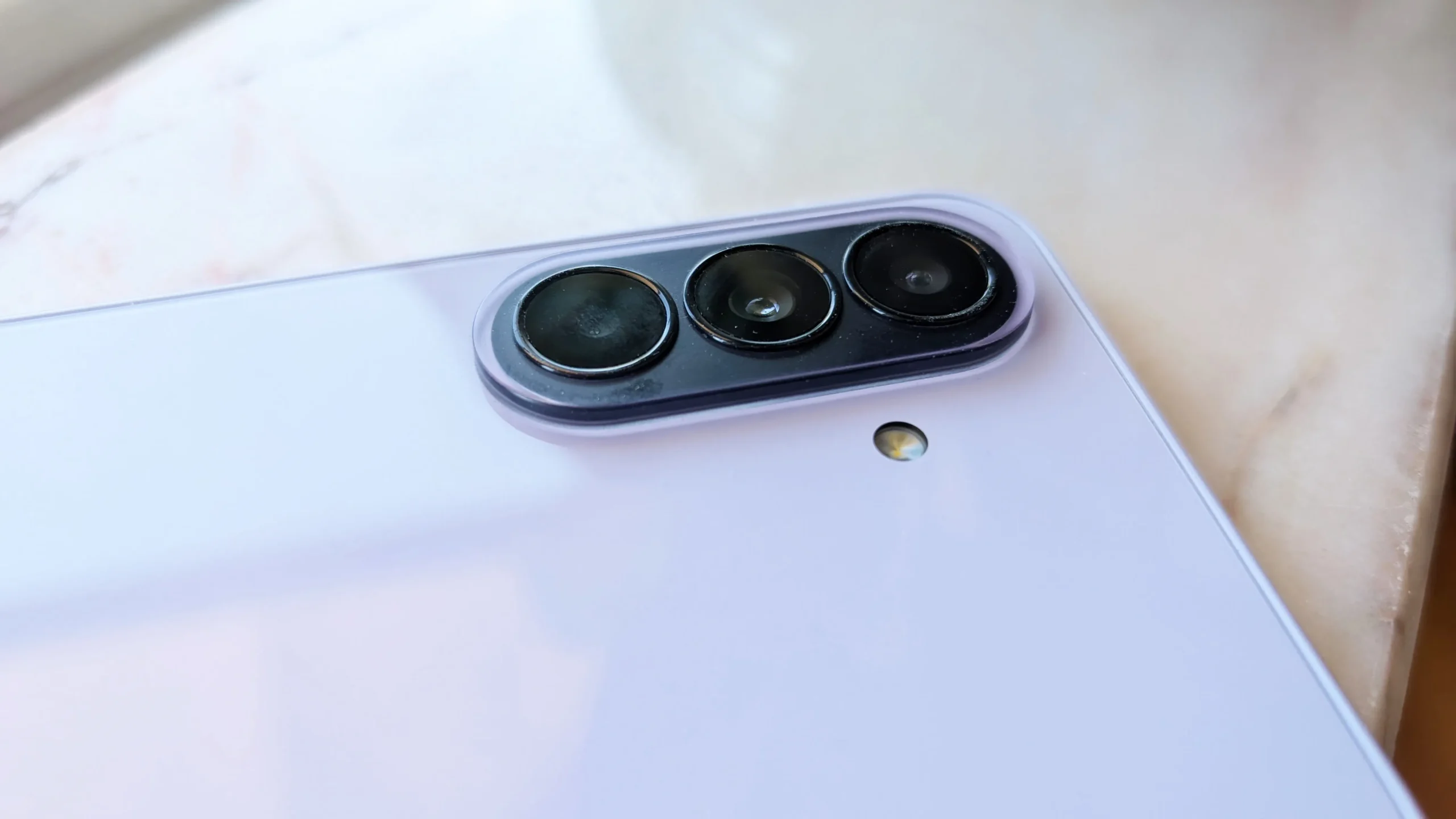
Samsung Galaxy set to gain built‑in network speed widget in the UK
While Google is gradually rolling out Android 17 to its early adopters, Samsung is busy finalising the next iteration of its own software – One UI 9. The beta version is already available to a limited group of testers, and a full release is expected in July for anyone with a recent Samsung Galaxy device.
One of the most practical additions slated for One UI 9 is a new widget that displays the current internet speed directly in the status bar. Until now, Samsung phones have relied on third‑party applications to show this information. The new native widget promises a cleaner, more integrated experience, according to reports from Sammobile.
The widget appears as a small icon in the top‑right corner of the status bar and presents both upload and download speeds in real‑time. It works with mobile data as well as Wi‑Fi connections, offering a quick glance at how fast the link is performing. The indicator does not replace signal‑strength icons, but the speed figures are said to be fairly accurate, giving users a useful metric without opening a separate app or web test.
For UK Galaxy owners, this means no longer having to launch a speed‑test website or download a third‑party utility just to confirm whether they are getting the broadband rates they pay for, or whether a mobile data plan is delivering the promised speeds. The widget can be especially handy when travelling between Wi‑Fi hotspots, monitoring data‑heavy streaming, or troubleshooting a sluggish connection.
At present the feature is only accessible to participants in the One UI 9 beta programme, and it is limited to the Galaxy S26 series. To enable it, users must first install Samsung’s Good Lock app – available from the Galaxy Store or Google Play. Good Lock is a collection of optional modules that enhance the phone’s functionality, but it is not pre‑installed, so users need to add it manually.
Once Good Lock is installed and the beta is active, open the app and select the “Quick Star” module. Inside, locate the “Visibility of Indicator Icons” setting, then find the “Network Speed” option and switch it on. After a brief refresh, the speed indicator will appear in the status bar, ready to show live upload and download figures whenever a data connection is active.
With the final One UI 9 update slated for July, the network speed widget should roll out to a broader audience shortly after the beta phase. UK Samsung enthusiasts can look forward to a more transparent view of their connectivity, all without the need for extra applications.