Improve Phone Reception with Wi-Fi Calling
What is Wi-Fi Calling?
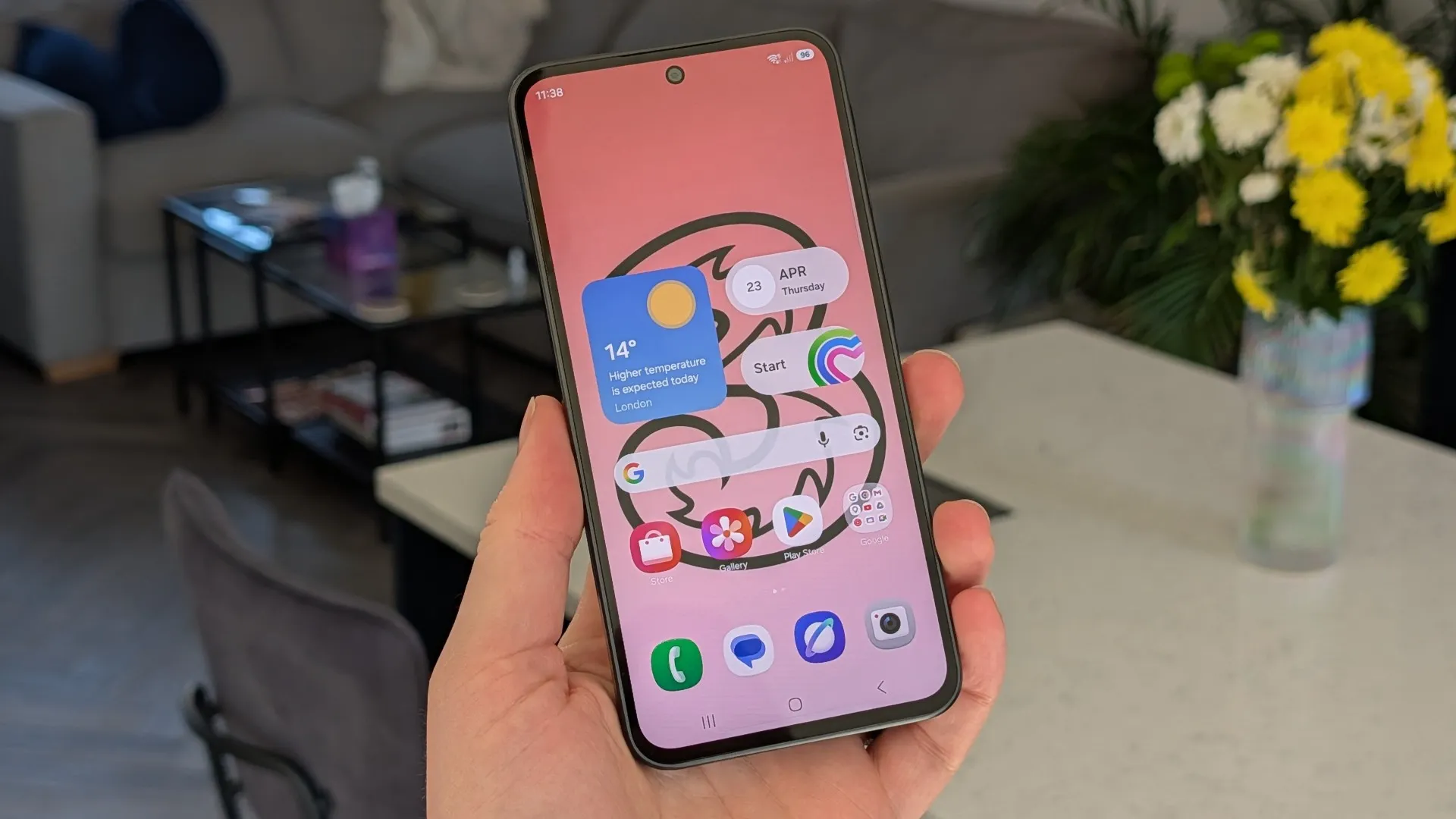
Wi-Fi Calling is a feature that allows you to make calls over a Wi-Fi network, which can be useful in areas with poor mobile reception. This feature is available on many smartphones, including the Apple iPhone 14 and Samsung Galaxy S25.
How to Enable Wi-Fi Calling
To enable Wi-Fi Calling on an iPhone, go to Settings > Mobile Service > Wi-Fi Calling and toggle on the ‘Wi-Fi Calling on this iPhone’ option. On Android phones, such as the Google Pixel 7, go to the Phone app > Settings > Wi-Fi Calling and turn it on.
Benefits of Wi-Fi Calling
Wi-Fi Calling has several benefits, including improved call quality and the ability to make calls even when there is no mobile signal. It’s also useful when traveling abroad, as it allows you to make calls over a Wi-Fi network and avoid roaming charges. For example, if you’re using a Samsung Galaxy S25 and you’re connected to a hotel Wi-Fi network, you can make calls to your home country without incurring roaming charges.
Tips and Precautions
When using Wi-Fi Calling, be aware that call quality can be affected by the stability of your Wi-Fi connection. Also, be careful when calling local numbers while abroad, as these calls may be charged as international calls. It’s also important to note that not all mobile plans support Wi-Fi Calling, so check with your provider before enabling this feature. Additionally, if you’re using a device like the iPad Air M2 or Apple Watch Series 10, you may need to check the specific settings for Wi-Fi Calling on those devices.