UK Guide to Android Phone End‑of‑Life Dates and How to Check Them

The hidden expiry date of your Android phone – and how to find it
Every Android handset has a built‑in expiry date – the day the maker stops delivering security patches. In the UK this date is often overlooked, yet it determines whether your device remains safe for online banking, shopping or storing personal data. Unlike the iPhone, Android does not have a universal update timetable, so the exact end‑of‑life can differ from one brand to another.
When a manufacturer declares an Android phone “end‑of‑life”, it simply means they will no longer provide any software updates, be they new Android versions or critical security fixes. The device will still work, but it will gradually become more vulnerable to malware and may stop running newer apps that require recent OS features.
Two categories of updates matter: Android version updates, which bring fresh features, a refreshed UI and performance tweaks, and security updates, which patch known vulnerabilities. If your phone stops receiving version updates, you may notice some apps stop launching or lose functionality. The loss of security updates, however, is far more serious – it leaves the phone exposed to exploits that could compromise banking details, passwords or private photos.
Manufacturers have been extending support windows in recent years, partly because the EU’s Ecodesign for Sustainable Products Regulation (effective June 2025) obliges makers of new smartphones released after 20 June 2025 to supply software updates for at least five years after the model leaves the market. This statutory minimum has pushed many brands to offer even longer periods for flagship and mid‑range devices.
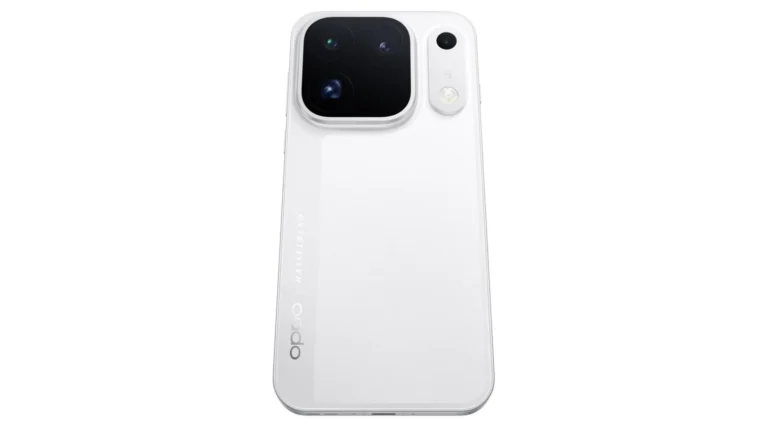
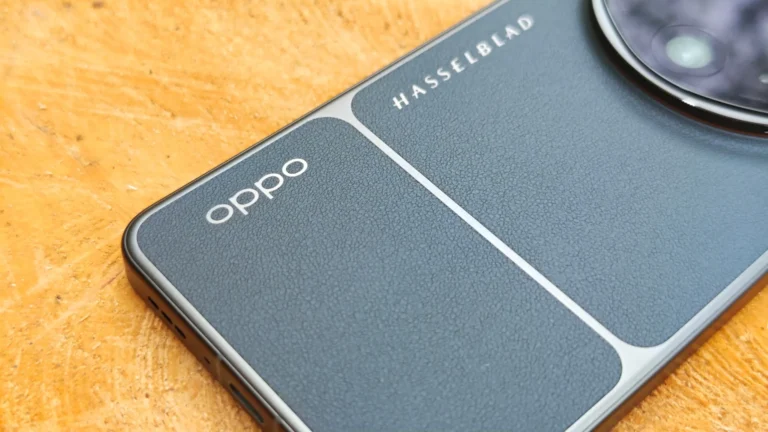
Current promises look like this: Google’s Pixel line receives seven years of both version and security updates for the Pixel 6 and newer. Samsung matches that seven‑year guarantee for its Galaxy S24, Z series 2024/2025 and later models, while older Galaxy A series get four years. OnePlus offers four years of version updates and five years of security patches for the OnePlus 12 and newer. Xiaomi provides four years of version updates and five years of security patches for premium models such as the Xiaomi 14, but only two to three years of version support for mid‑range and budget devices. Oppo and Realme pledge four‑year version and six‑year security updates for devices launched from June 2025, and Motorola’s current Edge series enjoys three years of version and four years of security updates.
To discover the exact end‑of‑life date for your own handset, start by noting the brand, model and model number – you can find these in Settings → About phone. It will read something like “Samsung Galaxy S26” or “Pixel 8 Pro”. The most reliable source is the website endoflife.date; under the Devices tab you can select your manufacturer and view a table that lists the precise date when security updates cease. Alternatively, a web search for “[model] end of software support” or “[model] update guarantee” will often surface the manufacturer’s official statement.
A quick internal check is to look at the last security patch level in Settings → About phone → Android version or Security patch level. If the patch date is more than three to six months old, it is a strong indicator that the phone may already be out of the update cycle.
When the expiry date arrives, you don’t have to throw the device away, but you should limit its use for sensitive activities. Continuing to use an unpatched phone for online banking, e‑commerce or password‑manager access greatly increases the risk of credential theft. The device can still serve as a media player, a dedicated GPS unit or a simple gaming console, provided you keep it away from personal or financial data.
If you are in the market for a replacement, pay close attention to the update guarantee. Google Pixel phones and Samsung Galaxy S or Z series currently lead the pack with seven‑year support, making them a more economical long‑term choice despite a higher upfront price. For a full comparison of the latest Samsung models, see our Galaxy buying guide, and for the best Pixel recommendations, check our top picks.