Samsung Galaxy Tab S11 Ultra review for students in USA

Samsung Galaxy Tab S11 Ultra review for students in USA

Samsung Galaxy Tab S11 Ultra: A Student’s Perspective in the USA

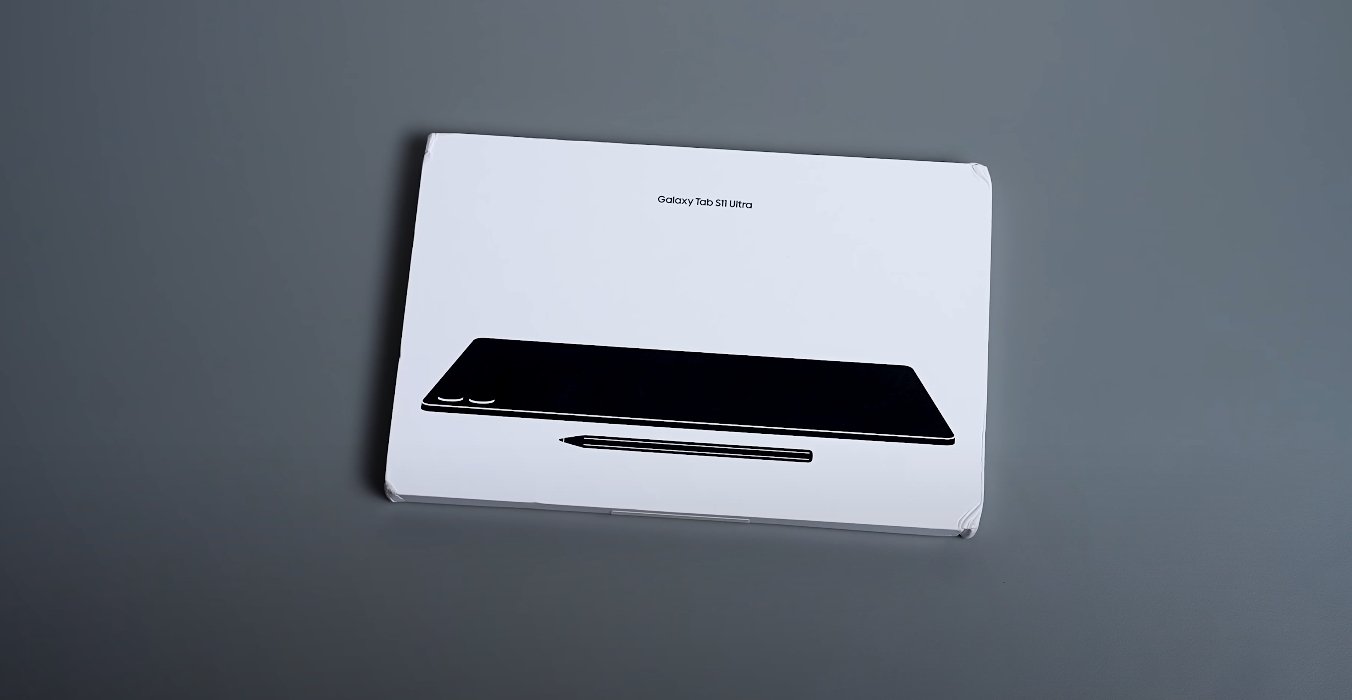
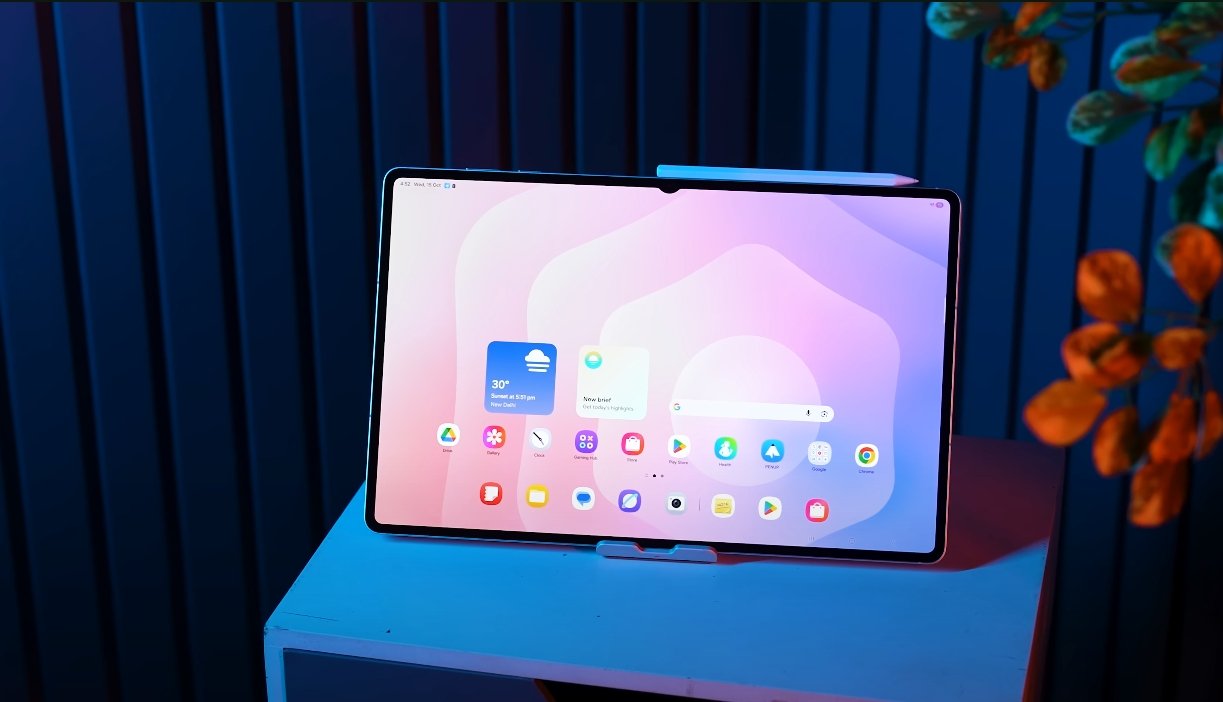
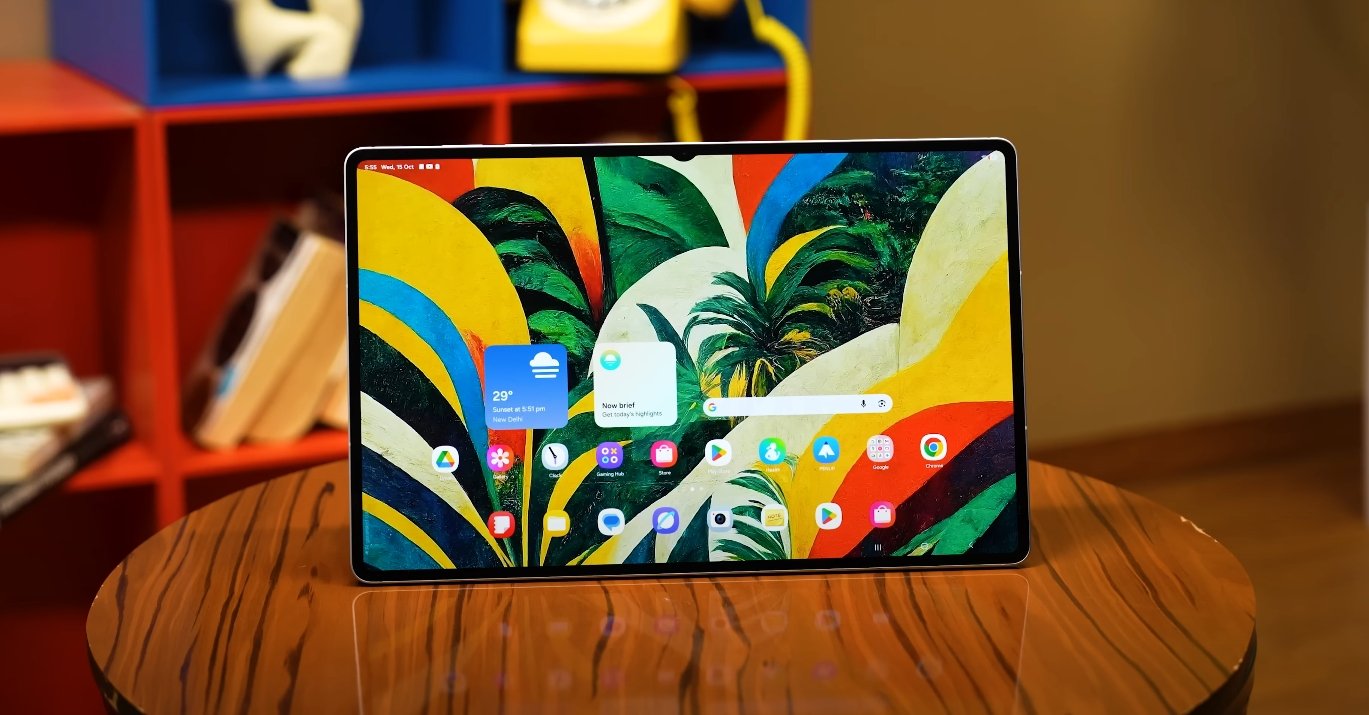
The Samsung Galaxy Tab S11 Ultra is Samsung’s flagship tablet, designed to deliver a high-end experience for both productivity and entertainment. For students in the USA, it presents a powerful tool capable of handling academic tasks, creative projects, and multimedia consumption. With its expansive 14.6-inch AMOLED display, MediaTek Dimensity 9400+ processor, and enhanced S Pen, the Tab S11 Ultra aims to be a versatile companion for modern student life.

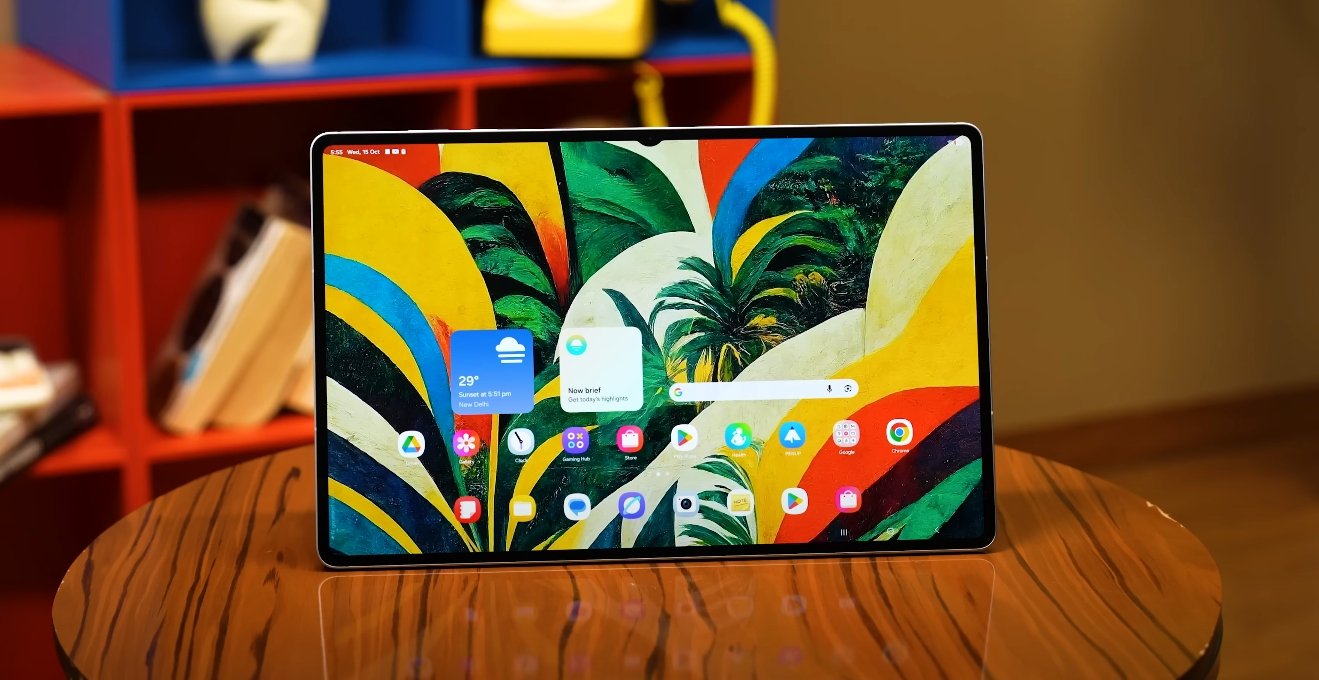
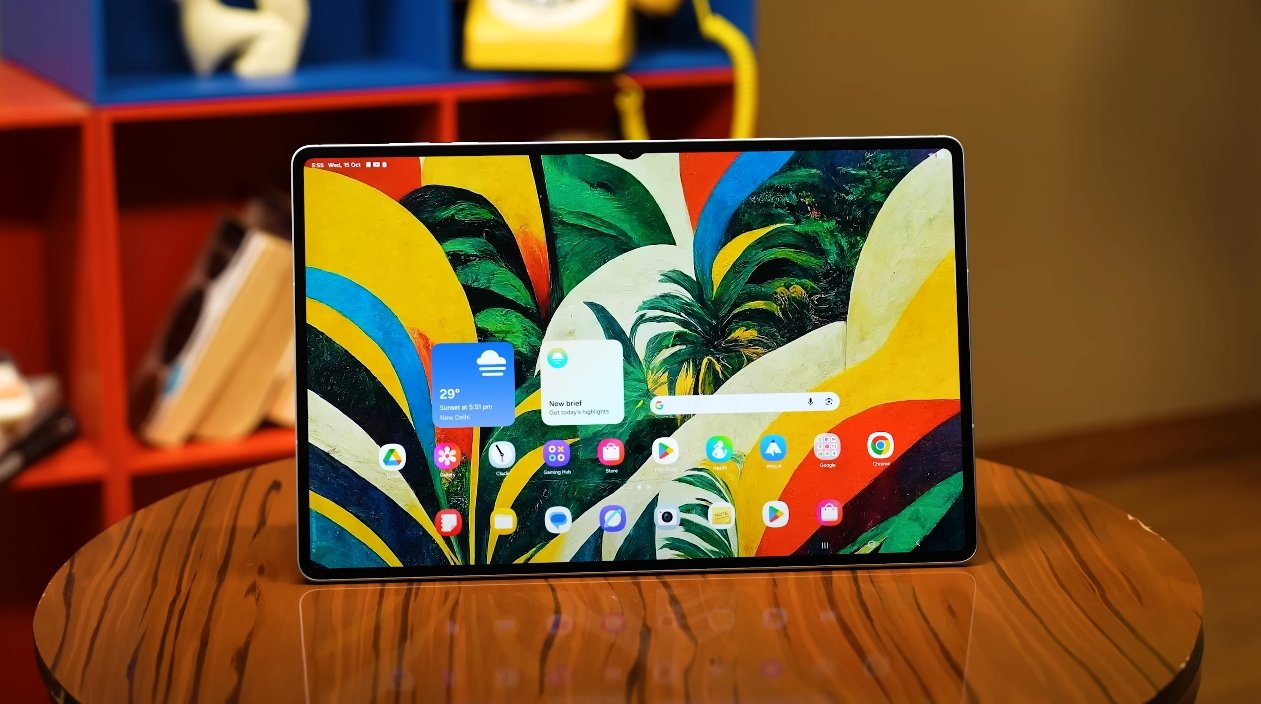
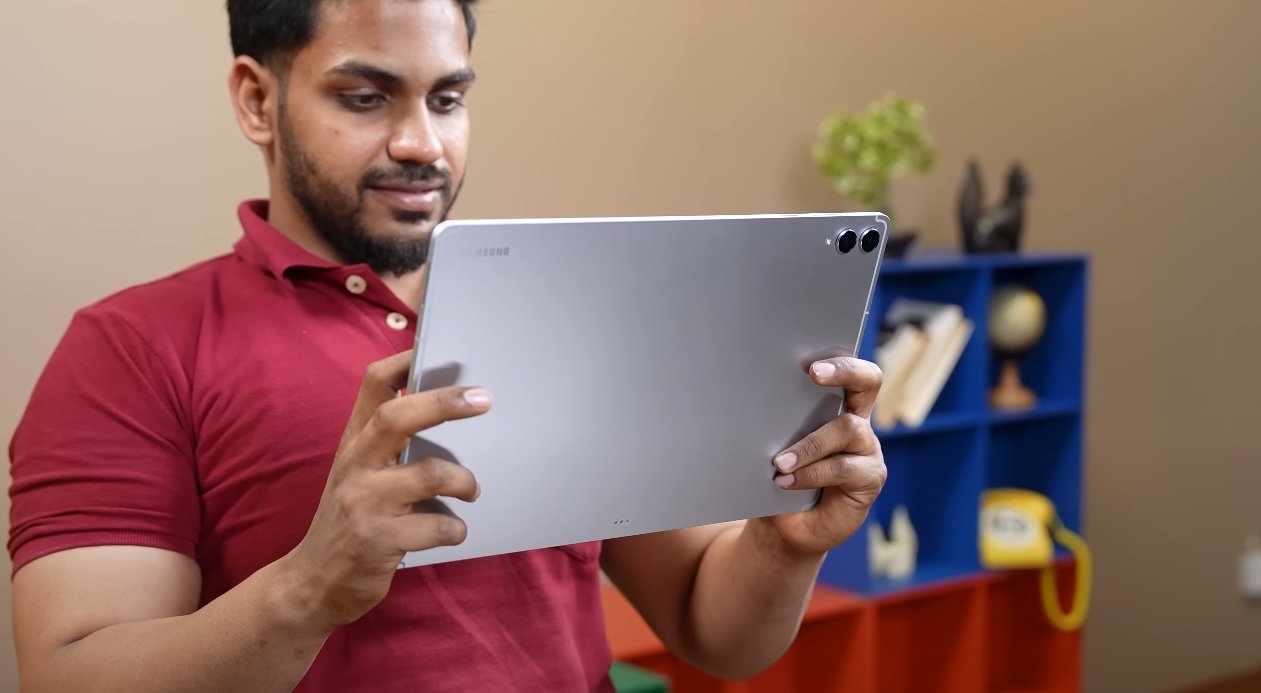
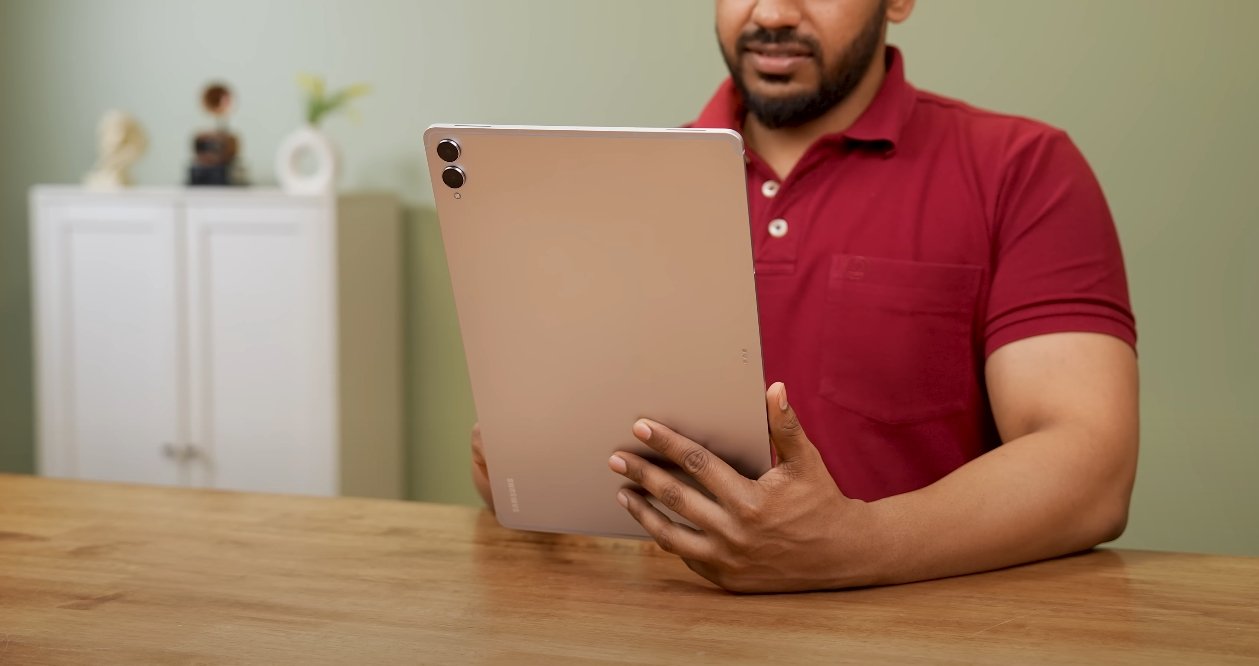
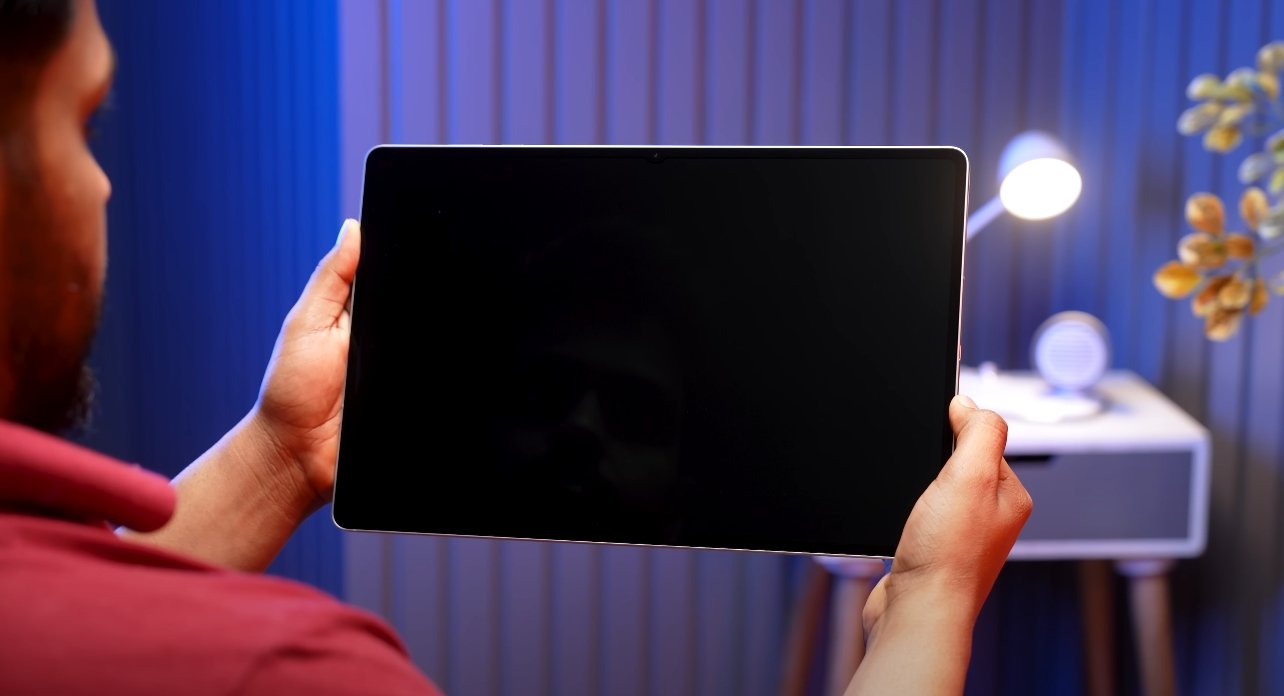
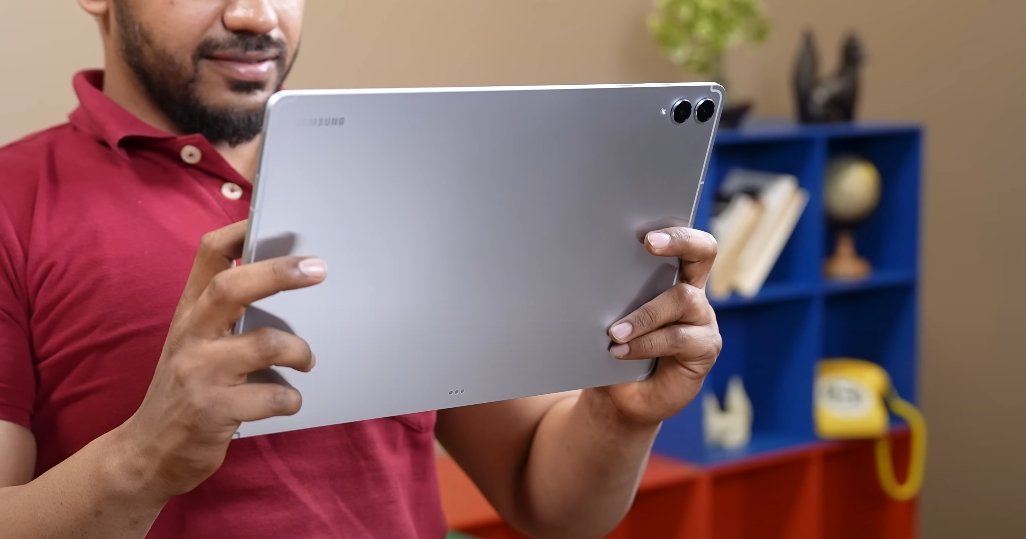
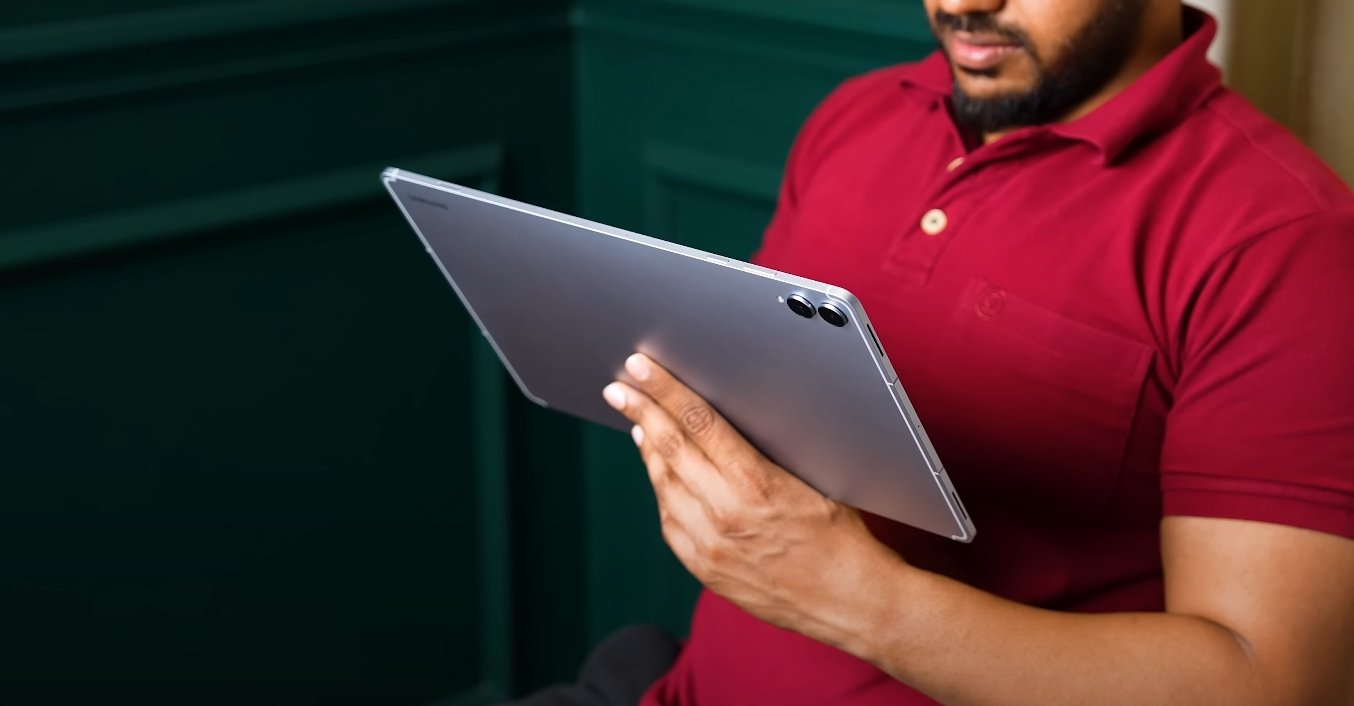
The display and design of the Tab S11 Ultra are among its standout features. The 14.6-inch Dynamic AMOLED 2X panel offers a resolution of 2960×1848 pixels, providing sharp visuals and vibrant colors. This large screen is especially useful for multitasking, allowing students to work on multiple documents or applications simultaneously. Despite its size, the tablet is surprisingly portable, with a slim 5.1mm profile and lightweight build that makes it comfortable to carry around campus or use in study sessions. The design also includes a magnetic S Pen attachment for convenience and a premium aluminum frame with durable glass panels.

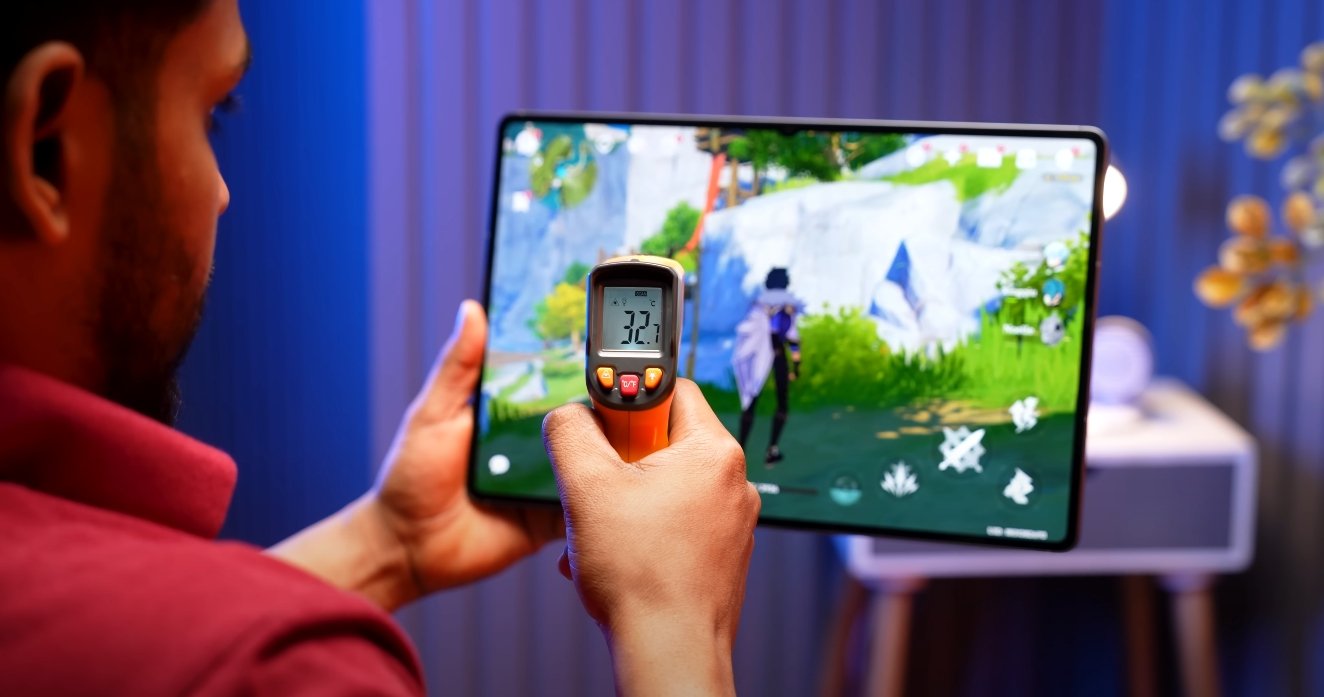
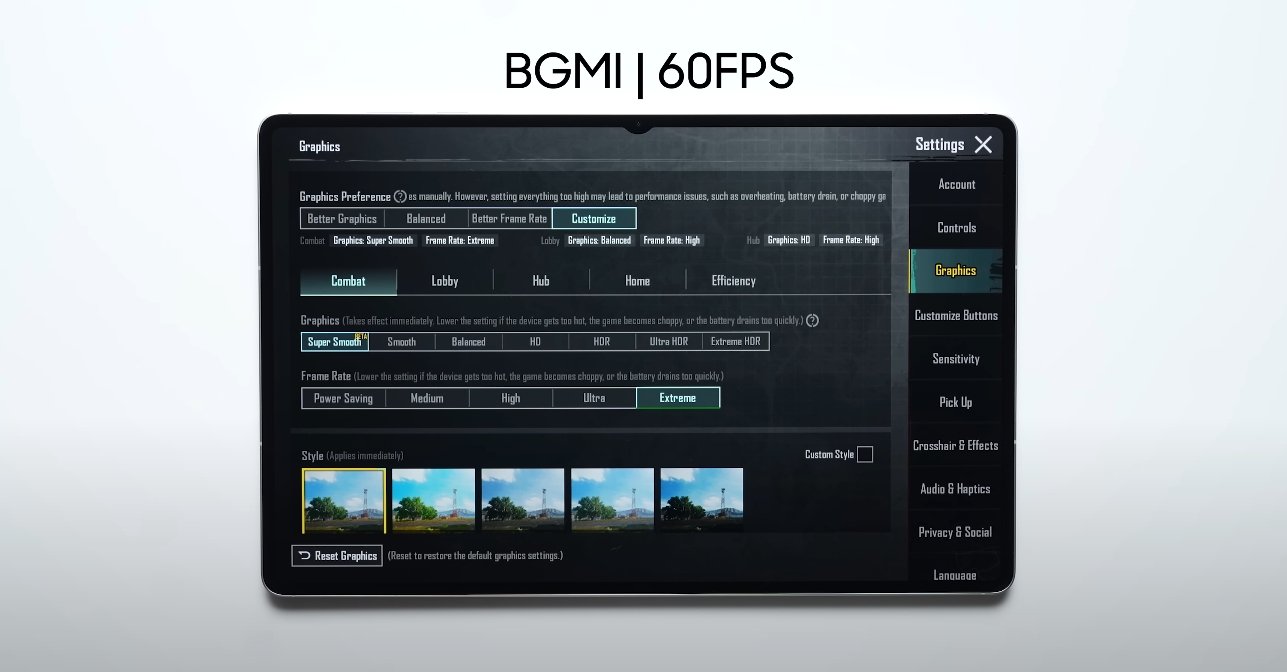
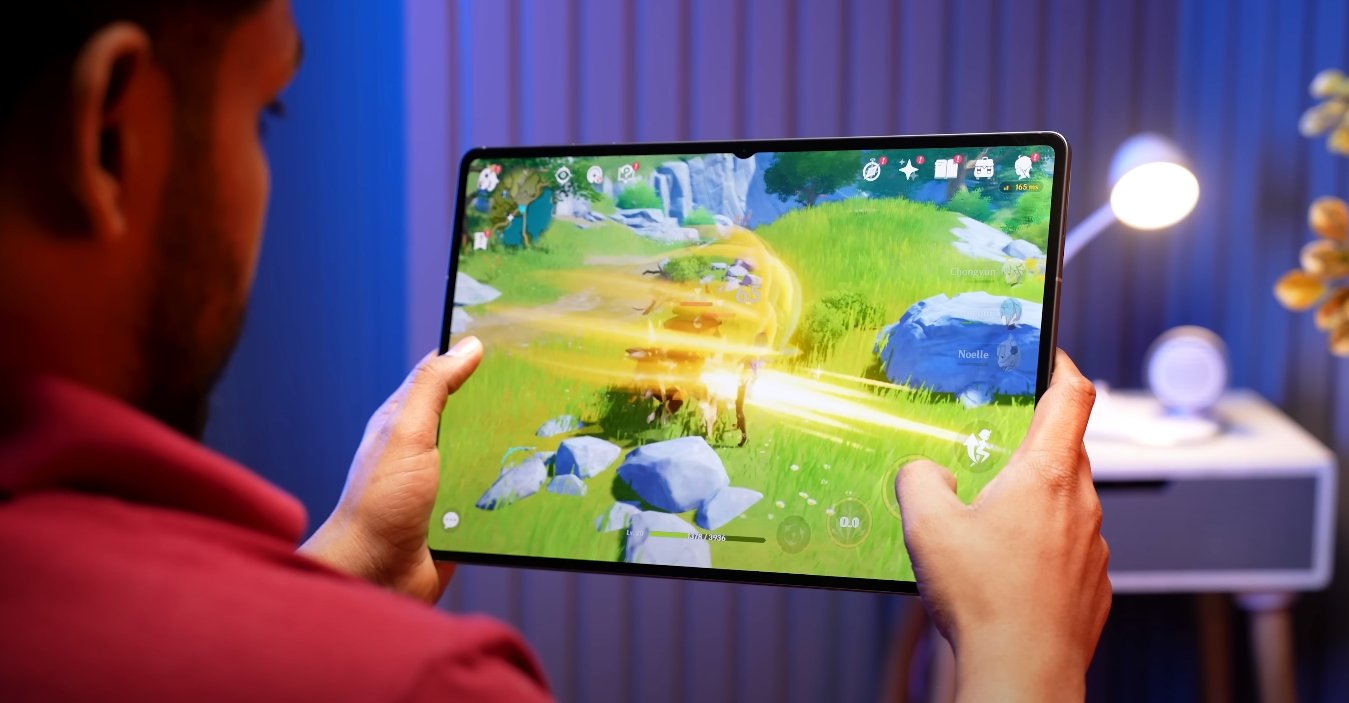
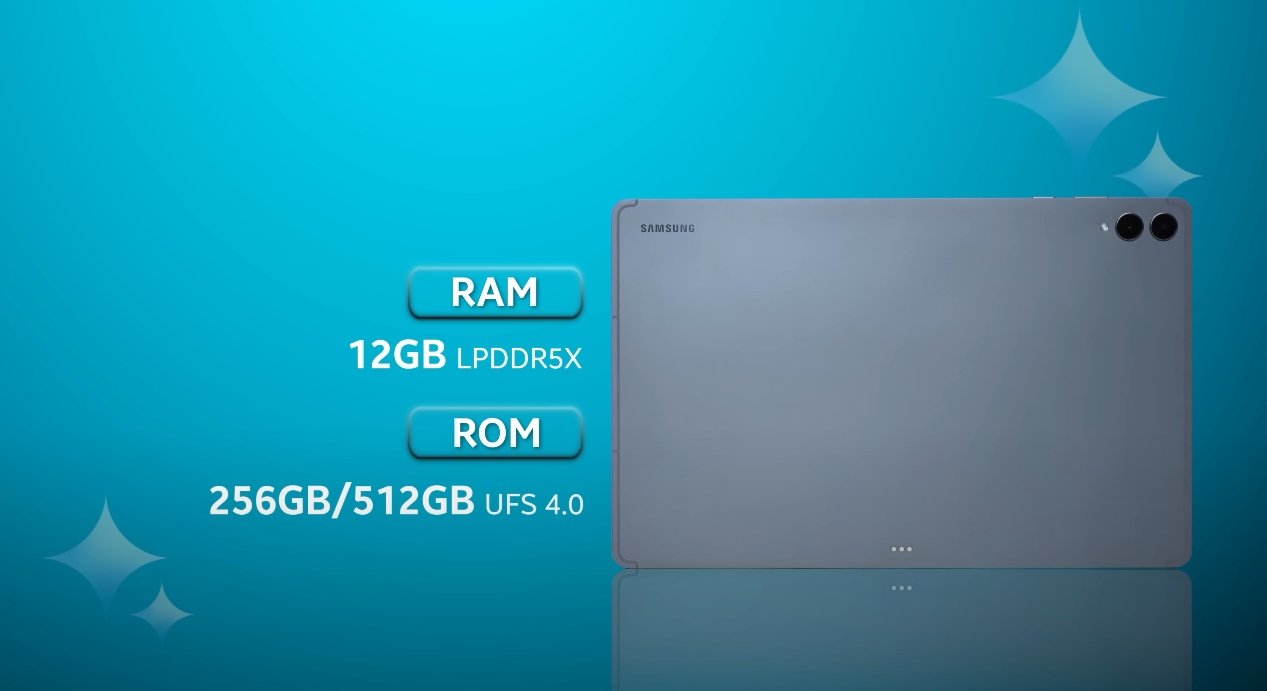
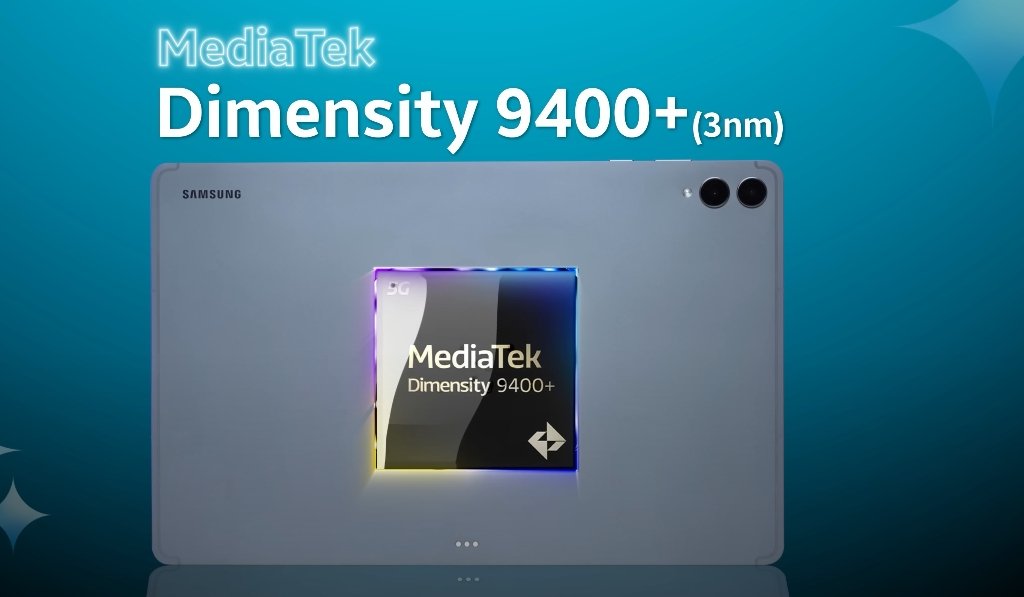
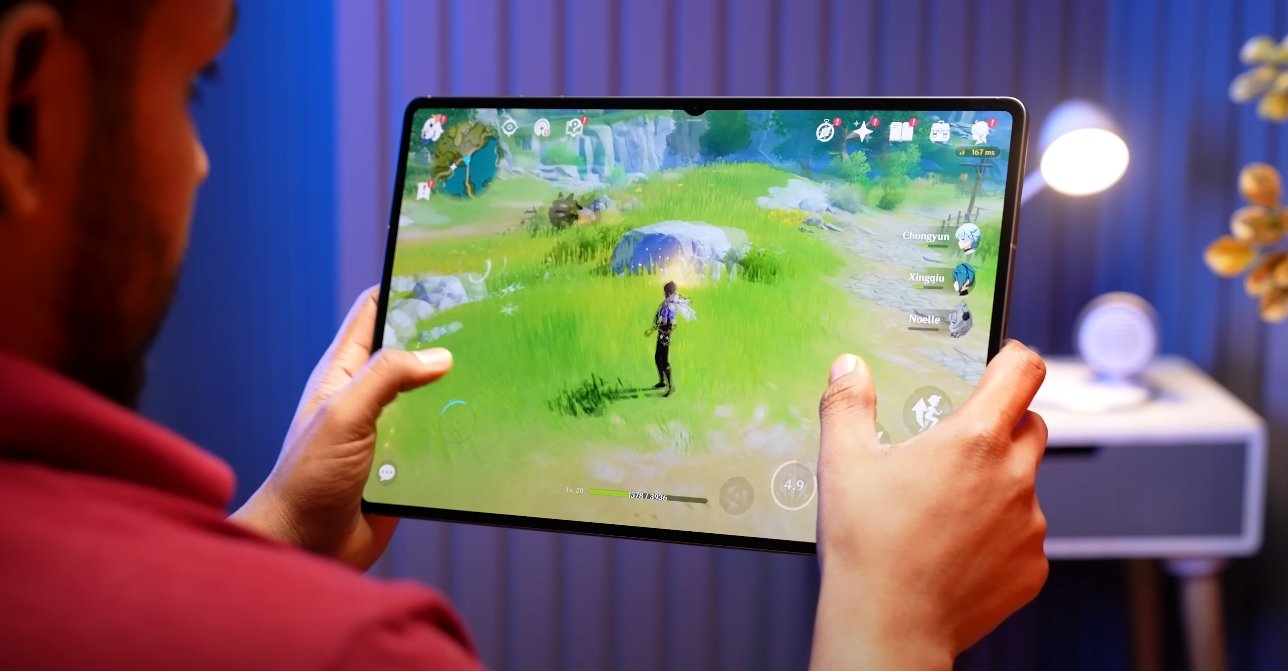
Performance is another key strength. Powered by the MediaTek Dimensity 9400+ chipset and paired with 12GB of RAM, the Tab S11 Ultra handles demanding applications effortlessly. Students can run productivity apps, edit high-resolution videos, perform 3D modeling, or play resource-intensive games without noticeable lag. Multitasking is smooth, and Samsung’s DeX mode enhances productivity by offering a desktop-like experience. With DeX, students can drag and drop files, open multiple apps side by side, and use keyboard shortcuts, making the tablet a viable alternative to traditional laptops for certain academic tasks.
Samsung Galaxy Tab S11 Ultra review for students in USA

Battery life is crucial for students who often spend long hours in classes or libraries. The Tab S11 Ultra is equipped with an 11,600mAh battery, capable of supporting extended usage. Real-world testing shows that it can last over 17 hours with mixed activities, including video lectures, web browsing, note-taking, and media playback. In addition, the 45W fast charging feature ensures that students can quickly recharge the device between classes or during short breaks, minimizing downtime and keeping them productive throughout the day.

The S Pen is a particularly valuable feature for students. The redesigned stylus provides a responsive and accurate writing experience, ideal for taking handwritten notes, annotating PDFs, or sketching diagrams. Pressure sensitivity and low latency make it suitable for creative applications as well. Combined with Samsung Notes and other compatible apps, the S Pen transforms the Tab S11 Ultra into a powerful academic tool, allowing students to organize notes efficiently and enhance their study workflow.

Software plays a significant role in the tablet’s usability. Running Android 16 with One UI 8, the Tab S11 Ultra offers a smooth and user-friendly interface. Students have access to a wide range of productivity applications such as Microsoft Office, Notion, GoodNotes, and LumaFusion for multimedia projects. The Galaxy AI suite, including features like the Gemini Live assistant, provides intelligent suggestions, improves multitasking, and helps streamline daily academic tasks. Integration with other Samsung devices ensures that data, notes, and projects remain synchronized across the student’s ecosystem.

Although the Tab S11 Ultra is not primarily designed for photography, its camera capabilities are adequate for student needs. The 13MP rear camera and 12MP front-facing camera allow students to scan documents, participate in video calls, or capture quick images for projects or research. The wide front camera is particularly useful for online classes, ensuring a clear view during video conferencing with classmates and professors.

The tablet’s overall experience makes it suitable for a wide range of student activities. Its combination of large display, high performance, extended battery life, and productivity-focused features supports both academic and creative endeavors. Whether used for attending online lectures, editing presentations, conducting research, or drawing diagrams, the Tab S11 Ultra offers a versatile and reliable solution for students in the USA.

In conclusion, the Samsung Galaxy Tab S11 Ultra stands out as a comprehensive device for students seeking a premium tablet experience. Its design, performance, battery endurance, and S Pen capabilities make it ideal for managing coursework, enhancing creativity, and staying productive on the go. While the tablet comes at a premium price, its features and functionality justify the investment for students who want a high-end, versatile tool to support their academic journey. The Tab S11 Ultra successfully bridges the gap between traditional tablets and laptops, offering students a powerful, portable, and efficient companion for modern education.

Also Read:  Samsung Galaxy Tab S11 Ultra durability and bend test
Samsung Galaxy Tab S11 Ultra multitasking experience review

Samsung Galaxy Tab S11 Ultra multitasking experience review

Power and Productivity Combined in Samsung’s Flagship Tablet

The Samsung Galaxy Tab S11 Ultra continues to push the limits of what a tablet can achieve, especially when it comes to multitasking. With its expansive display, upgraded chipset, and smarter software features, the device is designed to replace the traditional laptop for many users. The multitasking experience on this tablet showcases how far Samsung has refined its One UI platform to handle demanding workflows with efficiency and style.

At the heart of the multitasking experience is the massive 14.6-inch AMOLED display with a 120Hz refresh rate. This high-resolution screen gives users plenty of space to run multiple apps side by side without feeling cramped. Whether editing documents, watching videos, or browsing the web, the tablet manages to maintain smooth transitions and clear visuals across every panel. The screen’s responsiveness and brightness also make it ideal for productivity tasks under various lighting conditions.

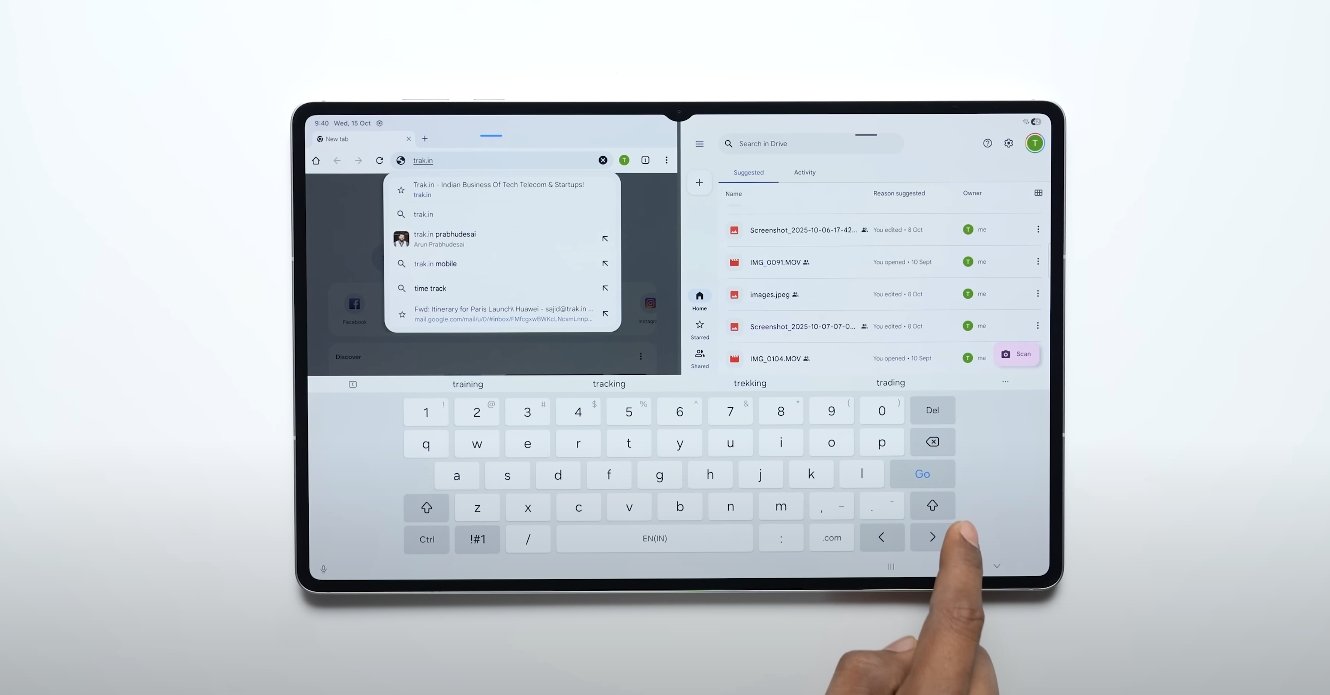
Samsung has continued to refine its multitasking tools, and the Tab S11 Ultra benefits from the latest version of One UI 8. The software allows users to run up to three apps simultaneously in split-screen mode, along with additional floating windows. This flexibility means you can chat with colleagues, edit a presentation, and stream content all at once without noticeable lag. The window resizing and dragging gestures feel intuitive, making it easy to organize your workspace in real time. For professionals, this level of multitasking transforms the tablet into a portable workstation.

Samsung Galaxy Tab S11 Ultra multitasking experience review

Another key element that enhances the multitasking experience is Samsung DeX. When activated, DeX transforms the tablet into a desktop-style interface, complete with resizable windows and taskbar controls. Connecting the Tab S11 Ultra to an external monitor creates a true dual-screen environment where users can drag applications between displays and maintain separate workspaces. This feature makes the tablet ideal for hybrid workers and students who rely on multitasking for research, writing, and collaboration.

Performance-wise, the tablet doesn’t disappoint. Powered by the latest 3nm chipset and up to 16GB of RAM, the Tab S11 Ultra handles multiple demanding apps without slowing down. Switching between heavy applications like photo editing tools, browsers, and note-taking apps remains fluid even under extended use. The system’s optimization ensures that background tasks continue running smoothly, so users can jump between them instantly without losing progress. This level of performance makes it one of the most capable multitasking tablets in its category.

The S Pen integration also plays a crucial role in the multitasking ecosystem. With near-zero latency and improved precision, the stylus enables users to take notes, sketch, or annotate documents while other apps remain open. Samsung’s software supports split-screen note-taking, allowing you to jot down ideas while reading or watching content. This seamless integration of touch, pen, and gesture input helps maintain a natural workflow across creative and professional use cases.

In terms of ergonomics, the tablet’s size makes it more comfortable for desk use than handheld multitasking. The thin 5.1mm body and 692g weight ensure it remains portable, but using multiple apps at once is most efficient when the device is paired with a keyboard cover or placed on a stand. The combination of DeX mode and accessory support effectively turns the tablet into a lightweight laptop alternative, capable of replacing traditional computers for most daily tasks.

Battery optimization further supports multitasking. The large-capacity battery allows users to work for long hours with minimal heat buildup, even when running several applications in the background. The adaptive refresh rate helps conserve power without compromising smoothness. Combined with Samsung’s fast-charging technology, the tablet stays ready for prolonged multitasking sessions throughout the day.

Overall, the Galaxy Tab S11 Ultra delivers one of the most seamless multitasking experiences available on any Android tablet. Its combination of hardware power, intelligent software, and productivity features makes it ideal for users who need to switch between tasks effortlessly. Whether managing office documents, engaging in creative projects, or attending virtual meetings, the tablet handles it all with confidence and speed.

In conclusion, Samsung has refined multitasking into a central strength of the Galaxy Tab S11 Ultra. It bridges the gap between tablets and laptops, offering both flexibility and performance in a sleek package. For professionals, creators, and power users seeking a device that can keep up with demanding workflows, this tablet stands as one of the best multitasking tools in the current market.

Samsung Galaxy Tab S11 Ultra repairability score revealed

Samsung Galaxy Tab S11 Ultra repairability score revealed

Repairability Insights for the Galaxy Tab S11 Ultra

The Samsung Galaxy Tab S11 Ultra has been widely recognized for its high-end specifications, powerful performance, and premium design. However, while it excels in many areas, its repairability has been a topic of discussion among technology experts and consumers. Recent evaluations have assigned the device a “C” repairability score, indicating that it presents moderate challenges when it comes to maintenance and component replacement. Understanding this score and its implications can help potential buyers and current users make informed decisions regarding long-term ownership and servicing.

A primary factor contributing to the Tab S11 Ultra’s repairability rating is its sealed construction. The tablet features a unibody design that enhances durability and gives it a sleek, premium appearance. However, this design also makes accessing internal components more difficult. Unlike modular devices with easily removable back covers, the S11 Ultra requires specialized tools to open the chassis without causing damage. Experts have noted that this approach, while improving aesthetics and structural integrity, limits the feasibility of DIY repairs and increases reliance on professional service centers.

Another aspect affecting repairability is the use of proprietary screws and fasteners. These screws are not standard sizes, which means that general repair kits are insufficient for disassembly. Users attempting repairs without the correct tools risk damaging the device or voiding the warranty. Professionals have highlighted that this design choice, common in many high-end tablets, adds a layer of complexity to routine repairs, such as battery replacement or component upgrades. It also extends the time required to perform maintenance tasks, which can be a consideration for business users who rely on uninterrupted device functionality.

Samsung Galaxy Tab S11 Ultra repairability score revealed

The Galaxy Tab S11 Ultra also incorporates a non-removable, integrated battery. While this allows Samsung to optimize internal space and improve power efficiency, it complicates battery replacement. If the battery begins to degrade over time, users must seek professional assistance to replace it, which may involve higher costs compared to devices with user-removable batteries. Additionally, battery replacement in a sealed tablet requires careful handling to avoid damage to the screen, motherboard, or other internal components, further contributing to the device’s “C” repairability score.

Access to spare parts is another factor that influences repairability. Although Samsung provides official replacement parts through authorized service centers, the availability of certain components may be limited. This can delay repairs and increase costs, particularly for older devices as production of specific parts slows down. Experts recommend that users consider these limitations when purchasing the Tab S11 Ultra, especially if they plan to use the tablet for several years or in professional environments where downtime must be minimized.

Despite these challenges, the Galaxy Tab S11 Ultra is not unrepairable. Professional technicians can perform most repairs successfully, provided they have the correct tools and access to official parts. Simple maintenance tasks, such as software updates or accessory replacements, remain straightforward and do not impact the device’s integrity. Users who prioritize long-term performance and durability may find that relying on professional servicing ensures the tablet continues to function optimally throughout its lifespan.

The implications of the “C” repairability score extend beyond repairs alone. It suggests that the device is designed with a focus on premium build quality and performance rather than user-serviceable features. This trade-off is common among flagship tablets, where design aesthetics, display quality, and internal performance are prioritized. While some users may prefer a more modular design for ease of repair, the Tab S11 Ultra delivers a premium experience with the understanding that certain maintenance tasks will require professional intervention.

In conclusion, the Samsung Galaxy Tab S11 Ultra’s “C” repairability score reflects a tablet that balances durability, high performance, and sleek design with moderate repair challenges. Its sealed construction, proprietary screws, integrated battery, and limited spare parts access contribute to the rating, indicating that repairs are feasible but often require professional expertise. Users should weigh these factors alongside the device’s advanced features, powerful processor, and high-quality display when considering a purchase. For those willing to accept professional servicing as part of ownership, the Tab S11 Ultra remains a top-tier choice in the premium tablet market, offering long-term performance, productivity, and a high-quality user experience.

Also Read:  Xiaomi Pad Mini official wallpapers and theme options

Samsung Galaxy Tab S11 Ultra vs iPad Air 2024 price gap

Samsung Galaxy Tab S11 Ultra vs iPad Air 2024 price gap

Comparing the Price Difference Between Galaxy Tab S11 Ultra and iPad Air 2024

The Samsung Galaxy Tab S11 Ultra and the Apple iPad Air 2024 are two prominent tablets in the premium and mid-range segments, respectively. While both devices offer high performance, modern designs, and feature-rich experiences, their pricing reflects the difference in target audiences and specifications. Understanding the price gap between these two tablets helps potential buyers make informed decisions based on their budget and intended use.

The Samsung Galaxy Tab S11 Ultra is positioned as a flagship tablet, emphasizing a large 14.6-inch Dynamic AMOLED 2X display, high-end internals, and productivity-focused features like the S Pen. The base 256GB Wi-Fi model is priced at $1,199.99, while the 512GB Wi-Fi version costs $1,319.99, and the 1TB Wi-Fi model reaches $1,619.99. This pricing highlights the tablet’s premium positioning, targeting users who prioritize large-screen productivity, creative work, and entertainment without compromise. The high price also reflects Samsung’s inclusion of advanced display technology, extensive RAM options, and versatile features for professional use.

In contrast, the Apple iPad Air 2024 is designed to offer strong performance at a more accessible price point. Powered by the M3 chip, the iPad Air provides robust performance suitable for multitasking, media consumption, and creative work. The 11-inch Wi-Fi model starts at $599 for 128GB of storage and goes up to $999 for the 1TB variant. The 13-inch Wi-Fi models range from $799 for 128GB to $1,199 for 1TB. The iPad Air balances price and performance, making it an attractive option for students, professionals, and casual users who want high-end performance without paying flagship prices.

Samsung Galaxy Tab S11 Ultra vs iPad Air 2024 price gap

The price gap between the two devices is considerable. Comparing entry-level models, the Tab S11 Ultra 256GB Wi-Fi model is $1,199.99, while the 128GB 11-inch iPad Air costs $599. This results in a difference of approximately $600. Even when comparing higher storage options, the gap remains significant. For example, the 512GB Tab S11 Ultra costs $1,319.99, whereas the 512GB iPad Air 11-inch model is priced at $799, maintaining a price difference of over $500. The 1TB models further emphasize the gap, with the Tab S11 Ultra reaching $1,619.99 compared to $999 for the iPad Air 11-inch.

This price difference is influenced by the features and specifications offered by each tablet. The Galaxy Tab S11 Ultra has a larger display with a higher resolution and Dynamic AMOLED 2X technology, providing more immersive visuals for media consumption and creative work. It also includes the S Pen for stylus input, which is ideal for digital artists, note-taking, and precision work. The iPad Air 2024, while lacking a large AMOLED screen and built-in stylus, focuses on performance with the M3 chip, offering smooth multitasking, fast processing, and compatibility with Apple Pencil for creative work.

From a value perspective, both tablets provide advantages for different user groups. The Tab S11 Ultra is suited for professionals and creatives who require a larger screen, advanced display technology, and stylus support for precision tasks. Its higher price can be justified for users who plan to leverage the tablet for intensive creative projects, professional productivity, and immersive entertainment experiences. On the other hand, the iPad Air 2024 appeals to users who prioritize performance, portability, and affordability. It offers most of the processing power needed for everyday tasks, media consumption, and creative work at a fraction of the cost of the Tab S11 Ultra.

The pricing also reflects long-term considerations such as software support and ecosystem integration. The Tab S11 Ultra runs Android 16 with One UI, offering up to seven years of updates, ensuring longevity and continued performance. The iPad Air 2024, running iPadOS, benefits from Apple’s ecosystem, seamless integration with other devices, and long-term software support. Users may weigh these factors alongside the initial purchase price to determine overall value.

Overall, the Samsung Galaxy Tab S11 Ultra and iPad Air 2024 cater to different market segments. The Tab S11 Ultra represents the premium end of the Android tablet market, offering a large display, advanced features, and stylus support at a higher price. The iPad Air 2024 provides strong performance, portability, and affordability, making it a practical choice for users seeking efficiency without premium pricing.

In conclusion, the price gap between the Samsung Galaxy Tab S11 Ultra and iPad Air 2024 is substantial, ranging from $500 to $600 depending on the model and storage option. The Tab S11 Ultra justifies its premium pricing with advanced hardware, larger display, and productivity features, while the iPad Air 2024 offers excellent performance and usability at a more accessible cost. Buyers should consider their needs, intended use, and budget when deciding between these two tablets to select the device that aligns best with their priorities.

Samsung Galaxy Tab S11 Ultra display rating by experts

Samsung Galaxy Tab S11 Ultra display rating by experts

Expert Assessment of the Galaxy Tab S11 Ultra Display

The Samsung Galaxy Tab S11 Ultra has emerged as one of the most highly regarded tablets in terms of display quality, earning praise from both technology experts and users. With a 14.6-inch Dynamic AMOLED 2X panel, 2960 x 1848 pixel resolution, and a 120Hz refresh rate, the display is designed to deliver vibrant colors, deep contrasts, and smooth performance across a wide range of tasks. Experts have consistently highlighted its brightness, color accuracy, and responsiveness as key factors that set it apart from competing tablets.

One of the standout features of the Tab S11 Ultra’s display is its peak brightness, which exceeds 1,700 nits. This high level of brightness ensures excellent visibility even in bright outdoor conditions, allowing users to comfortably work, watch videos, or browse content without straining their eyes. Experts have noted that this enhancement makes the tablet ideal for professionals and creators who often need to use their device in varying lighting environments. The display’s HDR support further amplifies the visual experience by providing better contrast, deeper blacks, and more vibrant highlights, making videos, photos, and games appear more immersive and lifelike.

Color accuracy is another area where the Tab S11 Ultra excels. Experts have praised the tablet for its precise color reproduction, which is crucial for creative professionals, including photographers, video editors, and graphic designers. The screen is capable of displaying a wide color gamut with minimal deviation, ensuring that colors are true to life and consistent across different types of content. This accuracy allows users to perform tasks that demand high visual fidelity, such as color grading, digital art creation, and professional photo editing, without needing to rely on external monitors.

Samsung Galaxy Tab S11 Ultra display rating by experts

The tablet’s 120Hz refresh rate contributes significantly to its smoothness and responsiveness. Reviewers have highlighted how this feature enhances the overall user experience, making interactions more fluid when scrolling through web pages, navigating apps, or engaging in gaming sessions. The combination of high refresh rate and low touch latency ensures that inputs are registered quickly and accurately, which is particularly beneficial for users who utilize the included S Pen for drawing or note-taking. The S Pen’s responsiveness, coupled with the display’s smooth performance, creates a natural and precise input experience that experts have noted as a key advantage over other tablets.

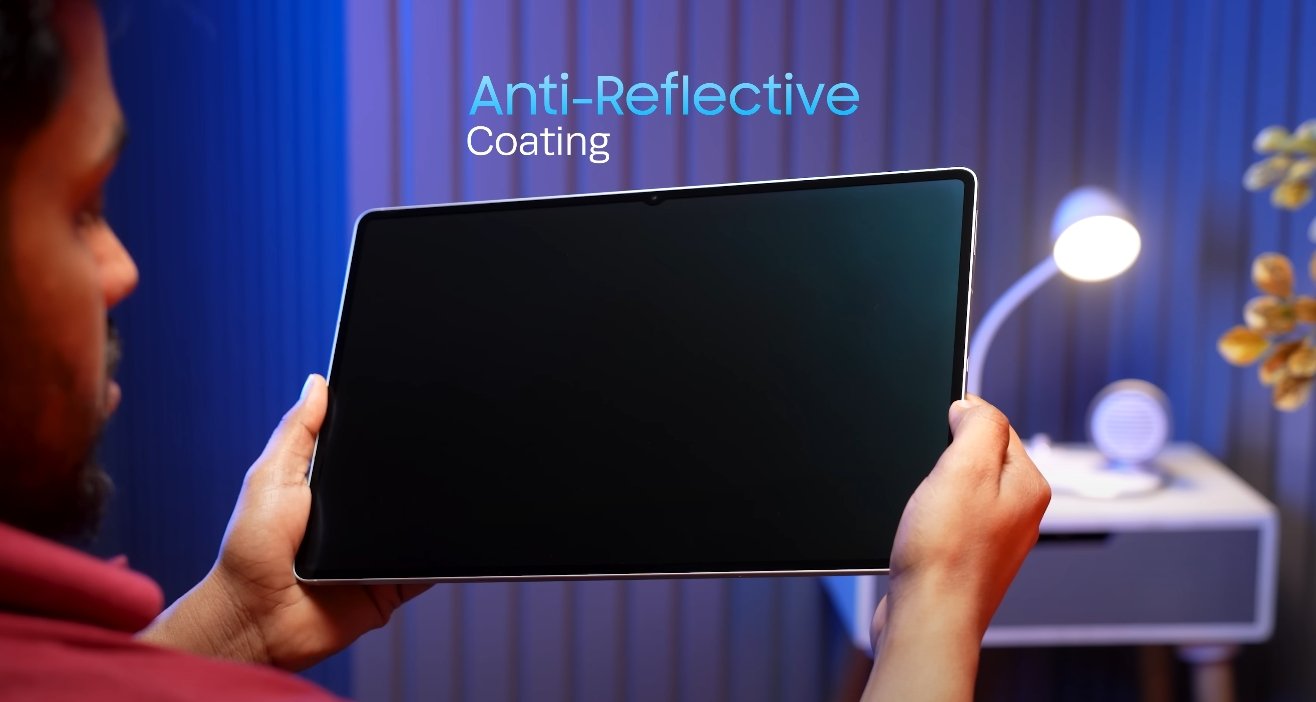
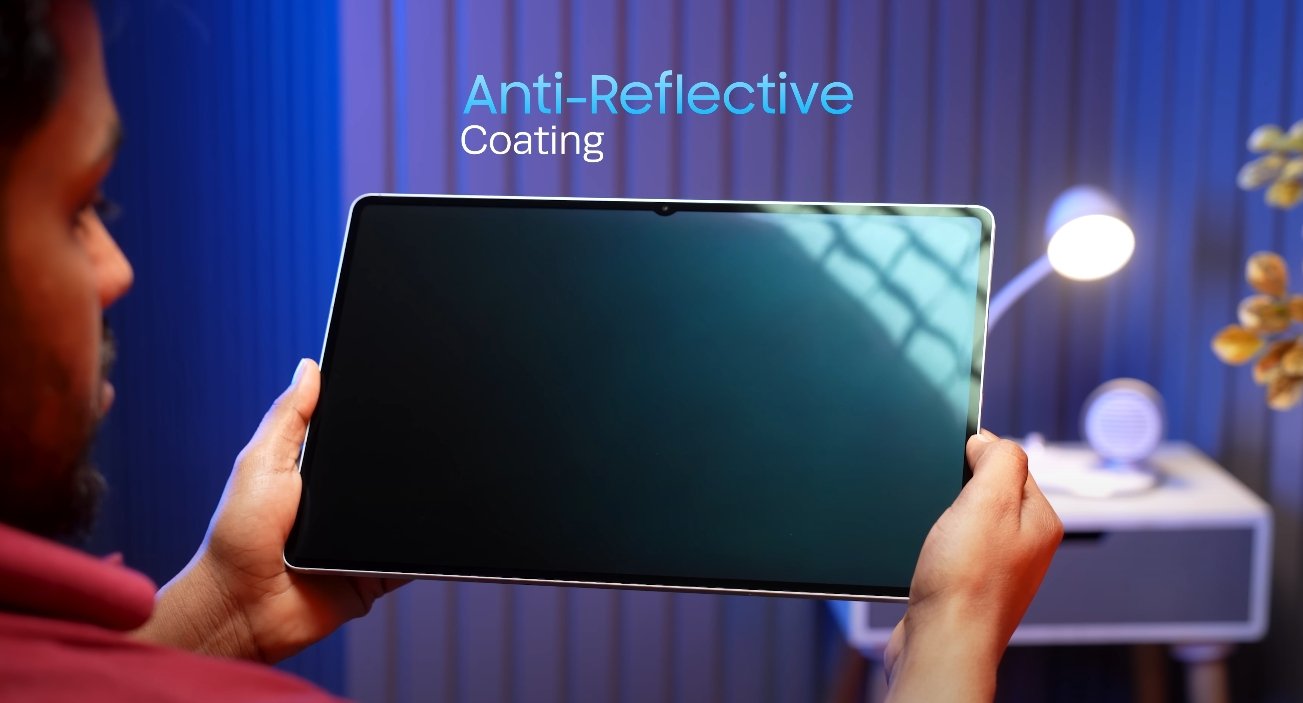
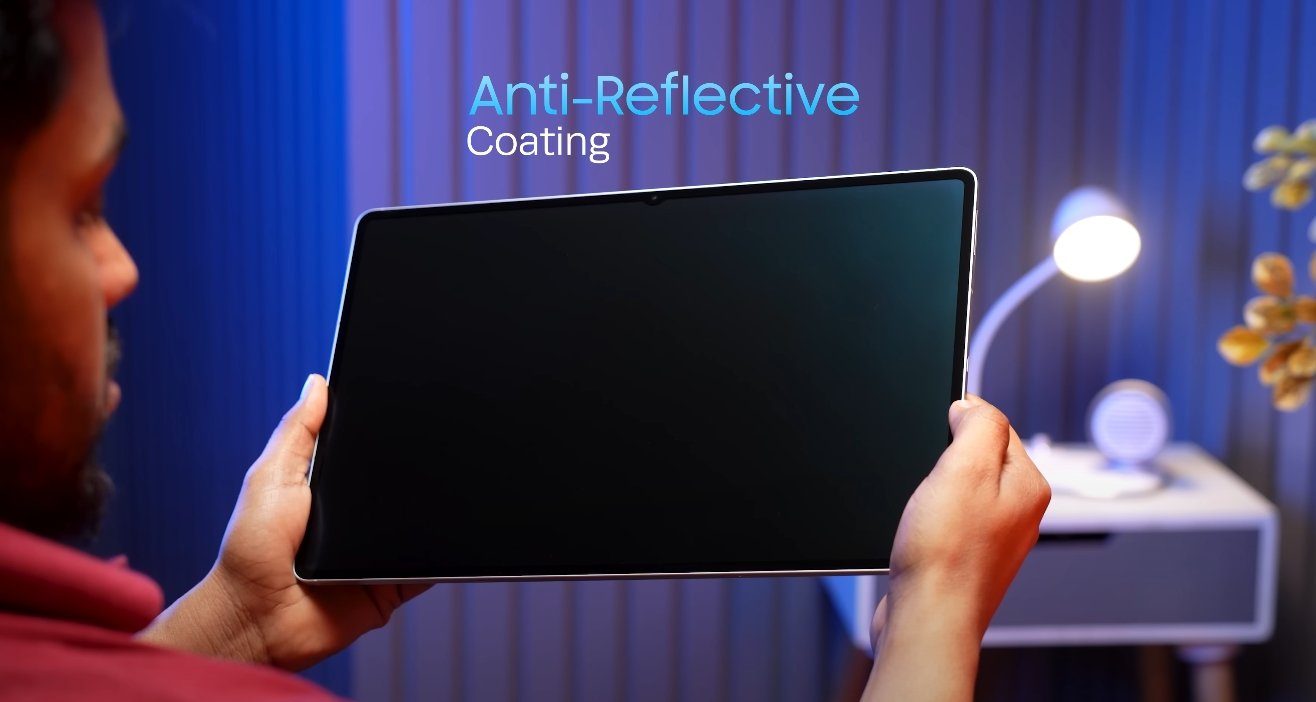
Experts have also examined the overall visual performance of the display under real-world conditions. The Tab S11 Ultra maintains consistent brightness and color accuracy even when viewed from different angles, thanks to the AMOLED technology. This ensures that content remains clear and vibrant regardless of how the tablet is held or positioned, which is important for collaborative work or media sharing. Additionally, the display’s anti-reflective coatings reduce glare and reflections, enhancing usability in various lighting situations.

Battery efficiency in relation to display performance is another factor that experts have highlighted. Despite its large size and high brightness capabilities, the Tab S11 Ultra manages to deliver long-lasting battery life without compromising visual quality. This balance between performance and efficiency ensures that users can rely on the tablet for extended work sessions, streaming, or gaming without frequent recharging, which is often a limitation in other high-end tablets.

In summary, expert evaluations consistently rate the Samsung Galaxy Tab S11 Ultra display highly due to its combination of brightness, color accuracy, smooth refresh rate, and responsiveness. The 14.6-inch Dynamic AMOLED 2X panel provides an immersive viewing experience that supports professional-grade creative work, multimedia consumption, and productivity tasks. Its ability to maintain excellent performance under different lighting conditions, along with precise color reproduction and smooth touch response, positions it as one of the best displays available in the tablet market today. Users seeking a premium visual experience, whether for professional use or entertainment, will find the Tab S11 Ultra display among the top-performing options in its class.

Also Read:  Xiaomi Pad Mini software and HyperOS review for USA users

Samsung Galaxy Tab S11 Ultra display panel type confirmed

Samsung Galaxy Tab S11 Ultra display panel type confirmed

The Galaxy Tab S11 Ultra’s Dynamic AMOLED 2X Display Explained

The Samsung Galaxy Tab S11 Ultra comes equipped with a 14.6-inch Dynamic AMOLED 2X display, marking it as one of the most advanced tablet screens available in the market. This display type is designed to deliver vibrant colors, deep contrast, and excellent brightness, making it ideal for media consumption, gaming, productivity, and creative tasks. Samsung has leveraged its expertise in AMOLED technology to provide a panel that balances performance, visual quality, and energy efficiency.

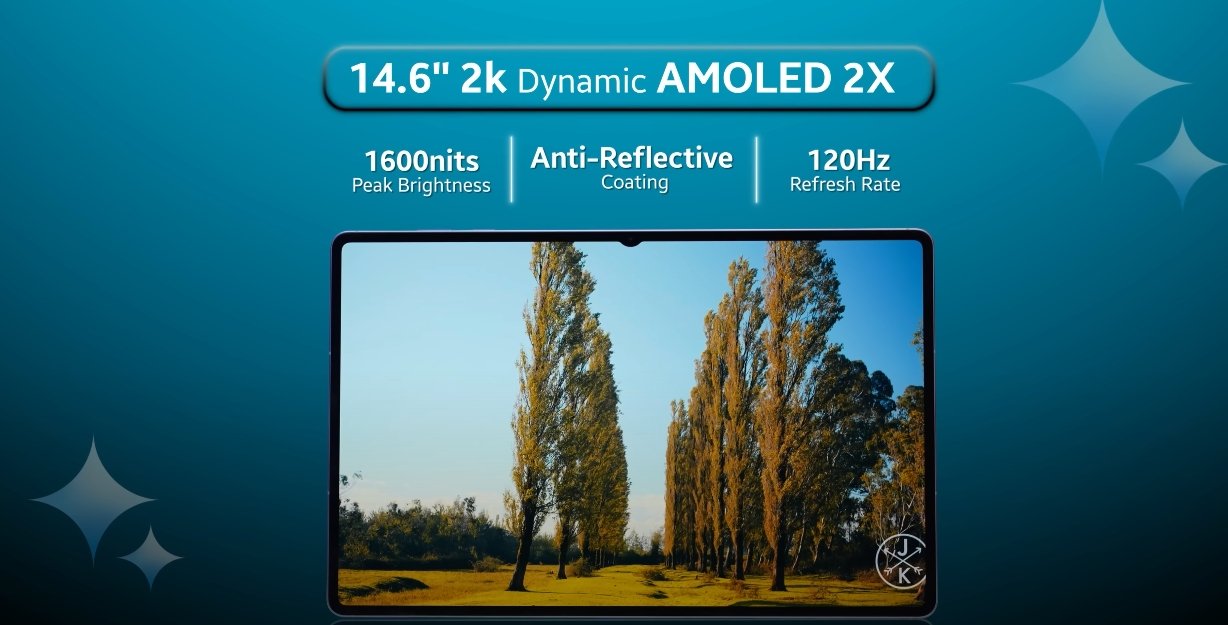
One of the standout features of the Dynamic AMOLED 2X panel is its ability to produce high peak brightness. The Tab S11 Ultra can reach up to 1600 nits in peak mode, ensuring that content remains visible even under direct sunlight. This is particularly useful for outdoor use, allowing users to work, watch videos, or play games without struggling with glare or washed-out colors. The High Brightness Mode provides 1000 nits for extended periods, making it easier to use the tablet in bright environments while maintaining clear visibility.

The AMOLED technology in the display also ensures deep blacks and rich contrast ratios. Each pixel can turn on and off individually, allowing for true black reproduction and enhancing the overall dynamic range of the display. This feature significantly improves the visual experience when watching movies, editing photos, or using apps that require high color accuracy. Users can expect vivid visuals and lifelike colors that make content more engaging and immersive.

Samsung Galaxy Tab S11 Ultra display panel type confirmed

In addition to brightness and contrast, the Tab S11 Ultra supports a 120Hz adaptive refresh rate. This high refresh rate allows for smoother scrolling, fluid animations, and more responsive touch interactions. It is particularly beneficial for gaming and multitasking, providing a lag-free experience when switching between apps or performing precision tasks. The adaptive nature of the refresh rate also helps optimize battery life by lowering the rate when high speed is not necessary, balancing performance and efficiency.

The display’s size and resolution further contribute to its versatility. With 14.6 inches of screen real estate and a resolution of 2960×1848 pixels, users have ample space for multitasking, split-screen work, and immersive viewing experiences. The large panel enhances productivity for professionals using Samsung DeX, allowing for a PC-like interface on the go. Creative users, such as artists and designers, benefit from the combination of high resolution, touch responsiveness, and stylus support, making the tablet suitable for digital illustration, note-taking, and design projects.

Color accuracy is another area where the Dynamic AMOLED 2X panel excels. Samsung has optimized the display for true-to-life color reproduction, ensuring that photos, videos, and creative content appear as intended. The panel supports wide color gamuts and high dynamic range content, providing an enhanced viewing experience for HDR videos and advanced graphical applications. This makes the Tab S11 Ultra a strong choice for content creators who need precise color representation for their work.

The slim bezels and sleek design surrounding the display enhance the tablet’s aesthetic appeal and screen-to-body ratio. Users get a larger usable display area without increasing the overall size of the device excessively. This design choice complements the immersive nature of the display, making it feel expansive and modern. Combined with the AMOLED technology, it provides a premium look and feel that stands out among other tablets in the market.

Overall, the Samsung Galaxy Tab S11 Ultra’s Dynamic AMOLED 2X display represents the pinnacle of tablet screen technology. Its combination of high peak brightness, deep contrast, vivid color reproduction, high refresh rate, and large screen size ensures a versatile and immersive experience. Whether for professional use, creative endeavors, or entertainment, this display delivers exceptional visual quality, responsiveness, and usability. The Tab S11 Ultra sets a new standard for what users can expect from a high-end Android tablet display.

Also Read:  Xiaomi Pad Mini performance under heavy multitasking

Samsung Galaxy Tab S11 Ultra expected retail colors

Samsung Galaxy Tab S11 Ultra expected retail colors

Samsung Galaxy Tab S11 Ultra Available Color Options

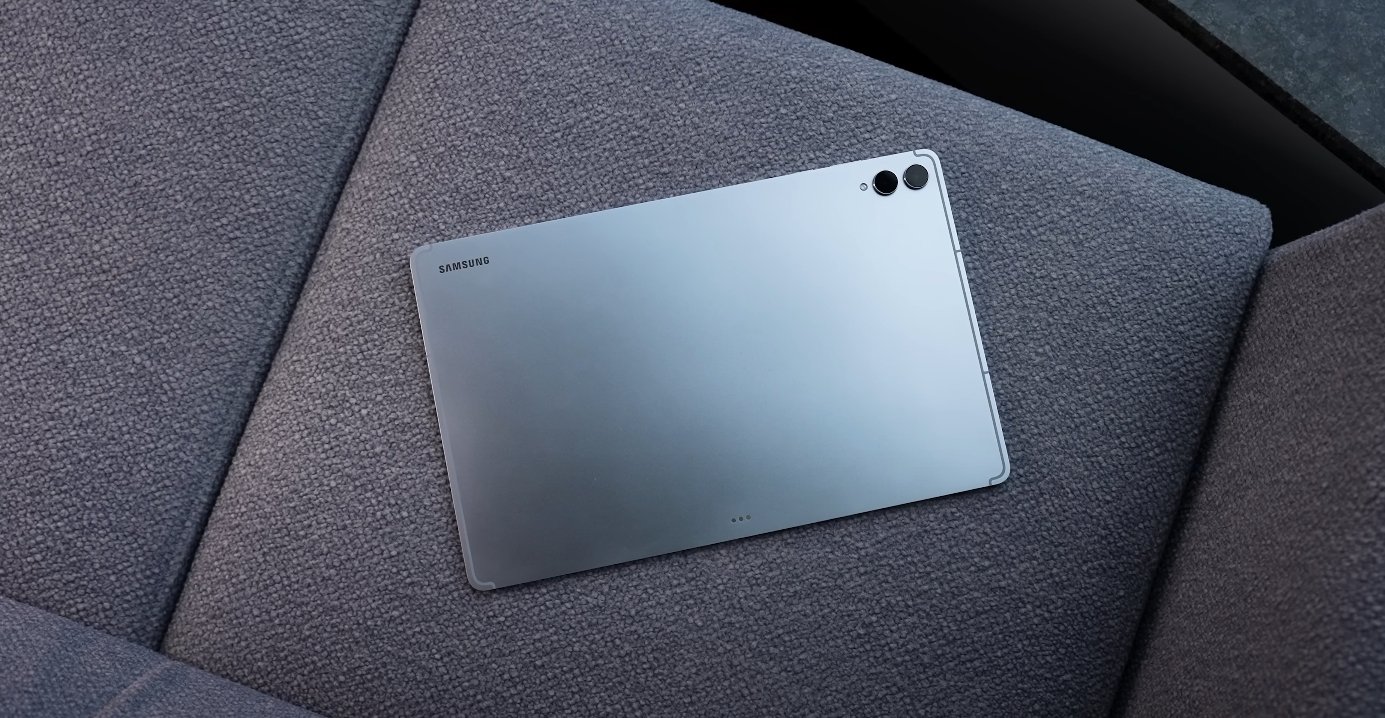
The Samsung Galaxy Tab S11 Ultra is Samsung’s latest flagship tablet, combining high-end performance with a premium design. Beyond its technical specifications, the tablet’s aesthetic appeal plays a key role in user choice. Samsung has confirmed that the Tab S11 Ultra will be available in two elegant color options: Moonstone Gray and Platinum Silver. These colors are designed to complement the device’s slim profile and high-end finish, allowing users to select a style that aligns with their personal taste or professional environment.

Moonstone Gray is a muted, sophisticated tone that emphasizes the tablet’s understated elegance. This color option appeals to users who prefer a sleek and professional look without drawing excessive attention. It pairs well with office setups, business meetings, and environments where a subtle, classy aesthetic is preferred. The matte finish of Moonstone Gray also helps reduce fingerprints and smudges, maintaining a cleaner appearance during daily use.

Platinum Silver, on the other hand, offers a brighter, more striking look. The reflective silver finish gives the Tab S11 Ultra a modern, futuristic appeal. It is ideal for users who want their device to stand out or make a statement in creative and professional spaces. The reflective surface adds a touch of sophistication, highlighting the premium materials and build quality. Both color options maintain a polished and premium feel, regardless of the chosen storage variant.

Samsung Galaxy Tab S11 Ultra expected retail colors

Samsung has ensured that these colors are available across all storage configurations, including 256GB, 512GB, and 1TB models. This allows users to choose their preferred storage capacity without compromising on their aesthetic preference. The consistency in color availability ensures that every user has the option to match their desired performance level with their preferred look, providing flexibility and personalization.

The color options are also designed to complement the Tab S11 Ultra’s overall design language. The ultra-slim profile, premium aluminum frame, and glass finish are highlighted differently depending on the color choice. Moonstone Gray emphasizes a sleek, professional appearance, while Platinum Silver accentuates the device’s bold, high-tech design. Both colors enhance the visual appeal of the large 14.6-inch AMOLED display, creating a cohesive and attractive overall aesthetic.

In addition to personal style, the choice of color can also influence the perceived weight and size of the device. Moonstone Gray gives the tablet a more understated presence, making the large screen appear slightly less imposing. Platinum Silver, with its reflective qualities, draws the eye and emphasizes the tablet’s expansive display. These subtle differences allow users to select a device that not only matches their style but also fits their comfort and usability preferences.

Beyond aesthetics, Samsung has ensured that both color variants retain the same premium build quality and durability. The tablet features a robust aluminum frame, durable glass panels, and IP68 water and dust resistance. This means that regardless of color choice, users can expect the same high level of performance and reliability. The magnetic S Pen attachment and other hardware features are consistent across both finishes, ensuring full functionality without compromise.

In conclusion, the Samsung Galaxy Tab S11 Ultra’s retail colors—Moonstone Gray and Platinum Silver—offer users a balance between elegance and modernity. Both finishes complement the tablet’s high-end design, large AMOLED display, and premium materials. Available across all storage variants, these color options allow users to personalize their device to fit their style and professional needs. Whether users prefer the subtle sophistication of Moonstone Gray or the bold appeal of Platinum Silver, the Tab S11 Ultra combines performance, design, and aesthetic flexibility, making it one of the most visually appealing and versatile tablets in Samsung’s lineup.

Samsung Galaxy Tab S11 Ultra stylus accuracy tested

Samsung Galaxy Tab S11 Ultra stylus accuracy tested

Testing the S Pen Precision on the Galaxy Tab S11 Ultra

The Samsung Galaxy Tab S11 Ultra continues the brand’s tradition of offering one of the best stylus experiences in the tablet market. The included S Pen is not only a productivity tool but also a creative instrument designed for artists, designers, and professionals who rely on precision input. Samsung has made notable improvements to stylus accuracy, responsiveness, and usability, making the Galaxy Tab S11 Ultra a serious contender for those seeking a tablet that can replace traditional paper and pen.

The S Pen bundled with the Galaxy Tab S11 Ultra feels premium and well-balanced. Samsung redesigned it with a more comfortable grip and a refined tip that mimics the natural feel of writing on real paper. The tip is slightly softer, which provides a smooth glide without excessive slipperiness, and it supports improved pressure sensitivity for better control over line thickness and shading. During testing, the S Pen responded instantly with minimal delay between pen movement and on-screen output, showcasing near-zero latency. This instant reaction enhances precision for drawing, sketching, and detailed note-taking.

When it comes to accuracy, the S Pen performs impressively. The stylus tracks precisely where the tip touches the display, maintaining consistent alignment even during fast strokes or intricate detailing. This accuracy is essential for tasks like architectural sketches, digital artwork, or technical illustrations, where even minor deviations can disrupt workflow. The display’s large 14.6-inch Dynamic AMOLED 2X panel complements the stylus perfectly, offering sharp visuals and a smooth 120Hz refresh rate that ensures every pen movement appears fluid and natural.

Samsung Galaxy Tab S11 Ultra stylus accuracy tested

Samsung has also improved tilt recognition, allowing the stylus to detect angle changes more accurately. This is particularly useful for shading and gradient effects in creative applications. Users can comfortably tilt the pen to achieve artistic strokes without losing precision or experiencing cursor drift. The palm rejection is equally effective, letting users rest their hands naturally on the display without triggering unintended marks. Together, these refinements make writing and drawing more intuitive, bridging the gap between digital and traditional mediums.

However, some characteristics of the glass screen remain. While the S Pen performs well in responsiveness and accuracy, the smooth glass surface lacks the slight resistance of paper. Some users might prefer to use a matte screen protector to add texture and reduce glare during long creative sessions. Additionally, while the stylus is magnetically attached and charges wirelessly on the tablet’s back, it no longer includes Bluetooth air gestures or remote-control functions from earlier models. Samsung appears to have focused more on improving core drawing performance rather than adding extra features, which benefits users prioritizing accuracy and speed.

In testing across various creative apps such as Samsung Notes and Clip Studio Paint, the S Pen consistently delivered stable lines with excellent pressure detection. Quick sketching felt effortless, and detailed handwriting remained clear even with small text sizes. The stylus can detect subtle variations in pressure, allowing artists to produce dynamic, expressive lines. Whether used for note-taking in a lecture, editing documents, or creating digital art, the stylus maintained a professional-grade response throughout.

The software optimization also plays a major role in this experience. Samsung’s One UI 8 and Android 16 enhance stylus performance by reducing latency, refining input recognition, and integrating useful features like quick note access and handwriting-to-text conversion. These additions make the S Pen not only an artistic tool but also a practical one for productivity. Users can switch from sketching to editing spreadsheets or signing documents with ease, all while maintaining the same high level of precision.

Overall, the Samsung Galaxy Tab S11 Ultra’s stylus accuracy is one of its strongest assets. With refined hardware, excellent screen responsiveness, and optimized software, it delivers one of the smoothest and most precise digital writing experiences available. While it lacks some of the extra functions of past S Pens, the enhanced comfort, improved tilt response, and exceptional accuracy make it a top choice for anyone seeking a versatile tablet for work, creativity, or study. The S Pen performance solidifies the Galaxy Tab S11 Ultra’s reputation as not just a tablet but a complete tool for precision-driven users.

Also Read:  Xiaomi Pad Mini review of portability and convenience in USA

Samsung Galaxy Tab S11 Ultra build quality and frame review

Samsung Galaxy Tab S11 Ultra build quality and frame review

Evaluating the Build and Frame of the Galaxy Tab S11 Ultra

The Samsung Galaxy Tab S11 Ultra is a flagship tablet that demonstrates Samsung’s dedication to premium design, durability, and ergonomic usability. With a focus on both aesthetics and functional resilience, the Tab S11 Ultra has set a high standard for large-screen Android tablets. Its build quality and frame design are central to its appeal, providing a balance between elegance and practicality for users across professional, creative, and entertainment use cases.

At the heart of the Tab S11 Ultra’s design is the Armor Aluminum frame. This high-strength alloy forms the tablet’s edges and structural backbone, ensuring rigidity while maintaining a relatively lightweight profile. The reinforced frame helps the device resist bending or twisting during everyday handling, making it feel solid and dependable in hand. The tablet’s backplate is also constructed from the same premium material, offering a consistent look and feel across the device while contributing to its sleek and modern appearance. The combination of thin edges and sturdy materials gives the Tab S11 Ultra a sense of durability that is reassuring for users investing in a premium device.

The tablet’s dimensions are notable for its class. Measuring just 5.1 millimeters in thickness and weighing around 692 grams, the Tab S11 Ultra is exceptionally thin and light for a 14.6-inch device. This slim design allows for comfortable one-handed use in short bursts, although extended single-hand operation can lead to fatigue due to the tablet’s size. The lightweight nature also makes it easier to hold while standing or using it on the go, striking a balance between screen real estate and portability. Despite the large display, the Tab S11 Ultra feels manageable in everyday use thanks to careful weight distribution and ergonomic design.

Samsung Galaxy Tab S11 Ultra build quality and frame review

Durability is a strong point of the Tab S11 Ultra. Samsung has equipped the tablet with an IP68 rating, making it resistant to dust and capable of withstanding submersion in water up to a certain depth. This level of protection is uncommon among tablets and adds a layer of confidence for users who may work or travel in challenging environments. The Armor Aluminum frame, combined with the IP68 certification, ensures that the Tab S11 Ultra can endure minor drops, spills, and exposure to the elements without significant risk of damage. For professionals who use their tablets outdoors or in varied work conditions, this durability is a significant advantage.

The tablet also excels in handling and ergonomics. The slim bezels, balanced weight, and smooth edges make it comfortable to hold, while the placement of buttons and ports allows intuitive access without interfering with the grip. Samsung has clearly focused on ensuring that the tablet remains usable for extended periods, whether for creative work, reading, or media consumption. Users have noted that while two-handed operation is ideal for longer sessions, the design still feels natural for shorter, one-handed interactions, such as browsing or taking quick notes.

Aesthetic considerations are equally important. The Galaxy Tab S11 Ultra sports a minimalist and modern design, with clean lines and a uniform finish. The large display dominates the front, offering an immersive visual experience without unnecessary distractions. The Armor Aluminum frame contributes to a premium feel, while also protecting the device from the everyday wear and tear that can affect less robust tablets. The overall design conveys both strength and sophistication, appealing to users who value both form and function.

In addition to durability and aesthetics, the frame design supports functional accessories, such as the S Pen and optional keyboard attachments. The tablet’s edges provide secure mounting points for magnetic stylus attachment and charging, ensuring that accessories integrate seamlessly with the overall design. This thoughtful approach enhances productivity for professionals and creatives, allowing the tablet to function as a versatile workstation without sacrificing durability or comfort.

Overall, the Samsung Galaxy Tab S11 Ultra offers an exceptional combination of build quality, frame strength, and ergonomic design. Its Armor Aluminum construction, slim profile, and IP68 rating make it one of the most durable large-screen tablets on the market. At the same time, its lightweight and balanced design ensure that it remains comfortable to hold and use. Whether for professional productivity, creative work, or media consumption, the Tab S11 Ultra delivers a premium experience that balances elegance, resilience, and usability.

In conclusion, the Galaxy Tab S11 Ultra’s build and frame design position it as a standout device in the premium tablet segment. Samsung has succeeded in creating a tablet that not only looks sophisticated but also feels robust and practical for daily use. With its combination of premium materials, ergonomic considerations, and durability features, the Tab S11 Ultra provides users with confidence that their device can endure extended use while maintaining a high-end aesthetic and functional integrity.

Samsung Galaxy Tab S11 Ultra vs iPad Pro photo test

Samsung Galaxy Tab S11 Ultra vs iPad Pro photo test

Comparing Camera Performance: Galaxy Tab S11 Ultra and iPad Pro

The Samsung Galaxy Tab S11 Ultra and Apple iPad Pro are two of the most powerful tablets available today, both catering to professionals, creatives, and multimedia enthusiasts. While much attention is often given to display quality, processing power, and productivity features, camera performance is another important aspect for users who rely on tablets for content creation, video calls, or photography. Early tests and hands-on usage reveal interesting differences between these two flagship devices when it comes to photo quality and versatility.

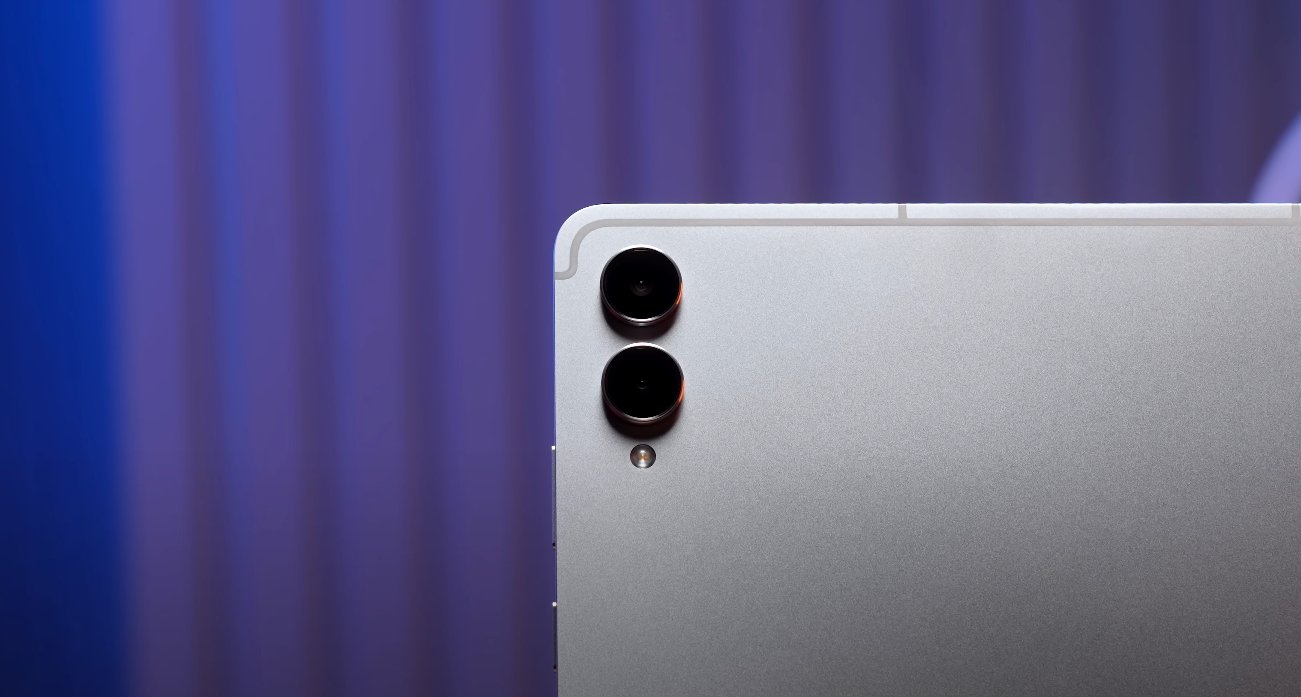
The Galaxy Tab S11 Ultra features a dual rear camera setup, consisting of a 13-megapixel primary sensor and an 8-megapixel ultra-wide lens. This configuration allows for standard photography as well as wide-angle shots, giving users flexibility in capturing scenes. The tablet also has a 12-megapixel front-facing camera, which is suitable for video conferencing and selfies. The iPad Pro, in comparison, comes with a 12-megapixel primary rear camera and a 10-megapixel ultra-wide lens, along with a 12-megapixel front-facing camera. While both tablets offer high-resolution sensors, Samsung’s dual rear camera system provides additional shooting options for capturing broader perspectives.

Display quality plays a significant role in evaluating photos on both tablets. The Tab S11 Ultra’s 14.6-inch Dynamic AMOLED 2X panel delivers vibrant colors, deep contrast, and high brightness, making it easier to judge color accuracy and detail while editing or viewing images. The iPad Pro features a 13-inch Liquid Retina XDR display, which is known for excellent color reproduction and consistent brightness. Both displays are optimized for high-quality visual experiences, but the larger screen of the Tab S11 Ultra provides a more immersive view, especially when working on detailed images or editing photos with precision tools.

Samsung Galaxy Tab S11 Ultra vs iPad Pro photo test

In real-world camera performance, both tablets produce sharp and vibrant images. The Tab S11 Ultra’s 13-megapixel primary sensor captures detailed shots with accurate colors, while the 8-megapixel ultra-wide lens enables expansive framing for landscapes, group photos, or architectural photography. The iPad Pro’s 12-megapixel rear camera produces equally impressive images, with crisp details and natural color tones. However, the Galaxy Tab S11 Ultra offers greater versatility in switching between standard and wide-angle shots, giving it an edge for users who frequently need different perspectives.

Software and editing capabilities further differentiate the two devices. Samsung’s One UI on the Tab S11 Ultra provides access to a wide range of photo editing tools and is compatible with numerous third-party applications. Users can adjust exposure, contrast, saturation, and apply creative effects directly on the tablet. The iPad Pro’s iPadOS offers native editing tools as well as professional-grade applications such as Adobe Photoshop and Lightroom. While both platforms allow robust editing, the iPad Pro may appeal more to users already invested in Apple’s ecosystem and familiar with industry-standard software.

User experience is another important consideration. The Tab S11 Ultra’s large display, combined with S Pen support, enhances precision in photo editing, annotation, and retouching tasks. Professionals and creatives can make detailed adjustments with greater control. On the other hand, the iPad Pro benefits from ProMotion technology and Apple Pencil support, providing smooth responsiveness and high accuracy for drawing, marking, and detailed edits. Both tablets are well-suited for creative work, but individual preferences regarding the operating system, stylus, and software ecosystem often influence which device is ideal.

Lighting and low-light performance were tested on both tablets. The Galaxy Tab S11 Ultra’s dual rear cameras handle a range of lighting conditions effectively, producing well-exposed images with minimal noise. The iPad Pro also performs admirably in low-light environments, maintaining color accuracy and clarity. While neither tablet matches dedicated cameras in extreme low-light situations, both provide sufficient quality for casual photography, social media, and professional documentation purposes.

Overall, the photo comparison between the Samsung Galaxy Tab S11 Ultra and the iPad Pro shows that both devices excel in different ways. The Tab S11 Ultra offers a versatile dual rear camera setup, a larger and more immersive display, and S Pen support that enhances editing precision. The iPad Pro provides seamless integration with professional editing software, strong low-light performance, and a smooth, responsive interface. Users choosing between the two should consider their priorities, such as display size, software ecosystem, stylus support, and camera versatility, to select the tablet that best aligns with their creative and professional needs.

In conclusion, both the Galaxy Tab S11 Ultra and iPad Pro deliver excellent photo capabilities, making them strong contenders in the premium tablet market. The Tab S11 Ultra stands out for its larger display and dual rear cameras, offering flexibility and an immersive editing experience. The iPad Pro shines in its integration with professional apps and polished user interface. Both tablets are capable tools for content creators, professionals, and enthusiasts who require reliable photo performance alongside high-end productivity features.

Samsung Galaxy Tab S11 Ultra vs Google Pixel Tablet performance

Samsung Galaxy Tab S11 Ultra vs Google Pixel Tablet performance

Comparing Performance: Galaxy Tab S11 Ultra and Google Pixel Tablet

The Samsung Galaxy Tab S11 Ultra and Google Pixel Tablet are two high-profile Android tablets that target different types of users. While both devices are designed to deliver strong performance, they cater to distinct needs with variations in processing power, display quality, battery life, and software experience. Understanding these differences helps users decide which tablet best suits their workflow and entertainment requirements.

The Galaxy Tab S11 Ultra is powered by the MediaTek Dimensity 9400+ chipset, built on a 3-nanometer process. This processor delivers exceptional CPU, GPU, and AI performance, making it well-suited for multitasking, content creation, and high-end gaming. Users can run multiple applications simultaneously, handle 4K video editing, and play graphics-intensive games without experiencing significant slowdowns. The tablet’s energy-efficient architecture ensures that performance remains consistent even during prolonged sessions, allowing professionals to rely on it for extended periods.

In comparison, the Google Pixel Tablet utilizes the Google Tensor G2 processor. This processor is optimized for AI tasks, voice recognition, and camera processing. While it performs well for general apps, media consumption, and AI-driven features, it does not match the raw computational power of the Dimensity 9400+ when handling heavy workloads or demanding applications. Users focused on high-performance multitasking, creative tasks, or gaming will find the Tab S11 Ultra better equipped to meet their needs.

Samsung Galaxy Tab S11 Ultra vs Google Pixel Tablet performance

Display quality is another major differentiator between these tablets. The Galaxy Tab S11 Ultra features a 14.6-inch Dynamic AMOLED 2X display with a resolution of 2960 x 1848 pixels and a 120Hz refresh rate. This large, vibrant screen provides excellent color reproduction, deep blacks, and a smooth visual experience, which is particularly useful for video editing, creative work, and immersive media consumption. The Pixel Tablet, on the other hand, has a 10.95-inch LCD display with a resolution of 2560 x 1600 pixels and a 60Hz refresh rate. While the Pixel Tablet’s display is sharp and clear, it lacks the brightness, contrast, and fluidity of the S11 Ultra, making it less suitable for tasks that benefit from larger screen real estate.

Memory and storage options further highlight the performance differences. The Galaxy Tab S11 Ultra offers configurations with up to 12GB of RAM and 1TB of internal storage. This allows users to run multiple apps simultaneously, store large files, and manage extensive creative projects without facing storage limitations. The Pixel Tablet, by contrast, comes with up to 8GB of RAM and storage options of 128GB or 256GB. While this is adequate for general use, it may fall short for power users who need to handle large media libraries or multiple heavy applications.

Battery performance is another area where the two tablets differ. The Tab S11 Ultra is equipped with an 11,600mAh battery, supporting long hours of continuous use. Users can work, stream, and multitask extensively without worrying about running out of power. The Pixel Tablet has a 7,020mAh battery, which is sufficient for moderate daily use but may require more frequent charging during heavy workloads or extended media sessions. Samsung’s combination of a high-capacity battery and energy-efficient processor ensures that the S11 Ultra remains operational for longer stretches, making it more reliable for professional use.

Software experience and ecosystem integration also play a role in performance perception. The Galaxy Tab S11 Ultra runs Android 16 with Samsung’s One UI 8, offering multitasking features, desktop-like DeX mode, and seamless integration with other Galaxy devices. This allows users to connect the tablet with Samsung smartphones, laptops, and wearables, creating a cohesive and productive ecosystem. The Pixel Tablet runs Android 13 with a near-stock interface, delivering a clean and responsive experience. It integrates well with Google services and smart home devices but lacks the advanced productivity features and multitasking capabilities of Samsung’s One UI.

In conclusion, the Samsung Galaxy Tab S11 Ultra outperforms the Google Pixel Tablet in terms of processing power, display size and quality, memory and storage capacity, battery life, and multitasking capabilities. It is ideal for users who need a high-performance tablet for creative work, professional productivity, and gaming. The Google Pixel Tablet, while offering a smooth and clean user experience with strong AI features, is better suited for general use, media consumption, and users invested in the Google ecosystem. Choosing between the two depends on whether raw performance and productivity features or portability and a streamlined interface are the priority for the user.

Samsung Galaxy Tab S11 Ultra productivity mode reviewed

Samsung Galaxy Tab S11 Ultra productivity mode reviewed

Productivity Mode Performance on Samsung Galaxy Tab S11 Ultra

The Samsung Galaxy Tab S11 Ultra is one of the most advanced tablets on the market, combining high-end hardware with software features aimed at maximizing productivity. With its 14.6-inch Dynamic AMOLED 2X display, MediaTek Dimensity 9400+ processor, and up to 16GB of RAM, the tablet is designed to handle demanding multitasking scenarios, creative work, and professional applications. Its productivity mode, powered by Samsung DeX and enhanced AI tools, transforms the tablet into a desktop-like workspace, offering an experience that bridges the gap between mobile and PC environments.

The design and display of the Tab S11 Ultra play a key role in its productivity potential. Weighing just 1.58 pounds and measuring 5.4mm in thickness, the tablet is portable yet offers ample screen real estate for multitasking. The AMOLED panel provides vibrant colors, deep blacks, and sharp text, making it suitable for editing documents, watching instructional videos, and using multiple applications side by side. Its 120Hz refresh rate ensures smooth scrolling, responsive gestures, and minimal lag when navigating between apps or working on detailed tasks.

A cornerstone of productivity on the Tab S11 Ultra is Samsung DeX mode. This feature allows users to operate the tablet in a desktop-like interface with multiple resizable windows, a taskbar, and drag-and-drop functionality. Users can run applications such as Microsoft Office, Google Workspace, and Slack simultaneously, creating a workflow similar to that of a laptop or desktop. The addition of Extended Mode allows the tablet to connect to an external monitor while continuing to use the main screen independently, enabling dual-display workflows that are particularly beneficial for professionals working on presentations, spreadsheets, or video editing projects.

Samsung Galaxy Tab S11 Ultra productivity mode reviewed

The workspace organization is another productivity-focused feature. The tablet supports multiple customizable workspaces, allowing users to group apps according to their workflow. Professionals can dedicate one workspace to document editing, another to communication apps, and a third to creative applications like Adobe Photoshop or video editing software. This organization reduces clutter, improves focus, and allows for quick transitions between tasks without losing context or closing applications.

AI-powered productivity tools further enhance the Tab S11 Ultra’s capabilities. Features like Circle to Search, Now Brief, and enhanced Gallery tools streamline daily tasks. Circle to Search allows users to select parts of documents or images and quickly find related information. Now Brief offers contextual reminders and productivity suggestions, while AI-assisted editing in the Gallery enables faster adjustments to photos and videos. These tools reduce manual effort and help users maintain efficiency across complex workflows.

The S Pen integration adds another layer of productivity. The redesigned S Pen offers precision for note-taking, sketching, and annotating documents. Features such as Air Command, S Pen to Text, and Quick Notes make capturing ideas or editing documents seamless. Sticky Notes can be attached to tasks or reminders within Samsung Notes, improving organization and enabling users to manage schedules, projects, and creative ideas efficiently. The pen’s low latency ensures a natural writing experience, which is particularly valuable for students, designers, and professionals who rely on stylus input for creative work or detailed annotations.

Real-world performance tests confirm the Tab S11 Ultra’s ability to handle intensive tasks. Video editing, 3D modeling, and multitasking with multiple apps running simultaneously proceed without noticeable lag. The combination of powerful hardware and optimized software ensures smooth transitions, fast app launches, and reliable performance even under heavy workloads. The large display makes it easier to view multiple windows simultaneously, enhancing workflow efficiency, while the AI tools assist with repetitive tasks and content management.

Battery life and charging are also important for productivity. The Tab S11 Ultra is equipped with an 11,600mAh battery, providing long hours of use even under demanding scenarios. Users can expect up to 23 hours of video playback and approximately 9-10 hours of mixed-use, which includes productivity tasks, streaming, and multitasking. The tablet also supports 45W Super Fast Charging, allowing for quick top-ups and minimal downtime, which is crucial for professionals and students on the move.

In conclusion, the Samsung Galaxy Tab S11 Ultra sets a high standard for productivity-focused tablets. Its combination of a large, high-quality display, powerful processor, extensive RAM, Samsung DeX, AI-enhanced tools, and S Pen integration creates a versatile and efficient work environment. Whether for professional tasks, creative work, or academic projects, the Tab S11 Ultra provides the tools and performance necessary to enhance productivity. Its desktop-like capabilities, coupled with portability and battery efficiency, make it a powerful alternative to traditional laptops for users who need a flexible and high-performance device.