Google Photos bug blocks sharing and editing on Pixel and Samsung devices – temporary fixes
What is happening with Google Photos?
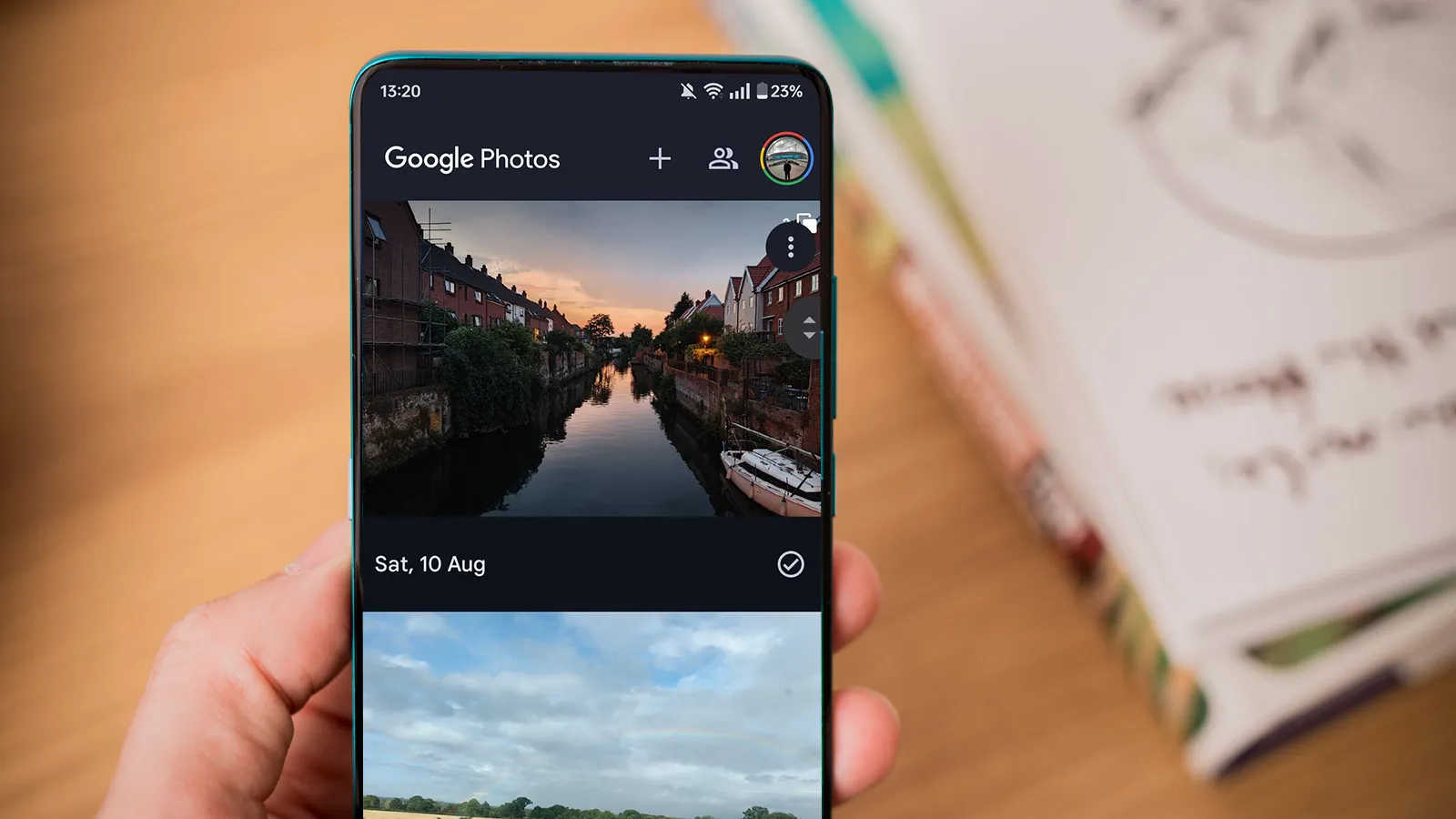
Android users have started reporting that the Google Photos app stops responding after an edit is made. The row of icons for share, edit and delete becomes inactive, meaning users cannot save changes, share the picture or remove it from their library.
Which devices are affected?
The problem first appeared on Google Pixel 7 Pro and Pixel 6a devices, but it has quickly spread to other Android phones. Owners of the Samsung Galaxy S25 Ultra have also confirmed the same behaviour, and early reports suggest that the issue can show up on the OnePlus 12 and the Xiaomi Mi 14 as well.
Why is this bug a big deal?
Google Photos is the default gallery for many Android users, and it is tightly integrated with Google Drive and Google Lens. When the share and delete buttons stop working, users lose a quick way to back up images, send them to friends or clean up their collection. For photographers who rely on the app to edit on the go, the bug can disrupt workflow and cause frustration.
What is Google doing about it?
A Google spokesperson told Android Authority that the Photos team is rolling out a fix as soon as possible. The company plans to push an update through the Google Play Store within the next few days. In the meantime, users can follow the work‑around steps below to keep their photo library functional.
How to work around the issue
First, when you edit a picture, choose the option Save as copy instead of Save. This creates a new file with the edits while leaving the original untouched, so the unresponsive buttons do not affect the original image.
Second, if you need to delete or share an edited photo, open the Google Photos website on a computer or mobile browser and perform the action there. The web version does not suffer from the same bug, so you can still manage your files while waiting for the app update.
For users who also use Google Photos on iPad Air M2, the web interface works the same way. Opening photos.google.com on the iPad lets you edit, share and delete without encountering the Android bug, providing a seamless cross‑device experience.
Other recent Android problems
The Google Photos glitch joins a series of issues that have plagued the Android 17 platform this year. Users have reported connectivity drops, touchscreen lag and, in rare cases, devices becoming bricked after the Android 17 rollout. The Pixel 7 Pro, Pixel 6a and Samsung Galaxy S25 Ultra have all received multiple patches to address these problems.
What to expect next
Keep an eye on the Google Play Store for a version 5.12.3 update of Google Photos. Once installed, the share, edit and delete buttons should return to normal operation. If the problem persists after updating, consider clearing the app cache or reinstalling the app as a temporary measure.
Final thoughts
While the bug is inconvenient, the work‑around steps allow users to continue editing and sharing photos without major disruption. Google has confirmed that a fix is on the way, so the issue should be fully resolved shortly.
Staying up to date with the latest Android security patches and Google Play updates is the best defence against unexpected bugs. Regularly checking the Settings > System > Advanced > System update menu on Pixel 7 Pro or Samsung Galaxy S25 Ultra ensures you receive fixes as soon as they are released.