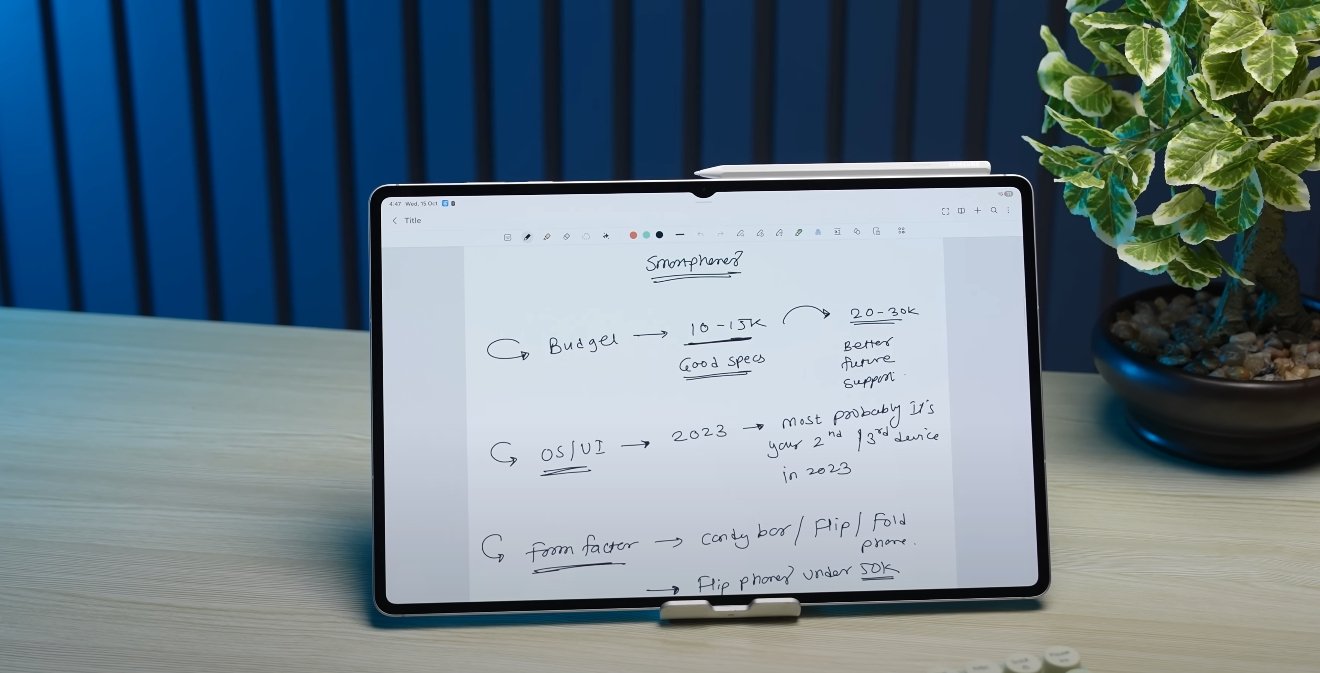
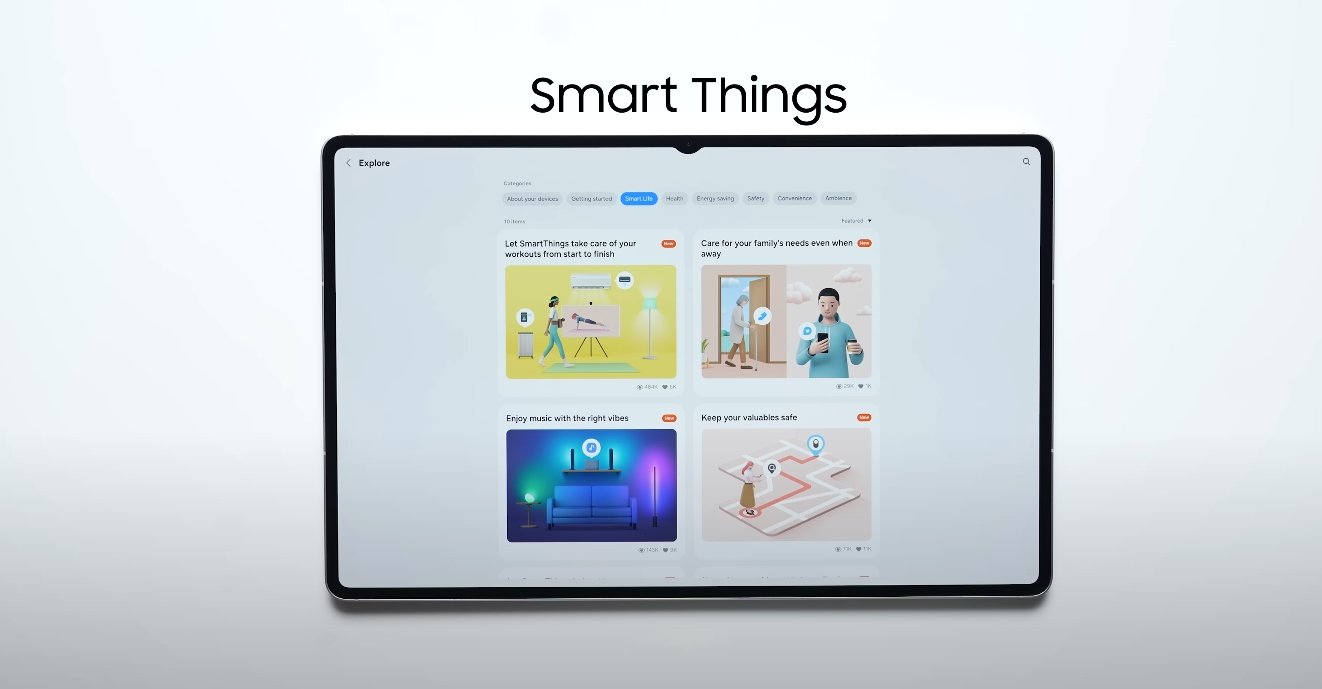
This price is for the 256 GB variant and if you buy it, you will get 512 GB
Team Techsputit
Samsung Galaxy Book 4 VS Asus Vivobook 16 experience
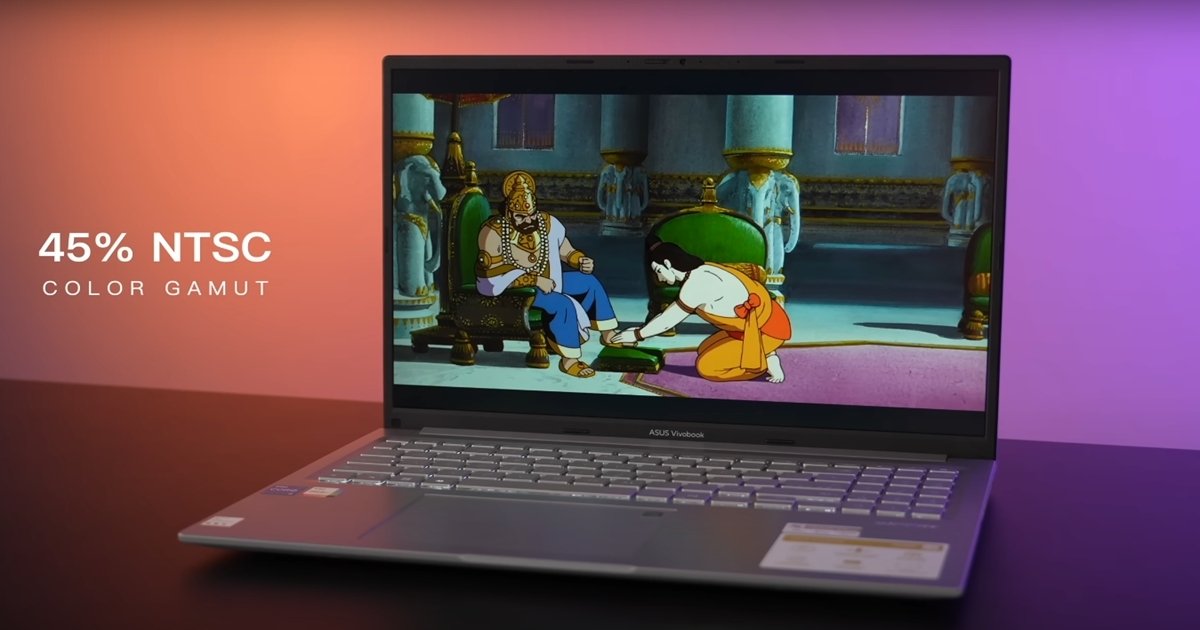
Samsung Galaxy Book 4 comes with a full-size backlit keyboard and a scissor-mechanism keyboard just like MacBook series. And Asus Yobook 16 also comes with a full-size backlit keyboard, but the key travel is more, that is 1.4 mm.
It feels like a soft touch. I personally like the Samsung Galaxy Book 4’s keyboard as compared to the ASUS UBook 16. Both the laptops have a glass finish trackpad, so I had a good experience on both the laptops. The ASUS UBook 16 has a slightly bigger trackpad due to the 16-inch form factor.
If I talk about the placement of the fingerprint reader
You get to see the fingerprint reader on the power button on the Galaxy Book 4. On the other hand, in the ASUS UBook 16, you get to see the fingerprint reader in the top right corner of the trackpad. Friends, in any laptop, the display becomes a very important hardware because we spend the maximum time in it. Because the display won’t be good, how will we work? In Samsung’s Galaxy Book 4, you get to see a 15.6-inch Full HD IPS Antiglare display, a peak brightness of 300 nits, 45% NTSC color gamut, and a refresh rate of 60Hz.
Samsung never compromises in terms of display because as you know, even the iPhone uses the Samsung display. In the ASUS UBook 16, we get to see a 16-inch WUXGA display with a 16-10 aspect ratio. It also has an Antiglare coating. But note that you don’t get to see a purely IPS panel here. You get to see an IPS-level panel.
That is basically the WV panel
So in the WV panel, even if you change the display angle a little bit, you get to see a colored shift. But the brightness is quite good, it has a peak brightness of 300 nits, 45% NTSC color gamut, and a refresh rate of 60Hz. And overall, the ASUS UBook 16’s display is also good because the color shift is very low due to the 300 nits brightness. So you don’t even notice it. But no doubt, the IPS panel is the best display panel after the OLED. In both the laptops, 100% sRGB color gamut is missing here. Here, only 62.5% sRGB is present.
The audio experience in both the laptops was very good. So moving forward towards the webcam. In the Samsung Galaxy Book 4, you get to see a 720p HD webcam with dual array integrated microphone. But the privacy setter is missing here. But the good thing is that you get to see different studio effects here. Like you can use the blur effect, you can change the background, and also the auto framing features. In the ASUS UBook 16, we get to see the same webcam, that is a 720p HD webcam with dual array integrated microphone. But the good thing is that there is a privacy setter. But the bad thing is that there is no Windows Studio effect. Now you can see what is important for you, security or beauty. Now let’s talk about the ports.

Starting from the left profile, you get to see two USB 3.2 Gen 2 Type-C ports with a data transfer rate of 10Gbps. And obviously, these laptops are powered by Type-C. And the good thing is that display sharing is also supported. I connected the Galaxy Book 4 to my 4K monitor.
On the right profile, you get Kensington security slot, again one USB 3.2 Gen 2 Type-A port and one 3.5mm headphone-object-microphone combo jack. And yes, you also get one microSD card slot. ASUS UBook 16 also has all the necessary ports. Like a USB 2.0 port, two USB 3.2 Gen 1 Type-A ports. But the Type-C port present in ASUS UBook 16, you can only transfer data there. Display sharing and Type-C charging is not supported in ASUS UBook 16.
There is no RJ45 port or microSD card slot in the new laptop. So in terms of ports, Samsung’s Galaxy Book 4 is the winner here due to the fully-functioned Type-C port, RJ45 port and microSD card slot. And in terms of connectivity, Samsung’s Galaxy Book 4 is the winner here because it has Wi-Fi 6 and Bluetooth version is 5.2. Whereas in ASUS UBook 16, we get to see Wi-Fi 5 and Bluetooth version is 5.1.
For the portability and battery backup
So let’s discuss that part. In Samsung Galaxy Book 4, we get to see a 54Wh battery. Whereas in ASUS UBook 16, we get to see a 42Wh battery. So here, the difference between the two is in terms of battery backup.
It has been entering the PC segment since 1994. But yes, the fact that laptops were not being launched in India is a different story. And yes, those who are thinking of buying an ASUS laptop, do pay Rs. 99 extra and get your warranty extended for a year. I will definitely drop the link to the ASUS official website in the description. So it’s time for the final conclusion.
ASUS UBook 16 comes with an H-Class processor
So we got to see a higher temperature during the gameplay. The temperature was around 80-81 degrees centigrade. Whereas in Samsung Galaxy Book 4, I got to see a maximum temperature of around 70 degrees. So yes, ASUS UBook 16 raises the temperature a lot. But yes, ASUS laptop comes with 2 exhaust vents, so that the air circulation is good. So in terms of pricing, Samsung Galaxy Book 4 is available for Rs. 56,490. And as soon as you place a card discount, the laptop will be available for around Rs. 51,490. Whereas ASUS UBook 16 is available for Rs. 53,990.
If you place a 5% cashback or card discount, the laptop will be available for around Rs. 51,290. And I have a clear recommendation. If you are buying Samsung Galaxy Book 4, then you have to buy it with 16GB RAM. You don’t have to buy the 8GB RAM variant because it has on-board RAM. You won’t be able to upgrade in the future. And in terms of warranty, both the laptops come with a one-year warranty. And a lot of people comment on how Samsung’s service will be. Really, Samsung’s service is quite good. And Samsung is not a small company.
Also Read: ASUS Vivobook S14 Gaming and performance test
High intensity graphic designing or coding
In Samsung Galaxy Book 4, when I watched a movie, I got to see a 7-hour battery backup. Whereas in ASUS UBook 16, I got to see a 4-5 hour battery backup. And if you work high-intensity like graphic designing or coding, you can expect a 4-5 hour backup in Samsung Galaxy Book 4. Whereas in ASUS UBook 16, you can expect a 2-2.5 hour backup.
Samsung Galaxy Book 4 has a 45W Type-C adapter present. Easily, you can charge your laptop with Type-C within 60-90 minutes. And in ASUS laptop, we get to see a 65W round-pin adapter. So yes, you won’t be able to charge ASUS UBook 16 with Type-C. So again, in terms of battery backup, Samsung Galaxy Book 4 wins.
Should I buy Samsung Galaxy Book 4 or ASUS UBook 16? Look, I have a clear recommendation. I have discussed every part in detail. Now you decide which aspect is more important for you. But in my overall opinion, I will prefer Samsung’s Galaxy Book 4 because the features are very latest and everything looks perfect. So from that perspective, I liked Samsung’s Galaxy Book 4 better.
Those who want to do a little high-level coding, want to work on Android development, then my clear recommendation would be to buy the ASUS UBook 16 because it has a 16-inch display and you will get to see a little better performance as compared to Samsung’s Galaxy Book 4. If we talk about the ASUS UBook 16, we get to see 25% more CPU performance due to the H-Class processor. But the thing is that it has 3200 MHz RAM. So it also depends on the frequency of the RAM along with the CPU.
Whenever we do heavy tasks, the frequency of the RAM along with the CPU and the speed of the SSD also matter. So from that perspective, I liked Samsung’s Galaxy Book 4 better. But yes, those who want to do a little high-level coding, want to work on Android development, then my clear recommendation would be to buy the ASUS UBook 16 because it has a 16-inch display and you will get to see a little better performance as compared to Samsung’s Galaxy Book 4.
Samsung Galaxy M56 slim bagels smartphone
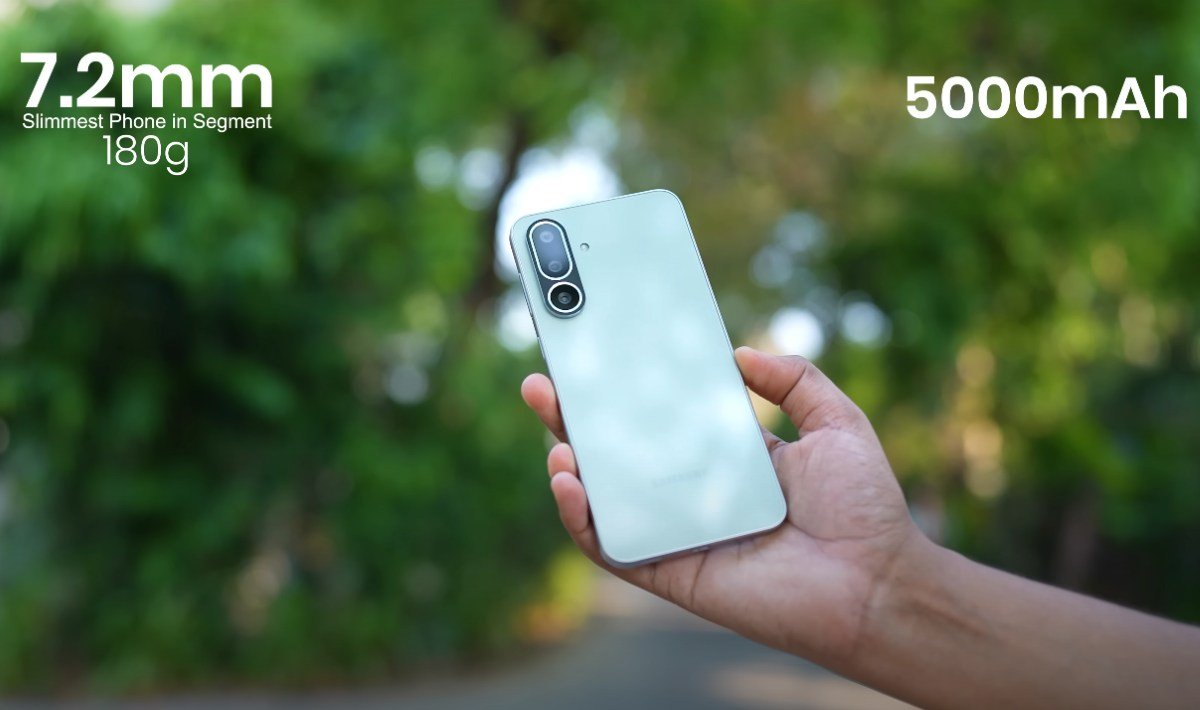
Samsung Galaxy M56 is a slim bagels smartphone, wich come with 5000 mAh battey and 4k 30 FPS video recording support. It comes low begels and gorilla glass procted display and some Ai feature inside camera like errager and background remover, so deal with this smartphone is worthy.
Samsung Galaxy M56 camera qulity
camera quality is ok according to this price range. 50MP triple camera setup. This front camera selfy like a pro models smartphone selfy. It can take 4k 30 FPS video recording and zoom up to 10 X available. In this camera many other feature like pro photo shoot and ai background change feature also make this smartphone to a pro smartphone.

Display quality of Samsung Galaxy M56
Display is mid range, 6.7 inch FHD display in this phone and protected with gorilla glass. Its display support 120Hz refress rate. It begels to small, so when watching a video feeling like more good. it come with s amoled display.
performance of Samsung Galaxy M56
performance vice this is ok, not bad but no uses of havy games, normaly gaming is ok. When play normal game like BGMI and FREE FIRE, this phone have 40 to 50 FPS in game normaly. we try many games but lag issue not visible any gmes. Samsung Galaxy M56 come with Exynos processor.
price and final thoughts
It is worthy to buy becouse it camera and photo quality never compare with other smartphone in this price range. it display begels is very small, if you interested in watching a movi or web series and playing like normaly gaming not pro, go for it.
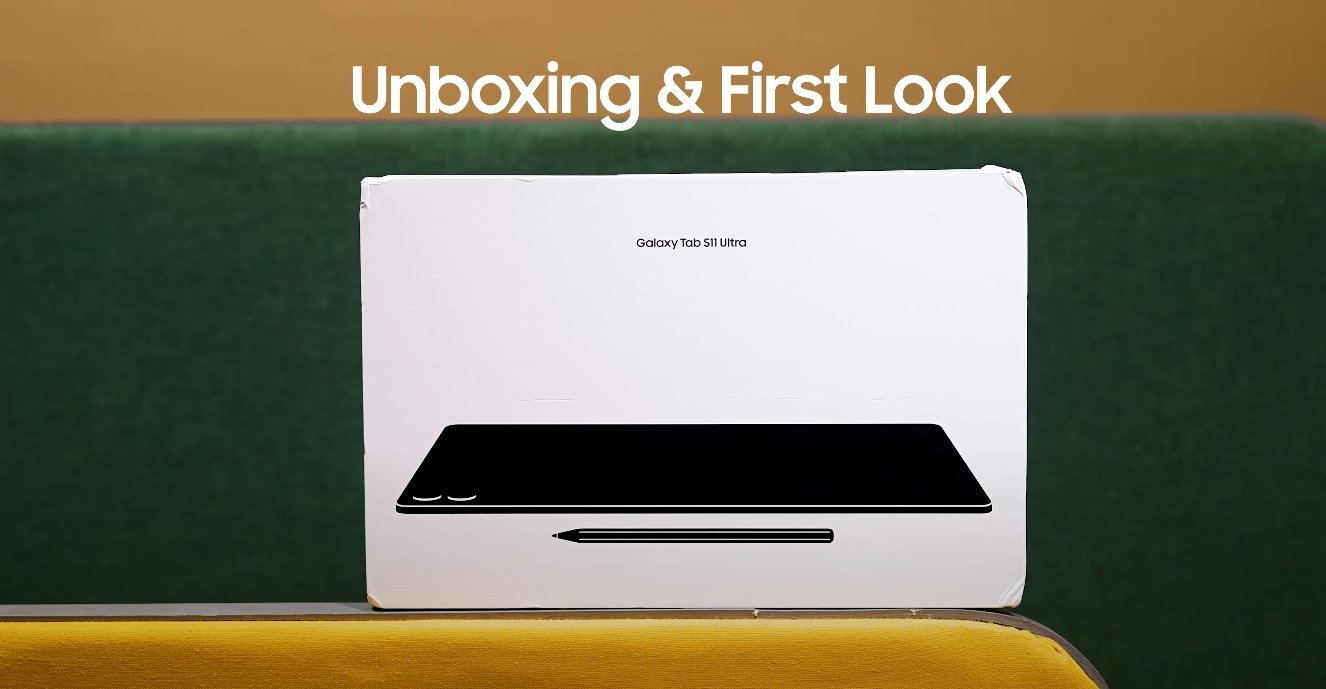
Samsung Galaxy Tab S11 Ultra accessories compatibility
Full Accessory Support and Compatibility Details for Samsung’s Flagship Tablet
Samsung’s Galaxy Tab S11 Ultra has officially entered the market as one of the most advanced Android tablets available in 2025, and with that comes a wide range of compatible accessories. As with previous Galaxy Tab Ultra models, Samsung has designed this tablet to work seamlessly with a complete ecosystem of productivity tools, protective cases, stylus options, and connectivity gear. Here’s a detailed look at how the Tab S11 Ultra performs with both official and third-party accessories and what users can expect when setting up their device.
The Galaxy Tab S11 Ultra retains Samsung’s familiar accessory ecosystem, ensuring that users upgrading from the Tab S9 Ultra will find some continuity. The tablet supports the latest generation Book Cover Keyboard Slim and Book Cover Keyboard Pro, both redesigned to match the new pogo pin alignment and slightly adjusted camera module. These official keyboards transform the tablet into a full workstation, complete with a large trackpad, responsive keys, and function shortcuts optimized for DeX mode. The magnetic connection is stronger than before, offering a stable typing experience even on uneven surfaces. Samsung also continues to offer the Book Cover Standing Case, which provides dual-angle support and magnetic S Pen storage on the back.
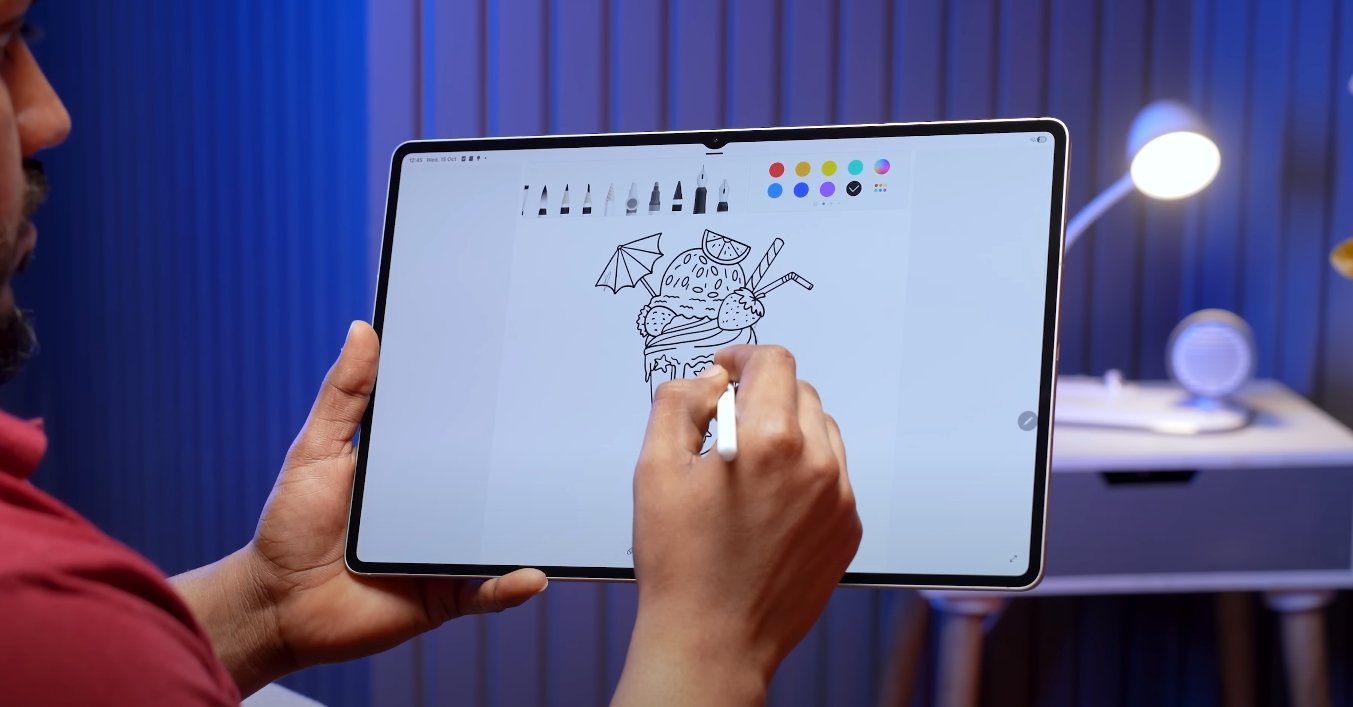
Speaking of the S Pen, the Galaxy Tab S11 Ultra includes Samsung’s most advanced stylus yet. It supports ultra-low latency, improved pressure sensitivity, and expanded air gesture controls. The S Pen magnetically attaches to the back of the tablet for charging and storage, just below the rear camera array. It’s also cross-compatible with previous-generation Tab S Pens, though some advanced features like reduced latency and new gesture inputs are exclusive to the latest model. For creative users, the tablet works seamlessly with the S Pen Creator Edition, which offers a more comfortable grip and enhanced precision for digital artists.
Charging and connectivity accessories have also received attention. The Tab S11 Ultra supports 45W Super Fast Charging, the same as its predecessor, ensuring full battery in under 90 minutes when using Samsung’s official charger and USB-C cable. The tablet also supports USB-C hubs and docking stations, allowing users to connect multiple peripherals like monitors, external drives, or SD card readers. Samsung’s official Multi-Port Adapter works out of the box, but most USB-C accessories that comply with USB 3.2 standards will be fully functional as well. Wireless accessories such as Bluetooth keyboards, mice, and earbuds connect quickly through the latest Bluetooth 5.4 support, offering a stable and low-latency experience.
However, not all older accessories are compatible with this model. Cases designed for the Galaxy Tab S9 Ultra or earlier do not align properly with the new button placements and camera cutout. Samsung has subtly shifted the power and volume buttons, and the rear magnetic charging strip for the S Pen has been repositioned slightly lower. Users attempting to reuse older covers may find misalignment issues that prevent the S Pen from charging or the case from closing properly. Similarly, third-party stands and mounts may need to be updated, as the Tab S11 Ultra’s slim design and altered dimensions require tighter fitting accessories.
In terms of external displays, the Galaxy Tab S11 Ultra continues to support Samsung DeX, enabling users to connect to a monitor via cable or wirelessly for a desktop-like experience. Accessories such as Samsung’s Smart Monitor series pair effortlessly, automatically switching the interface when DeX mode activates. The tablet also supports most wireless keyboards and touchpads, including Logitech and Keychron models, for those who prefer third-party alternatives. The integrated DeX environment ensures smooth multitasking, file management, and productivity, making the right accessories critical for professional use.
Audio accessories remain fully compatible with the tablet’s quad-speaker AKG-tuned system and Dolby Atmos support. While there is no 3.5mm headphone jack, most USB-C and Bluetooth audio devices work without issue. The tablet pairs instantly with Samsung’s Galaxy Buds series, and the SmartThings ecosystem ensures instant switching between the tablet, phone, and watch when needed. Additionally, Bluetooth styluses, gaming controllers, and studio mics work flawlessly with the Tab S11 Ultra, making it a versatile tool for both work and play.
Overall, the Samsung Galaxy Tab S11 Ultra stands as one of the most accessory-friendly tablets on the market, balancing innovation with backward compatibility. The range of official covers, keyboards, and S Pens make it a complete productivity package, while open USB-C and Bluetooth standards give users freedom to choose from a wide selection of third-party options. Whether for professional workflows, creative projects, or entertainment setups, Samsung’s newest flagship tablet offers flexibility and refinement across its accessory ecosystem. For users planning to invest in add-ons, opting for official or certified accessories ensures the best fit, performance, and long-term reliability.
Also Read: Motorola Edge 70 color options and design finish leaks
Samsung Galaxy M16 5G Could Be The Next Big Thing In Canada
Growing Interest Without Flashy Hype
The Samsung Galaxy M16 5G is slowly becoming one of the most talked-about phones in Canada. What’s interesting is that this growing interest isn’t driven by massive advertisements or aggressive campaigns. Instead, it’s coming from people who have started using the phone and are sharing positive feedback. That kind of organic attention is often more trustworthy than any promotional effort, and it’s starting to push more buyers toward considering this phone seriously.
This shift is happening because the device is managing to strike the right balance between features and pricing. For Canadian users looking for something that just works well without costing too much, the M16 5G is starting to look like a solid option.
Practical Features Catch Buyer Attention
People aren’t calling it the next big thing because of one standout feature, but because of how well everything comes together. The phone has a smooth 6.7-inch screen with a 120Hz refresh rate, which makes daily usage feel quicker and more responsive. The build quality feels solid, and the design is modern without being flashy.
Under the hood, the phone runs on a reliable processor that handles everyday apps smoothly. It’s not built for high-end gaming or heavy multitasking, but it delivers enough power for regular users who want stability more than speed. The experience is made better by Samsung’s software, which comes clean and includes long-term update support.
Battery And Display Make It More Appealing
Battery life is a big reason why Canadian users are showing interest in this phone. The Galaxy M16 5G offers long-lasting usage on a single charge, which means fewer worries about running out of power during a busy day. The combination of a bright and fluid display with a strong battery makes this phone feel more premium than the price would suggest.
People who spend a lot of time on social media, streaming content, or attending calls are finding that the phone keeps up with their lifestyle without frequent recharging. That alone makes it a dependable choice in a competitive midrange market.
Galaxy M16 5G Price In Canada Feels Right
In Canada, the Galaxy M16 5G is currently available for around $190 for the 6GB RAM and 128GB storage variant. The 8GB RAM version is priced closer to $215. These prices are making it an attractive pick for users who want strong performance, a smooth screen, and reliable battery life without paying for unnecessary extras.
It Might Quietly Dominate The Midrange Segment
With its practical strengths and fair pricing, the Galaxy M16 5G has the potential to quietly become one of the top choices in Canada’s budget and midrange phone category. It may not grab headlines with big features, but its balanced performance, strong battery, and smooth display experience are exactly what many users are looking for. If this early momentum continues, it won’t be surprising to see this phone become one of the most preferred options in its segment.
Samsung Galaxy M16 5G Price Leak Turns Out To Be True
Early Rumors About Price Were Spot On
When the first leaks about the Galaxy M16 5G surfaced, the most talked-about part was the expected pricing. Many believed Samsung would launch the phone at an aggressive price to stay competitive in the budget 5G segment. Now that the official pricing has been confirmed, it’s clear that the rumors were accurate. The leaked price turned out to be almost exactly what buyers are paying today.
In a market where leaked prices often miss the mark or are exaggerated, this accuracy came as a pleasant surprise. It’s helped build trust among those who were waiting for confirmation before making their decision.
Buyers Feel Reassured With Honest Pricing
The confirmed pricing has reassured many potential buyers who were skeptical about what the final cost might be. Seeing the price align with the earlier leak has led to a quick rise in orders and early demand. For many users, the phone offers a sensible mix of essential features, and the price simply adds to the appeal.
Since Samsung didn’t overhype the launch, buyers weren’t expecting a flagship-level phone. But at this price, they’re getting good value without overpaying for features they don’t need.
Value Justifies The Early Buzz
What makes the Galaxy M16 5G stand out is how well its features match the final cost. The phone comes with a large 6000mAh battery, a 120Hz display, and Samsung’s clean software experience. It performs smoothly for everyday use, including browsing, video calls, and streaming. It may not be built for heavy gaming, but for daily needs, it does the job well.
With Samsung’s promise of long-term software updates, users feel they’re buying a device that won’t feel outdated quickly. That kind of support isn’t usually available at this price level.
Galaxy M16 5G Price Feels Right For The Market
The official pricing for the Galaxy M16 5G is around $179 for the 6GB RAM and 128GB storage version. The 8GB RAM model costs about $199. At this price, buyers feel the phone offers more than expected — especially when compared to other phones that skip on display quality or software support.
Final Thoughts On The Price Leak
This time, the leak was right. The Galaxy M16 5G entered the market with exactly the price people were hoping for. That accuracy has helped build confidence among buyers, leading to strong early interest. It shows that when expectations match reality, the trust between the brand and the customer grows. And in this case, Samsung seems to have gotten it just right.
Samsung Galaxy M16 5G Might Be Better Than You Think
Quietly Delivering Where It Matters
The Galaxy M16 5G might not have made a loud entry into the smartphone market, but those who have started using it are finding out it’s better than expected. It doesn’t scream for attention with unnecessary features, but it consistently performs where it matters. People looking for a phone that feels smooth, lasts long, and doesn’t cost a fortune are starting to take notice.
There are many midrange phones available, but not all of them feel reliable. This one does. It brings just enough refinement in the design, performance, and battery life that it ends up offering more than you expect at first glance.
Performance Is More Than Enough For Daily Use
You might assume at this price that performance would be average. But the Galaxy M16 5G keeps up with most daily tasks with ease. Social media apps, video calls, light games, and multitasking all work without hiccups. The clean software interface also plays a big part in making the phone feel faster than its specs suggest.
There’s a consistent flow to how everything operates, and that alone makes the experience better than what many budget phones offer. Even those who didn’t expect much have admitted it handles their day-to-day needs quite well.
Display And Battery Life Add To The Experience
Another pleasant surprise is the 120Hz refresh rate on the display. This isn’t something you usually get in phones in this price range, and it makes the screen feel fluid and modern. Whether you’re scrolling through your feed or browsing websites, everything looks and feels more polished.
Battery life is another big win. With a 6000mAh battery, the phone easily lasts a full day with regular use and sometimes more. Users are calling it dependable—something they don’t have to worry about throughout the day.
Pricing That Builds Trust
The Galaxy M16 5G is priced at around $179 for the 6GB RAM and 128GB storage model, while the 8GB version comes in at approximately $199. At this price, many buyers feel they’re getting more value than they initially expected. It’s not just the specs, but the total experience that makes it feel worth the money.
Not Just Another Budget Phone
What makes this phone stand out is that it doesn’t try to pretend it’s something it’s not. Instead, it focuses on giving you a solid experience in the areas that count: performance, battery, and a smooth display. That combination is why people are starting to say it might actually be better than they first thought.
Samsung Galaxy Tab S11 Ultra vs iPad Pro design review
Design Comparison: Galaxy Tab S11 Ultra and iPad Pro
The Samsung Galaxy Tab S11 Ultra and Apple iPad Pro represent two of the most premium tablets available in the market, each with a distinct design philosophy. Both devices are engineered to deliver high performance while providing a visually appealing and functional form factor. Examining their design features reveals the differences and strengths that appeal to different types of users, from creatives to professionals and everyday consumers.
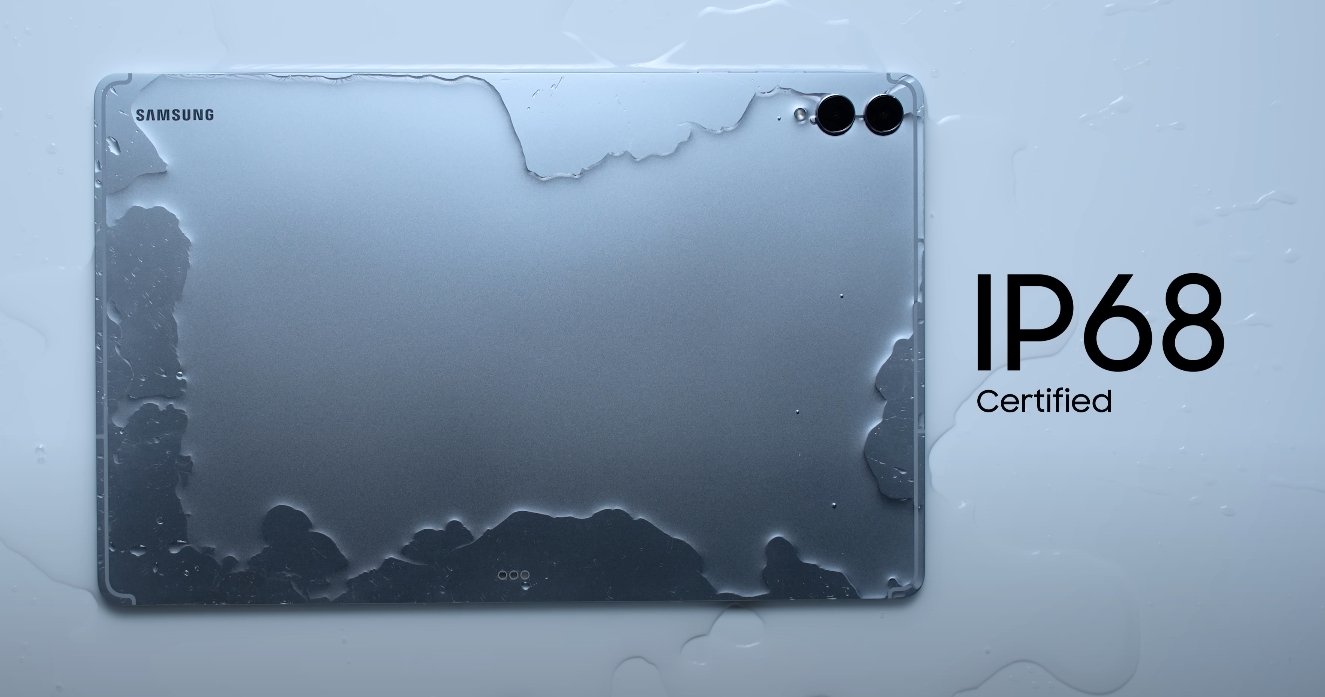
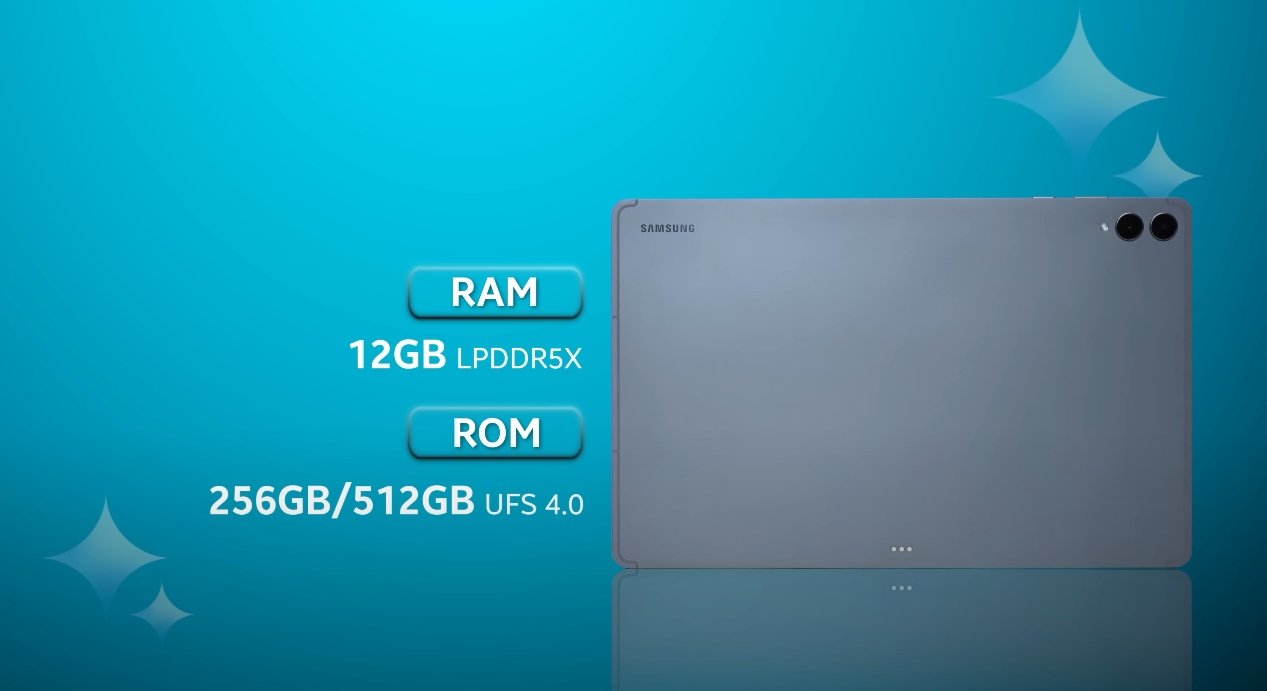
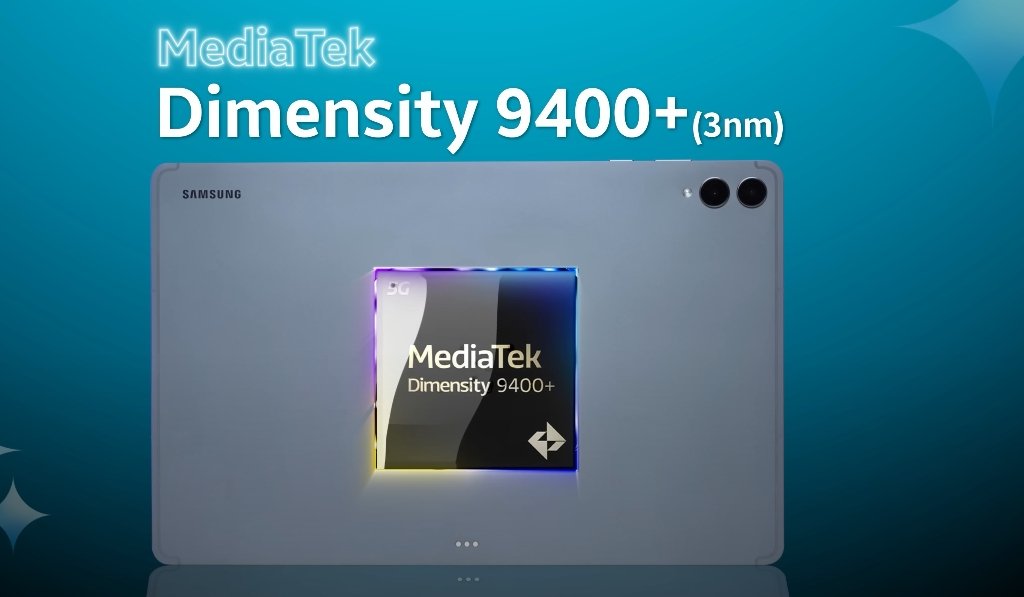
The Galaxy Tab S11 Ultra features a sleek aluminum unibody construction that measures just 5.1mm in thickness and weighs approximately 690 grams. This makes it one of the thinnest and lightest tablets in its class, balancing portability with durability. The tablet is also IP68-certified, providing resistance against dust and water, which adds to its overall longevity and makes it suitable for use in various environments. Its premium finish and sturdy build ensure that it feels solid in the hand while maintaining a modern aesthetic.
In contrast, the iPad Pro, available in 11-inch and 13-inch models, also uses a high-quality aluminum body. The 13-inch variant matches the Tab S11 Ultra in thickness at 5.1mm but weighs slightly less, enhancing portability. Apple emphasizes minimalism and precision in its design, with rounded edges and smooth surfaces that contribute to its sophisticated appearance. Unlike the Samsung tablet, the iPad Pro does not carry an official water resistance rating, which may influence user preferences in outdoor or high-risk environments.
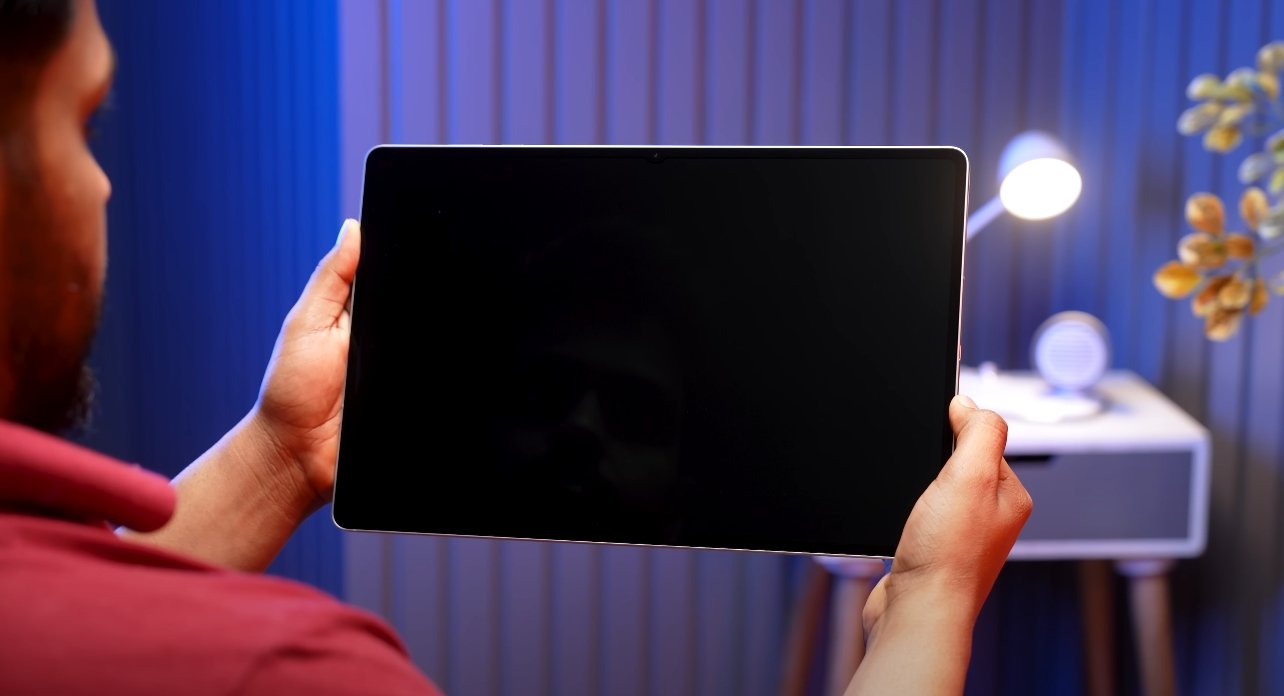
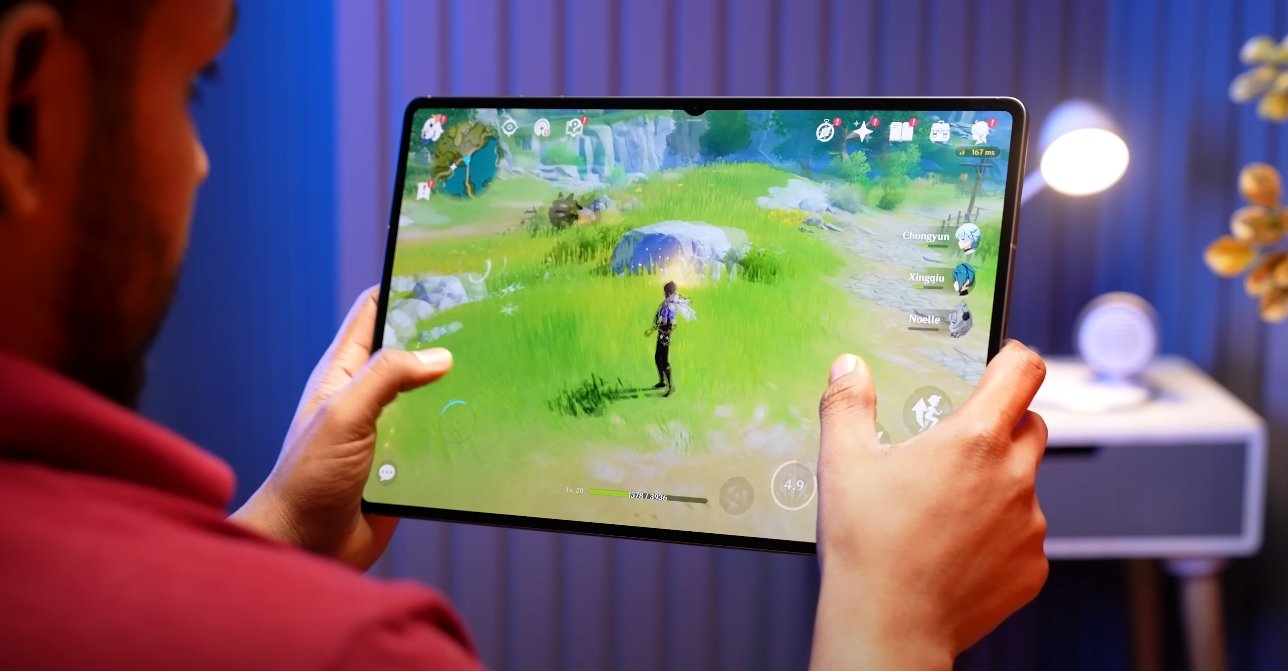
The display is a major differentiator between these two devices. The Galaxy Tab S11 Ultra comes with a 14.6-inch Dynamic AMOLED 2X display with a 2960 x 1848 resolution and a 120Hz refresh rate. Experts and users praise the tablet for its vibrant colors, deep contrasts, and smooth visual performance. The large screen size enhances productivity, creative work, and media consumption, offering a more immersive experience compared to smaller tablets. Samsung has minimized bezels around the display, giving it a modern look and maximizing the usable screen area.
Apple’s iPad Pro features an Ultra Retina XDR OLED display with high brightness and accurate color reproduction. The display is slightly smaller, available in 11-inch and 13-inch sizes, but offers excellent sharpness, HDR performance, and touch responsiveness. The uniform bezels and centrally placed front-facing camera maintain a clean, balanced look, which complements Apple’s minimalist design language. While the iPad Pro’s screen is smaller than the Tab S11 Ultra’s, it is highly portable and convenient for professional work, especially when paired with the Apple Pencil for creative tasks.
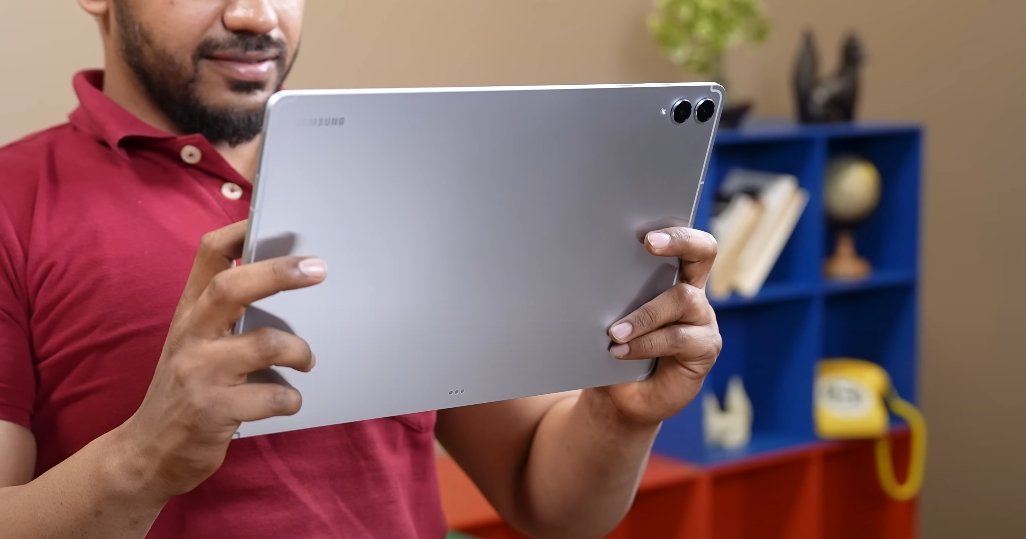
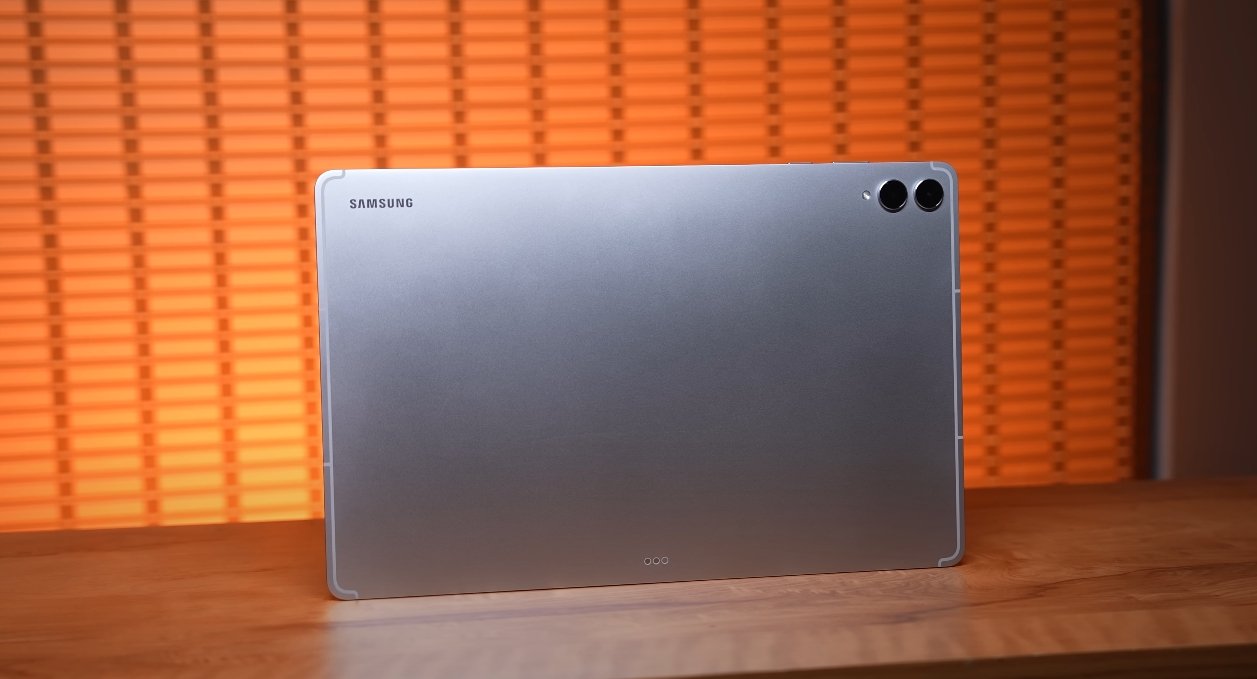
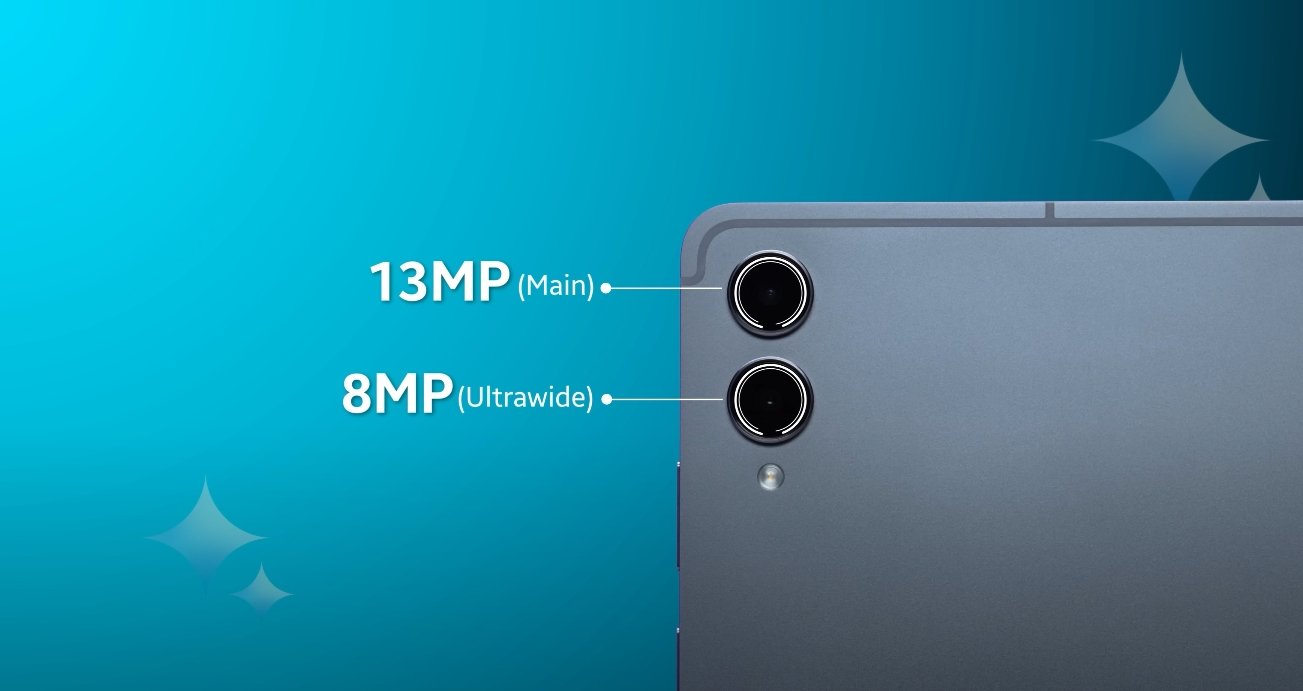
Camera placement and rear design also highlight differences. The Galaxy Tab S11 Ultra has a dual-camera setup aligned vertically, creating a neat and unobtrusive look on the rear. The rear camera design integrates seamlessly with the aluminum body, maintaining a flat profile that preserves the tablet’s sleek appearance. The iPad Pro also features a vertically aligned dual-camera system along with a LiDAR scanner, which enhances augmented reality experiences. Apple’s rear design emphasizes symmetry and minimalism, contributing to its signature aesthetic.
Weight and ergonomics further influence usability. The Tab S11 Ultra’s 690-gram weight is manageable but slightly heavier than the iPad Pro, especially the 11-inch model, which is lighter and easier to hold for extended periods. Both tablets are designed to provide a comfortable grip, but the larger Samsung tablet may be more suitable for desk-based productivity and creative work, while the iPad Pro excels in portability for users who need a highly mobile device.
In conclusion, the Samsung Galaxy Tab S11 Ultra and iPad Pro offer premium designs with distinct strengths. The Tab S11 Ultra stands out for its larger display, IP68 certification, and high-end AMOLED screen, making it ideal for users who prioritize immersive visuals and durability. The iPad Pro excels in minimalism, portability, and display brightness, appealing to users who value a compact, elegant device with high performance. Ultimately, choosing between the two comes down to personal preferences regarding screen size, portability, durability, and overall aesthetic appeal. Both tablets deliver a high-quality user experience, reflecting the design priorities of their respective brands while catering to different use cases and environments.
Also Read: Samsung Galaxy Tab S11 Ultra performance under stress test