Disable Xiaomi Ads Quickly and Easily
How to Turn Off Ads on Xiaomi Phones
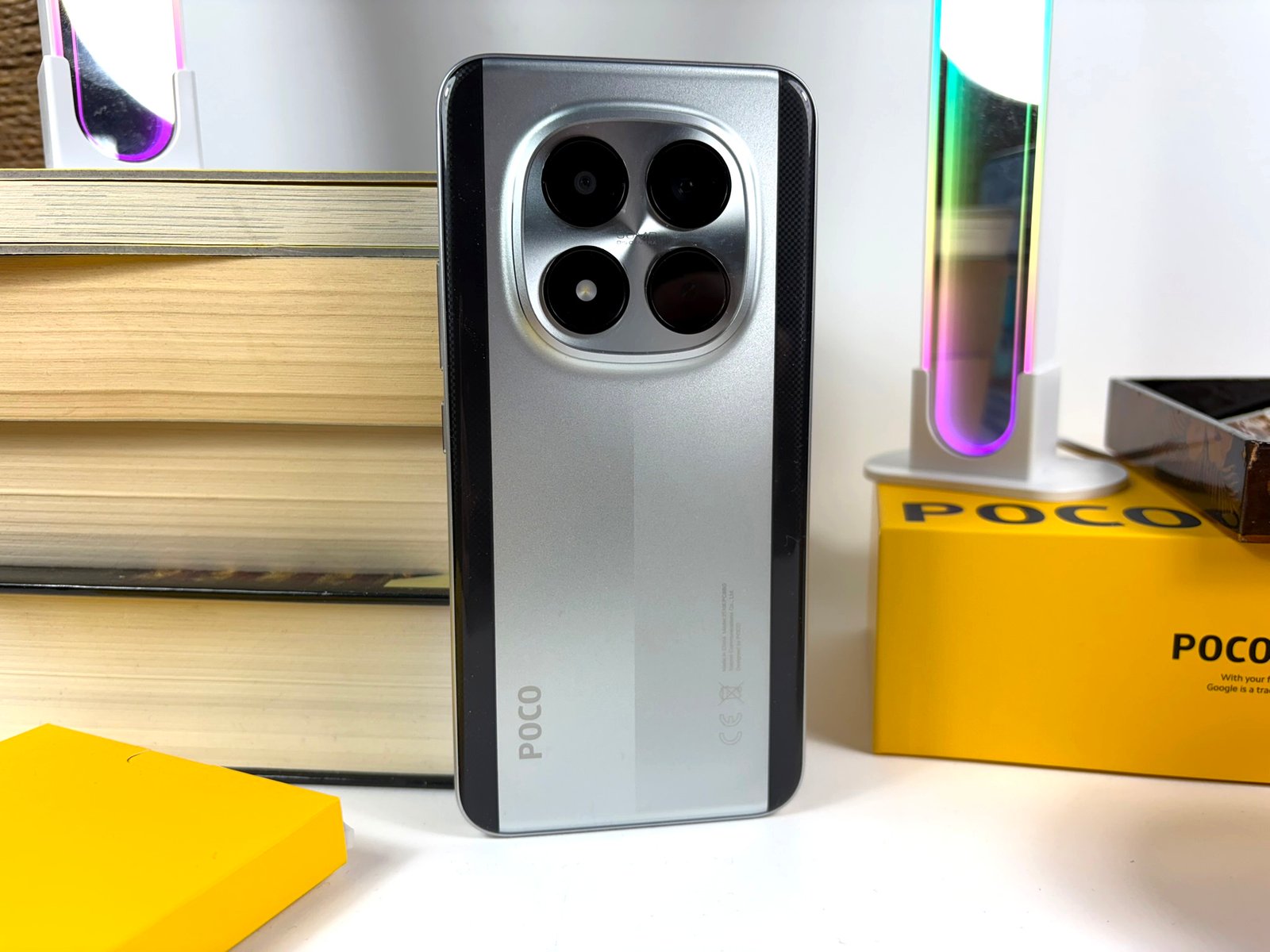
Xiaomi’s HyperOS is known to display ads and collect user behaviour data, which can be a concern for many users. Fortunately, turning off these ads is a straightforward process. We will guide you through the steps to disable ads on your Xiaomi device, using the Poco M8 Pro 5G as an example.
The first step is to access the Settings menu on your Xiaomi phone. From there, you can navigate to the Privacy section, where you will find the option to disable personalised ads. This will prevent Xiaomi from collecting your data and displaying targeted ads.
Another way to reduce ads on your Xiaomi phone is to disable the GetApps service, which is responsible for displaying ads in the phone’s interface. You can do this by going to the Settings menu, then selecting the Additional Settings option, and finally toggling off the GetApps switch.
Additionally, you can also disable the Mi Advertisements service, which is used to display ads in various Xiaomi apps. To do this, go to the Settings menu, select the Additional Settings option, and then toggle off the Mi Advertisements switch.
By following these steps, you can easily disable ads on your Xiaomi phone and enjoy a more streamlined user experience. It’s worth noting that disabling ads may affect the functionality of some Xiaomi apps, so you may need to weigh the benefits and drawbacks before making any changes.
Xiaomi’s ad policy has been a subject of controversy in recent years, with many users feeling that the company’s data collection practices are intrusive. However, by providing users with the option to disable ads, Xiaomi is giving users more control over their data and experience.
In conclusion, turning off ads on Xiaomi phones is a simple process that can be completed in a few steps. By disabling personalised ads, GetApps, and Mi Advertisements, you can reduce the number of ads displayed on your phone and enjoy a more private experience.
It’s also important to note that Xiaomi is not the only company that collects user data and displays ads. Many other smartphone manufacturers and app developers engage in similar practices, so it’s essential to be aware of your data rights and take steps to protect your privacy.
By being mindful of your data and taking control of your experience, you can enjoy a more secure and private mobile experience. Whether you’re using a Xiaomi phone or another device, it’s crucial to stay informed about data collection practices and take steps to protect your personal information.
Ultimately, the decision to disable ads on your Xiaomi phone is up to you. If you value a more streamlined experience and are concerned about data collection, then disabling ads may be the right choice for you. On the other hand, if you don’t mind seeing ads and are willing to share your data, then you can choose to leave the ads enabled.