macOS Tahoe 26.2: Elevate Your Video Calls with the Revolutionary Edge Light Feature
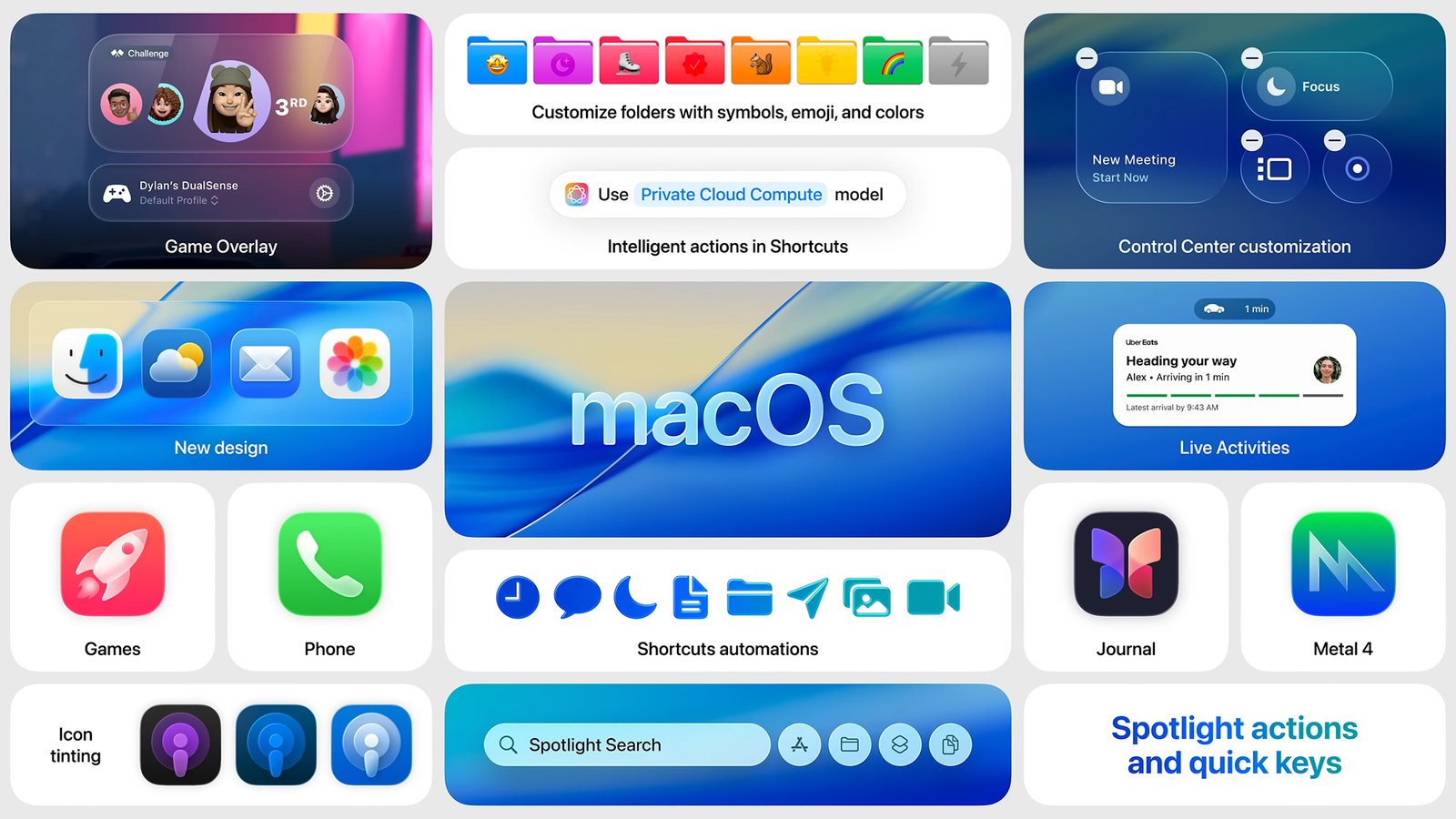
Experience Enhanced Video Calls with macOS Tahoe 26.2 and Edge Light
The highly anticipated macOS Tahoe 26.2 update has officially landed, bringing with it a suite of refinements and performance enhancements designed to elevate your computing experience. This latest iteration continues Apple’s commitment to innovation, delivering a more stable, secure, and intuitive operating system for Mac users across the globe. From under-the-hood optimisations to user-facing features, Tahoe 26.2 promises a smoother workflow and enhanced productivity.
Among the myriad improvements, one particular feature stands out as a game-changer for anyone frequently engaged in virtual communication: Edge Light. This ingenious new addition is set to revolutionise how you appear on video calls, providing a subtle yet powerful lighting solution directly from your Mac. It addresses a common challenge in the age of remote work, ensuring you always look your best, regardless of your ambient lighting conditions.
It is important to note that the Edge Light feature is exclusively available to users with an Apple Silicon Mac. This powerful integration leverages the advanced capabilities of Apple’s custom-designed chips, including the Neural Engine, to process and apply real-time lighting adjustments. This targeted approach ensures optimal performance and a seamless user experience, making the most of your cutting-edge hardware.
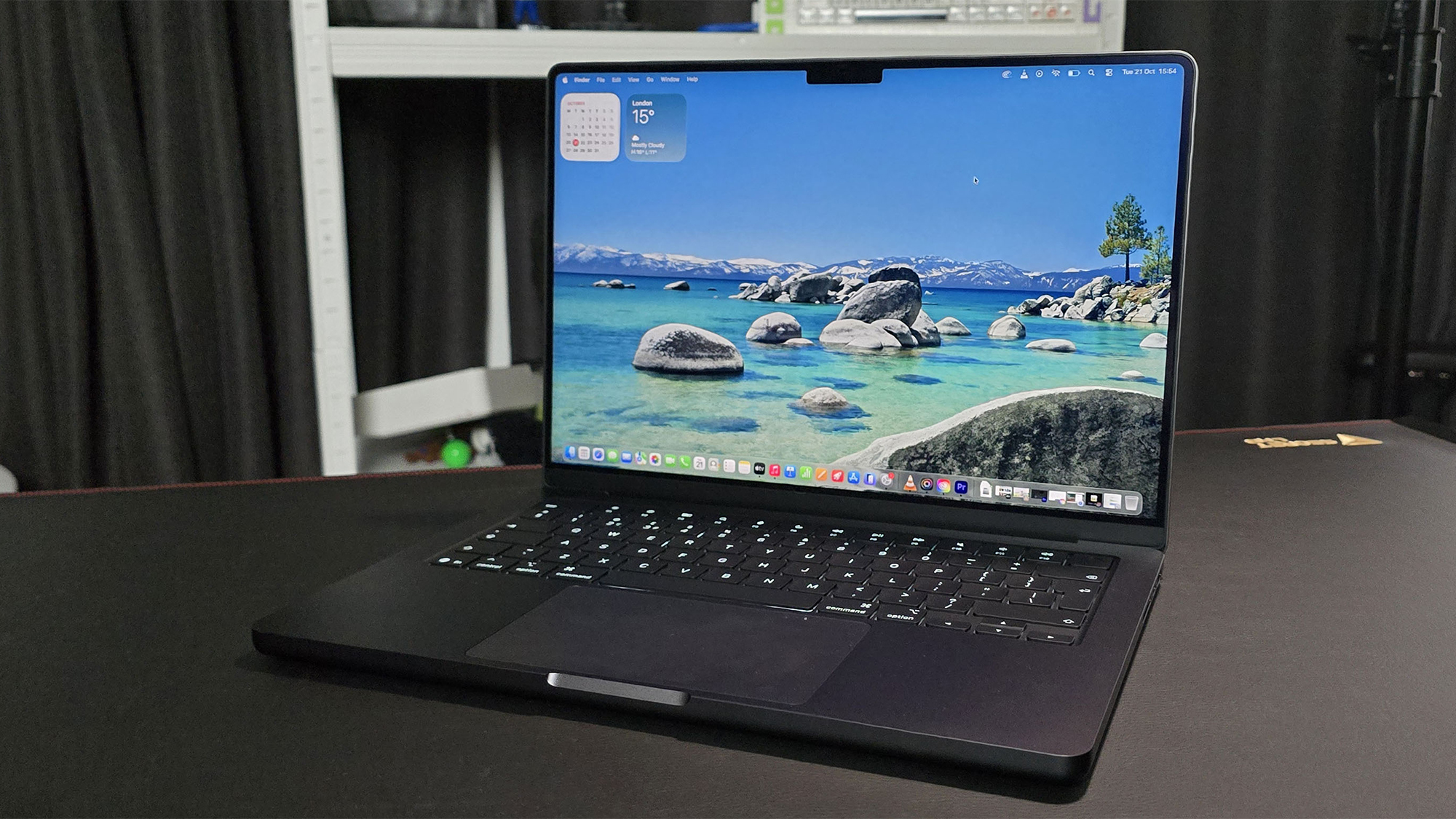
So, what exactly does Edge Light do? In essence, it intelligently detects your face during video calls and projects a soft, even illumination from the edges of your screen. This subtle glow helps to brighten your face, reduce harsh shadows, and create a more professional and engaging appearance. It’s akin to having a virtual ring light, but without the need for additional hardware or complex setups.
For professionals, maintaining a polished image during online meetings is paramount. Edge Light ensures that you always present yourself in the best possible light, fostering a sense of confidence and credibility. Whether you’re presenting to clients, collaborating with colleagues, or participating in a job interview, this feature helps you make a strong, positive impression every time. It’s a vital tool in today’s digital-first business environment.
Many of us have struggled with less-than-ideal lighting during video calls, from dimly lit rooms to harsh backlighting that leaves us silhouetted. Edge Light elegantly solves these common dilemmas by dynamically adjusting to your environment. It’s designed to counteract unflattering shadows and inconsistent lighting, ensuring a consistent and flattering illumination that highlights your features effectively.
The technical elegance behind Edge Light lies in its deep integration within macOS Tahoe 26.2 and its synergy with Apple Silicon. The system analyses your surroundings and applies sophisticated algorithms to determine the optimal light intensity and colour temperature. This real-time processing happens seamlessly in the background, without any noticeable impact on your Mac’s performance or battery life, making it truly remarkable.
In an era where remote and hybrid work models are increasingly prevalent, the quality of virtual communication has never been more critical. Edge Light empowers users to participate in video calls from virtually anywhere, confident that their lighting is taken care of. This flexibility reduces the need for elaborate home office setups, making professional video conferencing more accessible to everyone with a compatible Mac.
Beyond professional settings, Edge Light also enhances personal video calls with friends and family. It creates a more inviting and natural visual experience, making conversations feel more intimate and engaging. No longer will you be squinting to see a loved one’s face or struggling with distracting shadows; instead, you can focus entirely on the conversation at hand, fostering stronger connections.
Activating Edge Light is designed to be straightforward, likely found within your Mac’s System Settings under the Displays or Camera preferences, or perhaps integrated directly into compatible video conferencing applications. Apple’s commitment to intuitive user interfaces means that enabling this feature will be a simple toggle, allowing you to quickly benefit from its advantages without any complex configurations.
Whilst Edge Light is undoubtedly a headline feature, it’s important to remember that macOS Tahoe 26.2 delivers a host of other significant improvements. These often include enhanced security protocols, optimisations for battery longevity, and refinements to core applications, all contributing to a more robust and responsive operating system. The update ensures your Mac remains at the forefront of technology.
Upgrading to macOS Tahoe 26.2 is highly recommended for all compatible Mac users, especially those with Apple Silicon devices eager to leverage Edge Light. Not only will you gain access to this innovative lighting solution, but you will also benefit from the cumulative enhancements that make your Mac experience faster, safer, and more enjoyable. It’s an essential update for modern computing.
In conclusion, macOS Tahoe 26.2, with its groundbreaking Edge Light feature, marks a significant step forward for video communication on Apple Silicon Macs. It is a testament to Apple’s continuous pursuit of user-centric innovation, ensuring that every virtual interaction is clear, professional, and perfectly lit. Update your Mac today and experience the difference for yourself.
Also Read: AI Chatbots: Woven into the Fabric of UK Life, Microsoft Study Reveals