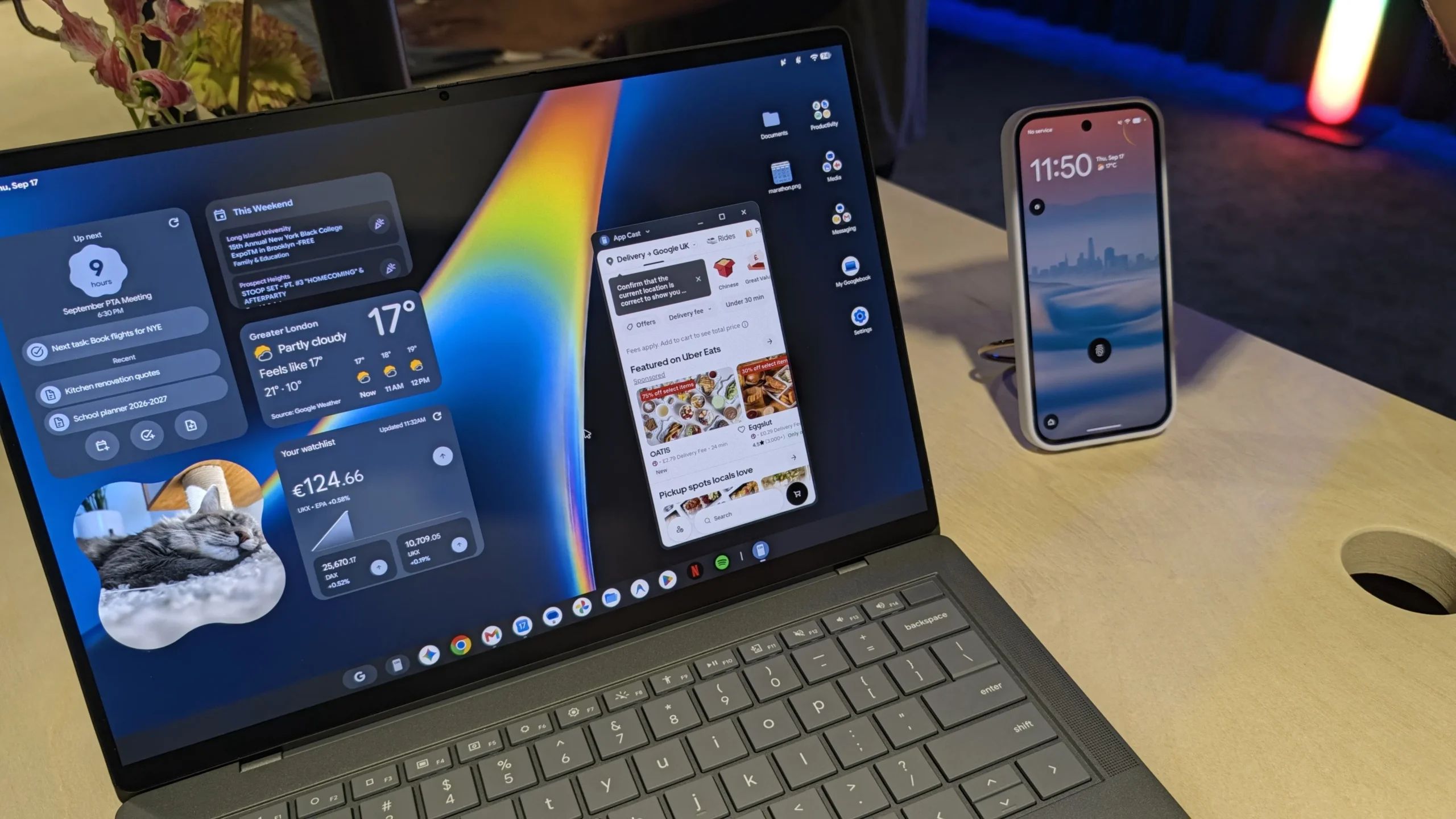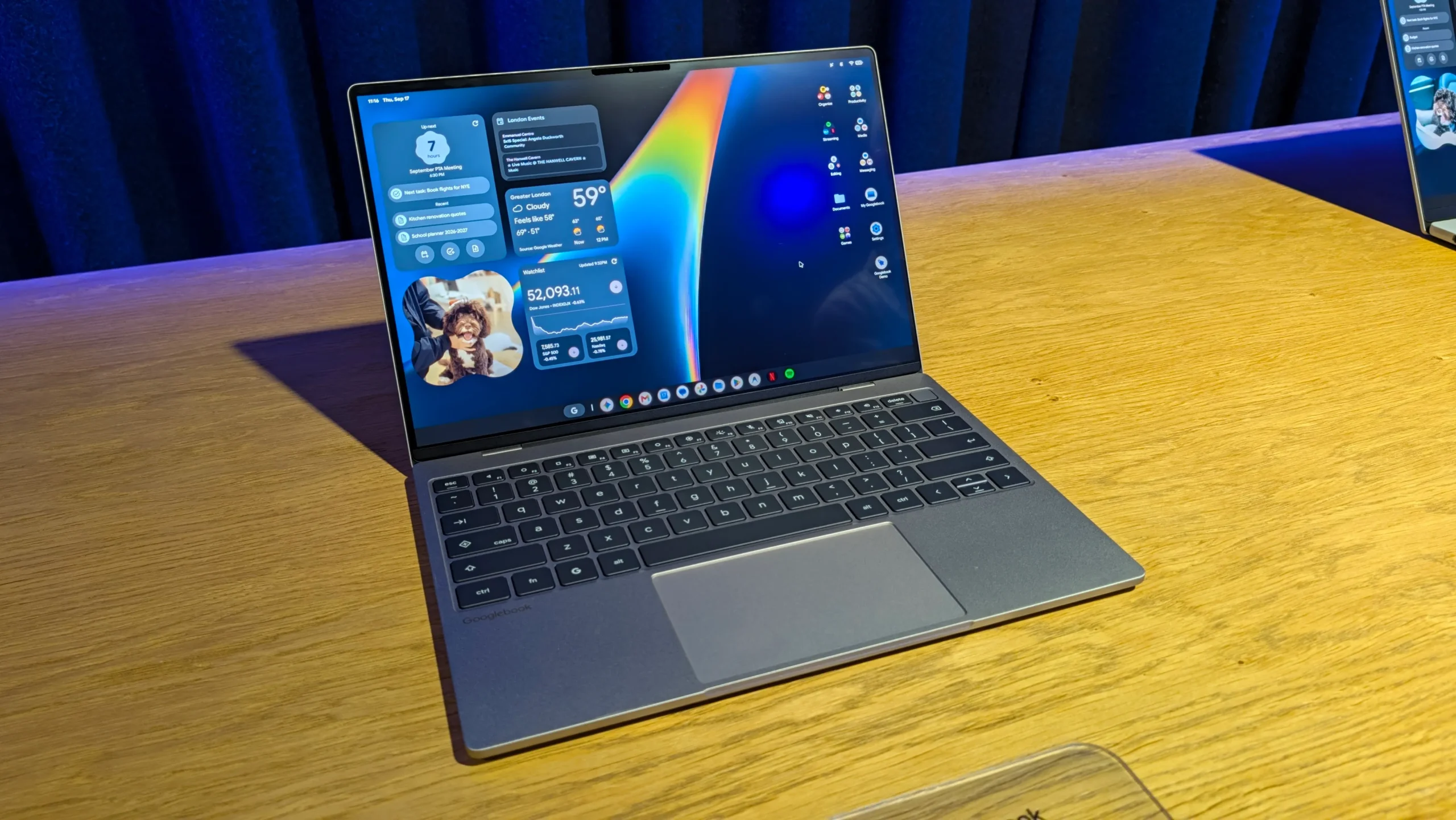
What is a Googlebook?
Googlebook is the new name for the line of laptops that run the Googlebook OS, a desktop version of Android 17 built for larger screens. The system keeps the familiar Android look while adding a cursor‑friendly interface, letting users move seamlessly between a phone such as the Samsung Galaxy S25 and a laptop like the Acer Chromebook Spin 714. It feels like Android grew up and moved onto a full‑size keyboard and trackpad.
1. Continue On – pick up where you left off
The feature works like Apple Handoff but is called Continue On. Start drafting an email on a Google Pixel 8 Pro, then open the same app on a HP Spectre x360 and find your work exactly where you stopped. Developers can choose whether the app appears in a phone‑style window or a full‑screen desktop program, giving flexibility for both productivity and gaming. The transition is instant, with the same account and open tabs appearing on the laptop.
2. Files app gets smarter
The revamped Files app lives in the left sidebar of every Googlebook. As soon as you snap a photo on your Samsung Galaxy S25 or download an attachment on your iPad Air M2, the file appears instantly on the laptop without cables or Bluetooth pairing. An AI‑powered search scans the content of documents, images and PDFs, so typing flight itinerary pulls up the exact file even if the name is generic. The sidebar also shows cloud storage from Google Drive and Dropbox side by side.
3. Cast My Apps – run phone apps on the laptop
Cast My Apps streams the full list of Android apps from your phone to the Googlebook. You can launch Instagram, Spotify or the Messages app directly on a Lenovo Yoga 9i, while the native Phone, Camera and Settings apps stay on the phone for security. During testing, a one‑time security code sent to Messages verified two‑factor authentication without needing the phone in hand, making the workflow feel natural.
4. Unified notifications
Instead of juggling alerts on a Samsung Galaxy S25 and a Windows laptop, Googlebook syncs notifications across devices. Whether it’s a calendar reminder, a chat ping from Apple Watch Series 10, or a system update, you can choose to see everything on the laptop or keep phone‑only alerts separate. The integration eliminates the frequent disconnections that plague Microsoft Phone Link and keeps you focused on the task at hand.
5. Mobile gaming and cloud gaming boost
All Play Store games – more than 20,000 titles – run natively on Googlebooks. Testing Asphalt Legends with an Xbox controller on an Asus ZenBook Flip delivered smoother graphics than expected, and the touch‑screen mode works well for casual titles. For a console‑like experience, each device includes a free year of Nvidia GeForce Now, letting you stream high‑end PC games on the laptop’s premium hardware without installing anything.
What’s next?
The first wave of Googlebooks from Acer, HP, Asus, Lenovo and others is already available for pre‑order. With deep Android integration, the ecosystem finally feels complete, giving users a true cross‑device workflow from phone to laptop and opening new possibilities for work, creativity and play.