Samsung Galaxy S24 Ultra Issues
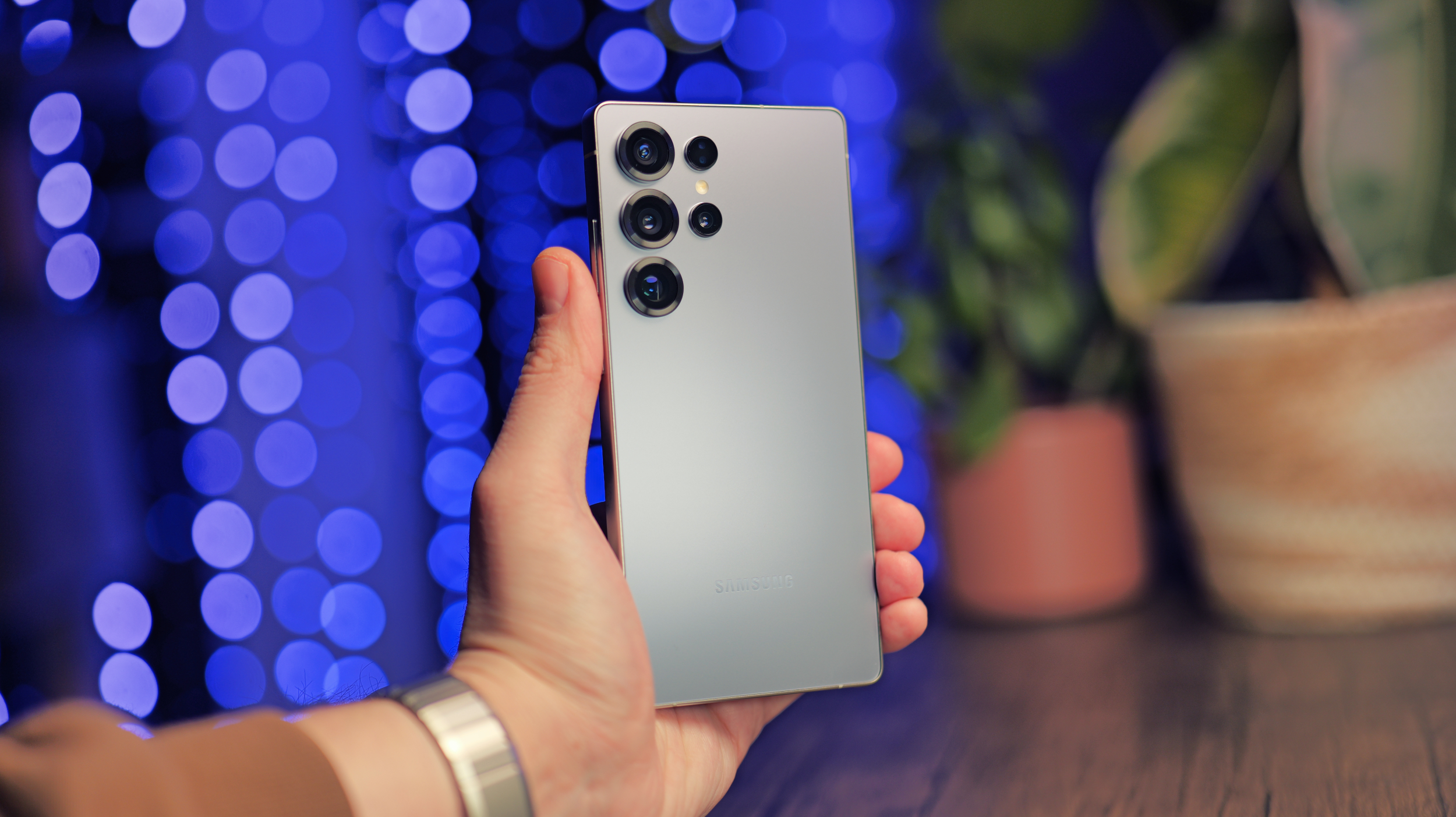
Samsung Galaxy Phone Issues After July Update
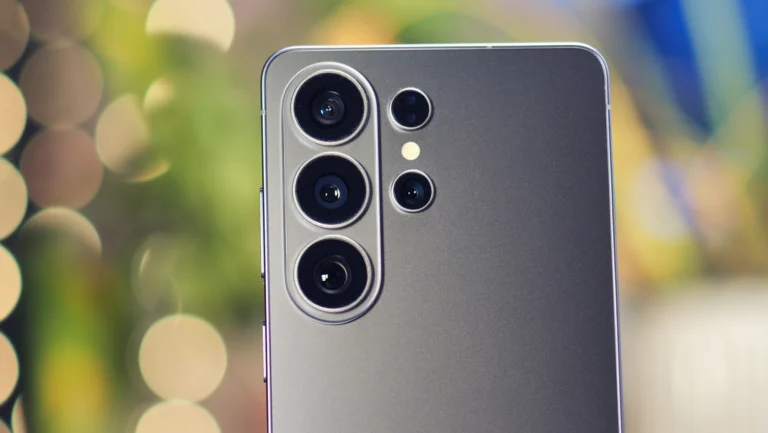
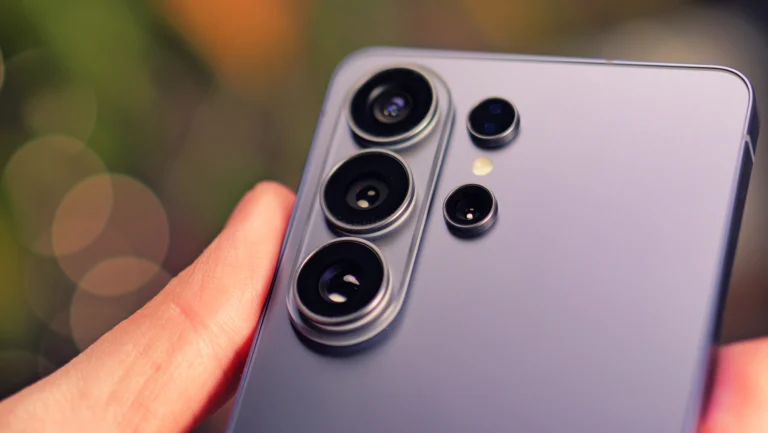
Samsung Galaxy users in the UK are reporting several issues with their devices after the latest security patch was released on 21 July. The problems include rapidly draining batteries, unexpected overheating, and unusually long charging times for models such as the Samsung Galaxy S24 Ultra and Samsung Galaxy S25 Ultra.
It appears that a software bug is preventing affected smartphones from entering sleep mode properly, leading to a full battery charge being lost overnight. Some users have reported that their smartphone was virtually fully charged before they went to bed, only to find the battery level down to just a few per cent by the next morning.
Affected Devices and Cause
The affected devices are all running Samsung’s One UI 8.5 operating system, which has been rolling out since May. The latest security update, which patches several security vulnerabilities, seems to be the cause of the issue. The Samsung Galaxy S24 Ultra and Samsung Galaxy S25 Ultra are the most affected models, but it is not yet known whether other devices may experience similar problems following the installation of the update.
The high energy consumption is not only causing the smartphones to become unusually hot but also poses an additional risk. This can lead to faster battery wear and, in the worst case, present a fire hazard. The performance of the devices is also being affected, making it essential for users to take precautions until a solution is found.
What You Can Do
If the faulty security patch has not yet been installed on your Samsung Galaxy device, it is best to wait until Samsung fixes the bug and updates the patch. This is because it is not clear whether other devices might also be affected by the battery issues.
If your Samsung Galaxy smartphone is already affected, you should handle it with particular care. Instead of charging the device overnight or leaving it on standby, it is better to switch it off completely. Do not expose it to further heat, such as direct sunlight, and do not place it in drawers or under pillows or duvets, so that heat does not build up.
It’s best to inform Samsung Support about the issue, even if it’s already known, so that you can be contacted as soon as a solution has been found. We expect Samsung to release a patch for this in the near future to address the issues with the Samsung Galaxy S24 Ultra and other affected models.