Google Pixel Drop update brings VIPs redesign, scam detection and magical Harry Potter themes
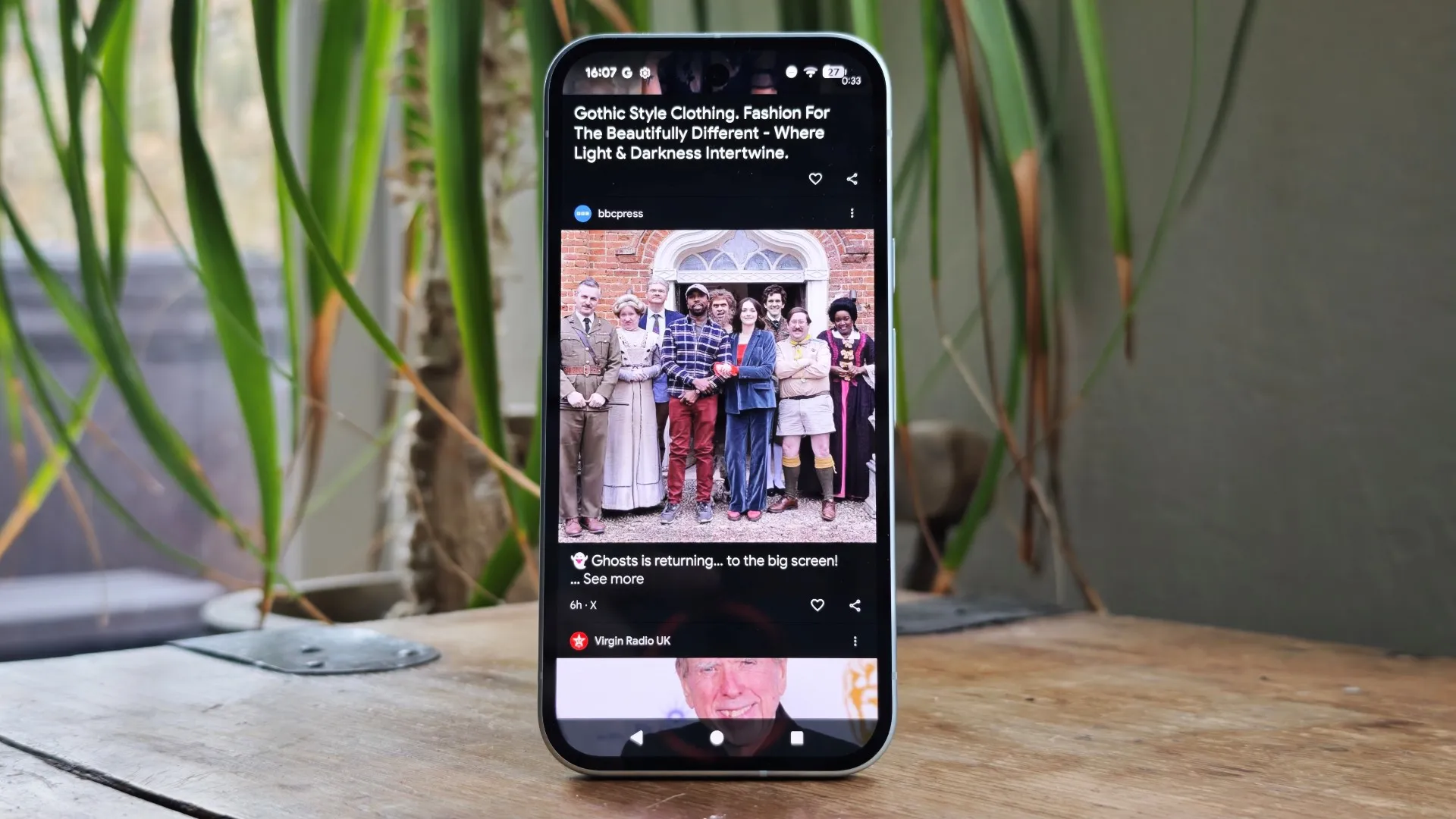
What the September Pixel Drop brings
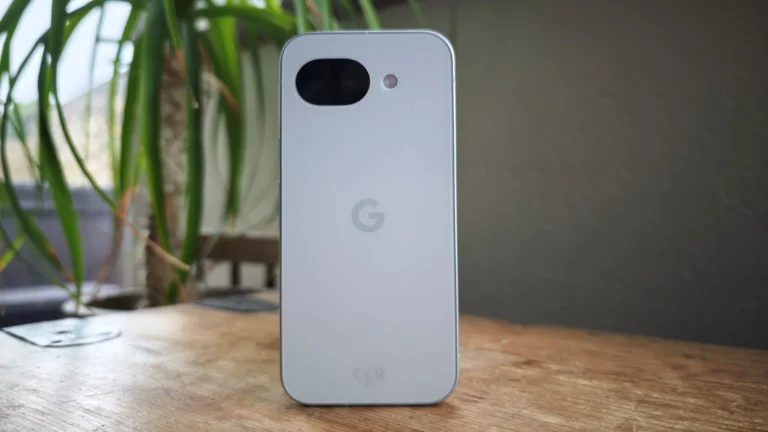
Google has started rolling out the September Pixel Drop to every device that received Android 17, starting with the Pixel 6, Pixel 6 Pro and continuing through the Pixel 11 series. While the Pixel 11 line has dominated recent headlines, older models such as the Pixel 5a and Pixel 4a also receive the same set of enhancements. The update bundles the usual security patches with a handful of new user‑focused features that aim to make everyday interactions smoother.
Redesigned VIPs widget
The VIPs widget, which lets users place favourite contacts on the home screen, gets a visual overhaul. A single tap now initiates a call or message, and a quick swipe cycles through the contacts. Notification badges appear directly inside the widget, giving a clear cue when a contact has an unread message. The redesign removes clutter and makes the widget feel more like a native shortcut.
Scam detection moves beyond notifications
Google expands its scam detection technology, previously limited to US notifications, to nine additional countries including the United Kingdom. The new feature also integrates with Gboard, so when a user replies to a suspected phishing text, a warning banner appears above the keyboard. Tapping the banner opens a detail view with tips on how to stay safe. At present the Gboard integration remains US‑only, but the broader rollout hints at future global coverage.
Pause Point for all recent Pixels
Pause Point, a headline feature of Android 17 that originally launched only on the Pixel 11 series, is now available on all recent Pixel devices. When a user attempts to open a self‑selected distracting app, a pop‑up offers guided breathing, reminders of important photos, alternative app suggestions, session time limits and a prompt to set an intention. After a period of use, the system asks whether the pause is still helpful, encouraging mindful app habits.
Harry Potter themed customisation
To celebrate the launch of Harry Potter: The Full‑Cast Audio Editions on Audible, Google introduces a set of custom themes for Pixel phones. One tap swaps the wallpaper, app icons and system sounds to match the magical world of the audiobooks. The theme works without any additional software and even includes a free two‑month Audible trial for Pixel owners, regardless of whether they are new Audible customers.
Visual refresh and QPR1 priority
Alongside the feature roll‑out, Pixel devices receive priority in the Android 17 QPR1 update. The visual refresh adds translucent and blur effects to volume and power menus, a new animation for opening Quick Settings, and a carousel view for multiple media apps playing simultaneously. Long‑pressing an app icon on the home screen now splits the context menu into shortcuts and key system actions, streamlining multitasking.
How this compares to other flagship devices
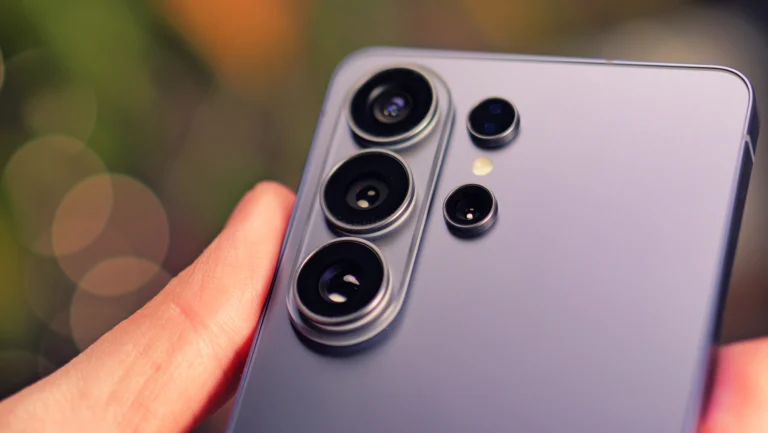
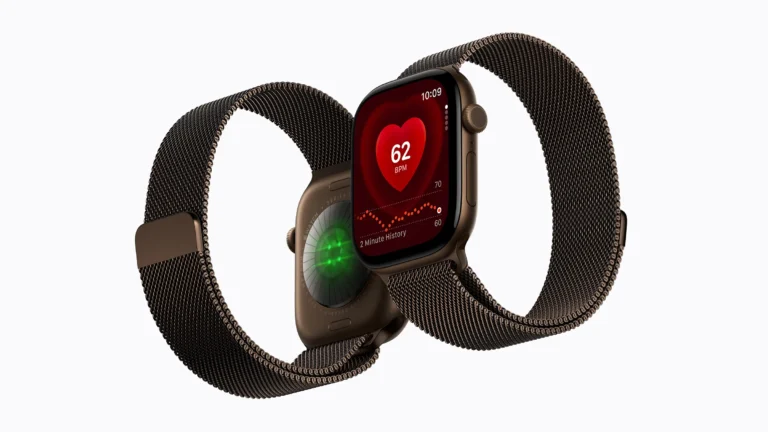
While Google focuses on software polish, competitors such as Samsung Galaxy S25 and Apple Watch Series 10 continue to push hardware innovations. The Galaxy S25, for example, offers an under‑display camera and advanced AI photography modes, whereas the Apple Watch Series 10 introduces a new health sensor suite. Nonetheless, the Pixel Drop demonstrates how software updates can extend the lifespan of devices like the Pixel 6 Pro, keeping them competitive against newer hardware like the iPad Air M2.
Getting the update
Pixel owners can check for the September Pixel Drop in Settings under System > Advanced > System update. The rollout is staggered, so some users may see the update a few days after the initial launch. Once installed, the new features become immediately available, offering a fresh experience without the need to purchase a new handset.