OxygenOS 16 vs Nothing OS 3 which feels smoother

OxygenOS 16 vs Nothing OS 3 which feels smoother

Comparing Smoothness: OxygenOS 16 and Nothing OS 3

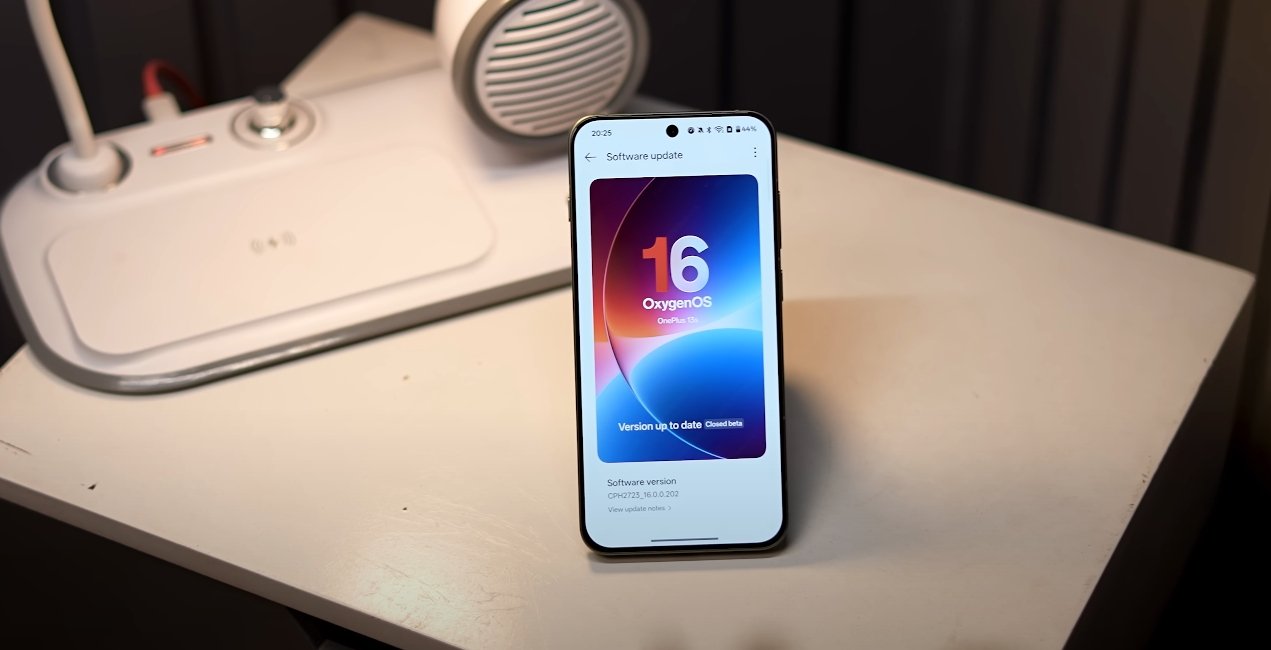
When it comes to the smoothness of user experience, both OxygenOS 16 and Nothing OS 3 offer unique advantages, catering to different types of users. OxygenOS 16 focuses on performance, AI integration, and multitasking, while Nothing OS 3 emphasizes minimalism, simplicity, and consistent responsiveness. Comparing the two provides insight into which operating system feels smoother in daily usage.

OxygenOS 16 has introduced Parallel Processing 2.0, which enhances animation and multitasking performance. This feature allows certain animations and background processes to run simultaneously, reducing delays when switching between apps. As a result, users experience smoother transitions across the interface, whether opening apps, scrolling through content, or navigating system menus. The improvement is particularly noticeable during heavy multitasking, where multiple applications can run without noticeable stutter or slowdown.

The update also includes Flow Motion, which improves animation fluidity throughout the system. Swipes, app launches, and transitions now feel more natural and continuous, contributing to the perception of speed. Coupled with performance optimizations for CPU and memory usage, OxygenOS 16 ensures that the system remains responsive even during extended usage. This makes it ideal for power users who often switch between apps, play games, and stream media simultaneously.
OxygenOS 16 vs Nothing OS 3 which feels smoother

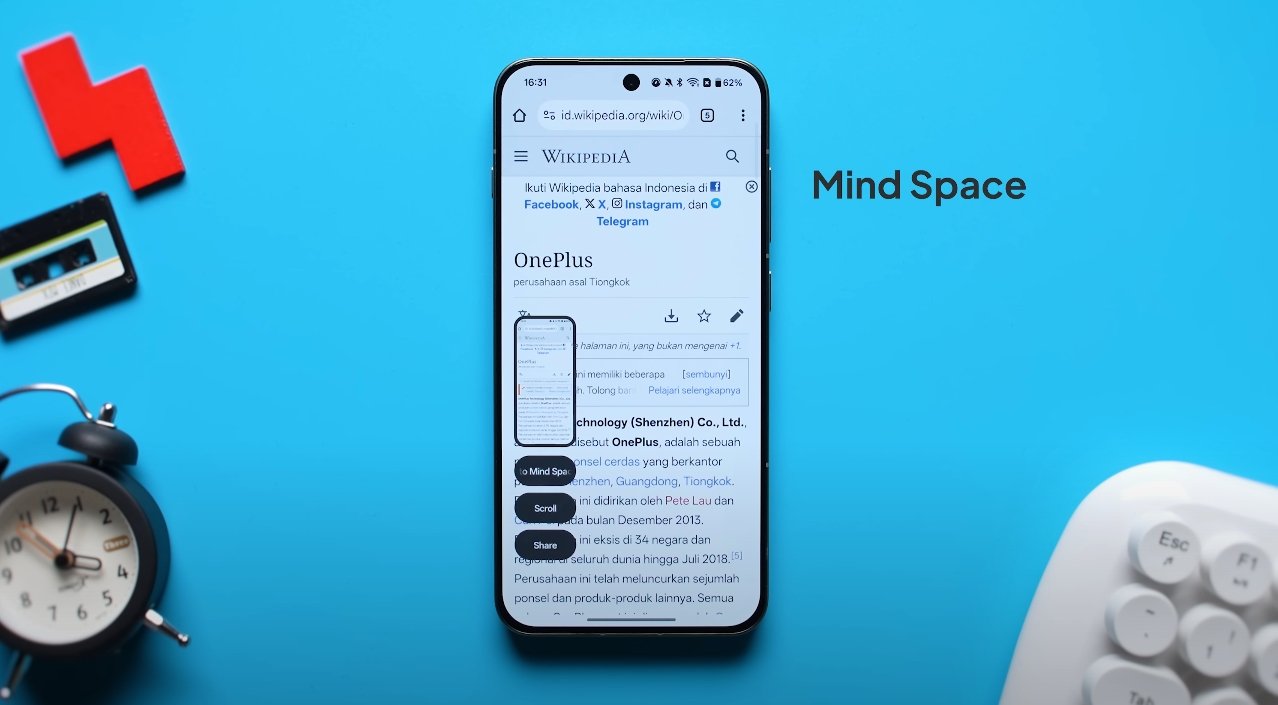
OnePlus has also integrated AI features that contribute indirectly to smoothness by predicting user needs and preloading content. Features like Mind Space, powered by Google’s Gemini AI, automatically organizes screenshots, notes, and voice memos. The AI can also provide quick suggestions, summaries, and reminders, reducing the steps a user needs to take manually. This proactive assistance makes interactions feel faster and more intuitive, giving a sense of a responsive, “smart” interface.

In contrast, Nothing OS 3 is designed with minimalism and simplicity in mind. The operating system prioritizes a clean, clutter-free interface with fewer visual distractions. By keeping the UI light and focusing on core functionalities, Nothing OS 3 offers a consistently smooth experience. Users benefit from fluid app transitions, rapid touch response, and minimal lag during navigation. The simplicity of Nothing OS 3 reduces the processing overhead, which contributes to its perceived speed and reliability.

While Nothing OS 3 does not have extensive AI features or multitasking enhancements, it excels in consistent responsiveness. Animations and interactions feel effortless because the system does not attempt to perform complex background tasks or load multiple predictive features. This makes it ideal for users who prefer a lightweight and straightforward environment where performance is predictable and steady.

When it comes to multitasking, OxygenOS 16 offers more flexibility. Users can open multiple apps simultaneously in split-screen or floating windows, resize floating windows, and run up to five apps at once on supported devices. These improvements make multitasking not only more functional but also smoother, as system optimizations ensure that switching between apps or resizing windows does not introduce lag. Nothing OS 3, while smooth, does not offer the same level of multitasking customization, focusing instead on simplicity and ease of use.

Visual experience also affects perceived smoothness. OxygenOS 16 incorporates subtle visual effects, semi-transparent panels, and fluid transitions, creating a modern and immersive feel. These effects are optimized to maintain performance without causing stutter. Nothing OS 3, by contrast, uses a minimalist approach with clean layouts and straightforward animations. While it lacks advanced visual flourishes, this simplicity contributes to the perception of smoothness because there are fewer processes competing for system resources.

Battery and performance management are critical factors in sustained smoothness. OxygenOS 16 includes intelligent resource allocation, ensuring that heavy usage, like gaming or media streaming, does not slow down the system. Background apps are managed efficiently, maintaining smooth operation even after hours of use. Nothing OS 3, due to its lightweight design, naturally consumes fewer resources and maintains consistent responsiveness throughout prolonged sessions, making it reliable for everyday use.

In conclusion, the choice between OxygenOS 16 and Nothing OS 3 depends on user priorities. OxygenOS 16 feels smoother for users who want a feature-rich environment with advanced AI, multitasking capabilities, and visually immersive interactions. It is particularly suitable for power users who demand high performance across multiple simultaneous tasks. On the other hand, Nothing OS 3 delivers smoothness through simplicity, offering a lightweight, clutter-free experience that is reliable and consistently responsive, ideal for users who prefer a minimalistic interface. Both operating systems provide excellent fluidity, but the perception of smoothness varies based on usage patterns, device type, and personal preference.

Overall, OxygenOS 16 and Nothing OS 3 each represent a different philosophy of smoothness: one through advanced features and intelligent optimizations, the other through simplicity and efficient design. Users seeking a balance between performance, multitasking, and modern UI may favor OxygenOS 16, while those prioritizing straightforward, uninterrupted responsiveness may find Nothing OS 3 to be the smoother choice.

Also Read:  Oppo Find X8 Ultra vs OnePlus 12 design comparison
OxygenOS 16 multitasking and floating window updates

OxygenOS 16 multitasking and floating window updates

OnePlus Elevates Productivity With OxygenOS 16 Multitasking

OnePlus has introduced major improvements to multitasking and floating window functionality with OxygenOS 16, aiming to make everyday smartphone use faster, more efficient, and more flexible. The new update focuses on zero-lag performance, smoother animations, and a more intuitive interface for handling multiple applications simultaneously. These enhancements are especially valuable for users who rely on their devices for work, content creation, or entertainment.

A key feature of OxygenOS 16 is Zero-Lag Multitasking. OnePlus has optimized system performance so that users can run several apps at once without experiencing noticeable slowdowns. For example, you can watch videos, browse social media, and reply to messages simultaneously, all while maintaining smooth performance. The update allows heavy workloads, such as gaming or video editing, to run alongside background apps without stutter, ensuring that multitasking does not compromise device responsiveness.

Floating windows have also received significant attention. Users can now open multiple floating windows that are fully resizable and movable, providing more control over the layout. This makes it possible to keep one app in view while actively using another, allowing tasks such as responding to messages, taking notes, or referencing content without leaving the main screen. The floating window system is designed to be non-intrusive, so windows can overlap or minimize easily, keeping the interface clean and user-friendly.

OxygenOS 16 multitasking and floating window updates

Flow Motion and Parallel Processing are two core improvements that enhance multitasking performance. Flow Motion ensures that all transitions—swipes, app openings, and closings—feel fluid and natural, while Parallel Processing manages system resources efficiently across multiple apps. These optimizations reduce animation lag, speed up app switching, and allow simultaneous background processes to run smoothly, even under heavy load. The result is a more seamless and responsive experience compared to previous versions of OxygenOS.

Larger devices, such as the OnePlus Pad 3, benefit even more from these updates. On tablets, users can run up to five apps simultaneously in combinations of split-screen and floating windows. The home screen layout has been redesigned to support multiple docked apps, dynamic widgets, and easy navigation between active windows. This “Open Canvas” approach allows users to organize their workflow efficiently, making tablets more practical for productivity tasks and creative work.

OxygenOS 16 also introduces improved gesture controls and window management. Floating windows can now be resized with simple swipes or pinches and repositioned anywhere on the screen. Apps can be snapped to specific corners, minimized into small icons, or expanded back into full-screen mode quickly. This flexibility ensures that users can customize their multitasking environment to suit individual preferences and maintain context across tasks.

Performance and stability have been further optimized to support long sessions of multitasking. Whether users are streaming video, playing games, editing documents, or managing multiple apps, OxygenOS 16 ensures that CPU and memory allocation is efficient. Background tasks are prioritized intelligently, reducing the likelihood of app crashes or slowdowns. Thermal management improvements also prevent overheating during extended usage, maintaining device longevity and user comfort.

Overall, OxygenOS 16’s multitasking and floating window updates make the system significantly more productive and versatile. Users can handle multiple tasks simultaneously, maintain context between apps, and enjoy a smooth, responsive experience across all compatible devices. For smartphones and tablets alike, these enhancements elevate the overall usability of OnePlus devices, making OxygenOS 16 a robust platform for work, study, and entertainment.

By focusing on fluidity, control, and intelligent resource management, OnePlus has made multitasking in OxygenOS 16 not just faster but smarter. Users benefit from a flexible environment that adapts to their needs, whether for casual use, professional work, or creative projects. The update underscores OnePlus’s commitment to blending performance, design, and productivity in a single, seamless experience.

Also Read:  Oppo Find X8 Ultra vs Pixel 8 Pro performance test

OxygenOS 16 release date confirmed for global markets

OxygenOS 16 release date confirmed for global markets

OnePlus Confirms Global Launch of OxygenOS 16 on October 16, 2025

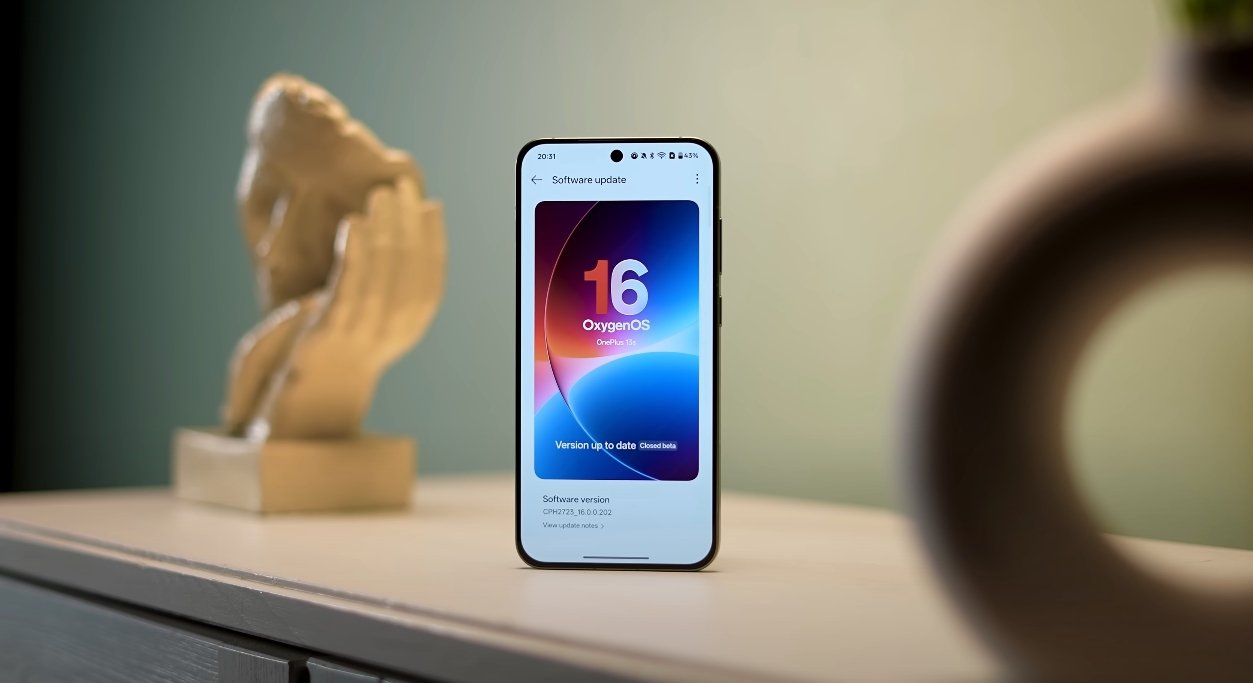
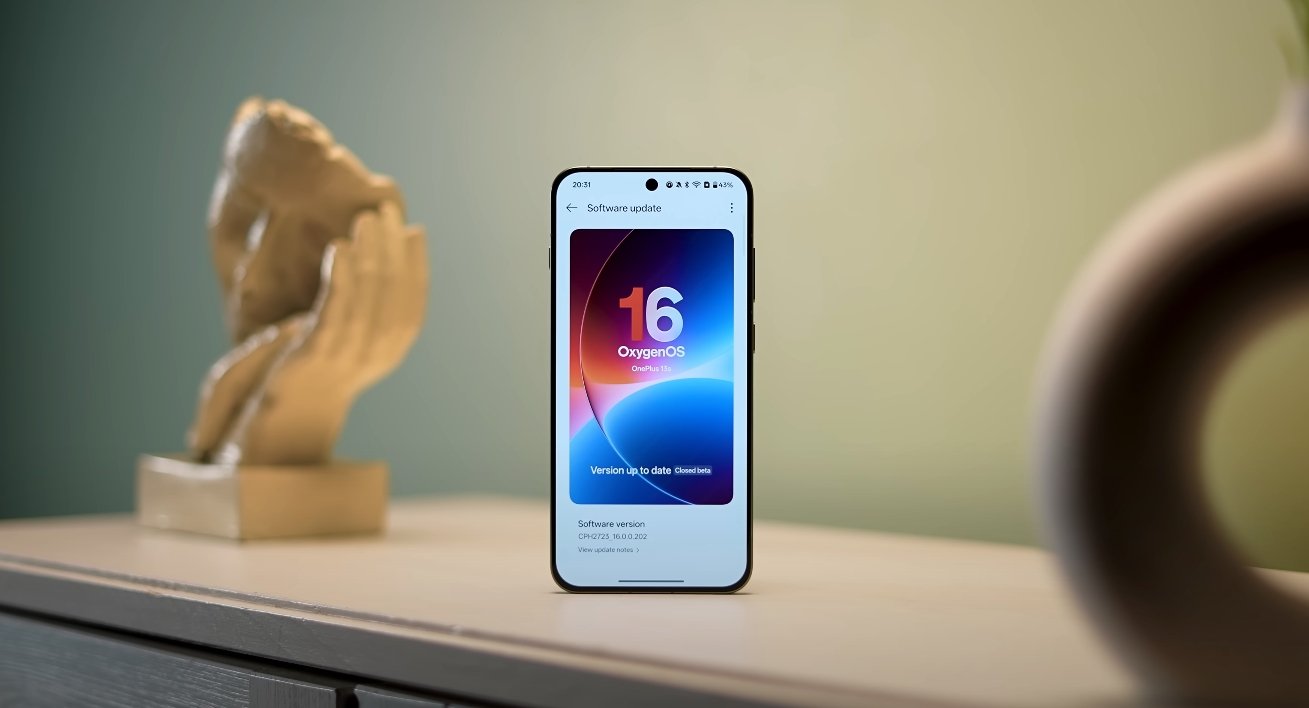
OnePlus has officially confirmed that OxygenOS 16, its next-generation operating system based on Android 16, will launch globally on October 16, 2025. The announcement puts an end to weeks of speculation surrounding its release timeline and confirms that the software will roll out simultaneously in major markets, including the United States, Europe, and India. The new version promises to deliver enhanced performance, a redesigned user interface, and deep integration with artificial intelligence, marking one of the most significant updates in OnePlus history.

According to OnePlus, OxygenOS 16 will make its debut on the upcoming OnePlus 15 series, which will ship with the new software preinstalled. Other eligible devices will receive the update through a staged over-the-air rollout starting shortly after the official release date. The company plans to prioritize its flagship and recent premium devices before expanding to older models in the following weeks. This gradual release approach is meant to ensure stability and compatibility across regions and carriers, minimizing the risk of bugs during the initial rollout.

The highlight of OxygenOS 16 is its integration with Google’s Gemini AI, which brings a new level of intelligence and personalization to the OnePlus experience. Users can look forward to features like Mind Space, a hub where notes, screenshots, and voice memos are automatically organized with AI assistance. Gemini also powers new tools such as AI Writer for text generation, AI Scan for document management, and real-time transcription in the Recorder app. OnePlus describes these features as “contextually aware,” meaning they adapt based on user habits to deliver faster, more accurate results without unnecessary prompts.

OxygenOS 16 release date confirmed for global markets

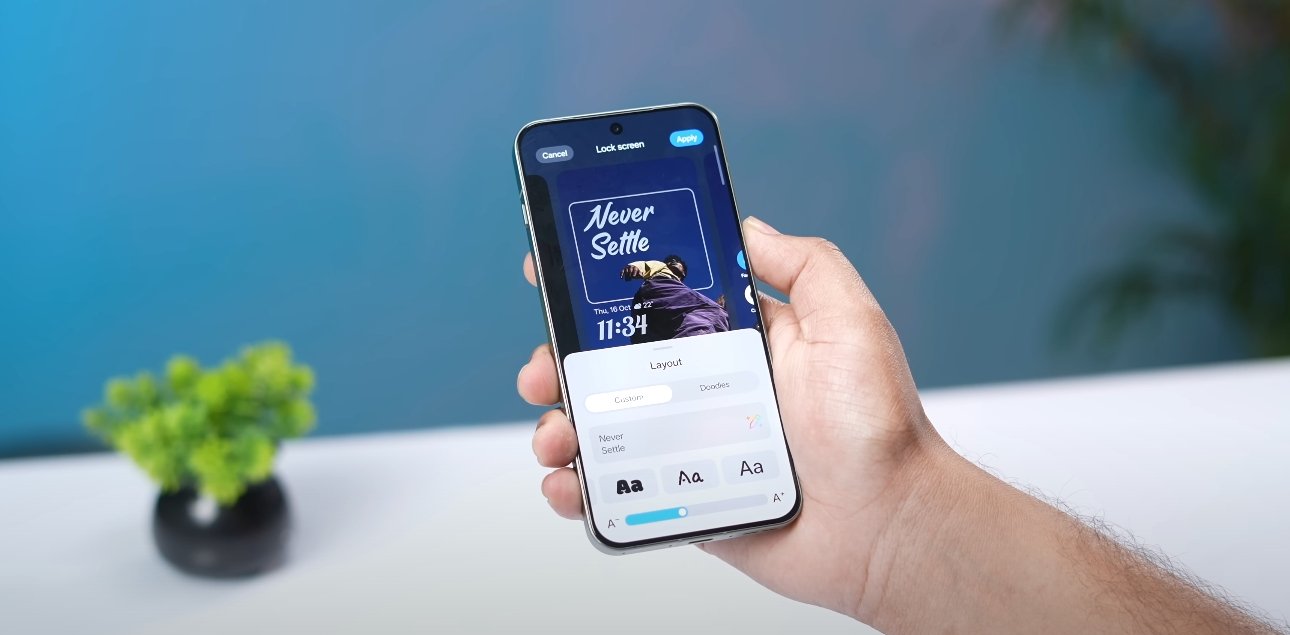
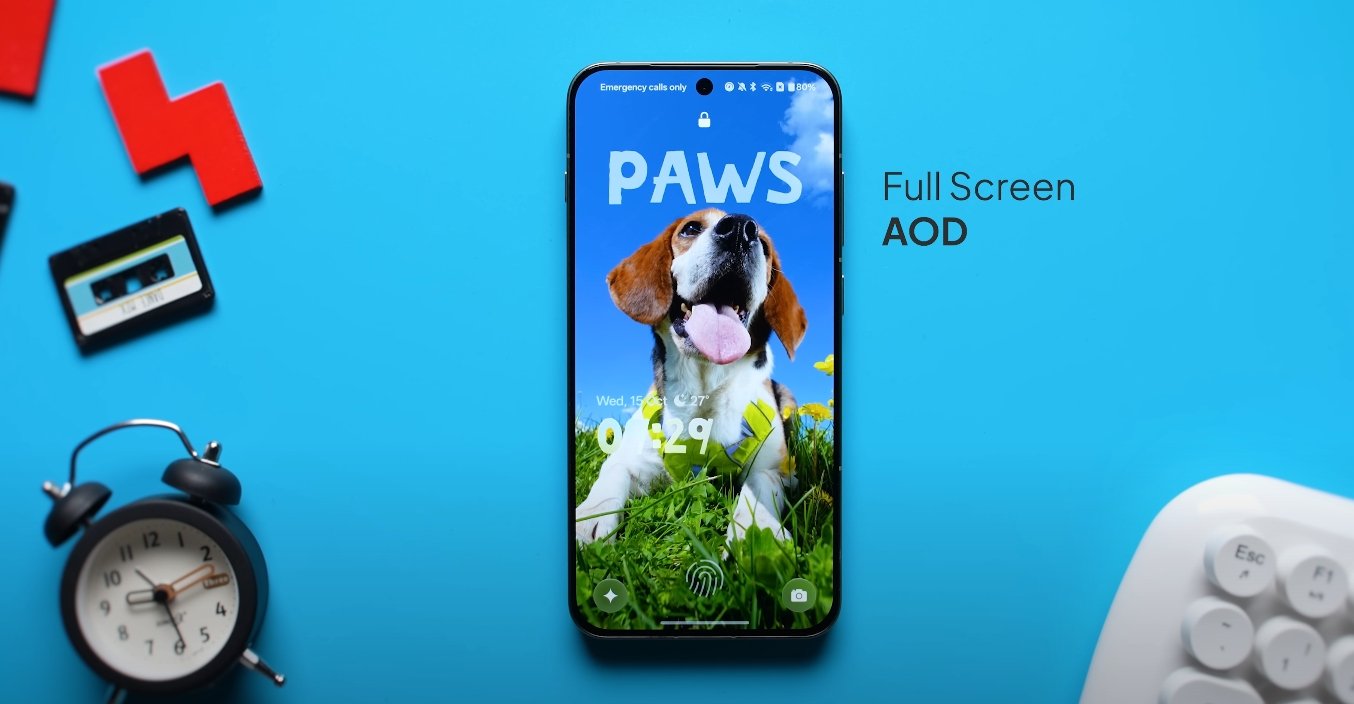
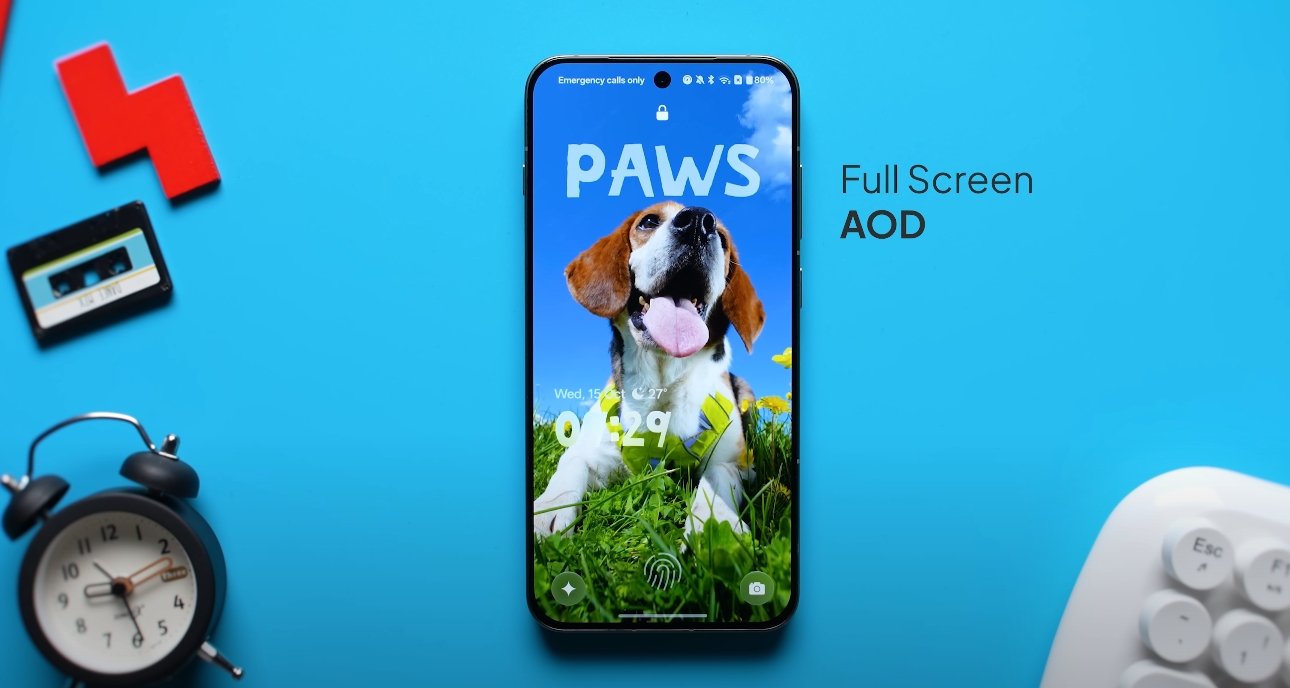
Visually, OxygenOS 16 introduces a refreshed design philosophy called “Liquid Glass.” This aesthetic emphasizes transparency, soft shadows, and fluid transitions throughout the interface. Menus and widgets appear semi-translucent, icons have been redesigned with smoother curves, and the lock screen now offers more customization options, including dynamic clock styles and interactive wallpapers. The goal, according to OnePlus, is to create a sense of depth and motion that feels both modern and natural, while maintaining the speed and simplicity the brand is known for.

Performance and efficiency have also been major areas of focus in OxygenOS 16. The update brings a new “Zero-Lag Multitasking” system that allows users to run multiple apps simultaneously in split-screen or floating window modes without stutter or slowdown. The new “Flow Motion Engine” improves animation speed and responsiveness across the entire system. OnePlus claims users will experience smoother transitions, faster app loading, and better memory optimization during extended use. Additionally, background power management has been refined to extend battery life while maintaining consistent performance during heavy gaming or media streaming sessions.

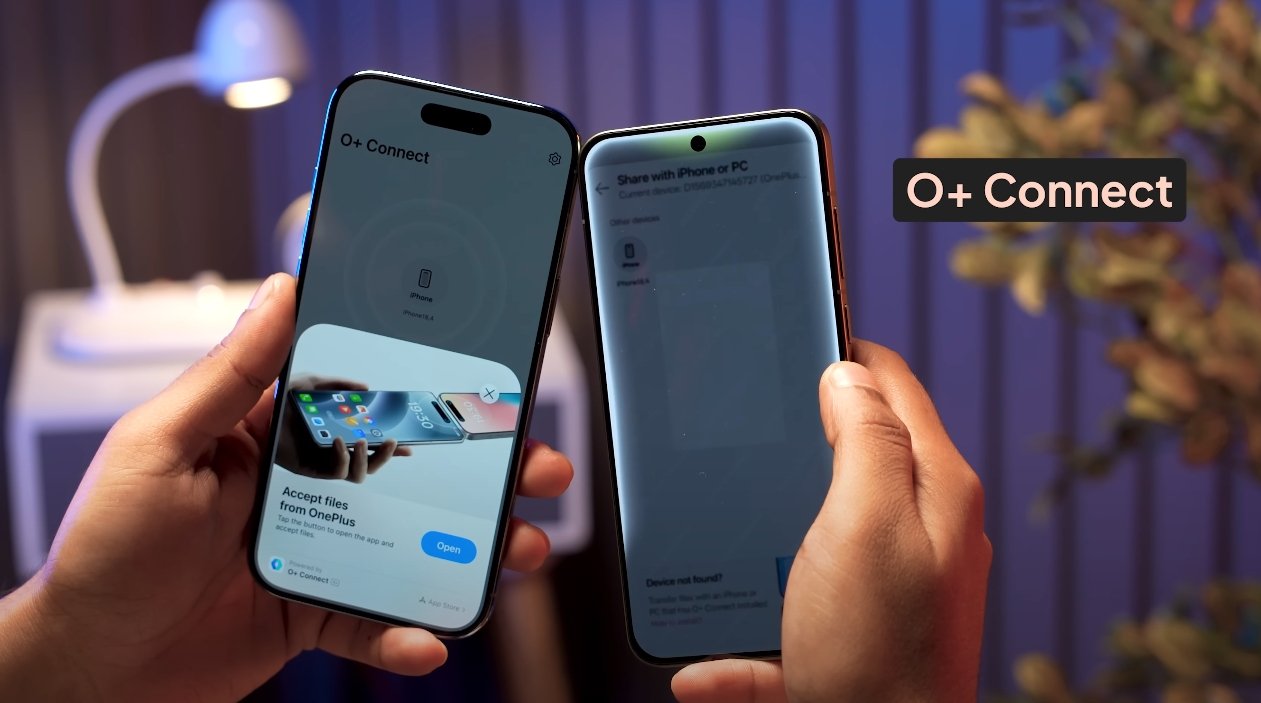
Connectivity is another area where OxygenOS 16 makes meaningful strides. The system now supports drag-and-drop file sharing between OnePlus devices, PCs, and Macs, along with better cross-device syncing. Notifications, messages, and calls can be mirrored across platforms, allowing users to manage their ecosystem more easily. For the first time, OnePlus has introduced compatibility with certain Apple products, enabling users to sync basic notifications from iPhones and Apple Watches. This broader ecosystem integration is part of the company’s strategy to make OxygenOS 16 more versatile and user-friendly across all device types.

Security and privacy enhancements are also a key part of this release. A new privacy dashboard offers detailed insight into how apps access data, location, and permissions. Users can revoke access instantly or set time-based limits. Gemini AI functions locally whenever possible, meaning most data processing happens directly on the device rather than in the cloud. OnePlus emphasizes that user data remains protected through encryption and that AI features are fully transparent and customizable.

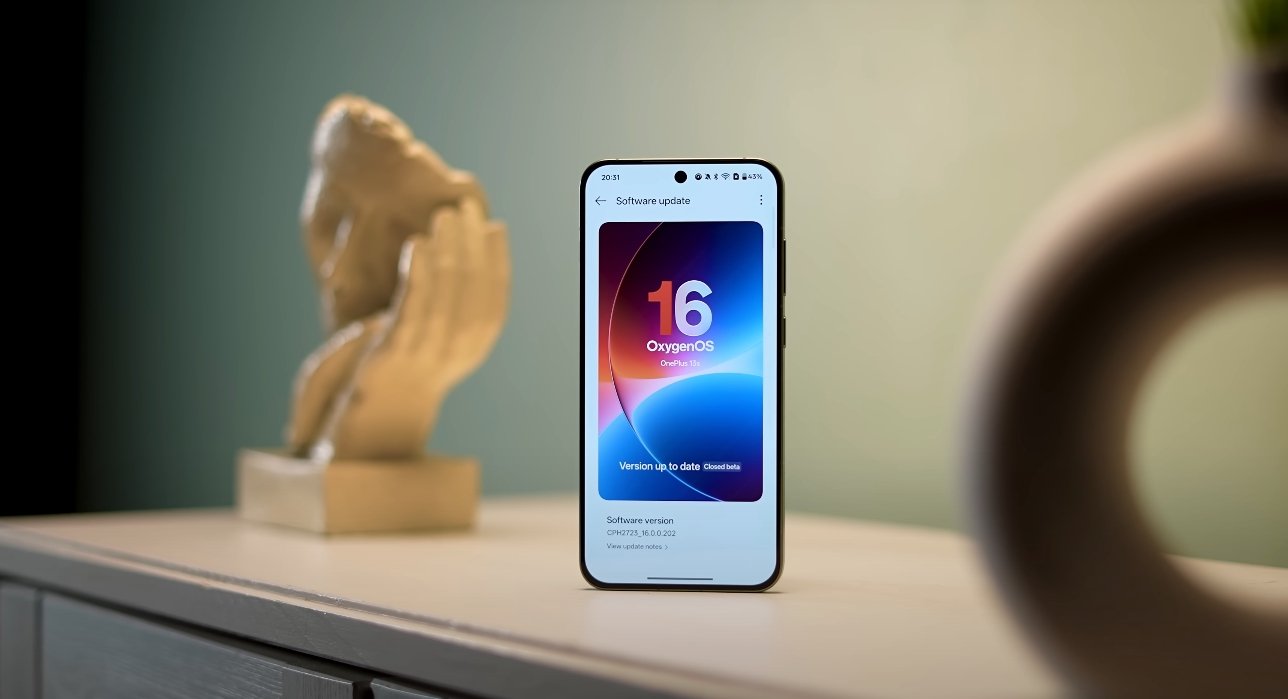
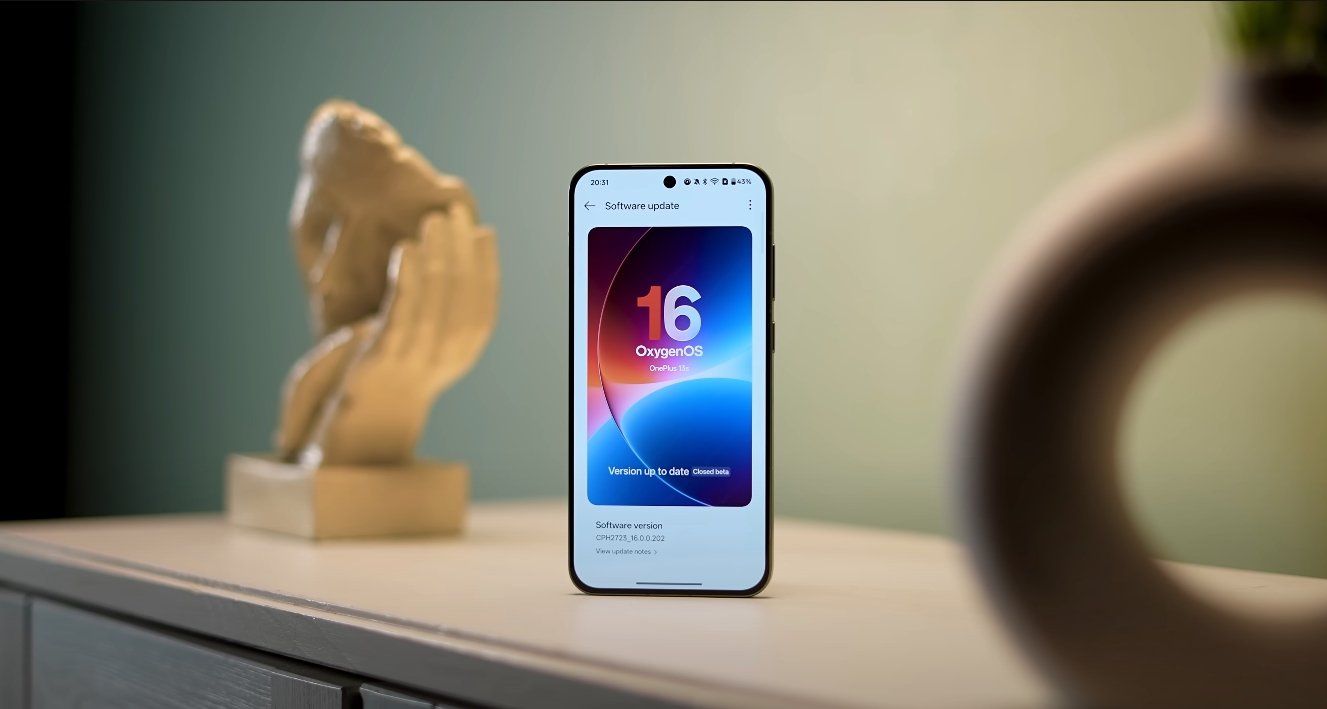
To give users early access, OnePlus has opened a global open beta program for OxygenOS 16. Selected users of the OnePlus 13, 13R, 13S, and OnePlus Open can already test the beta version before the stable build arrives. The company encourages feedback to fine-tune the experience ahead of the full rollout. The final stable version will be available globally after the October 16 launch event, with regional updates following throughout November and December 2025.

With OxygenOS 16, OnePlus aims to redefine its software identity through a balance of intelligence, design, and performance. The update not only evolves the visual experience but also pushes the boundaries of mobile AI integration. For OnePlus users worldwide, October 16 marks a significant step forward—ushering in a new era of smarter, faster, and more connected devices under the OxygenOS brand.

Also Read:  Oppo Find X8 Ultra vs Galaxy S24 Ultra price gap USA

OxygenOS 16 performance test results surprise users

OxygenOS 16 performance test results surprise users

OxygenOS 16 Delivers Unexpected Speed and Stability Gains

The release of OxygenOS 16 has brought a wave of positive reactions from OnePlus users around the world. Built on Android 16, this update promises to deliver major boosts in performance, efficiency, and overall user experience. Initial performance tests and early real-world feedback have shown results that exceed expectations, surprising even long-time OnePlus fans.

One of the most striking improvements observed during testing is the consistency of performance under heavy workloads. OxygenOS 16 introduces a new performance management engine that dynamically adjusts CPU and GPU resources depending on user activity. In benchmark tests, OnePlus devices running the update demonstrated smoother multitasking and significantly reduced lag during high-intensity gaming or video editing. The “Zero-Lag Multitasking” engine, as OnePlus calls it, has proven effective at maintaining stable frame rates even when multiple background apps are running.

Real-world usage tests reveal that daily operations such as scrolling, app switching, and animations now feel more fluid. The redesigned “Flow Motion” interface makes navigation effortless, with faster response times and more natural transitions. Users have reported that OxygenOS 16 feels lighter and more polished compared to previous versions, especially on older devices like the OnePlus 11 and Nord series. System animations and gesture responses are now optimized to run at higher refresh rates without draining additional battery, striking a balance between performance and efficiency.

OxygenOS 16 performance test results surprise users

Gaming performance has been another area where OxygenOS 16 has exceeded expectations. In multiple tests, devices managed to sustain 120Hz gameplay for extended periods without significant heating or throttling. The new thermal management system intelligently distributes workload across cores, reducing the risk of overheating even during long gaming sessions. Players have noticed smoother graphics rendering, fewer frame drops, and reduced touch latency, giving a competitive edge in fast-paced titles. These enhancements make OxygenOS 16 one of the most gaming-friendly updates ever released by OnePlus.

The update also refines how background apps are managed, ensuring users experience fewer slowdowns. OnePlus has implemented an improved memory allocation system that keeps frequently used apps preloaded for instant access while freezing those that are idle. This system-level optimization not only enhances speed but also reduces power consumption. As a result, users can switch between resource-heavy apps like video editors and social media platforms seamlessly without performance degradation.

Battery efficiency during high-performance scenarios has also shown notable improvement. Despite the increased processing power, OxygenOS 16’s adaptive battery algorithm intelligently adjusts performance levels to minimize unnecessary drain. In endurance tests, devices lasted longer on a single charge compared to OxygenOS 15, even under similar usage conditions. The software also learns user habits over time, optimizing background power usage to maintain balance between speed and longevity. This smart approach ensures that performance doesn’t come at the cost of endurance.

Visual responsiveness and UI smoothness have become defining elements of OxygenOS 16’s success. The refined animations, reworked system menus, and smoother app launch sequences collectively contribute to a more premium feel. In controlled performance reviews, OnePlus devices showed up to a 25% faster app opening speed compared to the previous build. Even heavy tasks like exporting 4K videos or running multiple tabs in Chrome were executed more efficiently, confirming that the underlying performance optimizations are working as intended.

Early users also highlighted the impressive stability of the system. The update has proven to be reliable in both beta and stable versions, with minimal crashes or performance drops reported. OxygenOS 16’s ability to sustain high performance over long periods without overheating or stuttering demonstrates OnePlus’s engineering focus on endurance as much as raw speed. For professionals and gamers alike, this translates to consistent results regardless of workload intensity.

Overall, OxygenOS 16 has delivered results that surprised both testers and users. The combination of a refined interface, advanced performance engine, and adaptive battery optimization sets a new standard for Android-based systems. OnePlus has managed to elevate the speed and smoothness that its brand is known for while ensuring lasting stability and efficiency. For users upgrading to OxygenOS 16, the experience feels not only faster but also smarter, signaling one of the most significant software improvements in OnePlus’s history.

Also Read:  Oppo Find X8 Ultra vs Xiaomi 14 Pro camera clarity

OxygenOS 16 new Mind Space AI tool explained

OxygenOS 16 new Mind Space AI tool explained

OnePlus introduces a smarter way to manage digital well-being

OnePlus has unveiled a new feature called Mind Space with the launch of OxygenOS 16, marking a major step toward integrating AI-driven tools for digital well-being. This intelligent system is designed to help users better understand and manage their screen time, notifications, and overall smartphone habits. Built directly into the operating system, Mind Space offers a personal and adaptive experience that evolves with the user’s daily routines.

At its core, Mind Space uses on-device AI to track how users interact with their phones throughout the day. It analyzes app usage patterns, notification frequency, and time spent on various activities to build a clear picture of digital behavior. Unlike standard digital well-being dashboards, Mind Space goes further by suggesting personalized actions to reduce distractions. It can recommend focus modes, silence certain notifications, or encourage breaks when usage spikes.

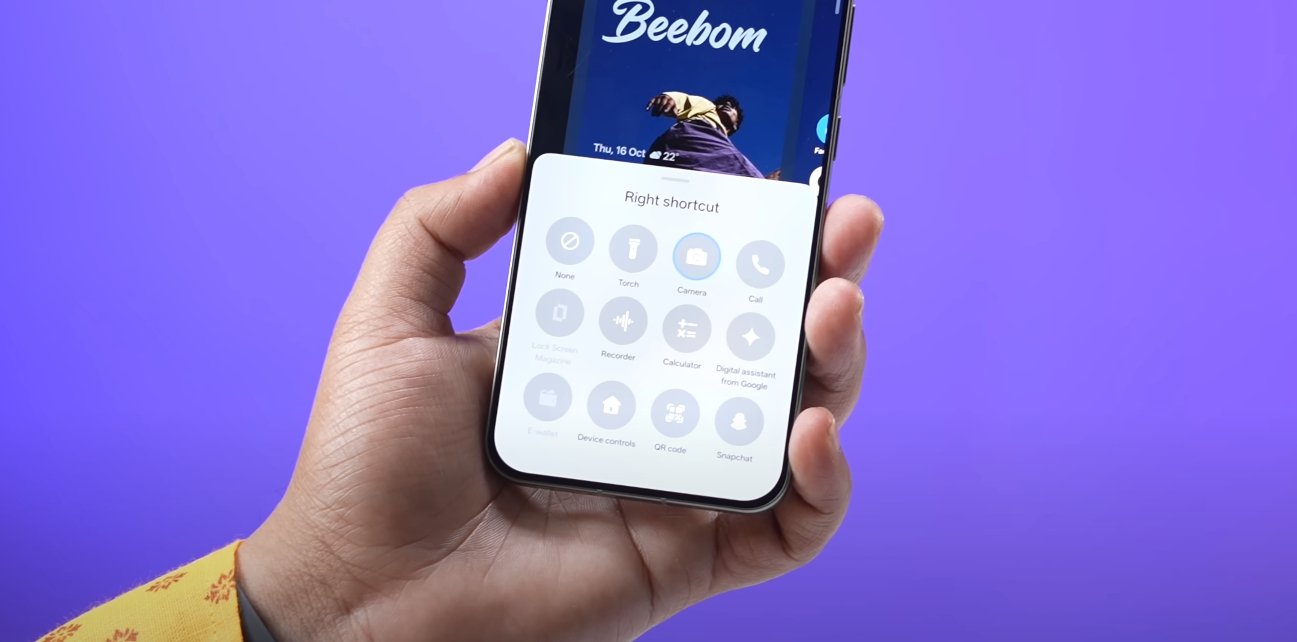
The interface is designed to be clean, minimal, and easy to understand. Users can access their daily or weekly activity summaries, set goals for reducing screen time, and enable focus sessions to block interruptions. OnePlus has also built in real-time feedback features that notify users when they cross preset limits on apps or overall phone use. These tools are meant to help people maintain healthier digital habits without relying on third-party apps.

OxygenOS 16 new Mind Space AI tool explained

Mind Space also integrates with other parts of OxygenOS 16 to create a more cohesive experience. For example, when users enable focus mode, the system can adjust brightness, mute notifications, and limit background activity to minimize distractions. It can also intelligently detect when the user is working, exercising, or resting, and apply preset modes automatically. This automation is powered by on-device AI, ensuring privacy and speed without needing cloud processing.

OnePlus has emphasized that Mind Space is designed to be supportive rather than restrictive. Instead of forcing limits, the feature gently guides users with subtle nudges and insights, allowing them to make better decisions about their digital time. This approach reflects a growing trend in tech where well-being tools are becoming more personalized and intelligent rather than one-size-fits-all.

The company has also focused on making Mind Space highly customizable. Users can set their own goals, choose which apps are monitored more closely, and adjust how often the system delivers reminders. This flexibility ensures that Mind Space adapts to different lifestyles—whether someone wants to minimize distractions during work hours or simply gain a better understanding of their habits.

As OxygenOS 16 rolls out to more devices in the U.S., Mind Space is expected to become a core part of the OnePlus experience. By combining real-time insights, AI-driven recommendations, and seamless system integration, this tool aims to give users more control over how they use their phones. In a world where digital overload is increasingly common, OnePlus is positioning Mind Space as a smarter, more human approach to achieving a balanced digital lifestyle.

OxygenOS 16 UI redesign gives modern and clean look

OxygenOS 16 UI redesign gives modern and clean look

OnePlus unveils refreshed OxygenOS interface for a new era

OnePlus has officially announced a major visual overhaul with OxygenOS 16, introducing a modern, clean, and more cohesive interface for its users. This update focuses on making the system feel lighter, more elegant, and easier to navigate while aligning with the latest Android 16 features. The redesign brings a renewed focus on clarity, simplicity, and fluidity across the entire user interface, enhancing both usability and visual appeal.

One of the most noticeable changes is the refreshed layout across core system apps and settings. OnePlus has restructured elements to create more breathing space, resulting in a less cluttered and more balanced look. Icons now feature a soft, rounded design with subtle gradients, while the overall color palette has been refined to be more neutral and sophisticated. This gives the interface a premium look that fits seamlessly with OnePlus hardware design.

The company has also reimagined how users interact with notifications and quick settings. The notification shade has been redesigned with larger, more accessible tiles, making it easier to adjust brightness, control connectivity, and access frequently used functions. Transitions between menus feel smoother, supported by improved system animations that give the interface a sense of depth and movement. This creates a more fluid and immersive navigation experience.

OxygenOS 16 UI redesign gives modern and clean look

Personalization has been elevated to a new level with this redesign. OxygenOS 16 allows users to fine-tune their themes, accent colors, and widgets more precisely, thanks to better integration with Android’s Material You design system. These customization options let users create a look that reflects their personal style without slowing down the interface. New lock screen and home screen layouts offer a cleaner appearance while keeping key information easily accessible.

Another key improvement is the streamlined settings menu. OnePlus has reorganized settings into clearer categories, making it faster to find specific features without endless scrolling. Fonts and text alignment have also been updated to improve readability and visual balance. These small but impactful changes help reduce visual fatigue and make everyday use more comfortable, especially for users who spend long hours on their devices.

Performance optimizations work hand in hand with the visual redesign. OnePlus has fine-tuned the animation engine and background processing to ensure that the clean look is matched by smooth performance. Gestures, transitions, and app switching all feel more responsive and consistent, even on mid-range models. The company’s goal is to make the experience equally refined across all supported devices, not just its flagship phones.

The OxygenOS 16 redesign represents more than just a cosmetic update—it reflects OnePlus’s broader strategy to offer a premium, polished user experience. By simplifying layouts, modernizing design elements, and refining performance, the company is giving its software a fresh identity that aligns with user expectations in 2025. As the update begins rolling out in the U.S. over the coming months, OnePlus users can expect a cleaner, faster, and more visually appealing interface designed for modern everyday use.

Also Read:  OxygenOS 16 battery optimization and performance review

Pixel 10 Pro Fold App Optimization for Foldable Mode

Pixel 10 Pro Fold App Optimization for Foldable Mode

Optimizing Apps for the Pixel 10 Pro Fold

The Pixel 10 Pro Fold brings foldable smartphones into the mainstream with its large internal display and compact external screen. One of the key advantages of foldable devices is the ability to run apps in multiple modes, adapting seamlessly between folded and unfolded states. Google has focused heavily on optimizing Android for this foldable, ensuring a smooth experience for both native and third-party applications.

When unfolded, the Pixel 10 Pro Fold provides a tablet-like display that allows apps to expand and offer additional functionality. Apps like Gmail, YouTube, and Google Maps take advantage of the wider screen, showing more content, multiple panes, or enhanced navigation controls. For instance, Gmail can display a full list of emails alongside the reading pane, making multitasking easier and more productive. Users report that common tasks, such as replying to messages or editing documents, feel more natural and efficient in foldable mode.

Third-party apps have also been optimized for foldable screens. Social media platforms like Instagram and Twitter display feeds in a more expansive layout, showing larger images and videos without scrolling as frequently. Streaming apps like Netflix and Disney+ scale video content to fill the larger screen, providing a more immersive experience. Early users in the USA note that app developers are gradually releasing updates specifically for foldable devices, further improving usability and reducing interface inconsistencies.

Pixel 10 Pro Fold App Optimization for Foldable Mode

Multi-window support is another significant feature of the Pixel 10 Pro Fold. Users can run two apps simultaneously side by side or in split-screen mode. For example, one can have a video call on Google Meet while referencing a document in Google Docs. The foldable-optimized interface ensures that each app adjusts its layout correctly, avoiding clipping or overlapping content. This enhances productivity and makes the Pixel 10 Pro Fold an appealing choice for professionals and multitaskers.

Google’s software enhancements also include app continuity. When transitioning from the smaller external display to the main internal display, apps seamlessly adjust without restarting. This ensures that users can pick up exactly where they left off, whether reading an article, drafting an email, or playing a game. Continuity is particularly useful for users who frequently switch between folded and unfolded modes during the day.

Certain system-level optimizations have been implemented to make foldable app usage more intuitive. For instance, notifications and quick settings adapt to the screen orientation, and gestures have been refined to accommodate the wider display. Keyboard and input methods scale automatically, providing comfort during typing or editing tasks. Many apps also take advantage of the extended screen real estate for enhanced controls, toolbars, and navigation menus.

However, while the Pixel 10 Pro Fold provides strong app optimization, not all apps are fully adapted yet. Some older or less frequently updated apps may display black bars, stretched interfaces, or misaligned controls in unfolded mode. Google has been actively encouraging developers to adopt foldable-friendly guidelines, and the ecosystem is steadily improving. Users in the USA note that daily-use apps like Gmail, YouTube, and Chrome offer excellent foldable support, making most core activities seamless.

In conclusion, the Pixel 10 Pro Fold offers one of the most refined foldable app experiences currently available. With native apps, third-party apps, multi-window support, and app continuity, the device maximizes the potential of its large internal display. While a few apps still require updates for full compatibility, the majority of essential apps run smoothly in foldable mode. For users seeking enhanced multitasking, productivity, and immersive media experiences, the Pixel 10 Pro Fold delivers a foldable-optimized software experience that is both functional and intuitive.

Pixel 10 Pro Fold Design Weight and Thickness Review

Pixel 10 Pro Fold Design Weight and Thickness Review

Pixel 10 Pro Fold Build Quality and Everyday Feel

The Pixel 10 Pro Fold marks a major step forward for Google in foldable smartphone design. With its improved durability, sleek materials, and refined engineering, this foldable aims to bridge the gap between practicality and innovation. While it stands out for its solid build quality and IP68 protection, the device’s weight and thickness have also become key discussion points among early users in the USA.

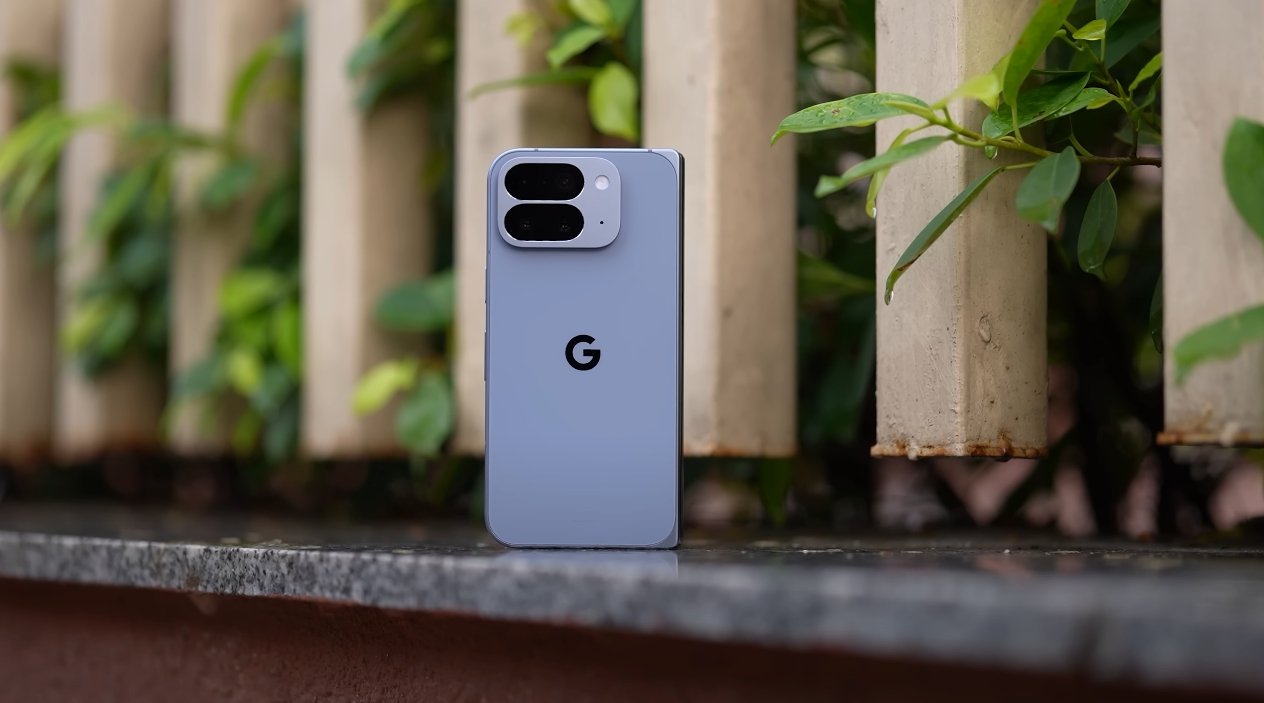
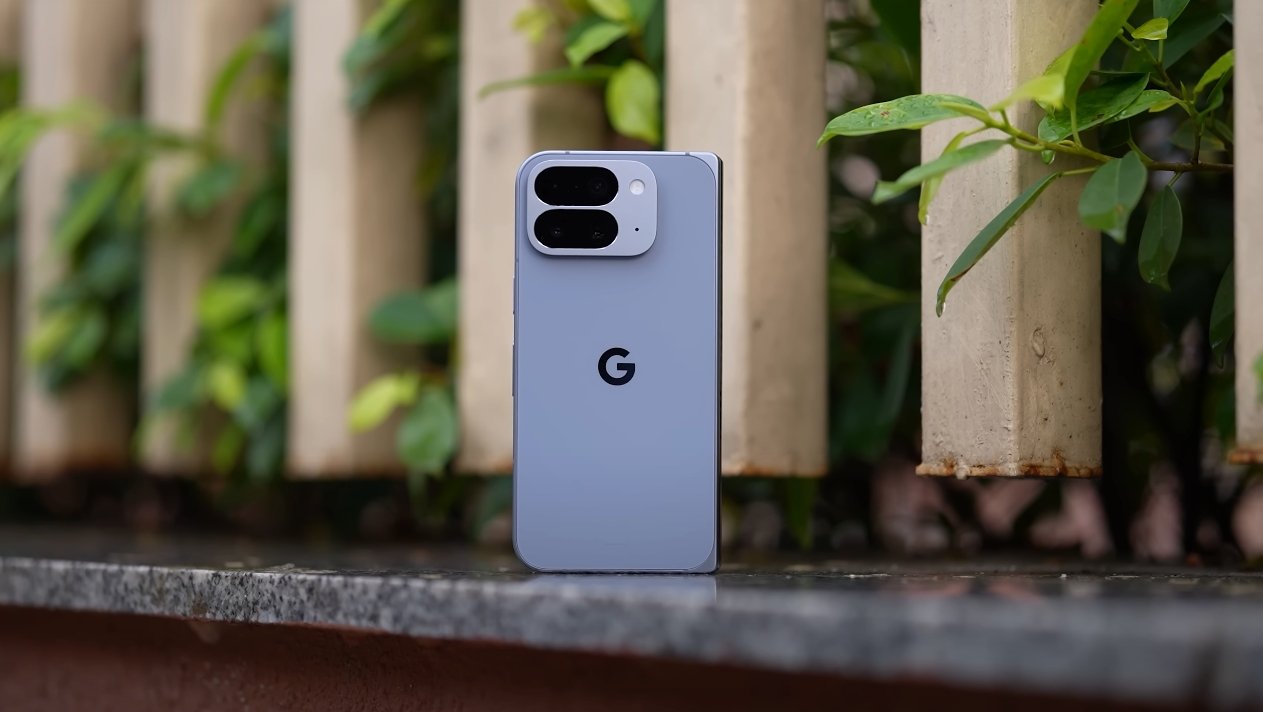
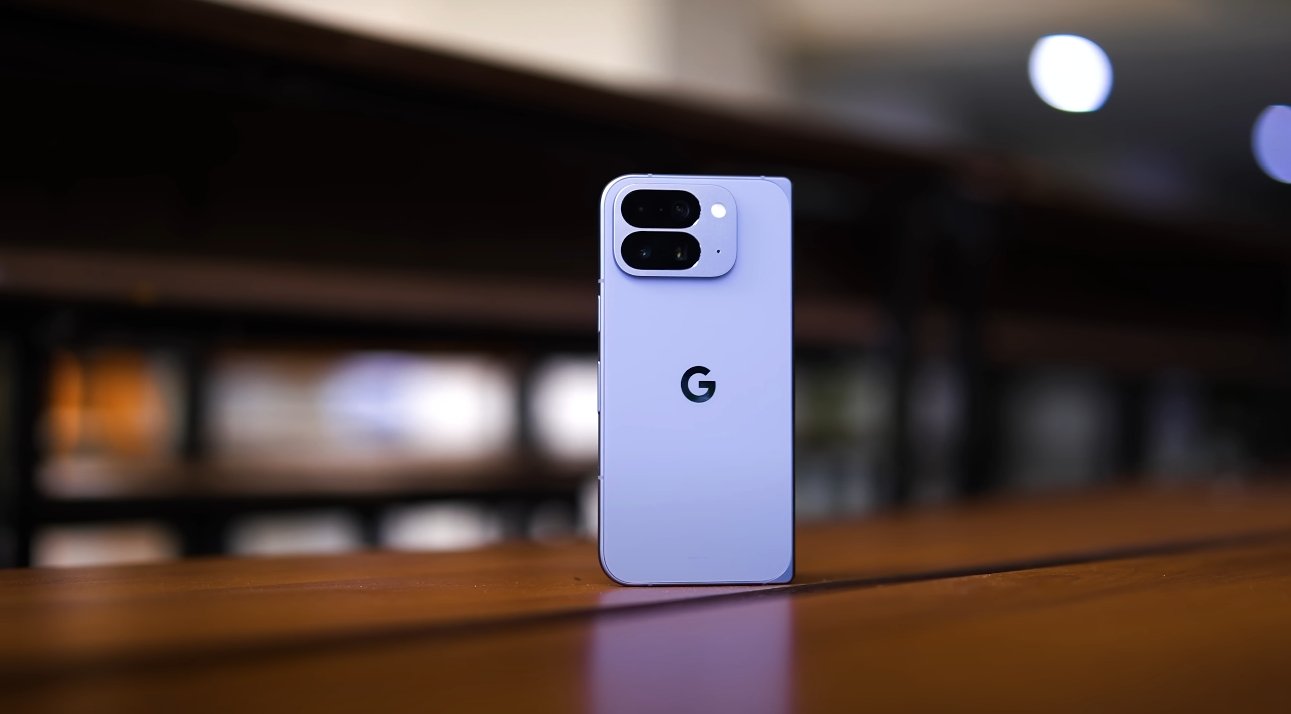
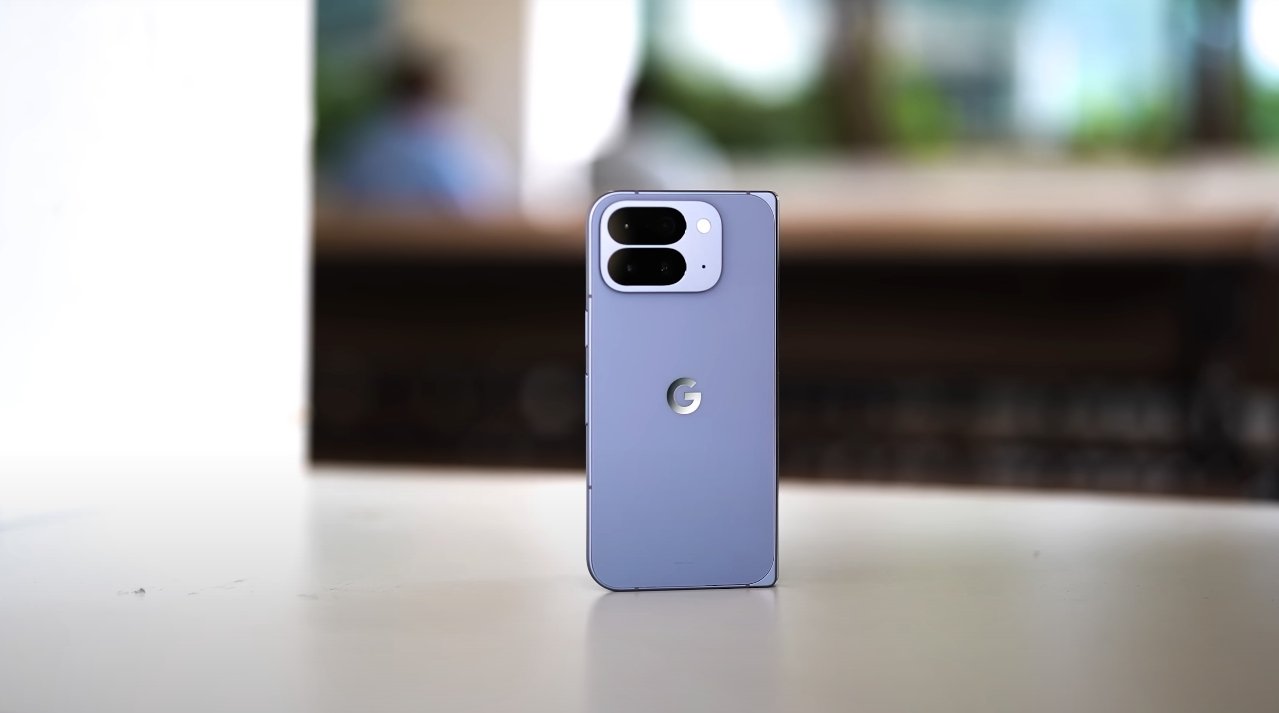
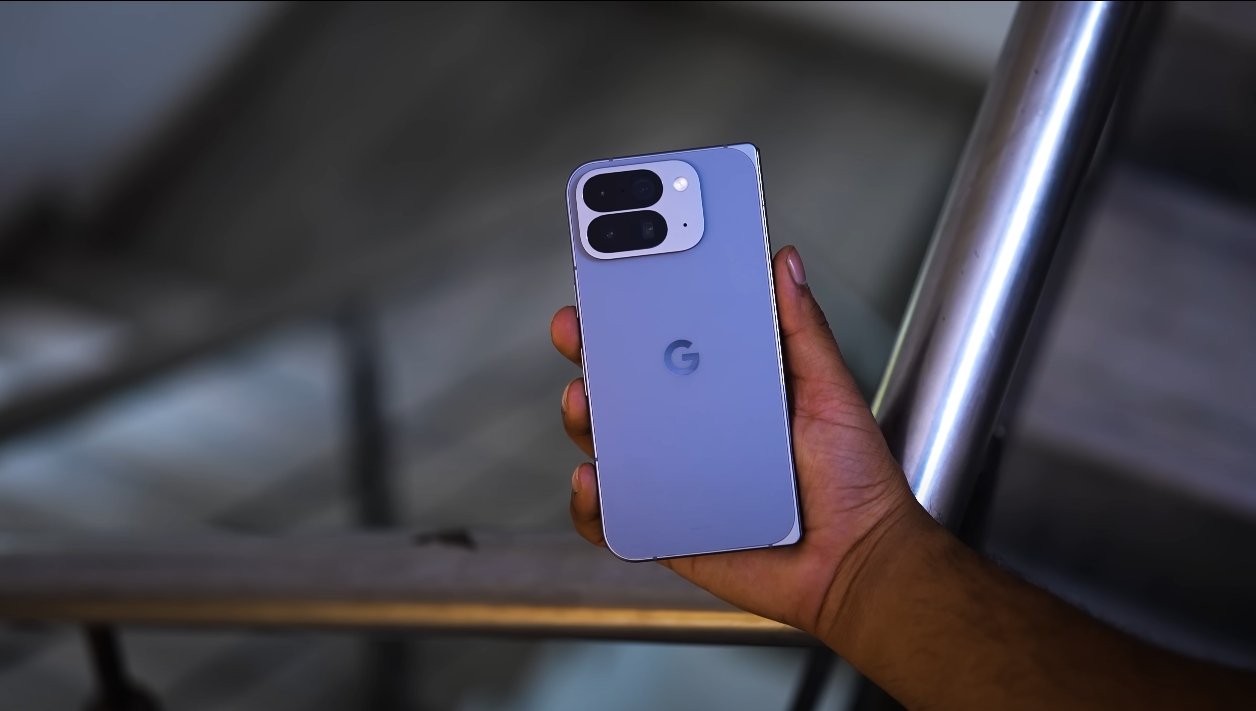
The Pixel 10 Pro Fold introduces a more premium design than any previous foldable from Google. It features an aluminum frame that enhances rigidity, while the front and back are protected by toughened glass. The hinge mechanism has been redesigned for smoother folding and a sturdier feel, making it one of the most refined hinge systems in Google’s lineup. The overall design language reflects Google’s focus on simplicity, balance, and durability. Despite being a foldable device, it maintains the aesthetic consistency seen in other Pixel flagships.

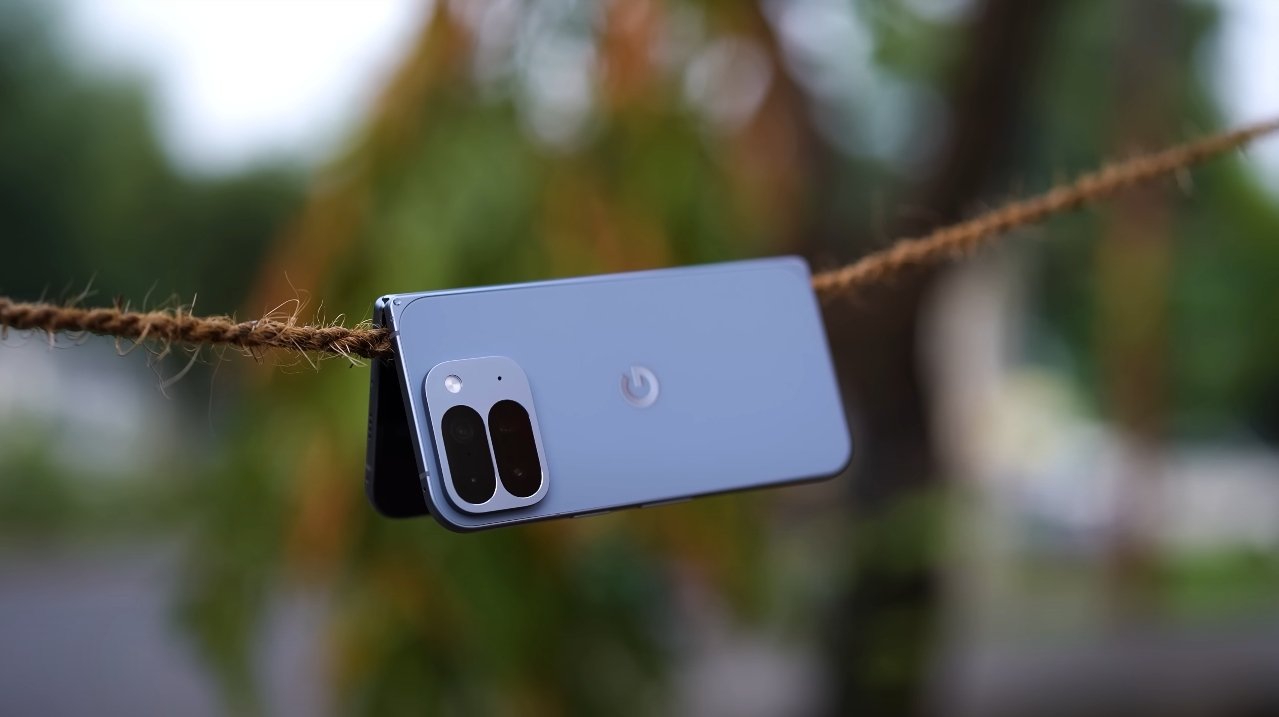
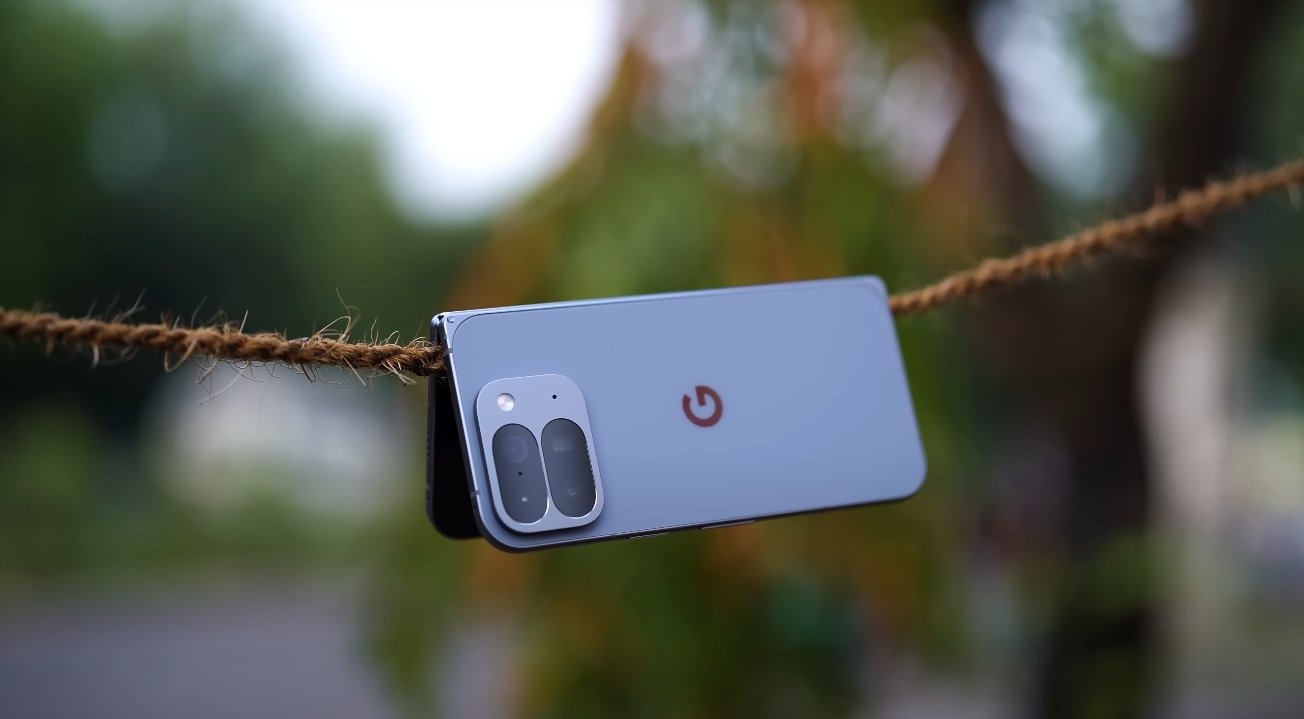
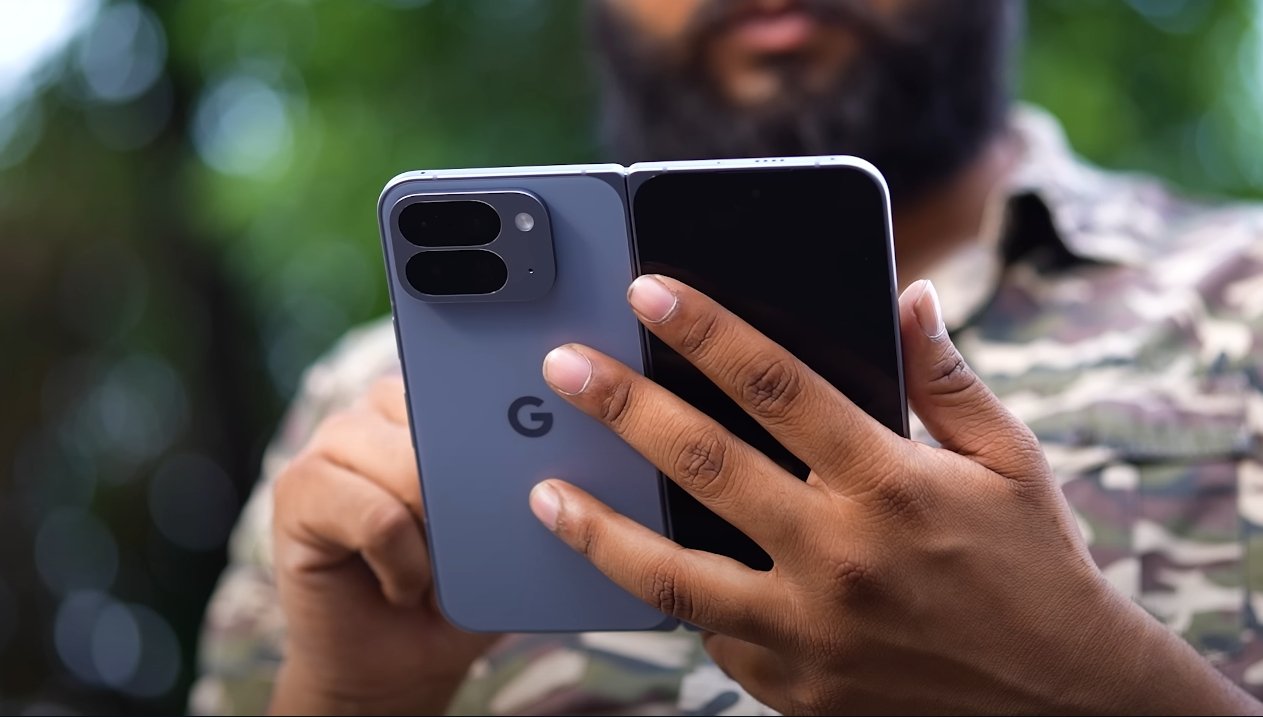
When folded, the Pixel 10 Pro Fold measures roughly 155.2 x 76.3 x 10.8 millimeters. This makes it thicker than most traditional smartphones, but that’s expected from a foldable design that needs to accommodate two display panels and a hinge mechanism. When unfolded, the device measures just about 5.2 millimeters in thickness, giving it a sleek, tablet-like feel. The difference between folded and unfolded thickness is significant, and users quickly notice how slim it feels once open. The thin profile provides an immersive viewing experience and is comfortable for media consumption, reading, or multitasking.

In terms of weight, the Pixel 10 Pro Fold comes in at around 258 grams. This makes it heavier than most regular smartphones but falls in line with other premium foldables on the market. The weight is well-balanced across the body, so it doesn’t feel overly top-heavy or awkward to hold. However, for extended one-handed use, users may find it tiring. Those who often switch between folded and unfolded modes will also notice the difference in handling, as the device feels more substantial in its folded form.

Pixel 10 Pro Fold Design Weight and Thickness Review

Google’s decision to make the Pixel 10 Pro Fold more durable comes with trade-offs. The extra thickness and weight are the results of reinforced materials, a larger battery, and stronger hinge construction. The IP68 rating is a major milestone, making it one of the few foldables to offer full water and dust resistance. This provides users with added confidence in daily use, especially in unpredictable environments. While the added durability is appreciated, the phone’s dimensions do make it less pocket-friendly compared to slimmer devices like the Galaxy Z Fold 6 or traditional bar-style flagships.

Despite its bulk, the Pixel 10 Pro Fold feels premium in hand. The hinge movement is smooth and precise, closing with a reassuring click. The gapless fold design ensures that dust and debris are less likely to enter the hinge area, improving longevity. The aluminum frame has a matte finish that resists fingerprints, while the glass back adds a refined texture. Users who prioritize solid craftsmanship over minimal weight will find the build quality impressive.

Ergonomically, the phone is comfortable for two-handed use, particularly when open in tablet mode. Watching videos, browsing the web, and editing documents feel natural thanks to the large display and balanced weight distribution. When closed, the outer display is tall and narrow, making quick tasks like replying to messages or checking notifications convenient. However, because of the device’s thickness when folded, it may not fit comfortably in smaller pockets or tight jeans. Users may prefer carrying it in a jacket pocket or bag instead.

Overall, the Pixel 10 Pro Fold’s design reflects a thoughtful balance between strength and usability. The added thickness and weight contribute to its solid build and long-term durability. While it may not be the lightest or slimmest foldable on the market, it stands out for its premium materials, improved protection, and refined engineering. Users who value durability, build integrity, and a solid in-hand feel will appreciate the design choices Google has made. Those prioritizing portability and sleekness might consider the bulk a trade-off, but it’s one that comes with tangible benefits in daily durability and comfort during unfolded use.

In conclusion, the Pixel 10 Pro Fold is a strong example of how foldable design can evolve without sacrificing quality. Its premium build, water resistance, and smooth hinge make it one of the most durable foldables available today. While the added weight and thickness may not appeal to everyone, they are part of what gives the device its robust and reliable feel. For users seeking a foldable that combines premium design with long-lasting strength, the Pixel 10 Pro Fold delivers an impressive balance of elegance and endurance.

Also Read:  Pixel 10 Pro Fold vs OnePlus Open 2 Comparison

Pixel 10 Pro Fold vs OnePlus Open 2 Comparison

Pixel 10 Pro Fold vs OnePlus Open 2 Comparison

Clash of Foldables: Google vs OnePlus

The Pixel 10 Pro Fold and OnePlus Open 2 are among the most anticipated foldables of 2025. Each device pushes the boundaries of what modern smartphones can do—but they prioritize different features. To figure out which holds the edge, let’s dive into how they compare across design, performance, battery, cameras, and real-world usability.

Starting with design and display, both phones sport dual-screen foldable layouts. The Pixel 10 Pro Fold offers an 8-inch inner OLED display and a 6.4-inch outer screen, both capable of high refresh rates and high peak brightness. OnePlus Open 2 is expected to match similar screen dimensions, aiming for slim bezels and a sleek fold design. Google’s foldable brings with it durability upgrades, like a gearless hinge and improved sealing, which help it stand up better in daily use. While the Pixel is a bit heavier and more robust, the Open 2 may feel lighter and more refined in hand.

Under the hood, their performance philosophies diverge. The Pixel 10 Pro Fold is powered by a new Tensor G5 chip, prioritizing AI processing, intelligent resource management, and smooth multitasking across its two screens. In contrast, the OnePlus Open 2 leans toward raw power, equipped (by leaks) with a top-tier Snapdragon variant plus fast RAM and storage. That gives it an advantage in graphics-heavy tasks and gaming workloads, whereas the Pixel balances power with efficiency — often giving it better sustained performance when handling heavy multi-window workflows.

Pixel 10 Pro Fold vs OnePlus Open 2 Comparison

Battery and charging are where tradeoffs become more defined. The Pixel 10 Pro Fold carries about a 5,015 mAh battery and supports 30W wired charging along with Qi2 magnetic wireless charging at up to 15W. It emphasizes steady, reliable all-day performance. The Open 2 is rumored to pack a larger battery and deliver more aggressive wired charging speeds, giving it potential to charge much faster. But with larger cells and faster draw, heat management and real-world efficiency will matter more—something where Google tends to excel.

Camera systems show both strengths and areas of difference. The Pixel 10 Pro Fold retains a triple-lens setup—including a 48MP main camera, an ultra-wide, and a 5× telephoto lens. Google continues to lean on computational photography to optimize results in low light, dynamic range, and portrait effects. OnePlus Open 2, from leaks, appears to use a set of 50MP sensors for its wide, ultra-wide, and mid-zoom angles. That gives it higher native resolution in some lenses, which could help with detail capture. But success will depend heavily on software tuning and consistency in challenging light.

In daily use, the Pixel 10 Pro Fold’s greater attention to durability, water/dust protection, and fold reliability gives it an advantage for those who use their device in varied conditions. Meanwhile, the OnePlus Open 2’s likely strengths in raw specs, charging speeds, and camera sensor counts might appeal more to power users or those chasing headline features.

In the end, the best choice depends on what you value most. If you prioritize longevity, robust engineering, software features, and dependable balance, the Pixel 10 Pro Fold is compelling. If you chase speed, flashy specs, and aggressive photography performance, the OnePlus Open 2 might be more exciting. Each is a strong contender—and your decision should align with how you plan to use your foldable day after day.

Pixel 10 Pro Fold multitasking and split screen demo

Pixel 10 Pro Fold multitasking and split screen demo

Multitasking and Split-Screen Experience on the Pixel 10 Pro Fold

The Google Pixel 10 Pro Fold introduces an advanced multitasking experience, taking full advantage of its large 8-inch foldable display. With Android 16 and a refined interface, the device allows users to work on multiple tasks simultaneously, offering a productivity boost that sets it apart from conventional smartphones. Reviewers and early users have highlighted the foldable design as a key factor in improving multitasking efficiency.

One of the main features is split-screen mode, which allows two apps to run side by side. Users can open the multitasking view by swiping up from the bottom and holding, then selecting the desired app for split-screen use. A second app can be chosen from the recent apps menu to occupy the remaining portion of the screen. This setup is ideal for scenarios like composing emails while referencing a document or browsing a website while chatting with friends. The expansive display ensures that both apps remain readable and functional, making multitasking smoother than on traditional smartphones.

The Pixel 10 Pro Fold also supports drag-and-drop functionality, which enhances productivity further. Text, images, or files can be moved from one app to another with simple gestures. For example, users can drag a photo from Google Photos into a messaging app or move text from a browser into a note-taking app. This feature streamlines workflows, reducing the need for repetitive copy-paste actions and allowing users to complete tasks more efficiently.

Pixel 10 Pro Fold multitasking and split screen demo

Dynamic app resizing is another feature that improves the multitasking experience. The divider between two apps in split-screen mode can be adjusted to allocate more space to one app over the other. Users can also quickly swap the positions of the apps, which is especially useful when switching focus between two ongoing tasks. This flexibility makes the Pixel 10 Pro Fold suitable for both casual multitasking and more intensive productivity work.

Google has integrated Gemini AI to further enhance multitasking. AI-powered tools provide contextual suggestions, such as quick replies, scheduling prompts, and instant previews of images or documents. These features help users manage tasks more efficiently without switching between apps unnecessarily. The AI integration ensures that multitasking remains intuitive, reducing the learning curve for new users and enhancing overall productivity.

Reviewers have noted that the combination of split-screen mode, drag-and-drop support, and AI assistance makes the Pixel 10 Pro Fold one of the most capable foldable devices for multitasking. Unlike smaller-screen phones, the foldable design provides enough screen real estate for multiple apps to be fully usable at the same time. This makes it particularly appealing for professionals, content creators, and users who frequently need to work across several apps.

Overall, the Pixel 10 Pro Fold redefines multitasking on smartphones. Its large inner display, flexible split-screen mode, dynamic resizing, drag-and-drop capabilities, and AI enhancements create a productive and efficient environment for users. Whether for work, entertainment, or everyday tasks, the device demonstrates the potential of foldable smartphones to improve multitasking and provide a versatile, user-friendly experience.

Also Read:  Apple iPhone Air Face ID and security features tested

Pixel 10 Pro Fold full USA pricing list by variant

Pixel 10 Pro Fold full USA pricing list by variant

Pixel 10 Pro Fold Pricing and Options in the USA

The Google Pixel 10 Pro Fold is the company’s latest foldable flagship, offering a combination of cutting-edge design, high-end performance, and a large foldable display. As one of the most advanced devices in Google’s lineup, the Pixel 10 Pro Fold comes in multiple storage variants, each with a corresponding price point for consumers in the United States. Understanding the full pricing list helps potential buyers make informed decisions based on their budget and storage needs.

The base variant of the Pixel 10 Pro Fold comes with 256GB of internal storage and is priced at $1,799. This entry-level option provides ample space for everyday use, including apps, photos, videos, and documents. It is an attractive choice for users who want the foldable experience without opting for the higher-end configurations. Despite being the base model, it still includes all flagship features such as the large foldable display, triple-lens camera system, and the latest Google Tensor processor.

The 512GB variant of the Pixel 10 Pro Fold is priced at $1,919. This mid-tier option is ideal for users who store a significant amount of media on their device or use multiple high-capacity apps. The additional storage provides flexibility for photography, video recording, gaming, and productivity. While the price is higher than the base model, it offers more room for users who anticipate heavy usage or need extra capacity for work-related tasks.

Pixel 10 Pro Fold full USA pricing list by variant

For those requiring the maximum storage, the Pixel 10 Pro Fold is also available in a 1TB configuration at a price of $2,149. This top-tier model is designed for power users who demand extensive storage for 4K videos, high-resolution photos, large app libraries, or professional workloads. The 1TB option ensures that users will not need external storage or frequent management of files, providing a seamless experience for content creators, photographers, and professionals.

Across all variants, the Pixel 10 Pro Fold maintains consistent features and performance. Each model includes Google’s high-quality foldable display, triple-lens camera system, and advanced AI-powered photography and software tools. The foldable form factor offers a large inner display for multitasking and media consumption, while the outer display provides quick access to notifications and basic functions without unfolding the device.

In addition to the device itself, the Pixel 10 Pro Fold includes essential accessories in the box, such as a USB-C to USB-C cable, SIM eject tool, and documentation. Users should note that the fast charger is sold separately, allowing them to choose a compatible USB-C adapter to achieve the maximum 30W wired charging speed. Both colors, Moonstone and Jade, are available across all storage variants, allowing users to select a model that suits their style preferences.

The Pixel 10 Pro Fold is widely available through major retailers in the USA, including the Google Store, Best Buy, and Amazon. This availability ensures that buyers can purchase the device either online or in physical stores, with options for financing or trade-in offers depending on the retailer. The combination of multiple storage variants and pricing levels gives users flexibility in selecting a device that fits their budget and usage needs.

Overall, the Pixel 10 Pro Fold’s pricing structure reflects its premium foldable design, high-performance hardware, and versatile features. The 256GB, 512GB, and 1TB variants cater to a range of users, from casual consumers to power users requiring extensive storage. With its innovative foldable display, advanced camera system, and Google’s latest software enhancements, the Pixel 10 Pro Fold offers a compelling package for anyone looking for a flagship smartphone experience in a foldable form factor.

Also Read:  Pixel 10 Pro Fold design shown in real images

Pixel 10 Pro Fold Camera Performance Review USA

Pixel 10 Pro Fold Camera Performance Review USA

Pixel 10 Pro Fold Camera Performance: Strengths and Weaknesses

The Pixel 10 Pro Fold has drawn attention as one of the most innovative foldable smartphones in 2025. Combining Google’s renowned software expertise with foldable design, it promises a flagship experience. While its durability, display, and multitasking features are praised, the camera system has received mixed reactions. Early users and reviewers in the USA highlight that the Pixel 10 Pro Fold excels in some areas but falls short in others.

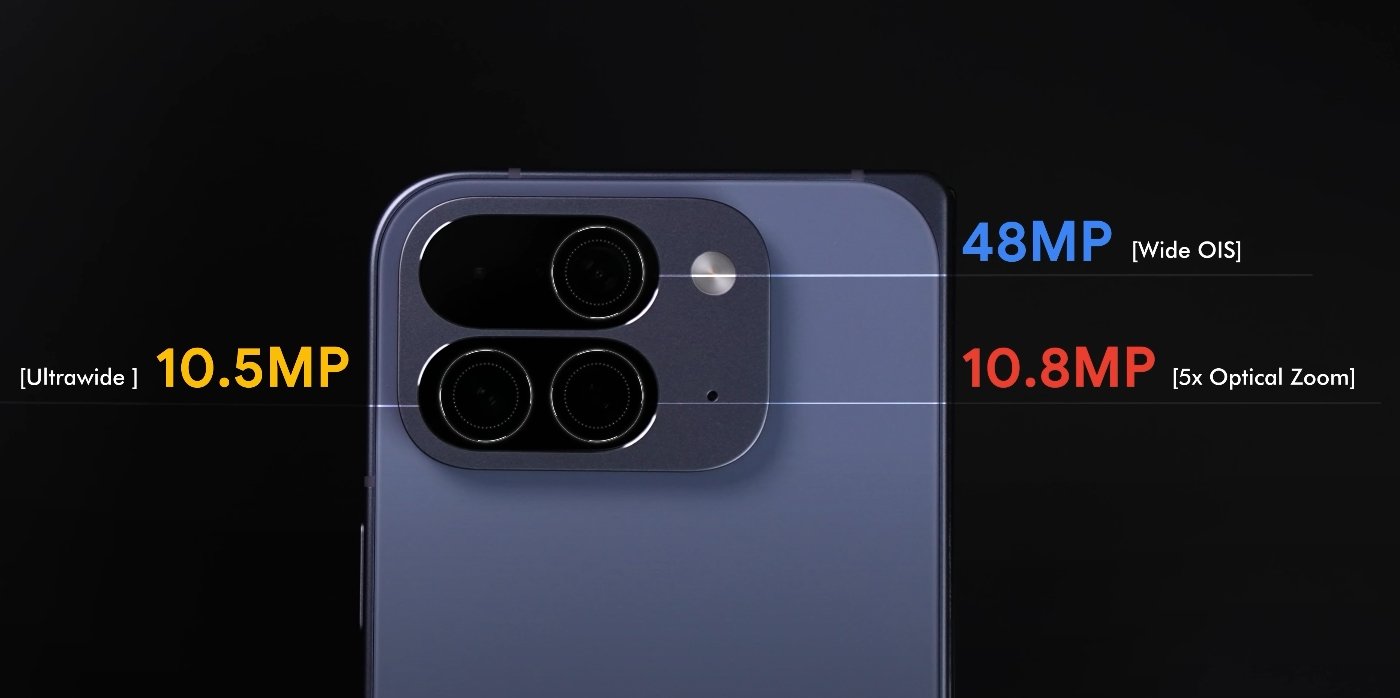
The Pixel 10 Pro Fold comes equipped with a triple-lens rear camera system. It features a 48MP primary sensor, a 10.8MP telephoto lens offering up to 5x optical zoom, and a 10.5MP ultrawide lens. On paper, these specifications seem competitive. However, the Fold uses the same sensors as the standard Pixel 10 models, which impacts overall image quality. Users expecting the high-end Pixel Pro camera experience may find the Fold’s performance slightly underwhelming.

In daylight conditions, the Pixel 10 Pro Fold captures clear and vibrant images. Colors are generally accurate, and contrast levels are balanced. The ultrawide lens offers a wider field of view without significant distortion, making it useful for landscapes or group shots. However, some users notice that details can be softer compared to non-folding Pixel devices, especially in fine textures or distant objects. While the primary lens performs well for casual photography, it does not fully match the sharpness of other flagship models.

Pixel 10 Pro Fold Camera Performance Review USA

The telephoto lens on the Pixel 10 Pro Fold is capable of 5x optical zoom, but early tests indicate limitations. Zoomed-in shots often show slight softness, and edge details are less defined. Users in the USA who enjoy taking detailed close-ups or distant shots may find this limiting. Digital zoom beyond 5x introduces more noticeable noise, which reduces image quality. Still, the lens is sufficient for everyday use, social media posts, and casual photography.

Low-light performance is another critical area where the Pixel 10 Pro Fold shows mixed results. Its Night Sight mode allows users to capture images in darker settings, but the camera tends to produce photos that are less vibrant and slightly darker compared to other Pixel devices. Street scenes or indoor photos under dim lighting can appear flat, and subtle details may be lost. While acceptable for most users, photography enthusiasts may find this limiting for creative low-light work.

Portrait photography on the Pixel 10 Pro Fold works reasonably well. The device can create a blurred background effect for subjects, producing professional-looking images. However, some reviewers have noted inconsistencies in edge detection, particularly with hair or complex edges. This leads to minor artifacts and an unnatural look in certain photos. While these issues are not severe, they can be noticeable when using the camera for important shots or professional content.

Video recording on the Pixel 10 Pro Fold offers stable performance. The phone supports 4K recording at 60fps, with decent stabilization and accurate color reproduction. Audio quality is clear, and overall video performance meets the expectations for a flagship foldable device. However, compared to other high-end smartphones, the video still lacks some advanced features like improved dynamic range and ultra-smooth stabilization in challenging environments.

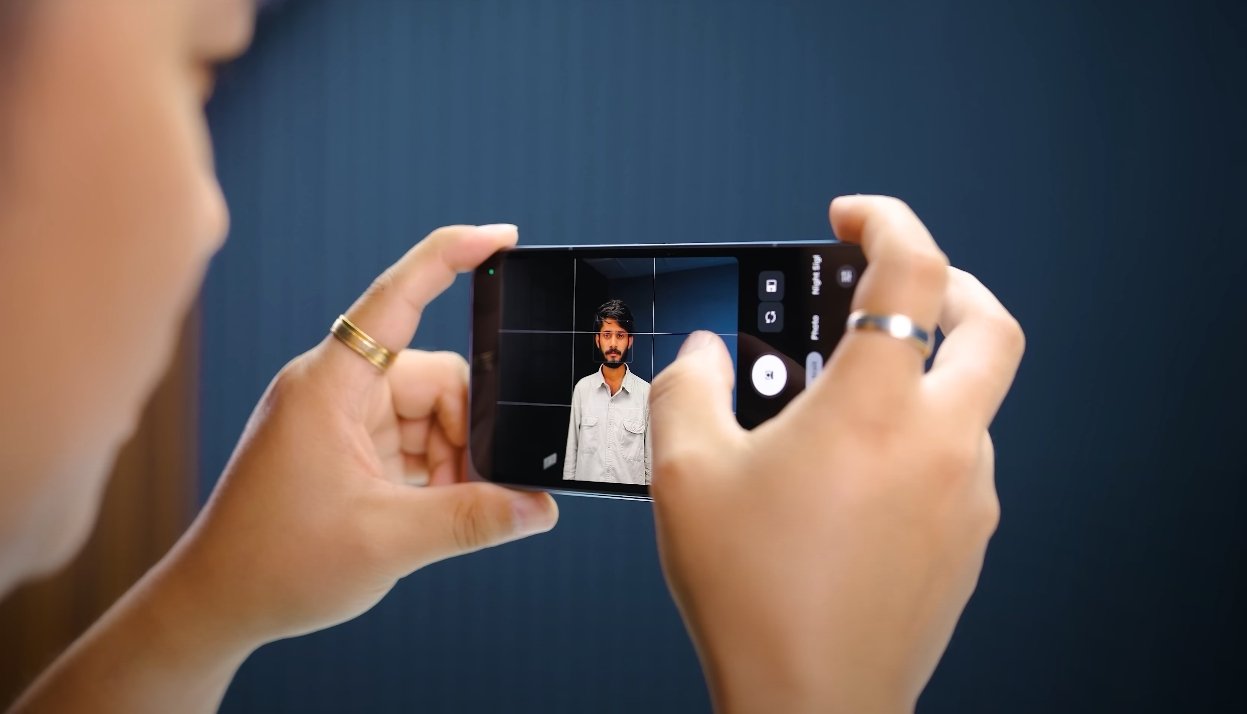
The camera app is user-friendly, offering quick access to essential modes like Portrait, Night Sight, and Panorama. Google’s software optimizations, including AI enhancements, help improve image processing and reduce noise in most scenarios. While the software does enhance general usability, some users feel that additional improvements could make the Fold’s camera more competitive with other flagship phones.

In conclusion, the Pixel 10 Pro Fold delivers a competent camera experience suitable for everyday photography, social media, and casual use. Its strengths lie in daylight shots, ease of use, and foldable innovation. However, compared to other flagship devices, it has noticeable weaknesses in low-light performance, telephoto zoom clarity, and portrait edge detection. For users prioritizing photography above all else, the Fold may not fully meet expectations. On the other hand, those who value foldable design, software optimizations, and durability may find the Pixel 10 Pro Fold a compelling choice despite its camera limitations.