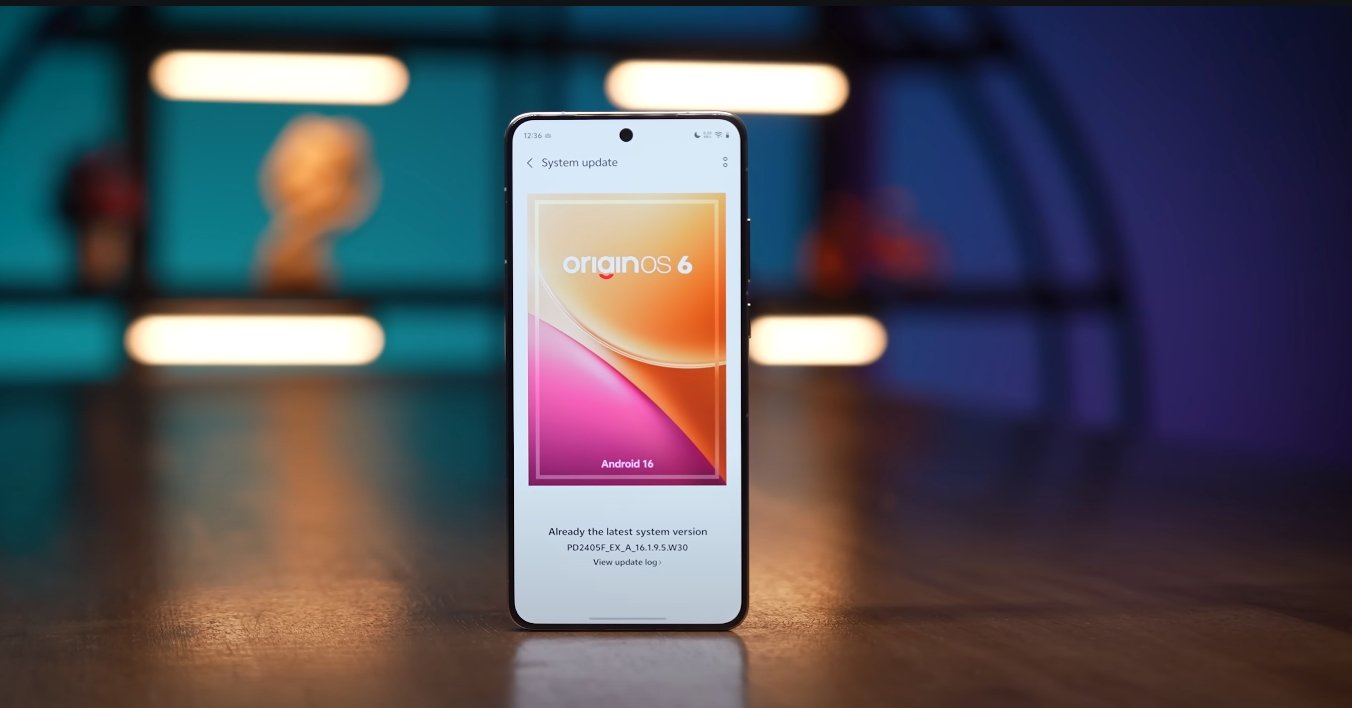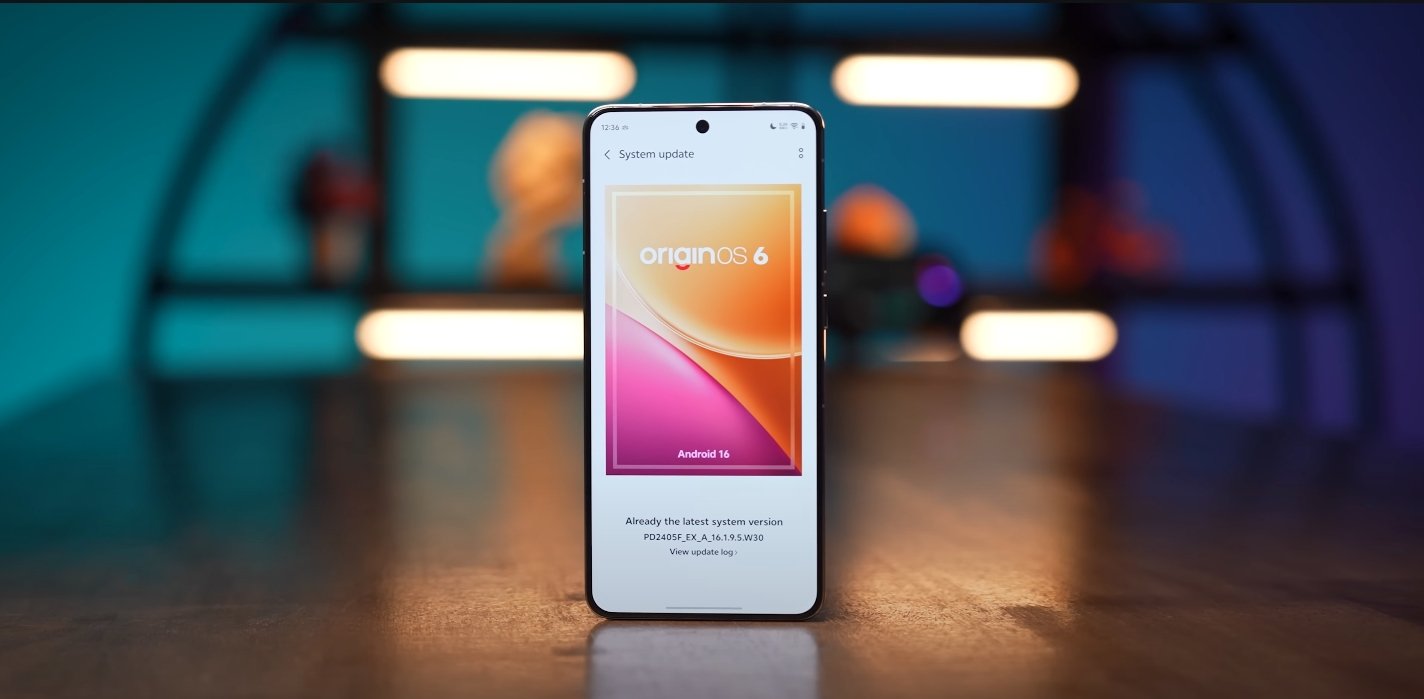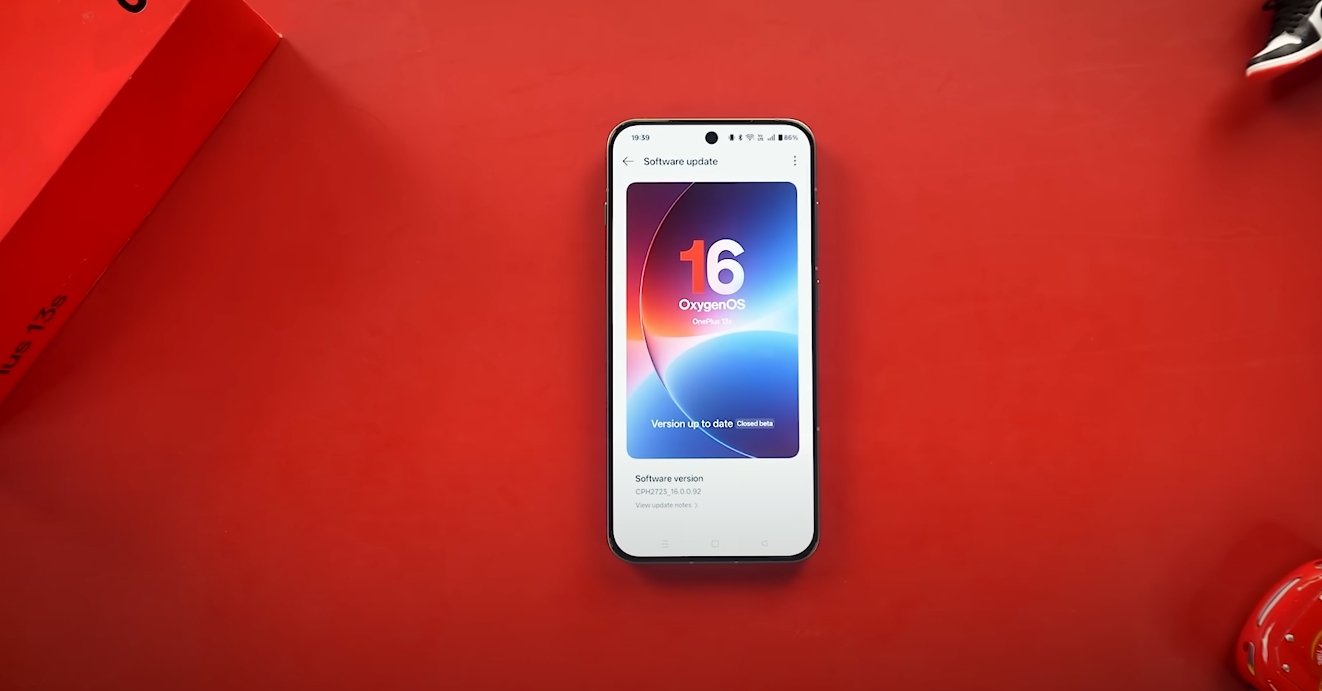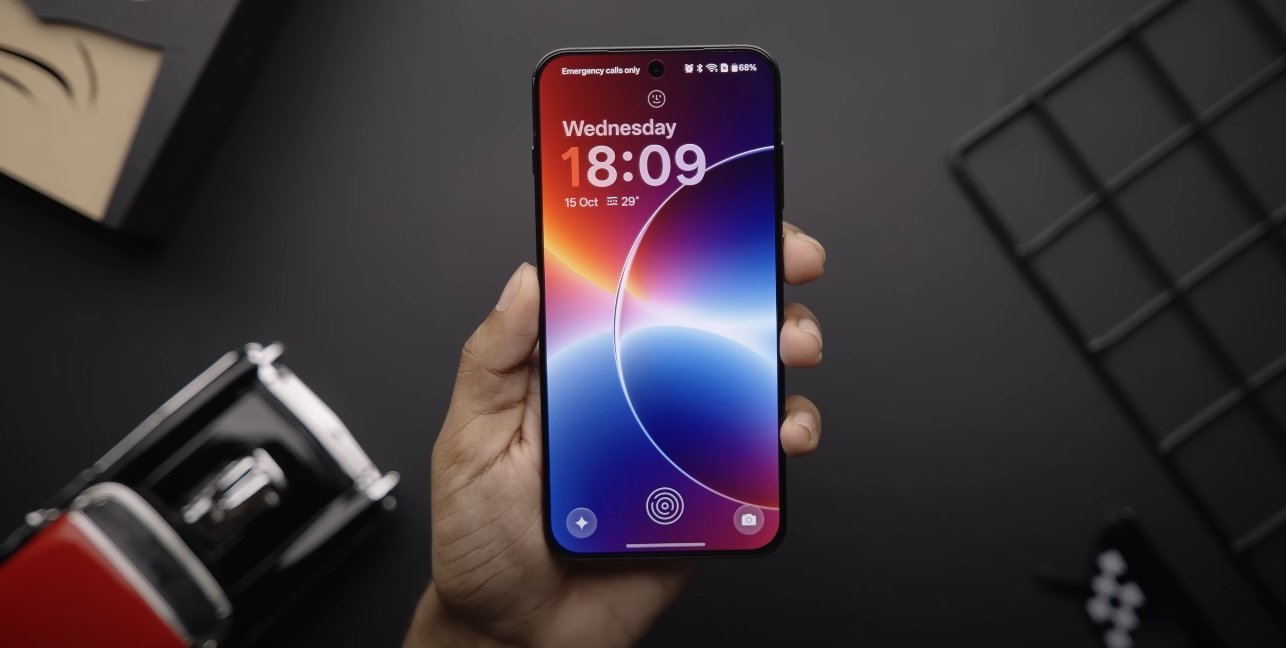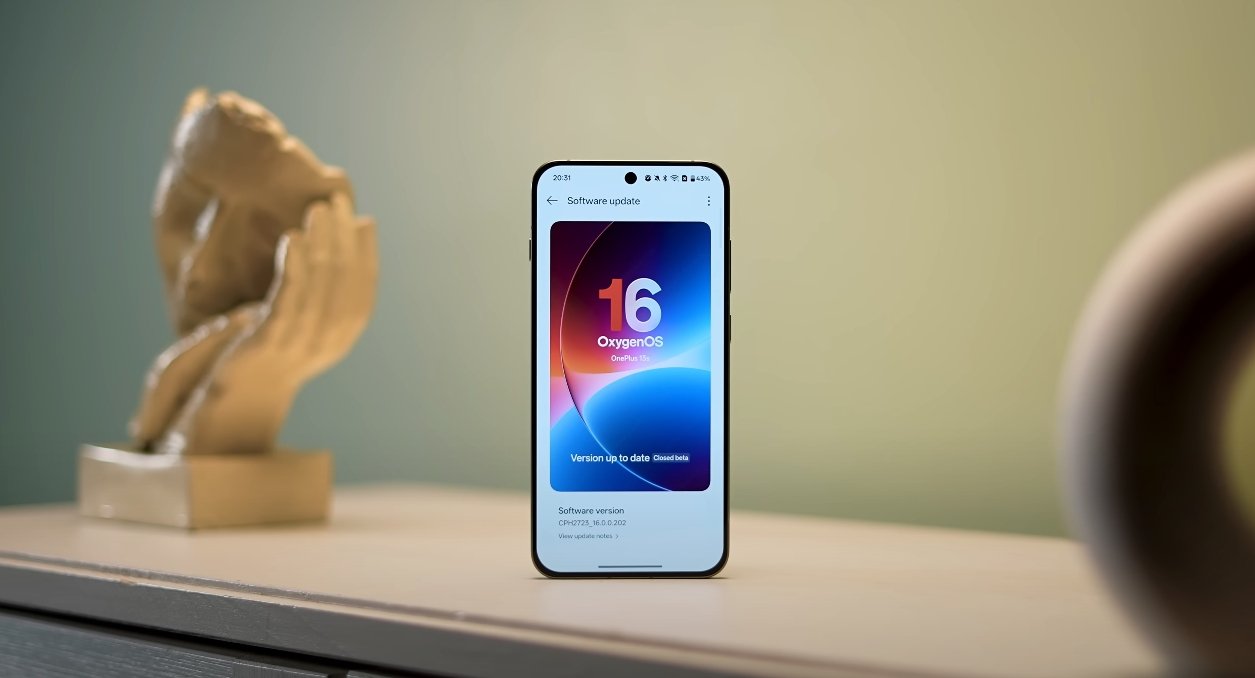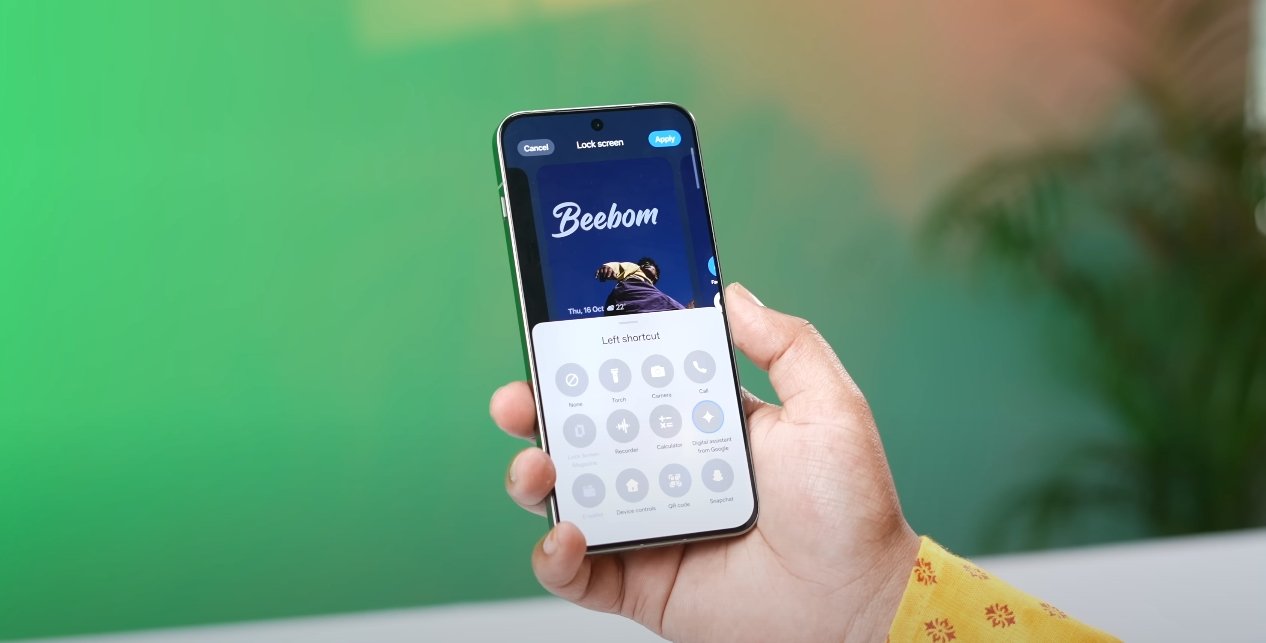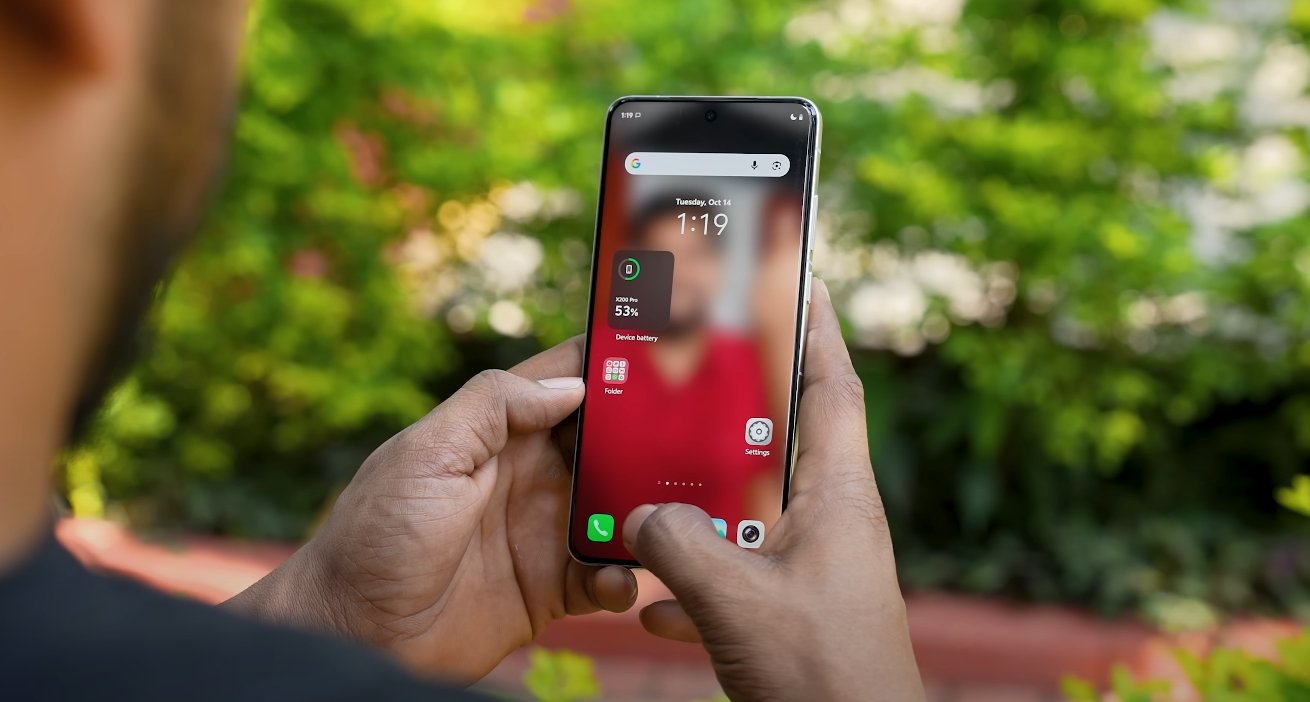
OriginOS 6 wallpaper and theme store refreshed

OriginOS 6 wallpaper and theme store refreshed

Vivo Introduces a Modernized Wallpaper and Theme Store with OriginOS 6

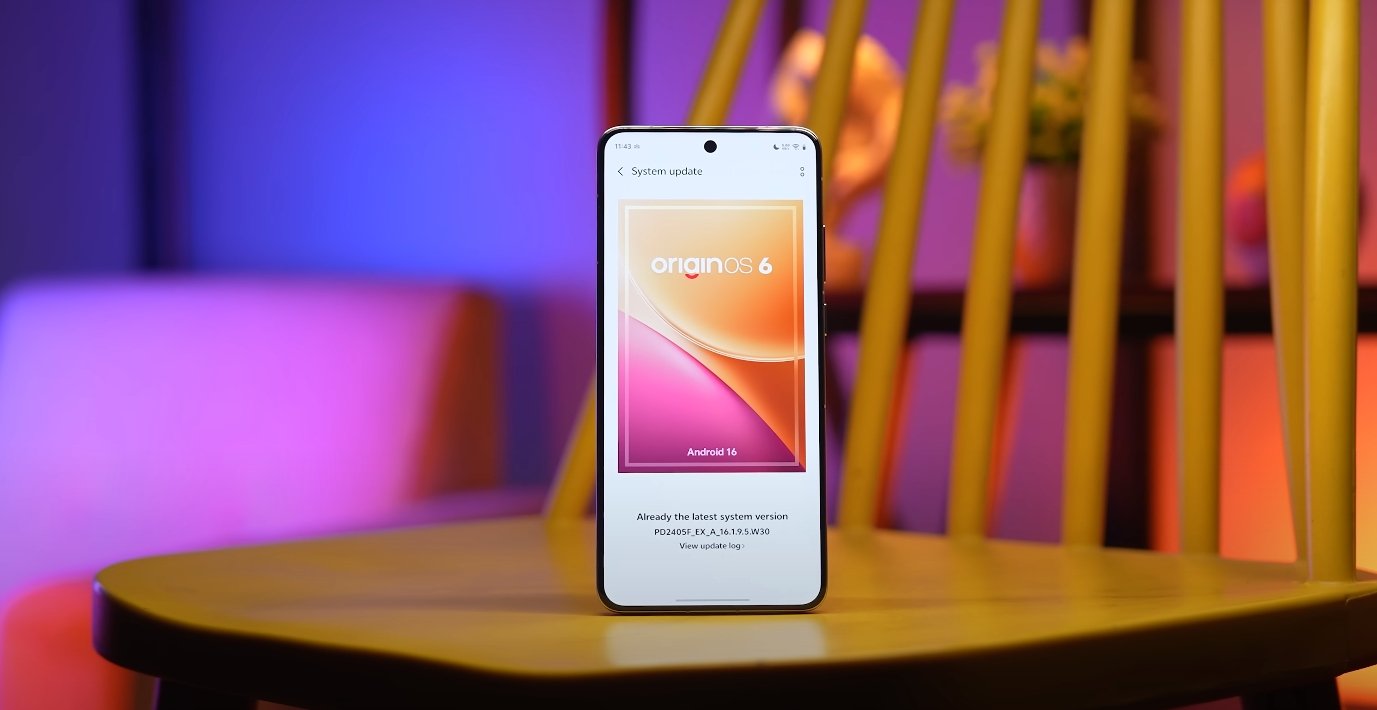
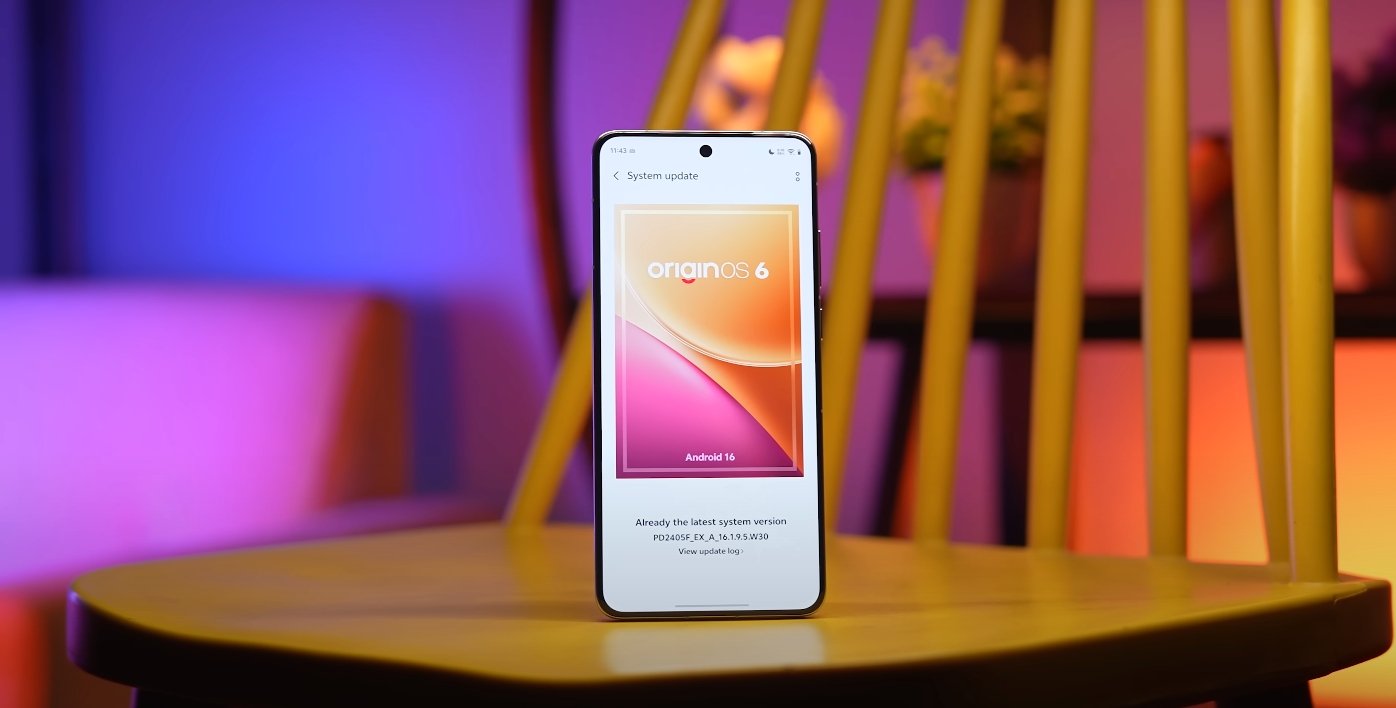
Vivo has officially rolled out OriginOS 6 with a refreshed approach to personalization, focusing heavily on wallpapers and themes. The new update redefines how users customize their smartphones, making the interface more interactive, visually refined, and efficient. With its redesigned theme store, enhanced dynamic wallpapers, and the new “Light and Shadow” design language, OriginOS 6 represents one of the most significant visual overhauls Vivo has ever implemented.

The first major change users will notice is the updated wallpaper system. OriginOS 6 introduces dynamic wallpapers that adapt to movement, time, and lighting conditions. These new designs use a layered rendering process to simulate realistic depth and reflection. When users tilt their device, subtle changes in color and perspective occur, giving the screen a three-dimensional feel. This system, powered by Vivo’s graphic optimization engine, ensures that the wallpapers remain fluid without draining additional battery power. The collection includes gradient textures, glass-like reflections, and abstract nature-inspired visuals tailored to AMOLED displays for vivid brightness and deep contrast.

The theme store in OriginOS 6 has been completely rebuilt to provide a more seamless browsing and customization experience. It now features curated categories such as minimalist, futuristic, artistic, and seasonal themes. Each theme package not only changes wallpapers and icons but also modifies system sounds, font styles, and animation effects. Vivo’s designers have aligned every element within a theme to maintain consistency across the interface. The store also includes a “Preview Mode,” allowing users to see live previews of themes before applying them. This improvement saves time and helps ensure that personalization choices fit a user’s preferences perfectly.
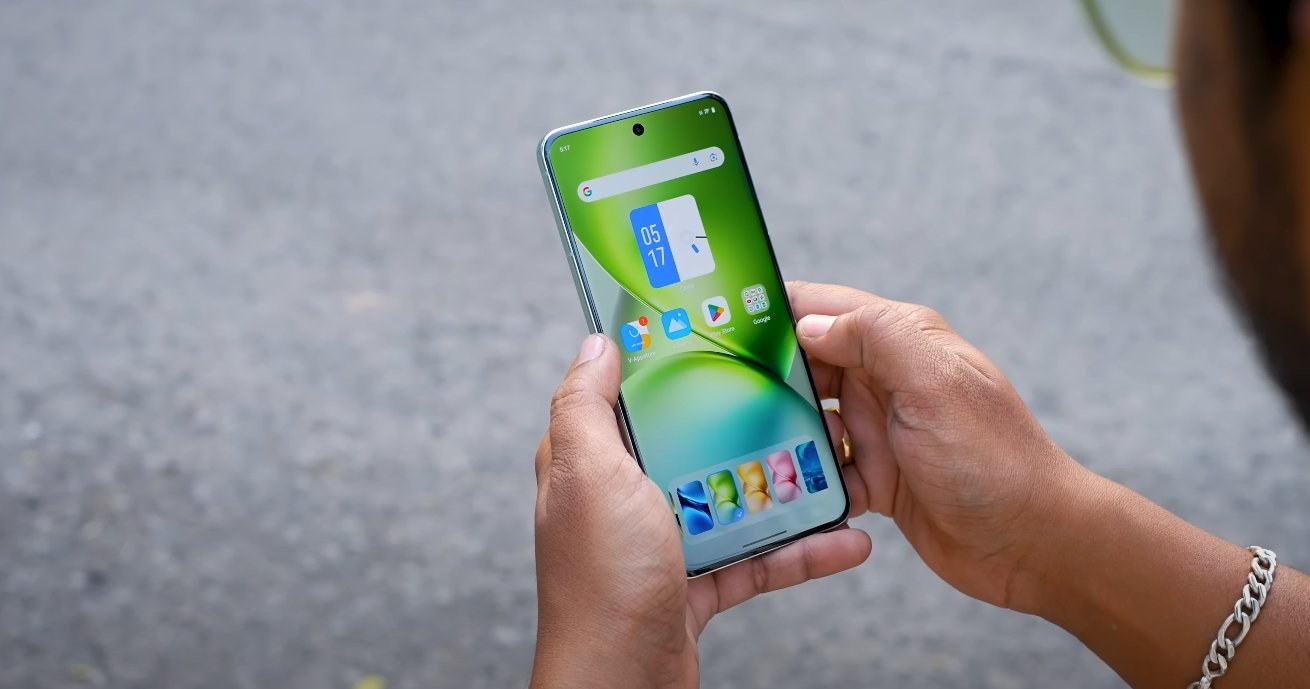
OriginOS 6 wallpaper and theme store refreshed

Another highlight of the update is the new “Light and Shadow Space” design aesthetic. This design concept brings layered transparency, soft gradients, and animated shadows that respond to user interaction. Vivo has refined every visual transition to appear smoother and more natural. Elements like control panels, notifications, and app widgets now exhibit glass-like translucency, giving the interface a modern and polished look. The combination of depth and motion in OriginOS 6 not only enhances beauty but also improves usability by creating clear visual separation between layers.

Vivo has also introduced advanced customization controls that let users mix and match wallpapers, icon packs, and animation styles. You can now apply a wallpaper set that changes automatically throughout the day—morning, afternoon, and night modes display different tones to match the environment. Users can even adjust the intensity of animation effects or choose static themes for battery conservation. These controls give complete creative freedom while maintaining system stability and responsiveness.

Performance remains a strong focus despite the visual upgrades. OriginOS 6 uses a redesigned rendering engine that distributes graphical resources efficiently. Dynamic wallpapers now consume up to 30% less power than in previous versions, and transitions between screens remain smooth even when using complex themes. This ensures that customization does not compromise battery life or app performance, a balance that many users have demanded from modern smartphone operating systems.

In addition to aesthetics, Vivo has made the theme store more community-driven. Users can submit their own designs or download popular creations from other artists. Weekly highlights showcase trending themes, helping users discover new looks easily. The platform also supports real-time updates, allowing Vivo to release limited-edition themes for special events, holidays, and product launches. This approach keeps the system fresh and encourages users to revisit the store frequently.

Another useful addition is the AI-powered personalization assistant. The assistant can recommend themes based on user behavior, wallpaper history, and even weather conditions. For example, on sunny days, it may suggest bright color palettes, while during nighttime it can automatically switch to darker tones for eye comfort. This smart adaptability makes the experience more intuitive and personalized.

Overall, the refreshed wallpaper and theme store in OriginOS 6 is more than just a cosmetic update—it’s a step toward making smartphone personalization both beautiful and intelligent. Vivo has managed to create a system that blends aesthetics with performance, offering users a visually engaging environment that still runs efficiently.

In conclusion, OriginOS 6’s wallpaper and theme overhaul delivers a perfect balance between artistic freedom and system optimization. Users can now enjoy greater customization, smoother visuals, and a refined interface designed to complement Vivo’s hardware capabilities. For those who value individuality in their smartphone experience, this update marks a major advancement. Vivo’s focus on detail and design consistency ensures that OriginOS 6 stands out as one of the most polished and customizable Android-based interfaces currently available in the USA.
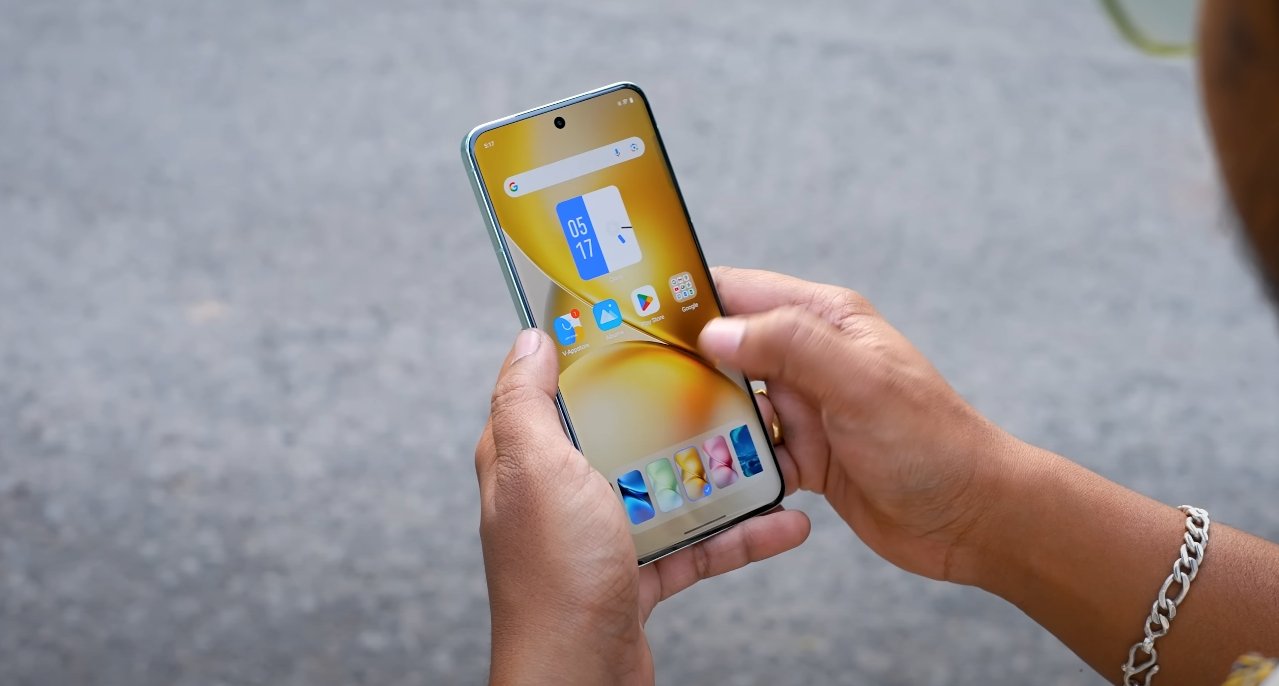
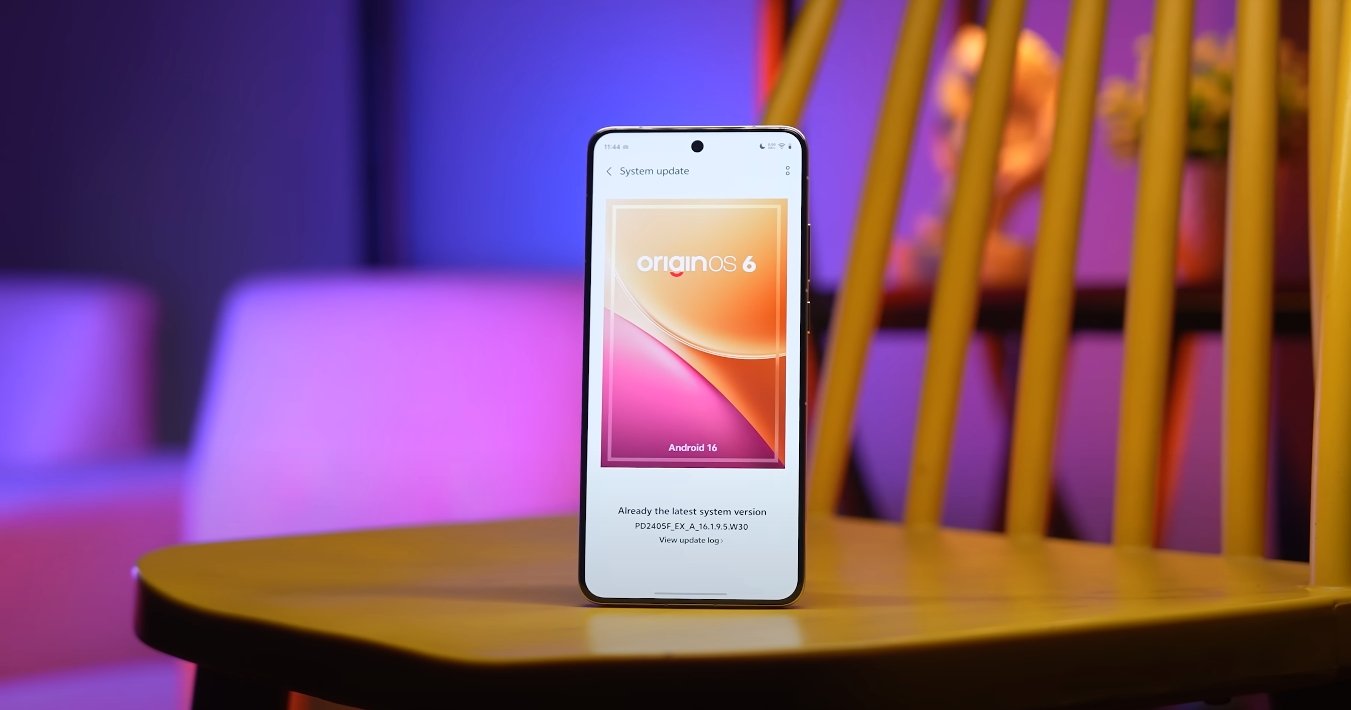
OriginOS 6 vs Samsung One UI multitasking test

OriginOS 6 vs Samsung One UI multitasking test

Comparing multitasking performance and fluidity between two major Android skins

OriginOS 6 and Samsung’s One UI represent two of the most popular Android-based operating systems in the market today. Both are designed to offer smooth, powerful, and efficient user experiences, but they approach multitasking in different ways. With smartphones and tablets increasingly used for work and entertainment, multitasking capabilities have become a major deciding factor for users. The latest updates to both interfaces have introduced key improvements in window management, performance stability, and multitasking gestures, making this comparison more relevant than ever.

OriginOS 6 focuses on maximizing system responsiveness through a redesigned multitasking framework. It emphasizes memory optimization, fast app switching, and maintaining frame rate stability when multiple apps are active. This new structure ensures that apps stay responsive in the background without forced refreshes, which often disrupt the workflow. The multitasking menu on OriginOS 6 has also been restructured to allow quick access to split screen, floating windows, and pinned apps, giving users more control over how they manage tasks simultaneously.

Samsung’s One UI, on the other hand, has a more mature and feature-rich multitasking environment, especially on larger displays like Galaxy tablets and foldables. One UI allows multiple apps to run side by side, supports floating pop-up windows, and integrates gesture shortcuts to make launching multitasking modes easier. Its split-screen functionality has been refined over several years, giving users a stable and familiar interface. Samsung has also optimized background resource allocation, ensuring apps remain active longer, especially on high-end Galaxy devices.

OriginOS 6 vs Samsung One UI multitasking test

One of the most noticeable differences between these two interfaces lies in their window management. OriginOS 6 uses a clean, card-based multitasking view with smooth transitions and subtle animations to make switching between apps feel fluid. The floating window feature can be adjusted in size, and multiple mini windows can be kept on screen for quick reference. One UI builds on a more advanced layout that supports up to three apps at once in a split view on tablets, combined with pop-up windows for extra flexibility. This makes Samsung’s interface particularly well-suited for multitasking on larger screens.

Real-world performance during multitasking reveals how these systems differ in execution. OriginOS 6 delivers impressive speed when switching between apps, and it maintains stable frame rates even when two or three apps are active in the background. Apps like browsers, messaging platforms, and productivity tools stay in memory without noticeable lag. One UI focuses on giving users advanced multitasking tools, especially for tasks like watching videos while working on documents or messaging while browsing. The multi-window feature remains one of its strongest assets, making it ideal for users who rely on productivity features daily.

Animation and fluidity also play an important role in user experience. OriginOS 6 emphasizes natural transitions, reduced latency, and smooth animations throughout the multitasking process. This design approach makes task switching feel fast and uninterrupted. One UI is more focused on practicality, ensuring the multitasking environment remains stable even with several apps open. Although Samsung’s animations are slightly more restrained, they contribute to a consistent and reliable performance profile.

Battery efficiency and heat management are also important factors during multitasking. OriginOS 6 manages resources efficiently, keeping power usage balanced during extended multitasking sessions. It limits unnecessary background refreshes and allocates power dynamically to active apps. One UI benefits from Samsung’s hardware-level optimizations, which help maintain stable temperatures during intensive multitasking, especially on flagship devices. However, Samsung’s broader multitasking capability can sometimes consume more power when multiple apps are running in complex layouts.

In terms of ease of use, both systems offer gesture shortcuts and intuitive controls, but One UI has a slight advantage in advanced multitasking functions. Samsung users can activate split screen with simple gestures, resize windows easily, and use the taskbar on tablets for quick app switching. OriginOS 6 focuses more on simplicity and smoothness, offering enough flexibility for most users but with fewer advanced configurations.

In conclusion, OriginOS 6 and Samsung One UI both deliver strong multitasking performance but target different user needs. OriginOS 6 shines with its fluid animations, efficient memory handling, and responsive switching, making it ideal for users who prioritize speed and smoothness. One UI stands out for its robust multitasking layout, advanced features, and superior large-screen productivity tools. For casual users, OriginOS 6 provides an elegant and efficient experience. For power users, especially on Samsung tablets and foldables, One UI remains the more feature-complete multitasking platform. Ultimately, both systems reflect their brands’ focus—Vivo on performance fluidity and Samsung on multitasking depth.

OriginOS 6 vs Android 14 visual design changes

OriginOS 6 vs Android 14 visual design changes

Comparing Vivo’s new interface with Google’s latest OS

OriginOS 6 and Android 14 offer two distinct approaches to visual design and user experience. While both are built on the latest Android foundation, Vivo’s OriginOS 6 focuses on immersive animations, depth, and dynamic customization, whereas Android 14 emphasizes minimalism, personalization, and streamlined functionality. These differences reflect the companies’ design philosophies and their target user experiences.

OriginOS 6 introduces Vivo’s “Light and Shadow Space” design, which emphasizes depth and motion to create a more tactile interface. Elements like soft-rounded corners, structured card layouts, and layered transparency contribute to a visually rich environment. Animations are smoother and transitions more fluid, providing users with a sense of natural movement. Android 14, on the other hand, builds upon the Material You design language, now called “Material 3 Expressive.” This version focuses on vibrant colors, bold typography, and simplified interface elements, giving users more flexibility to personalize their devices without overwhelming the visual hierarchy.

One of the most noticeable changes in OriginOS 6 is the lock screen. The interface now uses dynamic modules that adapt to user activity. Features such as adaptive folders, 4×7 grid layouts, and Flip Cards respond to device orientation, while the “Origin Island” displays real-time notifications and statuses, similar to dynamic interactive widgets. Android 14 enhances lock screen customization by allowing shortcuts, improved at-a-glance information, and simpler wallpaper switching. Both systems aim to give users relevant information at a glance, but OriginOS 6 uses more layered and animated visual cues, while Android 14 prioritizes straightforward readability and accessibility.

OriginOS 6 vs Android 14 visual design changes

Animations and transitions are another area where the two OS versions differ. OriginOS 6 incorporates the “Origin Smooth Engine,” which powers fluid transitions such as Spring Animation, Blur Transition, and Morphing Animation. These effects create a rhythmical flow throughout the interface, enhancing the sense of immersion. Android 14, while also improving animation smoothness, focuses more on subtle transitions and monochromatic modes that reduce visual noise and maintain a consistent, minimalistic experience. The approach in Android 14 prioritizes functionality and clarity over visually striking effects.

Typography and fonts have been updated in both systems to complement their visual strategies. OriginOS 6 introduces Vivo Sans 2, a font designed for consistency, readability, and support across multiple languages. This choice enhances the overall aesthetic by harmonizing text with the dynamic visual environment. Android 14 emphasizes bold and expressive typography as part of its Material 3 Expressive design, allowing for more creative use of text and headings while maintaining legibility and a clean interface. Both systems focus on clarity, but Vivo emphasizes uniformity, while Android 14 encourages personal expression.

Wallpaper and visual depth are also treated differently. OriginOS 6 includes dynamic wallpapers that adapt to lighting and device activity, adding visual interest while maintaining performance efficiency. These wallpapers work in tandem with the layered UI to create a sense of three-dimensional space. Android 14, in contrast, focuses on Material You’s dynamic color theming, which extracts colors from the user’s wallpaper and applies them consistently across system UI elements. This approach ensures a cohesive aesthetic with minimal distraction, emphasizing user choice and system-wide visual consistency.

Customization beyond wallpapers is a highlight of both operating systems. OriginOS 6 allows users to adjust clock styles, icon layouts, and interactive widgets on both the home and lock screens, giving the OS a unique and personal feel. Android 14 continues to expand on Material You personalization, enabling users to modify system colors, shapes, and interface styles across apps and menus. OriginOS 6 prioritizes a visually immersive and dynamic experience, whereas Android 14 emphasizes simplicity and coherence, giving users an interface that feels clean yet flexible.

In conclusion, OriginOS 6 and Android 14 cater to different user preferences when it comes to visual design. OriginOS 6 delivers a dynamic, immersive interface with layered animations, adaptable widgets, and rich visual depth, appealing to users who enjoy expressive and tactile design. Android 14 focuses on minimalist elegance, smooth personalization, and consistent color theming, targeting users who prefer a clean, straightforward interface with subtle customization options. Both operating systems improve the user experience through thoughtful design changes, but the choice ultimately depends on whether the user values immersive visual effects or streamlined minimalism.

Also Read:  OxygenOS 16 lock screen and AOD customization review

OriginOS 6 supported chipsets and devices list

OriginOS 6 supported chipsets and devices list

Vivo confirms which devices and chipsets will receive OriginOS 6

Vivo has officially released the supported devices and chipset compatibility list for its new OriginOS 6 update. The company has structured the rollout in multiple phases, prioritizing flagship devices first, followed by mid-range and budget smartphones. This release provides clarity for users who want to know whether their device will receive the update and what features they can expect from the new operating system. OriginOS 6 focuses on performance improvements, AI integration, smoother animations, and advanced personalization, making compatibility an important factor for optimal user experience.

The first phase of the rollout covers Vivo’s flagship lineup. Devices such as the Vivo X Fold 5, X200 Pro, X200, and X200 Ultra are among the first to receive OriginOS 6. These devices typically feature high-performance chipsets that can fully support the OS’s enhanced AI capabilities, improved multitasking, and advanced visual effects. The first-phase rollout ensures that users of premium devices experience the full capabilities of the new software without compromise. The update includes smoother UI transitions, faster app launches, and smarter resource management tailored to these chipsets.

Following the flagship release, mid-range devices are scheduled for the second phase. This includes models from the X100 series, V60, and V50 series. These smartphones also support OriginOS 6, though some features may be optimized differently due to chipset limitations compared to flagship models. Despite this, mid-range devices will still benefit from improved performance, AI-driven features, and enhanced customization options. Vivo has emphasized that the OS will be optimized to ensure a smooth user experience across all supported chipsets, even for devices that are a year or two old.

OriginOS 6 supported chipsets and devices list

The third and final phase focuses on Vivo’s budget and entry-level devices. This phase covers devices in the V40, T4, T3, and Y series. While these devices may not support the most demanding AI tasks at full speed, Vivo ensures that essential features such as improved battery management, smoother animations, and updated lock screen and widget functionalities are included. This broad device coverage highlights Vivo’s commitment to long-term support and ensures that users across different price segments can access the latest software improvements.

Chipset compatibility is an essential aspect of the update. OriginOS 6 is designed to work optimally on devices with modern processors capable of handling enhanced AI functions, high refresh rate displays, and advanced graphics. Flagship devices typically use top-tier Snapdragon or MediaTek chipsets, while mid-range and budget models use mid-tier processors. Vivo has made adjustments in the OS to allocate resources efficiently depending on the chipset, ensuring smooth performance without excessive power consumption. This allows users to experience responsive UI, faster multitasking, and seamless app integration regardless of their device tier.

The update also brings improvements in ecosystem connectivity. Supported devices with compatible chipsets can interact more seamlessly with other Vivo devices, such as tablets and smartwatches. This includes faster file sharing, synchronized notifications, and cross-device workflows. Devices with older chipsets may have limited access to some advanced features, but the overall user experience remains consistent across the supported range. By focusing on chipset capabilities, Vivo ensures that even budget and mid-range devices can enjoy a meaningful upgrade without performance issues.

Vivo has set a clear timeline for the rollout of OriginOS 6. Flagship devices are expected to receive the stable update first, followed by mid-range devices a few months later, and budget models in early 2026. The phased approach allows Vivo to manage server load, gather user feedback, and fix any issues that arise during early deployments. Users are advised to back up their data before updating and to check device eligibility, as some models within each series may vary depending on region and launch specifications.

Overall, the confirmed list of supported devices and chipsets demonstrates Vivo’s commitment to providing consistent software updates across its ecosystem. By ensuring that a wide range of devices, from flagship to budget, can run OriginOS 6 effectively, the company is improving user experience, extending device longevity, and enhancing system performance. Users of compatible devices can look forward to a smoother, smarter, and more personalized smartphone experience with the new OS.

Also Read:  OxygenOS 16 performance test results surprise users

OriginOS 6 first beta version released for developers

OriginOS 6 first beta version released for developers

Vivo opens early access to enhance testing and app optimization

Vivo has officially released the first beta version of OriginOS 6 for developers, marking the beginning of its structured rollout strategy for the new software. This initial release is specifically targeted at app developers and advanced users who want to test their applications and explore the new system features early. It sets the stage for a wider public beta program expected to follow in the coming weeks, giving Vivo valuable feedback to fine-tune performance, compatibility, and overall stability.

The developer beta introduces the core framework of OriginOS 6, including its updated interface, enhanced AI capabilities, and improved animation engine. Vivo’s focus with this early version is to allow developers to adapt their apps to the new environment before it reaches regular users. Key changes in the underlying architecture aim to make apps run faster, consume less power, and integrate more deeply with system-level functions like multitasking, notifications, and contextual AI services.

One of the most significant improvements in OriginOS 6 is its upgraded rendering and animation system. The beta version gives developers access to new APIs that enable smoother transitions, more responsive touch interactions, and improved frame stability. Vivo aims to deliver an OS that feels more fluid, particularly on high-refresh-rate displays. By allowing developers to experiment early, Vivo hopes to ensure apps align perfectly with the system’s new visual language by the time the stable version launches.

OriginOS 6 first beta version released for developers

AI integration is another major focus of this beta release. OriginOS 6 includes intelligent tools for prediction, task automation, and contextual awareness, which developers can tap into through dedicated development kits. This means third-party apps can become smarter, offering users more relevant information and faster actions. For example, a travel app could automatically display boarding passes or location-based alerts directly on the lock screen or within the system’s smart assistant interface.

Vivo has also emphasized optimization and resource management in this update. The beta introduces more advanced memory allocation and background process handling, allowing apps to stay responsive even during heavy multitasking. For developers, this is a crucial opportunity to optimize their apps to perform efficiently under these new conditions. Vivo has also expanded its developer documentation to explain how to leverage these improvements effectively.

Security and privacy enhancements are embedded throughout the system as well. The developer beta includes stricter permission controls, more transparent data access notifications, and better sandboxing for sensitive processes. Vivo’s intention is to create a platform where developers can innovate without compromising user trust. The company has also introduced new debugging tools to help identify potential security vulnerabilities early in the app development process.

In terms of device support, the beta version is currently available for select Vivo flagship models. Developers who are registered in Vivo’s early access program can install the update through the official developer portal. Vivo has recommended backing up all important data, as beta software can include bugs or unfinished features that may affect daily use.

Vivo has stated that feedback from this developer beta will directly shape the final stable build. By gathering insights from developers early, the company aims to eliminate bugs, refine features, and improve overall system reliability. This strategy also ensures that when the stable version rolls out to regular users, a wide range of third-party apps will already be optimized for the new OS.

The launch of the first beta version of OriginOS 6 signals Vivo’s commitment to evolving its software platform in a structured and collaborative way. By engaging developers at the earliest stage, Vivo is not only improving its operating system but also encouraging a richer app ecosystem. As the beta testing phase progresses, more users will get to experience the full potential of OriginOS 6, including its AI enhancements, visual refinements, and performance boosts. The stable release is expected to arrive later this year, bringing these innovations to a broader audience.

OriginOS 6 app drawer and home layout updates

OriginOS 6 app drawer and home layout updates

How Vivo Redesigned the App Drawer and Home Experience in OriginOS 6

Vivo’s OriginOS 6 brings a refreshed approach to home screen management, combining smooth performance with deeper customization and a cleaner design. The update redefines how users organize and access their apps, balancing beauty with practicality. With an improved app drawer, dynamic home layouts, and interactive widgets, OriginOS 6 offers a more fluid and personalized navigation experience than any previous version.

The first major change in OriginOS 6 is the redesigned home layout system. Vivo has introduced a flexible grid structure that adapts to different user preferences and screen sizes. Users can now freely adjust icon grid density, choose between compact or spacious arrangements, and modify how much information is displayed on each page. This flexibility ensures that the interface can look either minimal or data-rich, depending on individual style. The refined grid also supports adaptive scaling, meaning icons and widgets automatically align perfectly when resized, maintaining a balanced and consistent look.

Another notable improvement is the way widgets interact with the home screen. The “Flip Cards” widget system, first introduced in previous versions, has been enhanced in OriginOS 6 with greater responsiveness and deeper customization. Flip Cards now respond to gestures, allowing users to expand, collapse, or flip through multiple widgets on the same space. For example, the weather widget can show current temperature at a glance and flip to display the forecast for the week. This modular design helps users maximize screen real estate while keeping key information easily accessible.

OriginOS 6 app drawer and home layout updates

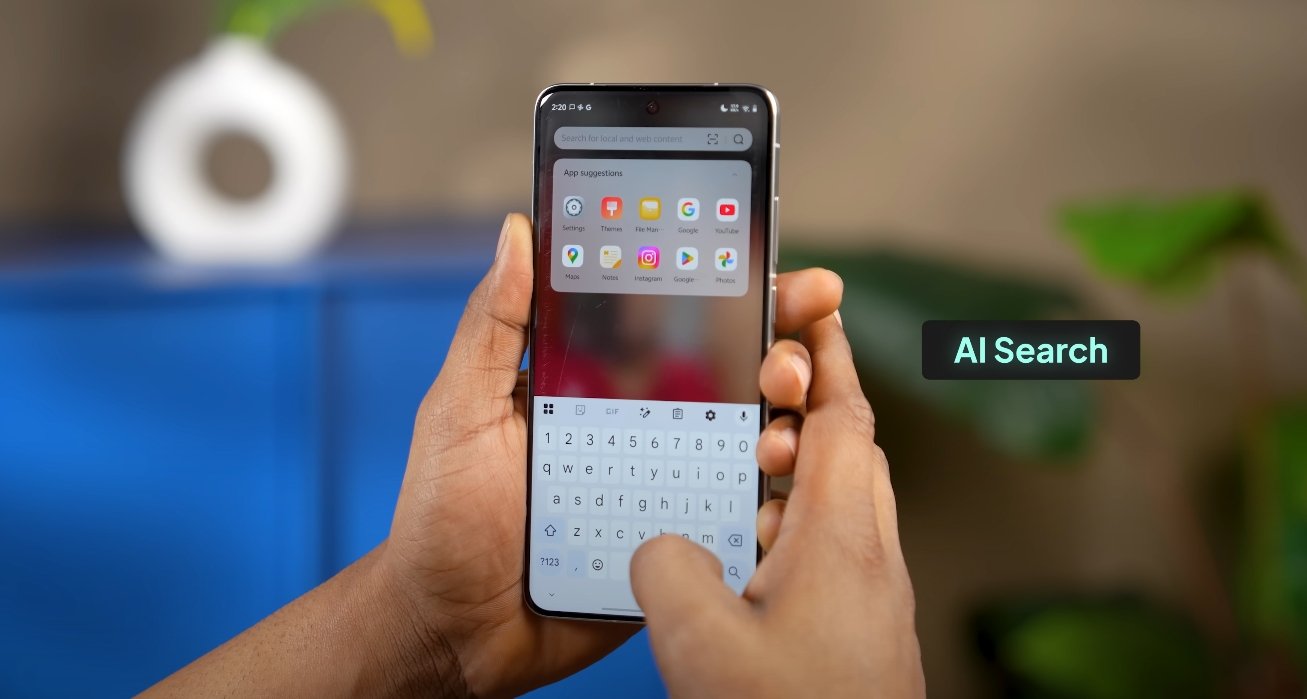
The app drawer has also been completely reworked to improve both function and aesthetics. Vivo has streamlined the drawer’s design with translucent backgrounds, rounded icons, and smart categorization options. Apps can now be sorted automatically by type—such as social, entertainment, or productivity—or manually rearranged for custom layouts. The search bar at the top has been made faster and more intuitive, allowing users to locate apps or perform system-level searches instantly. The smoother animation transitions between the home screen and drawer make navigation feel seamless.

A new addition to the app drawer is the “Smart Shelf,” a contextual section that recommends apps based on time of day, location, and usage patterns. For instance, work-related apps may appear during office hours, while fitness or entertainment apps surface in the evening. This intelligent feature reduces the need to scroll through long lists, adapting dynamically to user behavior. The Smart Shelf can be toggled off for those who prefer a cleaner look, maintaining OriginOS’s focus on user choice.

OriginOS 6 also brings enhanced folder functionality. Users can now open folders in two modes: compact or expanded. The compact mode shows grouped icons on the home screen without leaving the page, while expanded folders open in a larger pop-up window that displays more apps. These folders can be color-coded or themed, matching the wallpaper or icon pack. Vivo has paid attention to smooth animations here as well, making folder transitions natural and visually appealing.

For users who prefer not to use an app drawer, OriginOS 6 allows a full “Home-only” mode, which places all apps directly on the home screens—similar to iOS. This mode is ideal for users who like simplicity or want instant access to every app. Switching between Home-only and Drawer mode can be done easily through settings, offering flexibility for both minimalists and power users.

One of the biggest under-the-hood improvements lies in gesture navigation. Vivo has refined edge gestures, app-switch animations, and home transitions for smoother performance. Swiping up or sideways from the home screen now feels faster and more fluid, with frame rates consistently stable even under multitasking conditions. These motion refinements make using the app drawer and home screen feel cohesive and polished, rather than mechanical.

Customization remains at the heart of OriginOS 6’s design philosophy. Users can modify icon shapes, adjust label visibility, and choose between standard and immersive home layouts. Dynamic wallpapers and adaptive color schemes also integrate directly with the home interface, adjusting accent tones and icon highlights based on the chosen background. The result is a living interface that feels responsive and alive, adapting subtly to both user input and visual context.

Vivo has also worked on cross-device consistency, ensuring that home layouts and app arrangements can sync across supported devices through a Vivo account. For users who own multiple Vivo products like tablets or foldables, this means the same personalized setup can carry over seamlessly.

In essence, OriginOS 6’s updates to the app drawer and home layout transform everyday interaction into something more natural and expressive. It blends intelligent organization, visual sophistication, and performance efficiency into one cohesive system. With fluid gestures, dynamic widgets, and smart categorization, the new design gives users both control and comfort—making navigation faster, cleaner, and uniquely personal.

Also Read:  OriginOS 6 design and UI changes first look

OxygenOS 16 gestures and quick settings redesign

OxygenOS 16 gestures and quick settings redesign

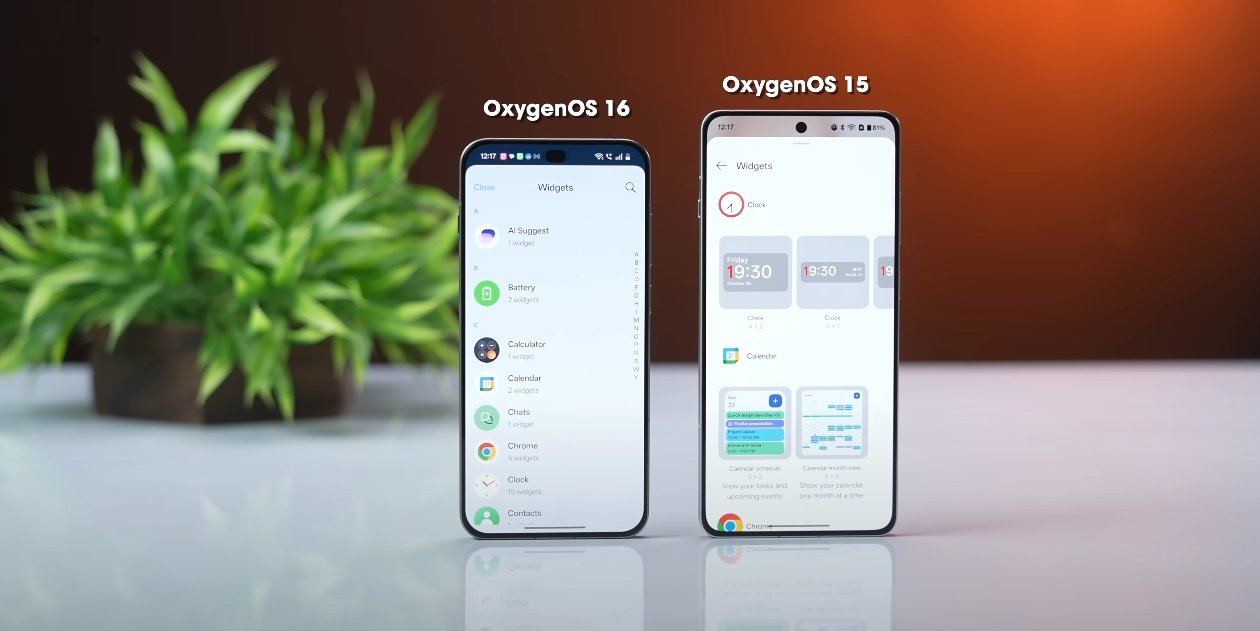
OxygenOS 16 Introduces Smarter Gestures and Redesigned Quick Settings

OxygenOS 16 brings a fresh approach to navigation and system controls on OnePlus devices, focusing on gestures and quick settings. These updates are designed to improve usability, efficiency, and overall user experience. With more intuitive gestures and a streamlined quick settings interface, OxygenOS 16 allows users to interact with their devices more naturally while providing faster access to frequently used controls.

A key improvement in OxygenOS 16 is the enhanced gesture navigation system. The update refines existing gestures, making swipes, taps, and long-press actions more responsive and consistent. Users can now navigate between apps, return to the home screen, access multitasking, and trigger system actions with greater accuracy. The new gesture system is particularly effective during multitasking and full-screen app usage, eliminating accidental inputs and providing a smoother overall navigation experience.

Customizable gestures are another highlight. OxygenOS 16 allows users to assign specific actions to different gesture patterns, such as opening the camera, launching a preferred app, or activating the AI assistant. This personalization ensures that users can interact with their devices in ways that fit their routines and preferences. The improved gesture recognition reduces latency, creating a fluid and natural feel when performing daily tasks.

OxygenOS 16 gestures and quick settings redesign

The quick settings panel has also been redesigned for OxygenOS 16. The interface is cleaner, more organized, and easier to navigate. Users can access frequently used toggles like Wi-Fi, Bluetooth, flashlight, and mobile data more efficiently, with larger, more responsive buttons that reduce mis-taps. The redesigned layout groups related settings together, making it easier to locate specific controls without scrolling through multiple pages.

One notable addition is the dynamic customization of quick settings. Users can now rearrange tiles, add new shortcuts, or remove unused ones directly from the panel. This flexibility allows individuals to tailor the quick settings to their needs, ensuring that the most important functions are always within easy reach. The ability to personalize quick settings contributes to both convenience and productivity.

OxygenOS 16 also introduces context-aware quick actions. The system can suggest relevant settings or shortcuts based on usage patterns. For example, it may highlight battery saver mode during low battery conditions or suggest activating focus mode during work hours. These intelligent suggestions reduce the need for manual adjustments and streamline device management.

Performance and responsiveness have been enhanced alongside the redesign. Both gestures and quick settings respond smoothly without lag, even on devices running multiple apps or under heavy multitasking conditions. The update ensures that navigation remains fluid, contributing to a more satisfying and efficient user experience.

Real-world usage shows that the combination of smarter gestures and a streamlined quick settings interface significantly improves device usability. Tasks that previously required multiple taps or menu navigation can now be completed with simple gestures or a single swipe. Users report faster access to key settings and a more intuitive feel when interacting with their devices throughout the day.

In conclusion, OxygenOS 16’s gesture enhancements and quick settings redesign provide a more natural, efficient, and user-friendly experience. Customizable gestures, a reorganized quick settings panel, and context-aware suggestions make navigation smoother and controls more accessible. These updates demonstrate OnePlus’s commitment to refining user interaction, combining practical improvements with intuitive design to enhance daily device use.

Also Read:  Nothing Phone 3A Lite user feedback after one week

OxygenOS 16 smoothness test with daily usage apps

OxygenOS 16 smoothness test with daily usage apps

Testing Daily Usage Smoothness on OxygenOS 16

OnePlus has designed OxygenOS 16 with a focus on smoothness, efficiency, and user-friendly performance. The operating system introduces improvements in multitasking, animations, AI integration, and system optimization. Testing OxygenOS 16 with daily usage apps provides insight into how these enhancements affect the real-world experience for users across productivity, social media, gaming, and multimedia tasks.

One of the most notable improvements in OxygenOS 16 is Parallel Processing 2.0, which allows the system to manage multiple background processes and foreground tasks simultaneously. This results in faster app launches and more responsive interactions. Productivity apps like Google Keep, Microsoft Outlook, and Evernote open almost instantly, allowing users to quickly create notes, manage emails, or access documents. Even when multiple apps are running in the background, system performance remains stable, ensuring that users can switch between tasks seamlessly.

Multitasking and app switching have also been optimized. With the combination of Flow Motion animations and refined memory allocation, moving between apps such as WhatsApp, YouTube, and Spotify feels smooth and uninterrupted. Apps remain active in the background, reducing reload times and enhancing the overall fluidity of the device. Floating window support further improves multitasking, allowing users to watch videos, reply to messages, or browse the web simultaneously without disruption.

OxygenOS 16 smoothness test with daily usage apps

For gaming enthusiasts, OxygenOS 16 delivers reliable performance. Games like PUBG Mobile, Call of Duty: Mobile, and Genshin Impact run at high frame rates with minimal stuttering. The system’s thermal management prevents overheating during extended sessions, maintaining consistent performance. Additionally, Gemini AI integration helps optimize game settings automatically, balancing visual quality and performance based on real-time usage patterns. This ensures smoother gameplay without manual adjustments, enhancing the overall gaming experience.

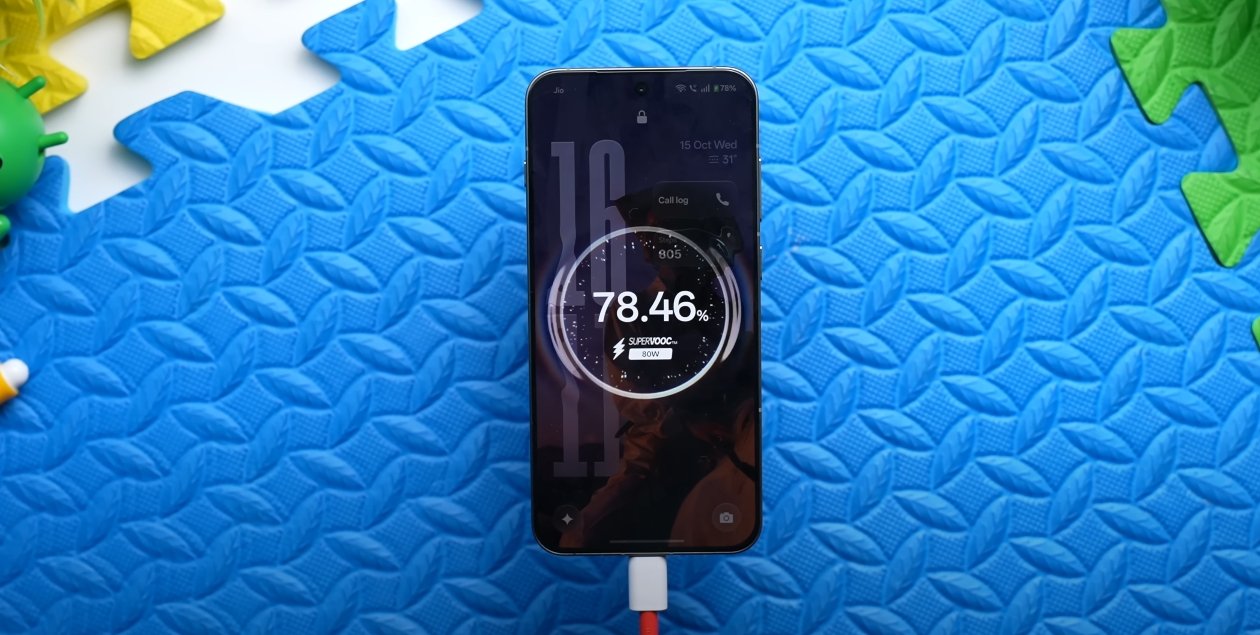
Battery efficiency is another area where OxygenOS 16 shows improvement. The system intelligently manages CPU and GPU resources, ensuring that apps running in the background do not drain battery unnecessarily. Users can engage in intensive tasks such as streaming video, browsing social media, or gaming while maintaining long screen-on times. Adaptive battery management also reduces overnight power consumption, so devices retain more charge after prolonged inactivity. These optimizations contribute to a consistent and responsive user experience throughout the day.

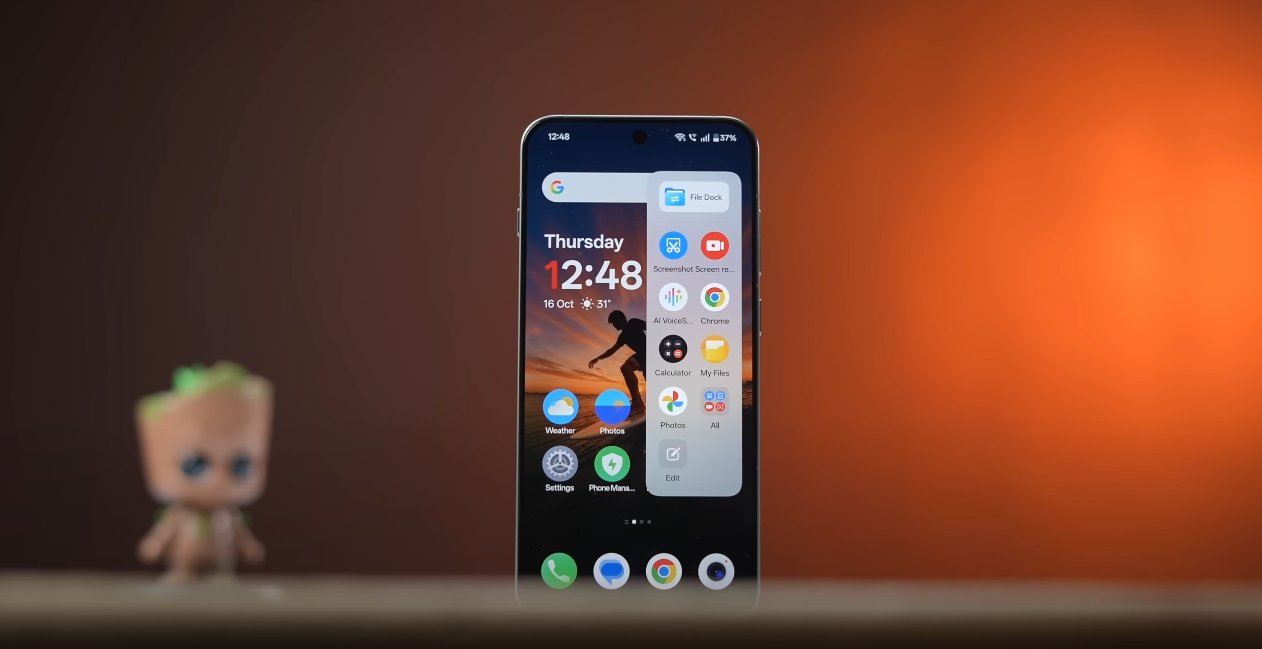
The user interface in OxygenOS 16 has been refined to enhance both aesthetics and usability. The “Breathe With You” design philosophy introduces soft corners, subtle blur effects, and dynamic animations that react to interactions. Live weather animations and Flux Theme 2.0 add a modern touch while maintaining fluidity. Despite these visual enhancements, the system does not compromise on speed, and animations remain smooth even on older devices or during heavy usage.

AI-driven productivity features, particularly Mind Space, further contribute to a smooth daily experience. This feature organizes screenshots, voice memos, and links, offering summaries, reminders, or suggested actions based on the saved content. Users can retrieve information quickly and efficiently, reducing the steps needed to perform routine tasks. This intelligent assistance creates a perception of speed, as many manual processes are streamlined through AI.

In real-world testing with a mix of productivity, social media, and multimedia apps, OxygenOS 16 consistently demonstrates fluid performance. Switching between apps, scrolling through feeds, and interacting with content feels responsive and uninterrupted. Notifications appear promptly, and gesture controls for navigation and multitasking work reliably, maintaining a seamless experience even during extended usage periods.

Overall, OxygenOS 16 provides a smooth, responsive, and efficient user experience across daily usage apps. The combination of faster app launches, optimized multitasking, intelligent battery management, refined animations, and AI-powered features ensures that the operating system can handle both casual and intensive tasks without compromise. Users benefit from a device that not only looks modern and visually appealing but also performs consistently well in real-world scenarios.

In conclusion, testing OxygenOS 16 with daily usage apps confirms that OnePlus has successfully enhanced system smoothness and usability. From productivity and social media to gaming and multimedia, the operating system delivers a fast, responsive, and enjoyable experience. The improvements in multitasking, AI integration, and interface design make OxygenOS 16 a compelling choice for users seeking a high-performance, fluid, and intelligent smartphone environment.

OxygenOS 16 early beta bugs and fixes overview

OxygenOS 16 early beta bugs and fixes overview

Understanding Early Beta Bugs and Fixes in OxygenOS 16

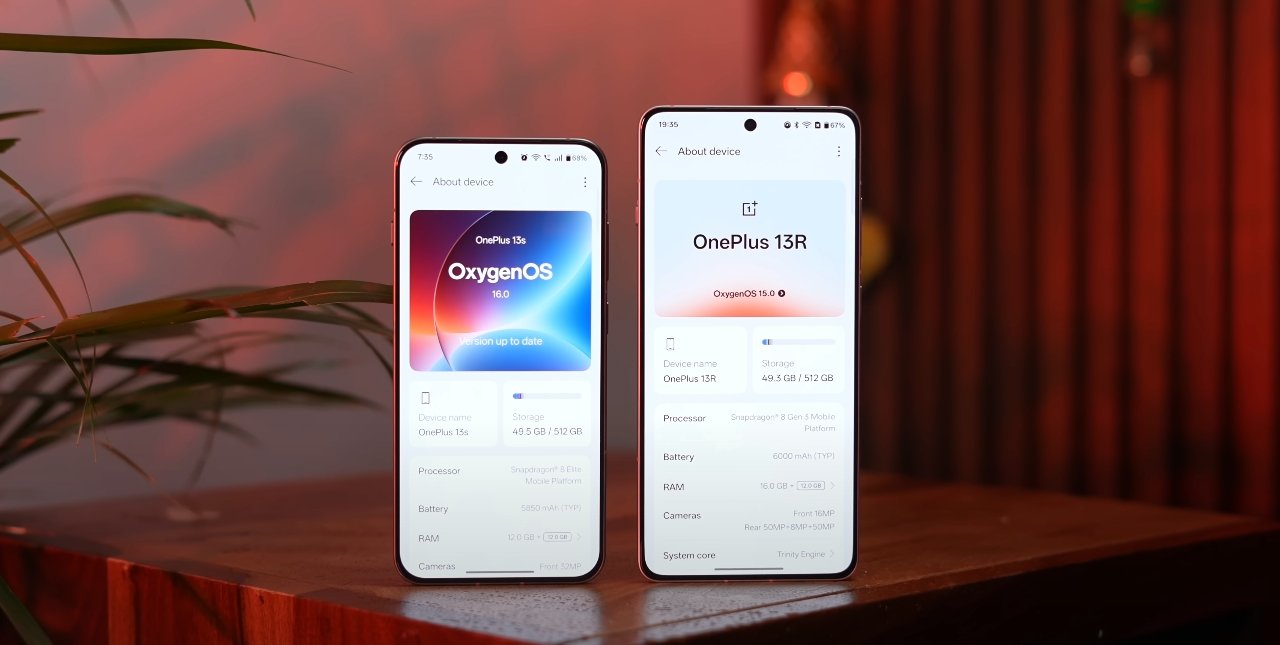
OnePlus has recently launched the early beta version of OxygenOS 16, bringing a host of new features, performance improvements, and design enhancements. While the update promises a smoother and more intelligent user experience, early beta testers have reported several bugs that affect usability, performance, and system stability. This overview highlights the most common issues, their impact on user experience, and the fixes or workarounds provided by OnePlus so far.

One of the primary issues reported in the early beta is system overheating during intensive tasks. Users performing long gaming sessions, multitasking, or streaming high-resolution video noticed that the device tends to heat up more than expected. This can affect comfort during use and may lead to throttling, where performance temporarily drops to manage temperature. OnePlus has acknowledged this and is optimizing CPU and GPU management to reduce heat generation in upcoming beta updates.

Performance lag post-upgrade is another significant concern. Some users noticed slower app launches, delayed animations, and occasional stuttering after updating to the beta version. This is particularly apparent on older devices or models with limited memory resources. To address this, OnePlus is implementing optimizations for memory allocation and background process management, which are expected to improve app responsiveness and overall system fluidity.

OxygenOS 16 early beta bugs and fixes overview

Battery drain has also been highlighted as a problem. During the early beta, background apps consumed more power than usual, even when the device was idle. This rapid battery consumption can hinder prolonged use and reduce convenience for users who rely on their device throughout the day. OnePlus is actively working on battery management improvements, which include better scheduling of background tasks and intelligent resource allocation to ensure longer battery life without compromising performance.

Notification delays in Always-On Display mode have been reported as another common issue. Users found that some notifications failed to appear promptly or were delayed when the device screen was off. This bug affects timely communication and can disrupt workflows. OnePlus is refining notification handling in the Always-On Display feature to ensure alerts are delivered instantly, restoring reliable communication functionality.

File transfer and connectivity issues are also being addressed. Users attempting to share files between OnePlus devices or with external platforms like Windows PCs, Macs, or iPhones experienced slow transfer speeds and occasional disconnections. OnePlus plans to enhance cross-device connectivity, improving stability and speed for file sharing, ensuring that devices interact seamlessly within the ecosystem.

App crashes and compatibility issues have been reported with certain third-party applications. Productivity apps, media apps, and some social media tools occasionally stopped working or caused the system to freeze. OnePlus is working with developers and implementing system-level fixes to improve compatibility, ensuring that popular apps function reliably within OxygenOS 16.

Minor UI glitches and animation flickering have been observed, particularly in Fluid Glass elements and transitions introduced in OxygenOS 16. These visual inconsistencies can make the interface feel less polished. OnePlus is optimizing graphical rendering and animation sequences to eliminate flickering and provide a smoother, more visually appealing experience.

Gesture controls for multitasking, such as split-screen or floating window management, were sometimes unresponsive. Users experienced delays or failures when invoking gestures, which can reduce the efficiency of multitasking. Future beta updates are expected to improve gesture recognition and responsiveness, ensuring that multitasking remains fluid and intuitive.

Lastly, some users encountered issues with the privacy dashboard. Permission prompts and security notifications did not always appear correctly, causing confusion about app access to sensitive data. OnePlus is refining the privacy dashboard to ensure accurate, timely notifications and better transparency, enhancing user trust and device security.

OnePlus encourages beta testers to actively report bugs through the OnePlus Community App. Detailed reports, including logs and steps to reproduce issues, help the development team identify and resolve problems quickly. These reports are critical for ensuring that the stable release of OxygenOS 16 delivers a polished, reliable experience.

In conclusion, the early beta of OxygenOS 16 offers exciting new features, AI integration, and performance improvements, but users should be aware of existing bugs. OnePlus is committed to fixing overheating, performance, battery, connectivity, UI, and gesture-related issues through continuous beta updates. By participating in the beta program and providing feedback, users play an essential role in refining the operating system. Once these fixes are implemented, OxygenOS 16 is expected to deliver a smoother, more stable, and feature-rich experience for all OnePlus devices.

Overall, the OxygenOS 16 early beta highlights both the potential of the new software and the importance of user testing in identifying issues. The ongoing fixes and optimizations aim to ensure that the final stable release meets the expectations of performance, reliability, and user satisfaction that OnePlus is known for.

Also Read:  Oppo Find X8 Ultra vs Pixel 9a early feature leaks

OxygenOS 16 camera app improvements tested in USA

OxygenOS 16 camera app improvements tested in USA

OnePlus Revamps Camera Experience with OxygenOS 16

OnePlus has rolled out significant updates to the camera app in OxygenOS 16, enhancing both functionality and performance. The update is designed to improve photography capabilities, streamline the user interface, and integrate AI features, making it easier for users to capture, edit, and share high-quality images and videos. These improvements have been tested in the USA and show noticeable enhancements over the previous version.

A major highlight of OxygenOS 16 is the introduction of AI-powered photography tools. The new AI Perfect Shot feature automatically analyzes scenes and adjusts key settings such as exposure, focus, and white balance. This ensures that photos are well-balanced and vibrant without requiring manual intervention. Users can capture professional-looking images in a variety of lighting conditions, whether indoors, outdoors, or in challenging environments. Additionally, the AI Eraser tool allows users to remove unwanted objects from images. The tool intelligently fills in the background, producing clean and polished photos, which is particularly useful for social media content and everyday photography.

The camera app interface has been redesigned for ease of use. OxygenOS 16 introduces a customizable toolbar, allowing users to place their most frequently used features within easy reach. This personalization streamlines navigation and reduces the time spent searching through menus, giving users more focus on composing shots. Real-time live filters have also been added, enabling users to preview effects on the screen before taking a photo. This encourages experimentation with different styles and moods, helping users achieve the exact aesthetic they want.

OxygenOS 16 camera app improvements tested in USA

Performance improvements are another key aspect of the OxygenOS 16 camera update. The app now benefits from Parallel Processing 2.0, which allows images and videos to be processed faster, even in high-resolution modes. Launch times for the camera app are shorter, and overall responsiveness has been improved. These enhancements ensure that users can capture spontaneous moments without missing important details due to lag or delays. Stability has also been addressed, reducing crashes and glitches that were occasionally present in previous versions, making the camera more reliable for daily use.

Floating windows and multitasking compatibility within the camera app have been enhanced as well. Users can now open the camera in a floating window while using other apps, allowing them to take photos or record videos without interrupting other tasks. This feature is particularly useful for content creators who need to multitask or monitor multiple apps while capturing media. The floating window can be resized and repositioned, providing flexibility in how users interact with their device while still having full access to camera functions.

Another significant improvement is cross-device integration. With OxygenOS 16, users can easily share photos and videos between OnePlus devices, tablets, and PCs through the O+ Connect feature. This streamlines workflows for users who engage in editing or content creation across multiple devices. Additionally, the update introduces basic integration with Apple devices, allowing notification syncing with Apple Watch and remote camera control from Mac and Windows PCs. These features create a more connected ecosystem, enabling users to manage and share media effortlessly.

Battery and resource management have also been optimized to ensure the camera app operates efficiently. Heavy usage, such as shooting high-resolution video or prolonged photography sessions, no longer leads to significant overheating or rapid battery drain. The system intelligently prioritizes resources for the camera app while maintaining overall device performance, which is particularly beneficial for users who rely on their phones for extended shooting sessions.

The OxygenOS 16 camera update is available globally for eligible OnePlus devices. Users can check their device settings for the latest update and follow the on-screen instructions to install it. Once installed, all the new AI features, interface enhancements, and performance improvements become available immediately. OnePlus has emphasized that these updates are designed to be accessible to both casual users and photography enthusiasts, providing advanced functionality without compromising usability.

In conclusion, the camera app improvements in OxygenOS 16 represent a major step forward for OnePlus users. AI-powered features, a redesigned interface, faster performance, and improved stability make photography more intuitive, flexible, and enjoyable. Cross-device integration and floating window support further enhance the overall experience, enabling users to capture, edit, and share media more efficiently. OxygenOS 16 solidifies OnePlus’s position as a brand focused on innovative, high-quality smartphone photography and provides users in the USA and around the world with powerful tools to elevate their creative potential.

Also Read:  Apple iPhone Air official accessories lineup unveiled

OxygenOS 16 Gemini AI features explained for beginners

OxygenOS 16 Gemini AI features explained for beginners

Understanding the New Gemini AI in OxygenOS 16

OnePlus has unveiled OxygenOS 16, its most advanced software version to date, powered by Google’s Gemini AI. This integration marks a major step toward creating a more intelligent, personalized smartphone experience for users. For beginners, the idea of an AI-driven phone might sound complex, but OnePlus has designed Gemini features to be easy to use, practical, and deeply integrated into daily tasks.

At the center of this new system is Mind Space, a smart hub built into OxygenOS 16. Think of Mind Space as a digital memory that collects your photos, notes, screenshots, links, and even voice memos. Instead of scattered information across multiple apps, everything stays organized in one intelligent place. Gemini AI then uses this data—securely and privately—to help you recall details, summarize notes, or plan events based on what’s already stored on your device. For instance, if you saved pictures and notes from a trip, Gemini can automatically create an itinerary or suggest similar places to visit nearby.

The Gemini AI also introduces a new way of saving and accessing content. With the Plus Key or a simple gesture, like swiping with three fingers, users can quickly add anything they see on screen to Mind Space. Voice memos are now more versatile, allowing up to 60 seconds of recording that can be instantly transcribed and summarized. Gemini keeps this information ready for use, making it easier to find, manage, and reuse without manually searching through folders or apps.

OxygenOS 16 Gemini AI features explained for beginners

OnePlus has made sure that Gemini isn’t just for organization—it’s also a creative and productivity assistant. The AI Writer feature can generate or refine text for messages, captions, or notes. It can even build structured outlines for presentations or essays. The AI Scan tool simplifies document management by automatically cleaning scanned pages, detecting edges, and creating professional-looking PDFs. The Recorder app has gained new intelligence, too, offering live transcription and summaries of meetings, lectures, or interviews, while filtering out background noise for clear playback.

Gemini’s integration also enhances personalization throughout the OxygenOS 16 interface. The AI learns how users interact with their phones, adjusting system suggestions, home screen recommendations, and shortcuts accordingly. If you often use certain apps at specific times of day, Gemini can automatically prepare them in the background for faster launch. It can also suggest contextual actions, such as creating reminders after a phone call, generating a grocery list after a shopping message, or summarizing long chats and emails into quick highlights.

For new users worried about privacy, OnePlus has emphasized full control over what Gemini can access. Mind Space is encrypted, and only the data users choose to share with Gemini will be analyzed. You can review and revoke access at any time through a new privacy dashboard. Gemini works locally whenever possible, minimizing the need to send information to the cloud. This ensures that the system remains both smart and secure, aligning with OnePlus’s long-standing commitment to user trust.

Another advantage of Gemini AI is its seamless connection across devices. With OxygenOS 16, OnePlus has improved cross-platform syncing so that notes, reminders, and AI suggestions can be accessed on laptops and tablets using the same account. Users can start writing on their phone and finish it on another device without losing progress. This ecosystem approach makes productivity smoother and more consistent, especially for people juggling work and personal tasks across multiple screens.

OxygenOS 16, with Gemini AI at its core, represents OnePlus’s most ambitious software vision yet. By blending intelligence, personalization, and ease of use, the company aims to redefine what an Android experience can be. Beginners don’t need to learn complex commands or settings—Gemini quietly assists in the background, learning from everyday actions and offering help only when needed. It’s not about replacing human effort, but about making smartphones more responsive and intuitive than ever before.

The update will debut on the new OnePlus 15 series and gradually roll out to other eligible devices in the coming months. With its combination of powerful AI tools, enhanced privacy, and user-friendly design, OxygenOS 16 sets a new benchmark for what users can expect from intelligent mobile software in 2025.

Also Read:  Oppo Find X8 Ultra vs Vivo X300 Ultra low light test

POCO F8 Pro accessories you regret buying: what to skip?

POCO F8 Pro accessories you regret buying what to skip

The Add-Ons UK Buyers Should Think Twice About

Many POCO F8 Pro owners rush to load up on accessories the moment the phone arrives, but not every add-on is worth the money. The UK market is full of cases, screen protectors, charging kits and bundles that look useful on paper yet end up being disappointing in real-world use. With the F8 Pro now more widely available through UK retailers and import channels, it’s a good moment to look at which accessories users often regret buying and why they may not be the best fit.

One of the most commonly regretted items is the ultra-rugged case. These thick, bulky shells promise heavy-duty protection, but many UK users find them unnecessarily large for everyday use. The F8 Pro is already a sizable device, and adding a heavy case makes it feel unwieldy, especially when carrying it in a jacket or jeans pocket. Unless you work outdoors or regularly drop your phone, these oversized cases tend to be more trouble than they are worth.

Ring-holder cases are another accessory that frequently disappoints. While the built-in ring can help with grip or serve as a stand, it often interferes with magnetic car mounts, wireless powerbanks and even certain desk chargers. Many buyers also report that the rings loosen over time, turning a once-useful feature into an annoyance. For most everyday users, a slim, well-designed case offers a far better balance of usability and protection.

POCO F8 Pro accessories you regret buying what to skip

Screen protectors can also be hit-or-miss, especially full-adhesive or edge-to-edge variants. These often peel around the curved edges, trap dust underneath or affect touch responsiveness. Some UK buyers have found that installing these protectors becomes a repeated chore rather than a one-time fix. A high-quality, standard tempered glass protector tends to provide a more reliable and long-lasting experience without the hassles of over-engineered designs.

Charging accessories are another area where F8 Pro buyers sometimes overspend. Generic “fast charging” cable kits promising extreme wattage can be misleading, and many do not match the phone’s actual supported standards. UK users frequently discover that these cables don’t charge any faster than the included hardware, or in some cases, don’t retain stable power delivery. Officially rated chargers and cables, or options from trusted UK brands, are almost always the safer choice.

Bluetooth gaming controllers marketed specifically for the F8 Pro can also be a point of regret. Many of these third-party models lack proper calibration, suffer from noticeable input lag or are poorly built. UK customers expecting a console-like experience often end up returning them. For mobile gaming, choosing a well-reviewed universal controller usually gives better performance and longevity.

Camera lens protectors are another commonly purchased accessory that users later replace or remove entirely. These protectors tend to collect smudges, reduce image clarity and sometimes interfere with the F8 Pro’s focus, especially in low light. Modern smartphone lenses are already built with scratch-resistant coatings, so additional layers rarely provide meaningful protection.

Magnetic wallet cases also earn mixed reactions from UK buyers. While the idea of combining a wallet and phone case seems practical, many find these cases bulky and inconvenient. They can make contactless payments trickier and add weight to the device, and the magnets sometimes weaken over time. Separate cardholders or slim cases tend to be more comfortable and better suited for everyday use.

Another accessory often regretted is the cheap third-party car mount that claims to be “universal.” Many of these mounts struggle with the size and weight of the F8 Pro, especially during UK road conditions with speed bumps, potholes and roundabouts. Shaky mounts and slipping grips become a safety concern as well as a frustration.

Overall, the most regretted accessories tend to be those that are over-engineered, poorly built or incompatible with the F8 Pro’s size and hardware. UK buyers often find that sticking to simpler, high-quality essentials saves both money and hassle. A slim protective case, a reliable tempered glass screen protector and an officially supported charger usually provide all the functionality most users need.

In the end, purchasing accessories for the POCO F8 Pro should be about enhancing your daily use, not cluttering it with gadgets that add bulk or fail to perform. By avoiding gimmicky or low-quality products, UK users can keep the F8 Pro feeling premium, practical and enjoyable over the long term.