How to Get One UI 9.5 Beta on Samsung Galaxy S26, S26+ and S26 Ultra
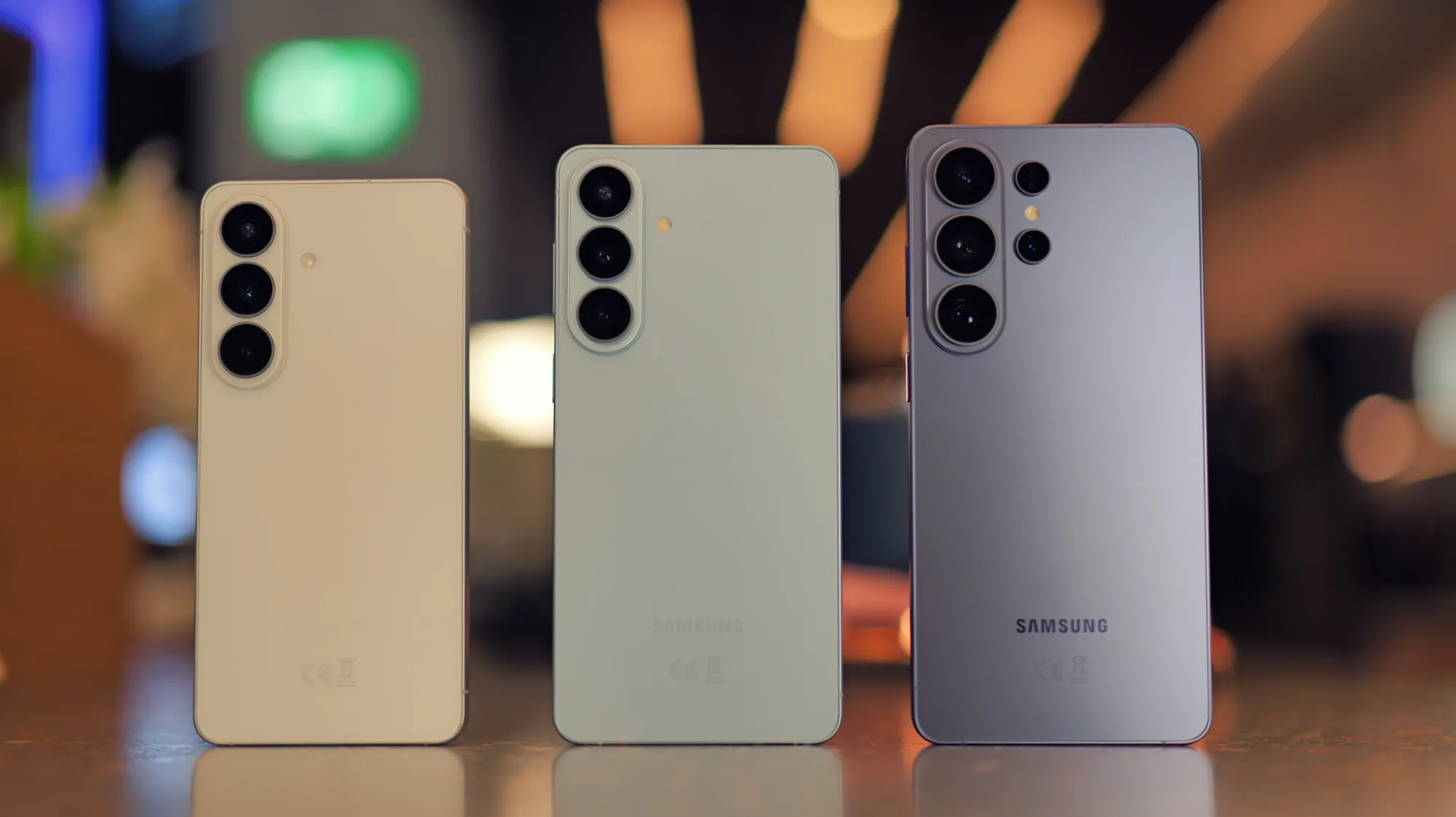
One UI 9.5 Beta Now Available for Samsung Galaxy S26 Series
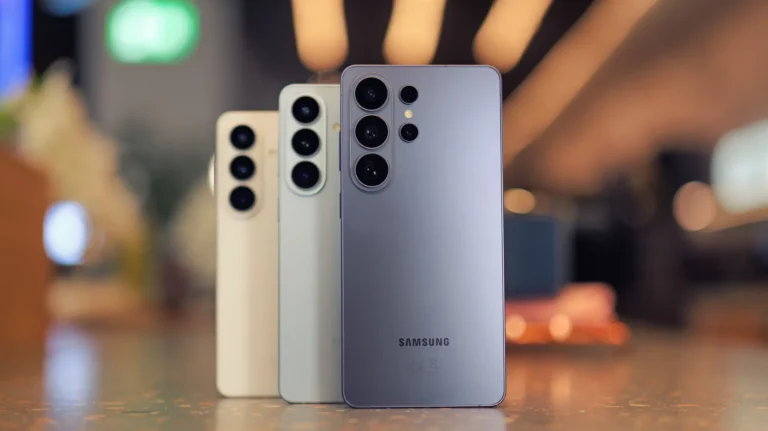
Samsung has opened the doors to the One UI 9.5 beta for owners of the Samsung Galaxy S26, Samsung Galaxy S26+ and Samsung Galaxy S26 Ultra. The beta is rolling out in select regions including the United Kingdom, United States, Germany, India, South Korea and Poland. While the final version is slated for the upcoming Samsung Galaxy S27 lineup early next year, early adopters can start testing the new features today.
How to Enroll in the Beta Program
First, install the Samsung Members app from the Galaxy Store or Google Play. Inside the app, look for the Beta Program banner and follow the prompts to register. After registration, the update appears like any other software patch: go to Settings > Software update > Download and install. You may need to apply any pending updates before the One UI 9.5 option shows up. If the update is not yet visible, give the rollout a few days as Samsung typically staggers the release.
Key New Features Across Nine Areas
The changelog, compiled from leaker reports and community posts, highlights improvements in camera controls, lock screen personalization, digital wellbeing tools and more. Highlights include:
Camera: A redesigned navigation bar, faster shutter speed options and refined frame‑rate controls give photographers more flexibility.
Lock Screen: Dynamic live wallpaper effects, new clock styles and additional Now Bar animations let users customise the first thing they see each morning.
Digital Wellbeing: An optional delay before opening distracting apps mirrors Google’s Pause Point, helping users stay focused.
App Locking: Users can secure individual apps with PIN, password, pattern or biometrics, and the setup process is smoother than before.
Privacy Display: On the Samsung Galaxy S26 Ultra, the Privacy Display now supports individual album protection in the Gallery and note‑level privacy in Samsung Notes.
File Preview: Microsoft Office documents can be previewed directly in the My Files app without launching a separate viewer.
Samsung DeX: Maximised windows occupy more screen real estate, and the status‑bar and task‑bar layouts have been refined for a desktop‑like experience.
Samsung Health: Sleep coaching, mood tracking, journalling, medication management and customisable car profiles have all been upgraded.
Accessibility: A new shortcut provides quick access to accessibility features, and hearing‑aid controls are now more intuitive.
Miscellaneous: Settings search is faster, and classic Over the Horizon wallpapers are back for download.
Why You Might Want to Try the Beta
Even if only a few of these enhancements appeal to you, the overall package represents a substantial leap from One UI 9.0. Early testing can also give feedback to Samsung before the final release, potentially smoothing out bugs that could affect the broader Galaxy S27 launch.
Potential Risks and Considerations
As with any beta, some features may be incomplete and occasional glitches are expected. Users should back up important data before installing and be prepared for occasional instability. Nonetheless, many enthusiasts find the trade‑off worthwhile for a glimpse of the next‑gen experience.
Looking Ahead
While the beta is currently limited to the Samsung Galaxy S26 lineup, Samsung has hinted that other flagship and mid‑range devices will receive One UI 9.5 later in the year. Keep an eye on official Samsung channels and community forums for rollout updates.