
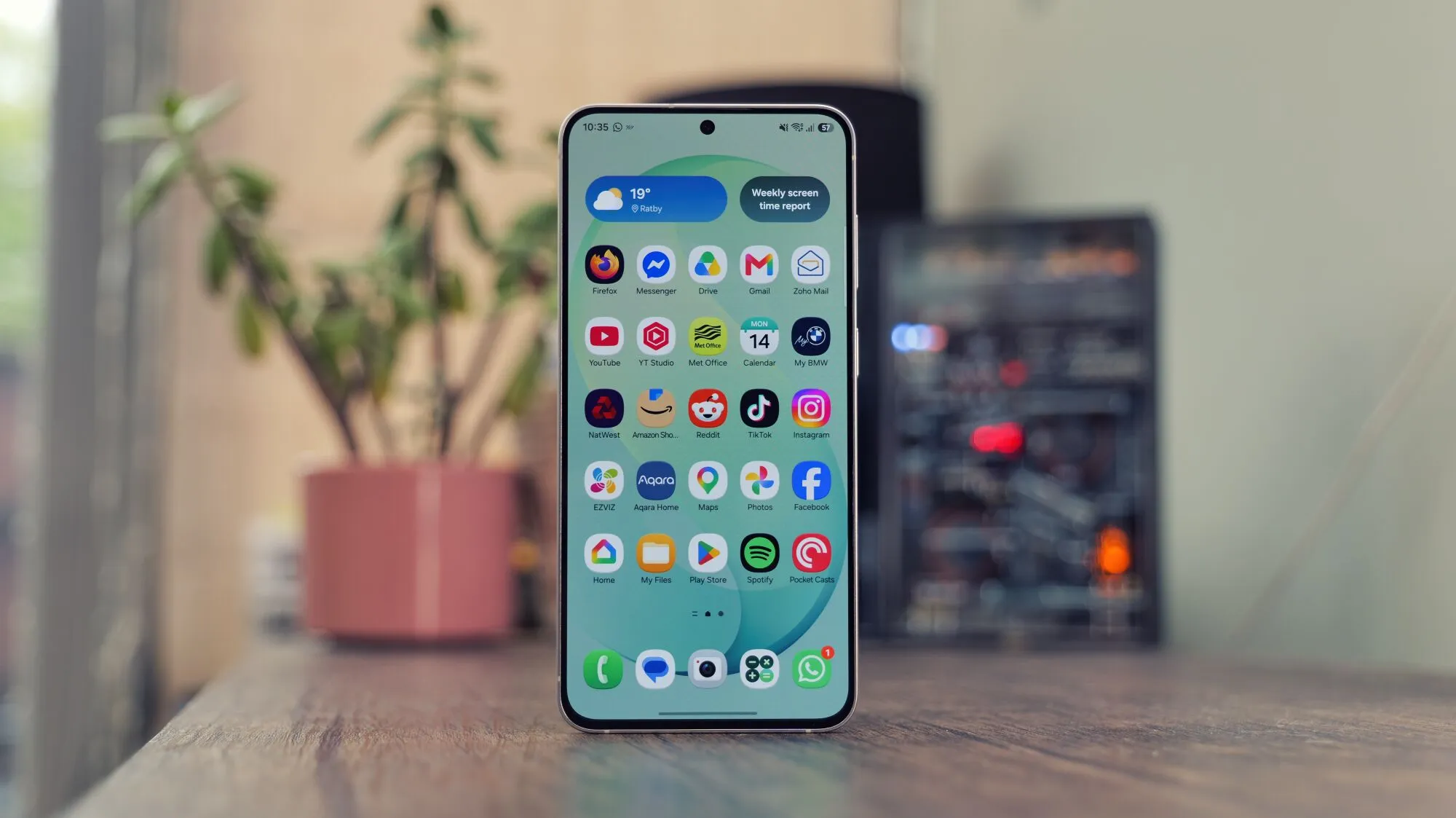
What One UI 10 Could Mean for Samsung Devices
Rumours circulating from a source deep inside Samsung’s software engineering team suggest that the upcoming One UI 10 will abandon the familiar grid of app icons that have defined Android phones since the early days of iPhone OS. Instead, the new interface is said to blend calendar events, location‑based suggestions and messaging threads into a fluid AI‑driven workspace. If true, devices such as the Samsung Galaxy S25 and the foldable Samsung Galaxy Z Fold 6 could become platforms for contextual widgets rather than collections of static shortcuts.
From Icons to AI Widgets
The proposed shift mirrors the way AI assistants have begun to act as the primary interaction layer on many devices. Rather than tapping an icon to launch a messaging app, a user might see a live conversation snippet on the home screen, with the Gemini‑powered assistant ready to draft replies. This approach promises fewer taps, but it also raises questions about discoverability and user control, especially for power users who rely on deep customization.
How It Stacks Up Against Competitors
Apple has already moved toward widget‑centric home screens with iOS 17, and the Apple Watch Series 10 showcases glanceable AI insights on a tiny display. Meanwhile, the iPad Air M2 runs iPadOS that blends multitasking panes with contextual suggestions. Samsung’s ambition to leap ahead of these trends could position the Galaxy S25 as a showcase of next‑gen mobile interaction, yet it also risks alienating users accustomed to the classic app drawer.
Android’s Role in the Transition
Google’s upcoming Android 18 is expected to be an incremental visual refresh rather than a radical overhaul. That means Samsung will need to implement most of the UI transformation within its own One UI layer. The challenge lies in delivering a seamless experience without breaking compatibility with existing Android apps, which still rely on traditional launch intents tied to icons.
Why Samsung Might Struggle
Historically, Samsung’s strengths have been hardware innovation and production scale. Its software, once branded TouchWiz, earned a reputation for being busy and occasionally redundant. Even after rebranding to One UI, critics have noted that the UI feels heavy compared with Google’s stock Android or Apple’s streamlined designs. Introducing a completely new interaction paradigm could exacerbate those concerns if the AI features feel half‑baked or overly dependent on Google services like Gemini.
Potential Benefits for Everyday Users
For casual users, a context‑aware home screen could simplify daily routines. Imagine the Galaxy S25 automatically surfacing a meeting reminder with a one‑tap option to join a video call, or the Z Fold 6 suggesting a nearby restaurant based on calendar entries. Such fluidity aligns with the broader industry push toward a post‑smartphone world where the device anticipates needs before the user explicitly asks.
Risks and Open Questions
Key unanswered questions include how Samsung will handle privacy, how much control users retain over what data is displayed, and whether the AI layer will work offline. Additionally, developers will need clear guidelines for integrating their apps into the new widget ecosystem, a process that could be more complex than the current intent‑based model.
Conclusion: A Bold Vision or a Misstep?
One UI 10 represents an ambitious attempt to redefine mobile interaction, but the success of such a radical redesign hinges on execution. If Samsung can deliver a polished, intuitive AI workspace on flagship devices like the Galaxy S25, it may set a new standard. If not, the move could alienate loyal One UI fans and damage the brand’s reputation for reliable software. Only time—and a hands‑on preview—will reveal whether this gamble pays off.