
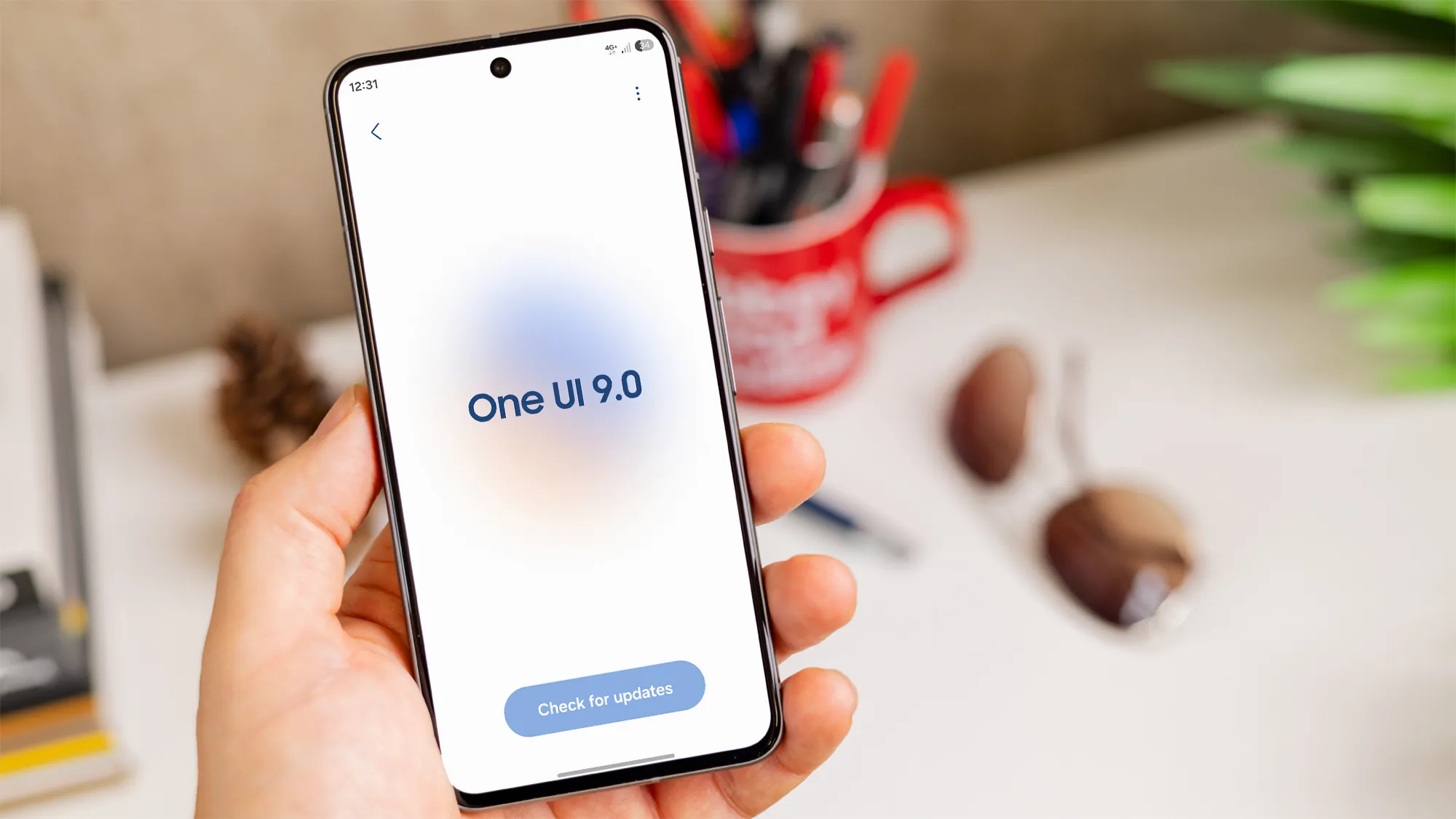
One UI 9 arrives for Samsung Galaxy S24 series
Samsung has started rolling out its Android 17 based One UI 9 skin to a range of older devices, and the flagship Samsung Galaxy S24 series is among the first to receive it. The rollout, which began in the United States, South Korea, India and Europe, promises a noticeable lift in performance, visual polish and AI‑driven conveniences. For owners of the Samsung Galaxy S24, Samsung Galaxy S24 Ultra or Samsung Galaxy S24 Plus, the update feels like a mid‑cycle refresh that can extend the phone’s relevance well beyond its launch year.
Key visual and customization upgrades
One UI 9 introduces a more flexible Quick Panel that lets users rearrange tiles, add shortcuts and access new toggles without leaving the home screen. The design language has been refined with smoother animations and a refreshed icon set that aligns with the broader Android 17 aesthetic. Users will also notice a subtle dark mode enhancement that reduces eye strain during night‑time browsing.
Productivity gains with Samsung DeX and Notes
The updated Samsung DeX experience now supports higher resolution output when connected to external monitors, making the Samsung Galaxy S24 Ultra a viable desktop replacement for light office work. Samsung Notes has been upgraded with AI‑assisted handwriting recognition and better integration with the new Quick Panel, allowing users to launch a new note directly from the swipe‑down menu.
Privacy and AI features that matter
One UI 9 adds a location privacy indicator that appears whenever an app accesses GPS data, giving users clearer insight into background tracking. The AI suite includes Call Brief, which provides real‑time transcription of call topics, and My FanCam, a feature that locks focus on a moving subject in existing video and re‑frames the clip around them. Parents can capture school performances of their children with My FanCam, while professionals can use Call Brief to capture meeting highlights without manual note‑taking.
How One UI 9 compares to other Android 17 devices
The rollout mirrors the earlier debut of One UI 9 on the Samsung Galaxy Z Fold 6 and Samsung Galaxy Z Flip 6, devices that represent Samsung’s 2024 flagship lineup. While Google has faced criticism for bugs in its Pixel 11 Pro version of Android 17, Samsung’s implementation appears more stable, especially on newer hardware like the Samsung Galaxy S24 Ultra. Interestingly, the older Pixel 6 runs a slightly newer Android 17 build than the Pixel 11 Pro, highlighting the fragmented nature of the OS rollout.
What this means for the upcoming Samsung Galaxy S27
Enthusiasts are already looking ahead to the rumored Samsung Galaxy S27 series, but the One UI 9 update shows that Samsung can breathe new life into existing models. By delivering AI enhancements, better DeX support and refined privacy tools, Samsung ensures that the Samsung Galaxy S24 remains competitive even as the market anticipates the next generation.
Should you update now?
For most Samsung Galaxy S24 owners, installing One UI 9 is a straightforward way to gain fresh features without waiting for a new handset. The update process is similar to previous Samsung patches: go to Settings, select Software Update and follow the on‑screen prompts. Backing up data beforehand is recommended, but the upgrade has been reported as smooth on the majority of devices.