Why Apple Reference Image on iPhone 18 Pro Is a Game Changer for Photo Authenticity
What Is Apple Reference Image?
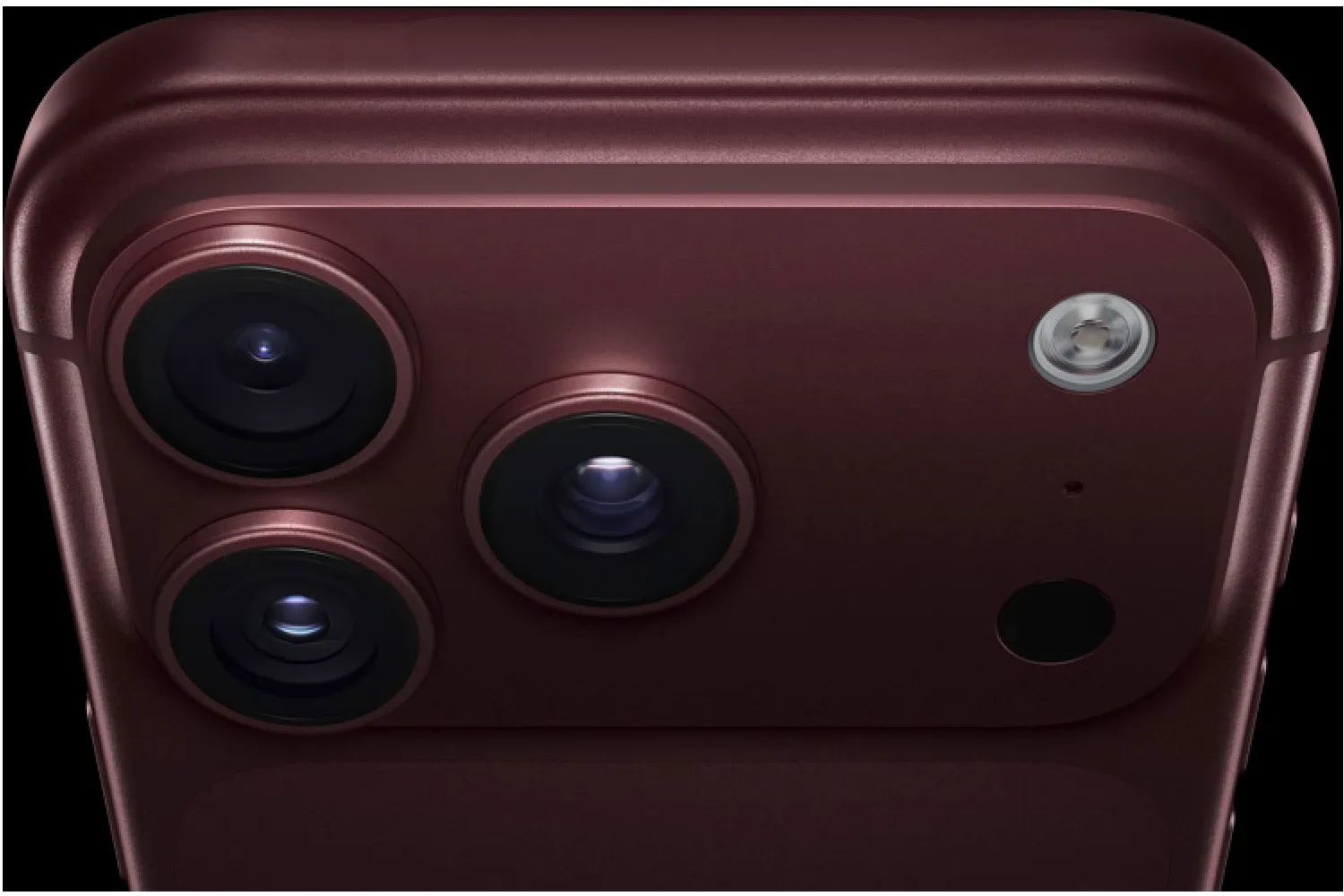
Apple Reference Image is a new camera mode that embeds a cryptographically signed record of sensor data into each photo taken with the main sensor of the iPhone 18 Pro or iPhone 18 Pro Max. The data includes a secure timestamp and hardware identifiers, creating an unalterable reference that can be viewed later in the Photos app. Apple describes it as a digital guarantee that the picture is a genuine photograph captured at a specific moment.
How It Compares With Android Solutions
Google introduced a similar capability on the Pixel 10 series using the C2PA standard, which adds signed metadata to JPEG files. The same technology is being extended to video on the Pixel 8, Pixel 9 and Pixel 10. While Android users have had access to verified photography for a few generations, iPhone owners are only now receiving a comparable tool, and Apple’s closed‑system approach means the feature is limited to the iPhone 18 Pro line.
Why Verified Photos Matter Today
Smartphones now account for over ninety‑two percent of all images captured worldwide. People rely on phone photos for online marketplaces, dating apps, citizen journalism and activism. As AI‑generated images and deepfakes become more convincing, trust in visual content erodes. A verifiable photo can help confirm the authenticity of a parcel delivery image, a protest crowd shot, or a personal profile picture, reducing the risk of fraud and misinformation.
Current Limitations of Apple’s Approach
Apple’s implementation is currently restricted to the main sensor of the iPhone 18 Pro and iPhone 18 Pro Max, and the mode is disabled by default. Users must enable it in Settings under Camera > Reference Image. Moreover, the feature is not offered as a camera mode in the European Union or China, although iOS 27, iPadOS 27 and macOS 27 allow viewing and developing reference images in those regions. In contrast, Google’s C2PA‑based solution follows an open standard and is expected to be available on most recent Pixel devices worldwide.
How to Activate and Use the Feature
On a supported iPhone, go to Settings, tap Camera and toggle Reference Image on. Once active, each captured JPEG will contain the signed metadata automatically. Sharing a reference image requires using Apple’s built‑in sharing workflow, which preserves the verification data. Android Pixel users enjoy a seamless experience, as C2PA metadata is added by default without any extra steps.
What This Means for the Wider Ecosystem
The introduction of Apple Reference Image signals that major phone manufacturers recognize the need for built‑in authenticity tools. If Apple expands the feature to other models such as the iPhone 19 series, or adopts an open standard, it could accelerate industry‑wide adoption. Meanwhile, competitors like Samsung Galaxy S25 and upcoming devices such as Apple Watch Series 10 or iPad Air M2 may incorporate similar verification capabilities, further strengthening the trust chain for digital media.