Unlock the Full Potential of Your Samsung Galaxy S26 Ultra in the UK
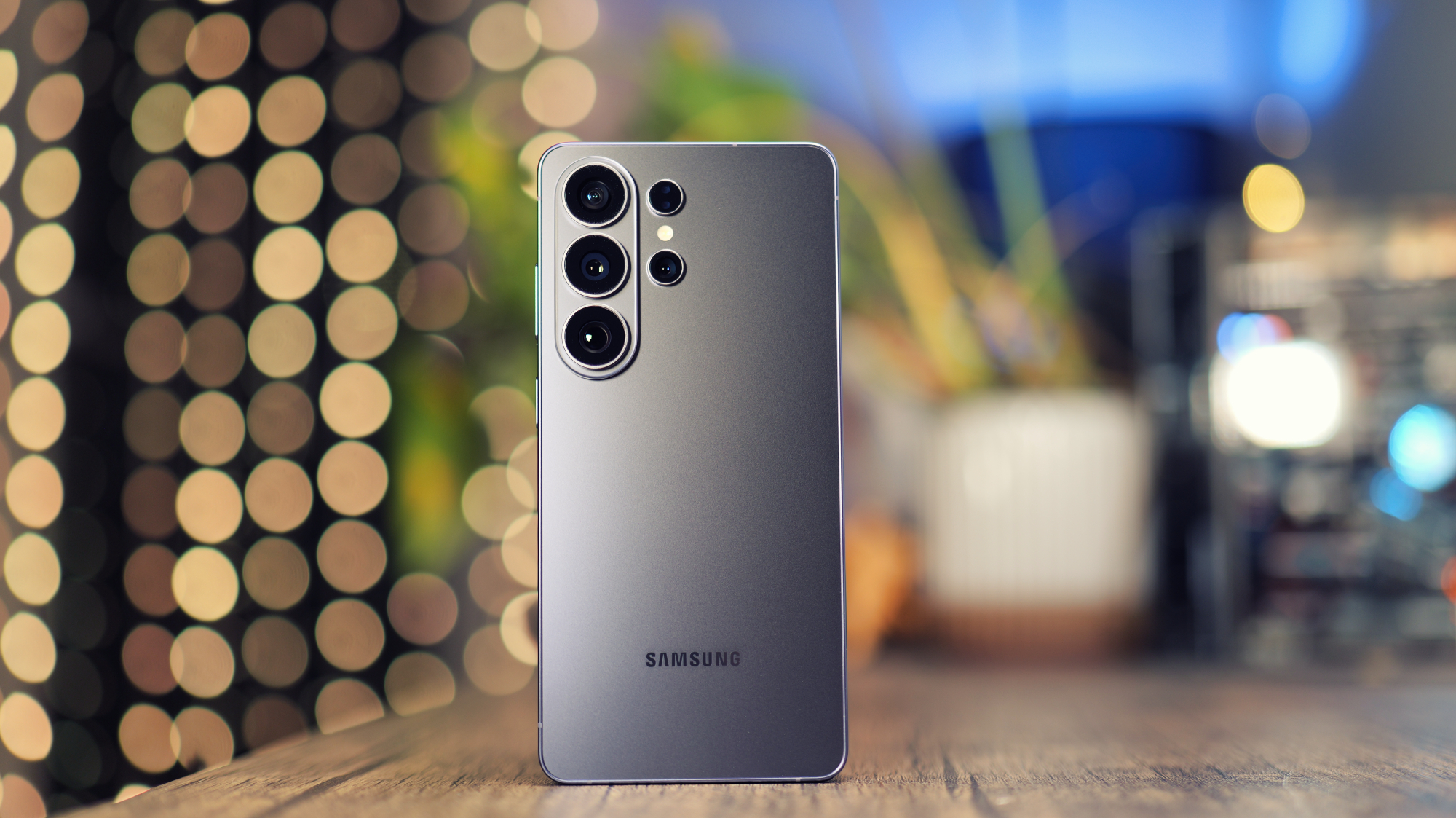
Getting the Most Out of Your Samsung Galaxy S26 Ultra
The Samsung Galaxy S26 Ultra has arrived in the UK, packed with innovative features to enhance your mobile experience. From productivity tools to creative apps, this device has it all. To help you make the most of your new phone, we’ve put together 10 expert tips to get you started.
Whether you’re looking to boost your productivity or unleash your creativity, these tips will show you how to tweak and customize your S26 Ultra to suit your needs. So, let’s dive in and explore the exciting features of this powerful device.
First up, we have the Privacy Display feature, which is perfect for those who value their privacy. This feature uses advanced technology to prevent others from viewing your screen, making it ideal for sensitive information or personal conversations.
To enable Privacy Display, simply swipe down from the upper right side of your screen and toggle it on. You can also customize the settings to adjust the strength of the effect and set it to turn on automatically when you’re in a specific app or location.
Another great feature of the S26 Ultra is the ability to reorganize the Quick Settings. This allows you to customize the layout and prioritize the features that matter most to you. To do this, simply pull down the Quick Settings shade and tap the Pencil icon to start editing.
You can also boost the resolution of your display to make the most of the QHD+ panel. To do this, go to Settings, then Display, and select Screen Resolution. From here, you can choose between HD+, FHD+, and QHD+ resolutions to find the perfect balance between quality and battery life.
In addition to these features, the S26 Ultra also comes with Now Nudge, a predictive reply feature that can save you time and effort. To enable Now Nudge, go to Settings, then Galaxy AI, and toggle it on. You can also customize the settings to give Now Nudge the required permissions to work correctly.
For the creative types, the S26 Ultra offers a range of innovative tools, including Creative Studio. This app allows you to use AI to create stickers, wallpapers, and greeting cards, all with a few simple taps. To access Creative Studio, go to Settings, then Galaxy AI, and toggle it on.
Other notable features of the S26 Ultra include the ability to switch up your voice assistant, turn on Call Screening, and use Audio Eraser to clean up background sound on videos. You can also create smooth videos with Horizontal Lock and use APV for professional video productions.
With these 10 expert tips, you’ll be well on your way to unlocking the full potential of your Samsung Galaxy S26 Ultra in the UK. Whether you’re a seasoned tech enthusiast or just starting out, these features and tips will help you get the most out of your device and take your mobile experience to the next level.