Unlock the Best UK Streaming Experience with Roku
Discover the Ultimate UK Streaming Solution with Roku
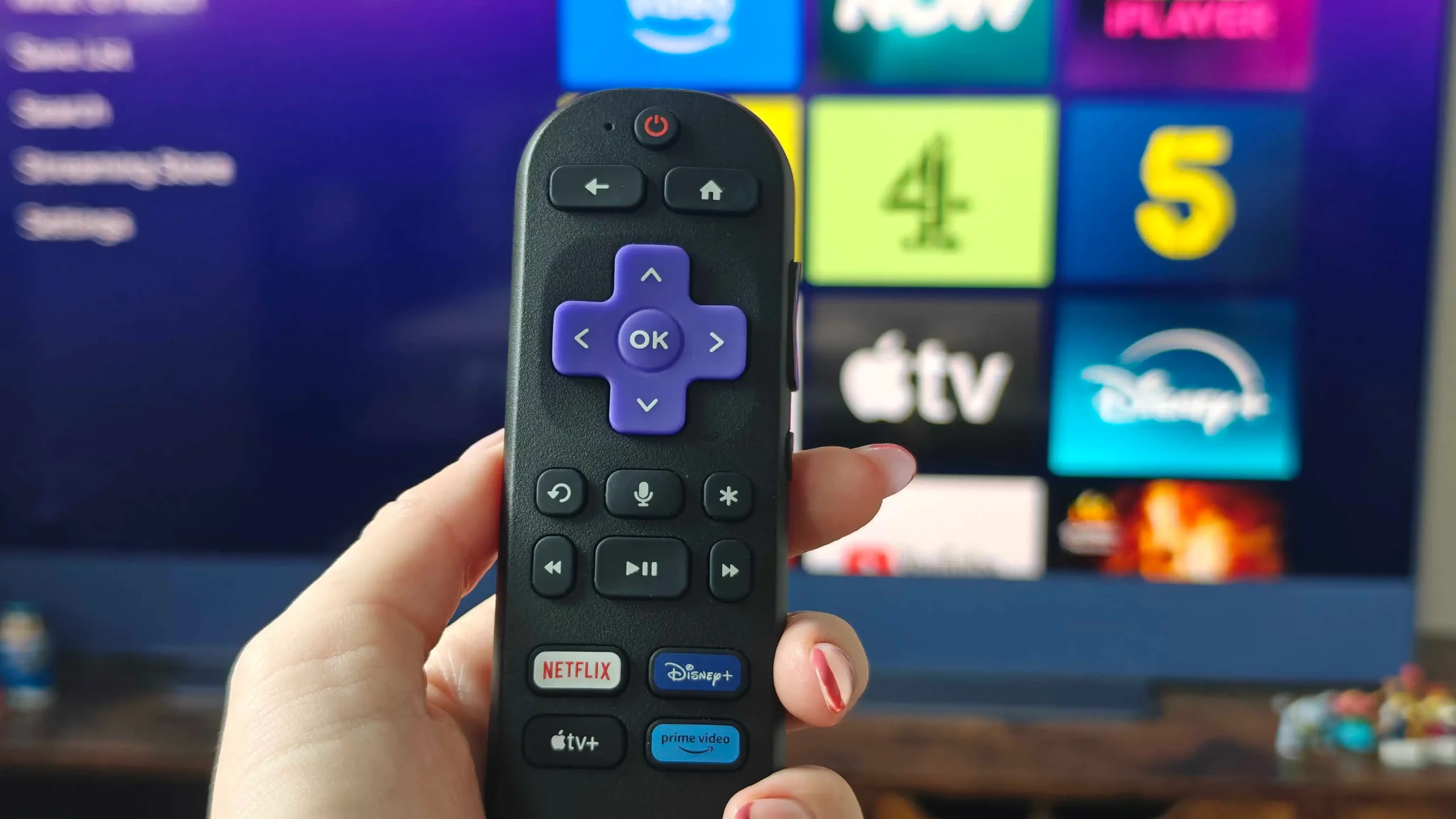
When it comes to enhancing your TV’s performance, streaming devices are the way to go, especially for older models or those with slowed-down smart features. Among the various options available, Roku remains a top choice in the UK, offering a range of models including the Roku Streaming Stick HD, Plus, and 4K. However, the difference between these models goes beyond just price, with distinctions in performance, hardware, Wi-Fi stability, and daily usability.
All three models run on the same Roku OS, providing a similar core interface, but it’s crucial to look beyond the price and basic features to find the right fit for your TV and streaming needs. Your TV’s resolution, Wi-Fi setup, and the type of content you plan to stream are key factors in determining the best Roku model for you.
For instance, if your TV is capped at 1080p, buying a pricey streaming device like the Roku Plus or 4K won’t improve your TV’s picture quality. The TV itself is just as important as the device, and buying a model compatible with your TV makes the most sense. Additionally, the HDMI port on your TV needs to be checked to ensure it supports HDCP 2.2 for proper 4K streaming.
The Roku Stick also requires a power source, which can be directly connected to your TV’s USB port if it can deliver 5V–1A, or an external socket for older TVs. The device doesn’t decide the picture quality; your TV does. Moreover, the performance of the Roku Stick HD may be sufficient at first, but over time, the difference in performance between the HD, Plus, and 4K models becomes more apparent, with the Plus and 4K offering better navigation and faster app loading.
No matter which model you choose, your internet connection plays a significant role in determining the streaming quality. All three Roku models rely on Wi-Fi, and even if your TV is plugged directly into the router, the Roku device still uses a wireless connection. HD streaming can get by on 5-10Mbps, but 4K content requires 25Mbps or more, and signal strength is also crucial to prevent buffering.
It’s also important to note what Roku doesn’t do. If you’re looking for an Android TV alternative, Roku does its core job well but lacks the same level of app freedom. There’s limited third-party app support, and while there’s a way to sideload apps, it’s not a straightforward process for everyday users. Moreover, you can’t download content offline due to limited storage, so it’s not meant to be used as a storage platform.
In terms of price, the Roku Stick is the cheapest option, suitable for TVs with a max resolution of 1080p. The Roku Plus offers improved performance and 4K support, making it a better choice for most users. The Roku 4K adds Dolby Vision support and long-range Wi-Fi, ideal for those with TVs that support Dolby Vision and prioritize picture quality.