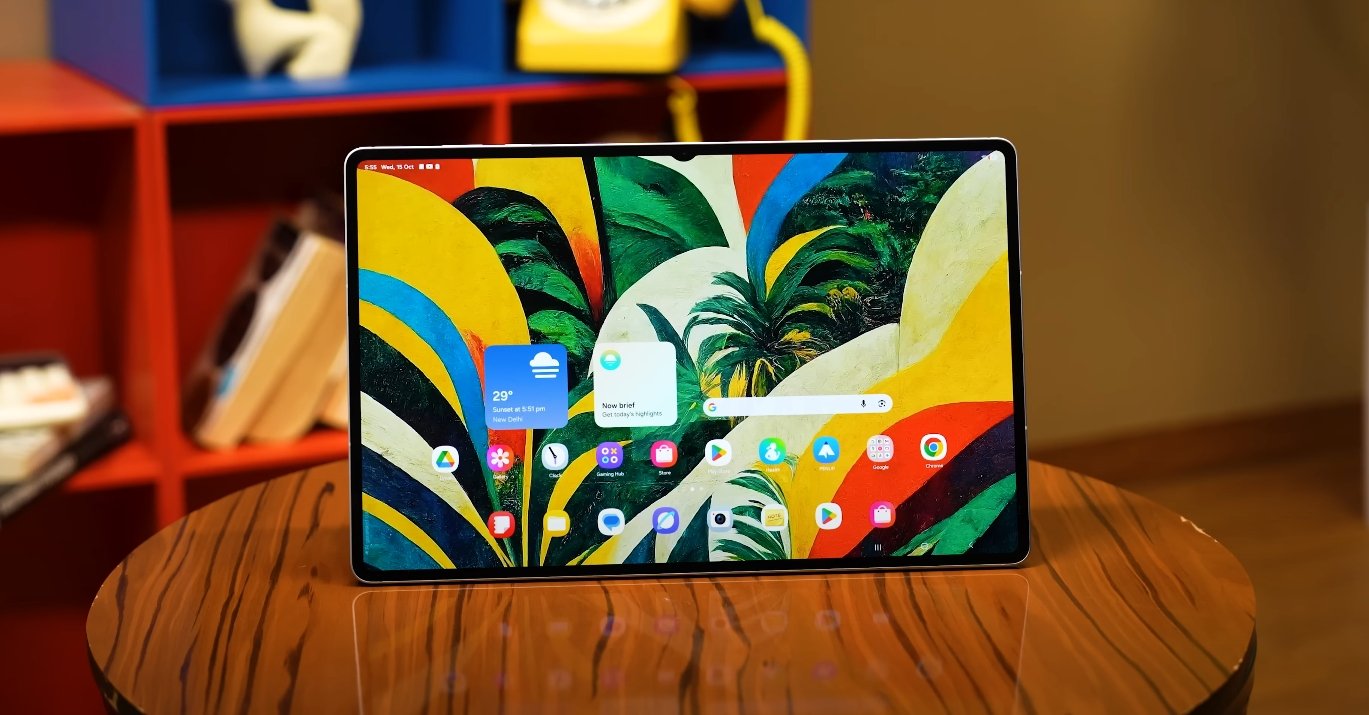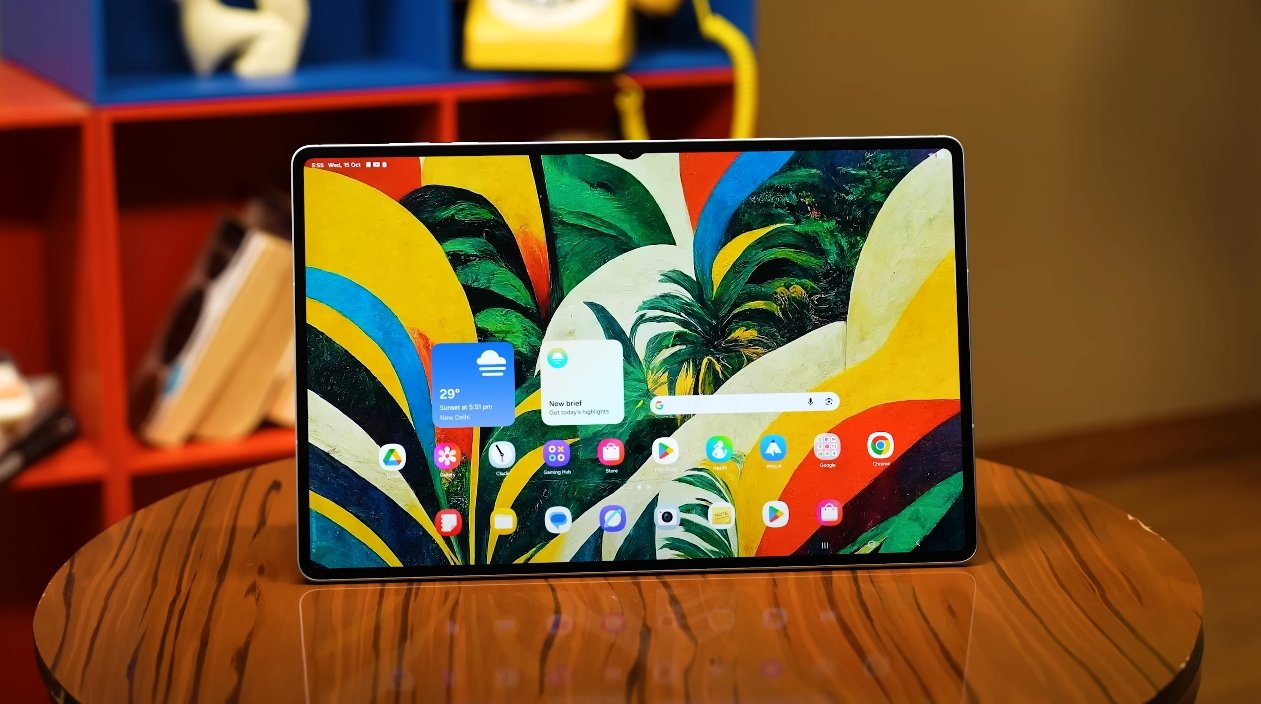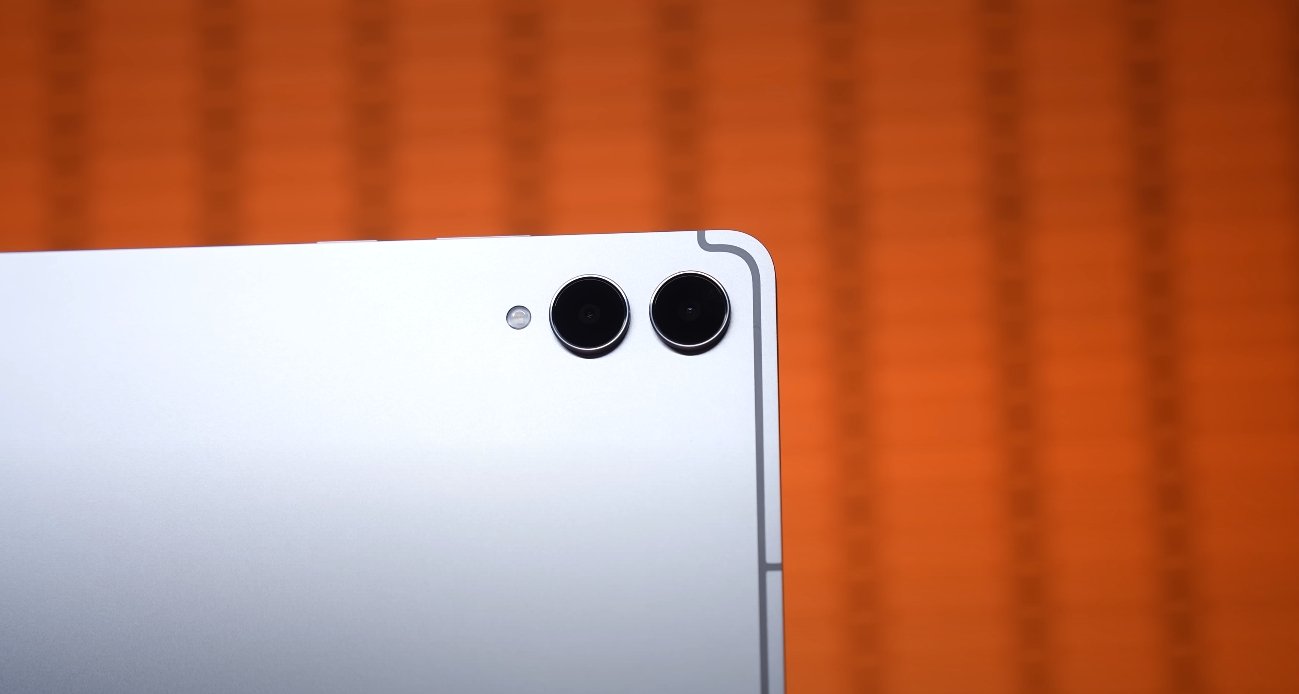
Samsung Galaxy Tab S11 Ultra real world multitasking test

Samsung Galaxy Tab S11 Ultra real world multitasking test

Real-World Multitasking on the Samsung Galaxy Tab S11 Ultra

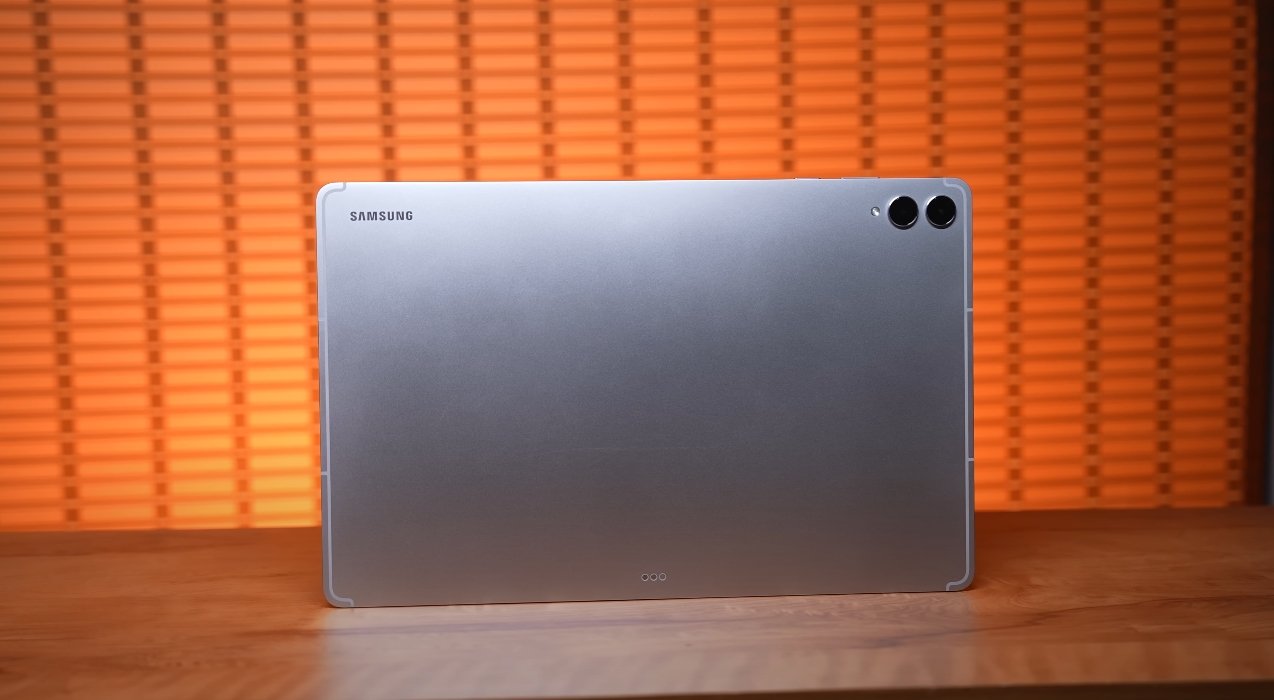
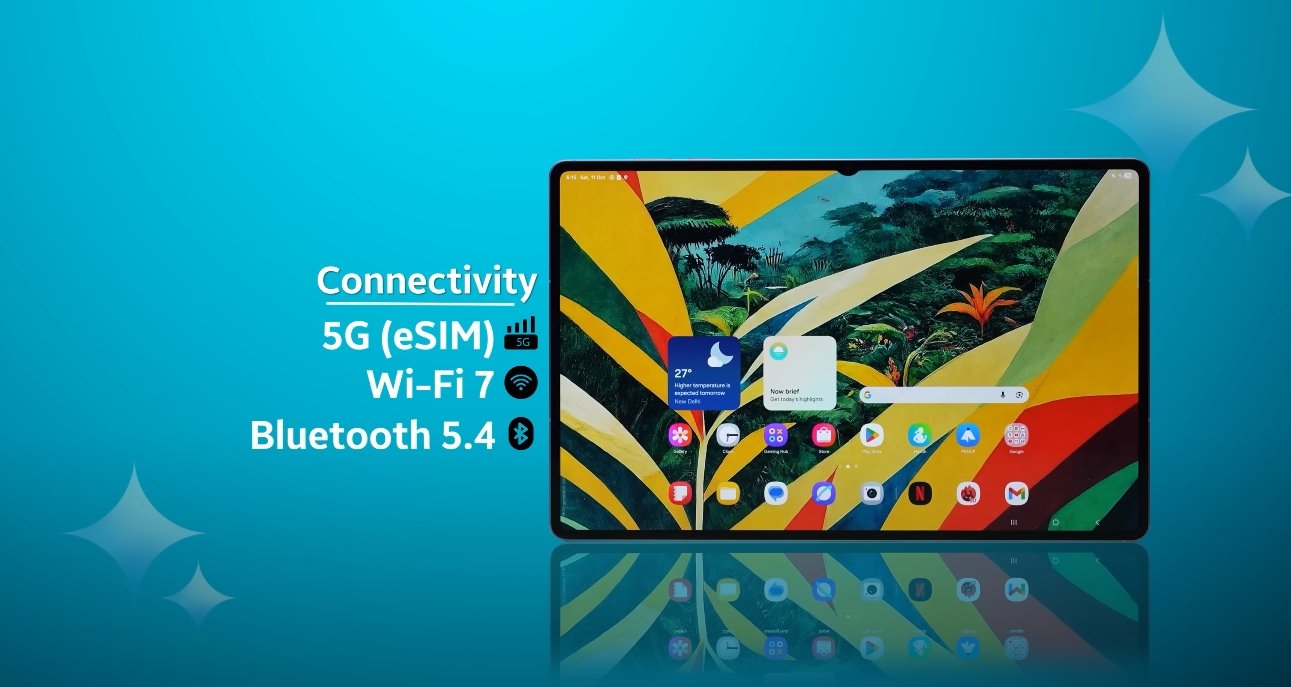
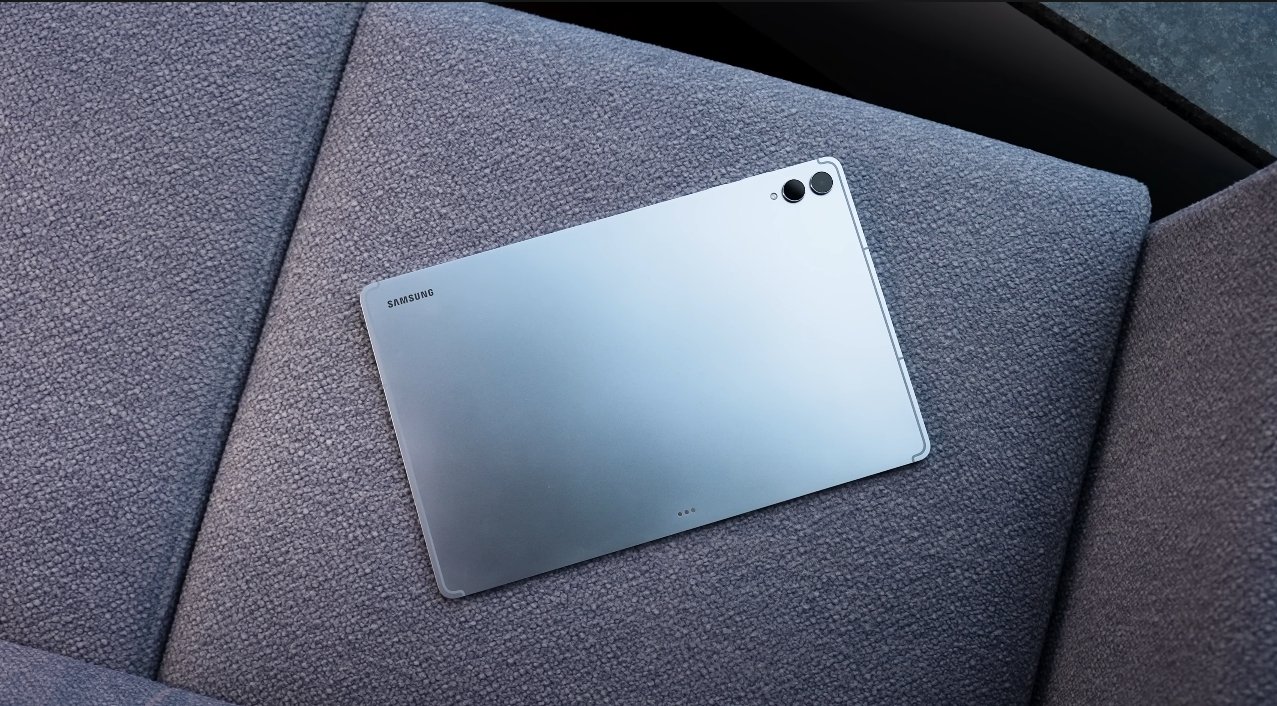
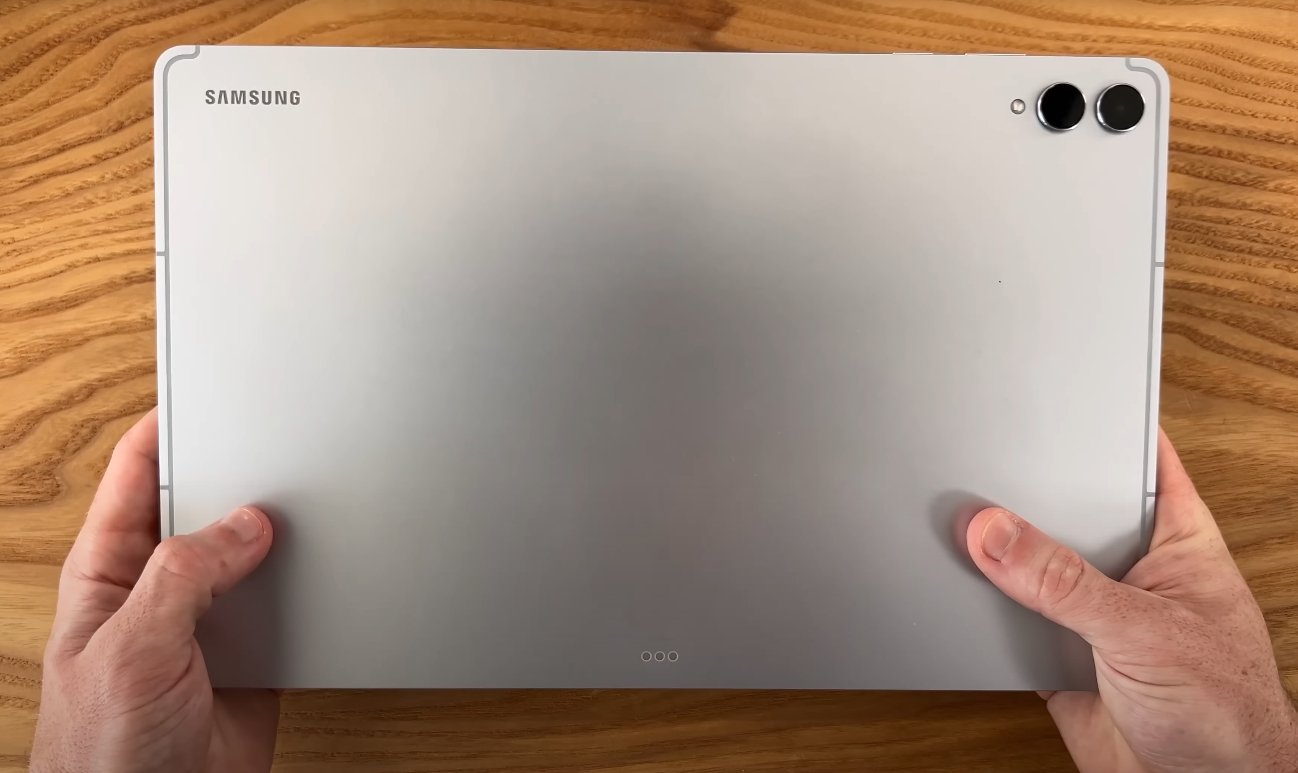
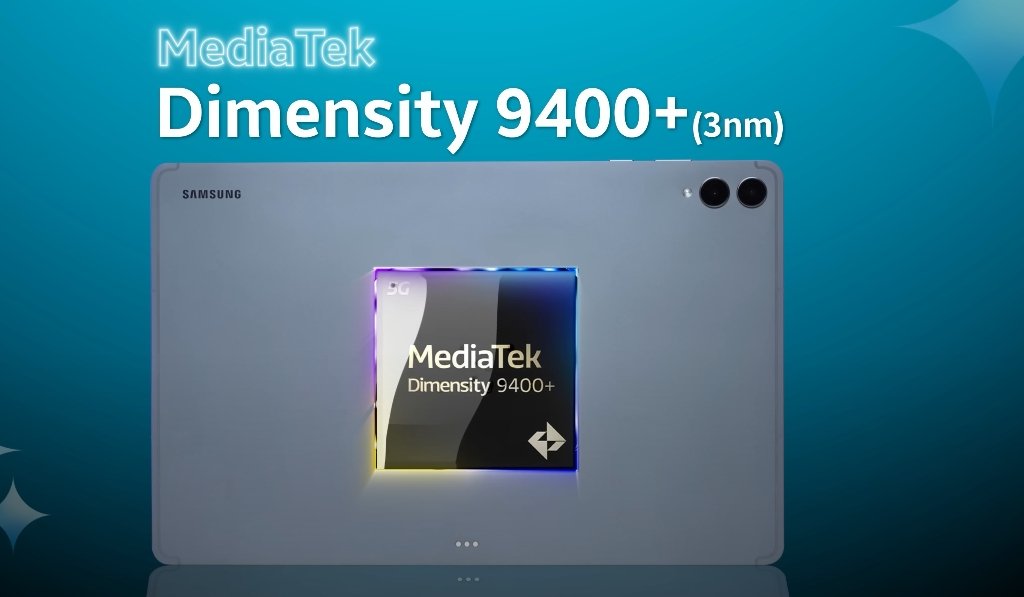
The Samsung Galaxy Tab S11 Ultra has been designed to deliver high-end performance, particularly for users who rely on multitasking to manage work, study, or creative projects. With its MediaTek Dimensity 9400+ processor, up to 16GB of RAM, and a large 14.6-inch AMOLED 2X display, the tablet is built to handle demanding applications and simultaneous tasks without compromising speed or responsiveness. This makes it a compelling choice for students, professionals, and content creators who need a versatile device.

In everyday multitasking scenarios, the Tab S11 Ultra performs exceptionally well. Opening multiple apps such as Microsoft Word, Google Chrome, YouTube, and productivity tools simultaneously shows minimal delay. The 120Hz refresh rate ensures smooth transitions between apps, while the AMOLED display provides crisp visuals and vibrant colors. Switching between web browsing, document editing, and video streaming is seamless, allowing users to maintain productivity without interruptions. Even when several apps are active in the background, performance remains consistent.

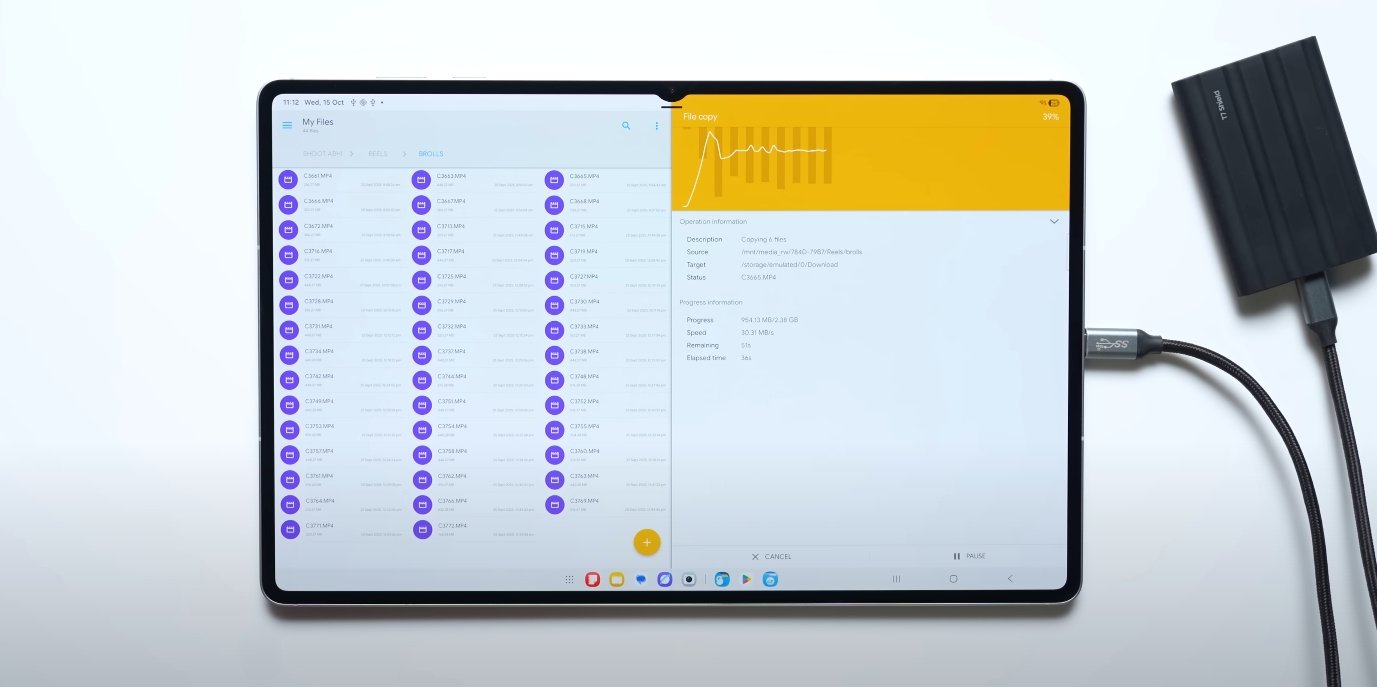
The tablet’s Samsung DeX mode elevates multitasking to a desktop-like experience. In this mode, users can open multiple resizable windows, drag and drop files, and use keyboard shortcuts similar to a traditional computer. Applications such as Excel, PowerPoint, and Slack can run side by side, creating an expansive workspace that is particularly useful for professionals and students working on projects or research. The Tab S11 Ultra maintains smooth performance in DeX mode, even with multiple resource-intensive applications active.
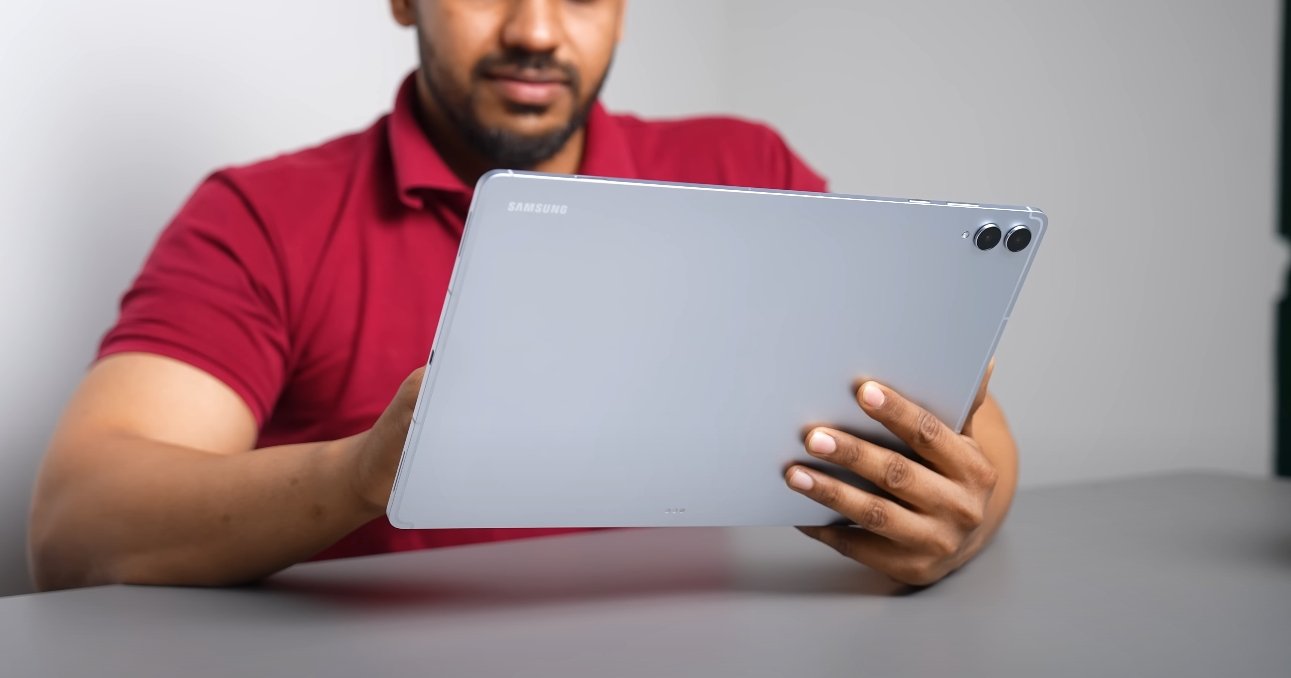
Samsung Galaxy Tab S11 Ultra real world multitasking test

Gaming performance also factors into real-world multitasking. The Tab S11 Ultra handles popular titles like Genshin Impact and PUBG Mobile at high settings without noticeable lag. The device’s thermal management system keeps it cool during extended sessions, though slight throttling can occur during prolonged heavy usage. This minor reduction in performance does not significantly affect gaming or multitasking, ensuring a consistent user experience for entertainment alongside productivity tasks.

Content creators benefit from the Tab S11 Ultra’s ability to manage intensive applications. Video editing in apps like Adobe Premiere Rush or DaVinci Resolve runs smoothly, with quick rendering times and minimal stutter. The combination of powerful RAM and a high-performance processor ensures that tasks such as 4K video editing, photo editing, and 3D modeling are feasible on a tablet, eliminating the need for a full laptop in many scenarios. This makes the Tab S11 Ultra an effective tool for students, designers, and creative professionals on the go.

Battery life is another important factor in multitasking scenarios. Despite the demanding performance, the Tab S11 Ultra manages energy efficiently with its 11,600mAh battery. Users can expect approximately 9 to 10 hours of continuous use when performing mixed activities such as streaming videos, browsing the web, editing documents, and running multiple apps simultaneously. Fast charging support ensures that the tablet can quickly recover power between tasks, minimizing downtime and keeping users productive throughout the day.

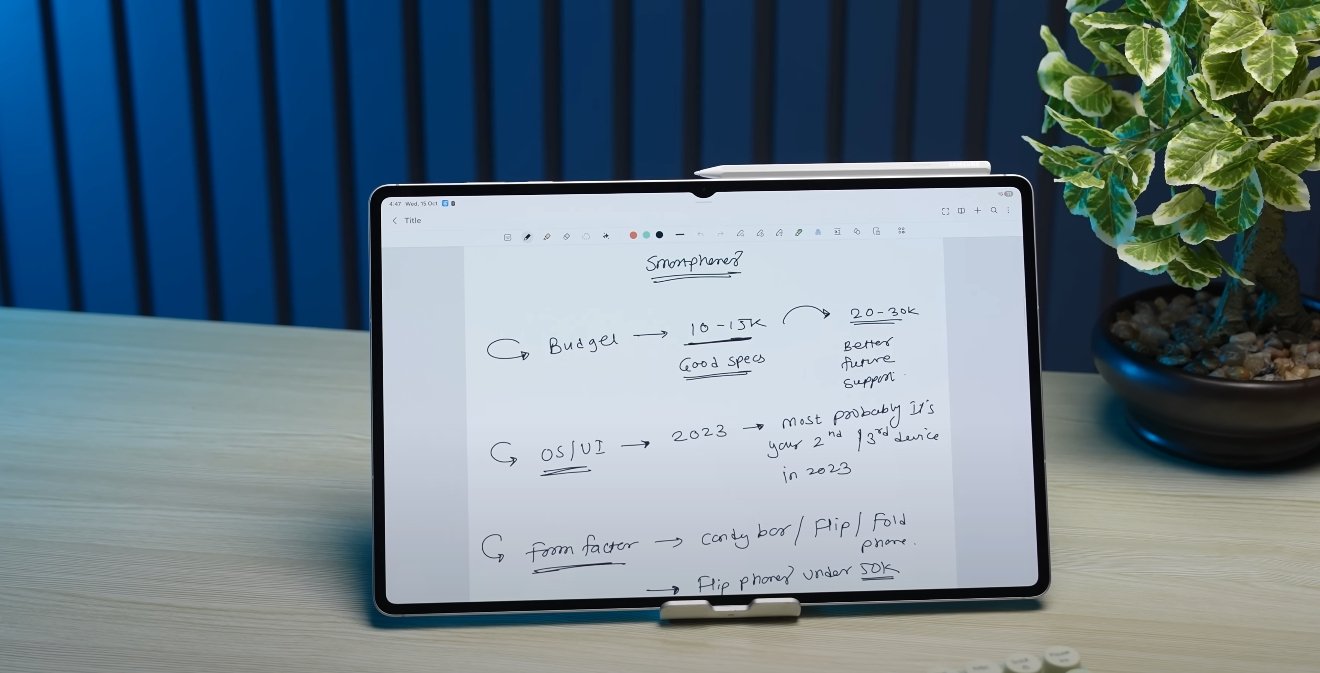
Real-world user feedback underscores the tablet’s multitasking capabilities. Many users report that the Dimensity 9400+ chip and ample RAM allow for smooth performance even under heavy workloads. Multitasking with DeX is often compared to using a laptop, making the tablet a suitable alternative for those who need portability without sacrificing productivity. Students appreciate the ability to take notes, browse the web, and attend online lectures simultaneously, while professionals value the seamless operation of productivity and communication apps together.

In conclusion, the Samsung Galaxy Tab S11 Ultra excels in real-world multitasking performance. Its powerful processor, generous RAM, and large, high-quality display make it ideal for handling multiple applications, gaming, and creative tasks concurrently. Samsung DeX enhances its functionality by providing a desktop-like workspace, and its battery life supports extended periods of use without frequent charging. Whether for academic purposes, professional work, or creative projects, the Tab S11 Ultra demonstrates that a tablet can effectively manage demanding multitasking needs while maintaining smooth, reliable performance.
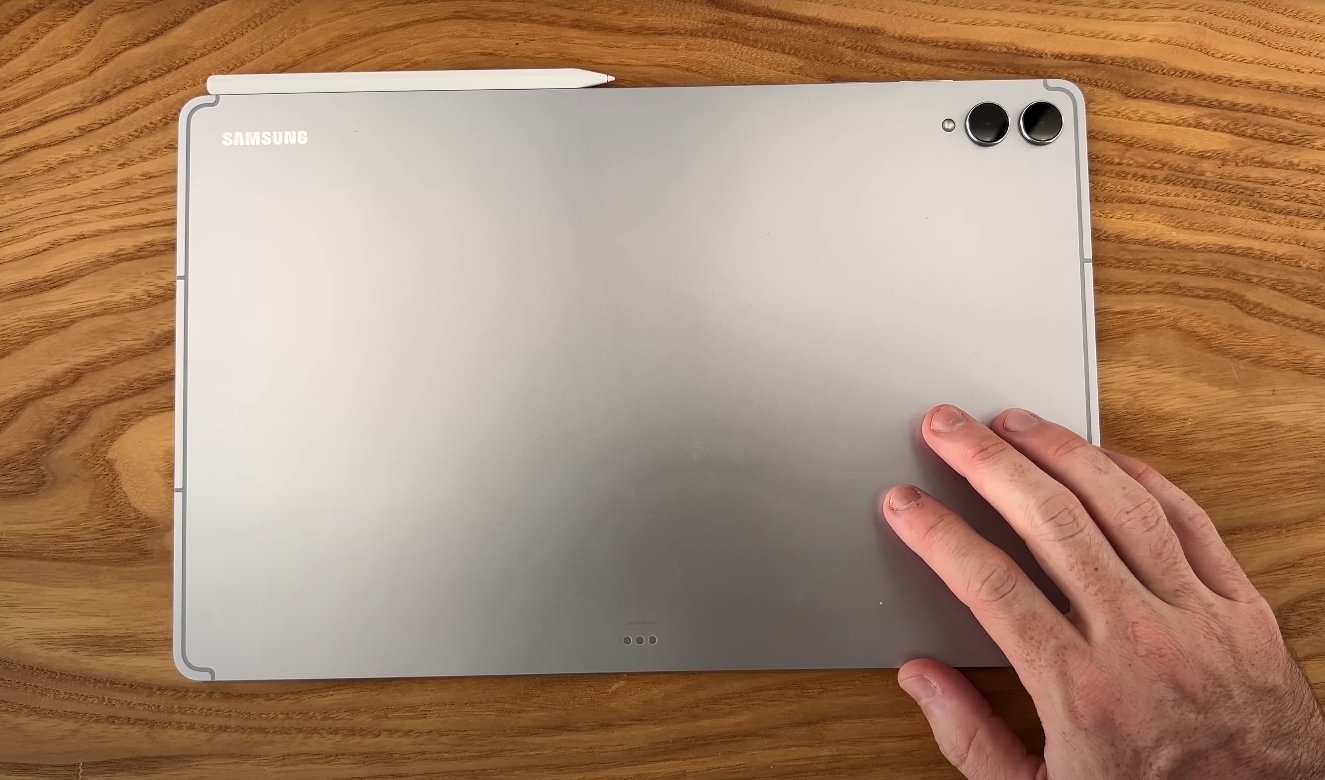
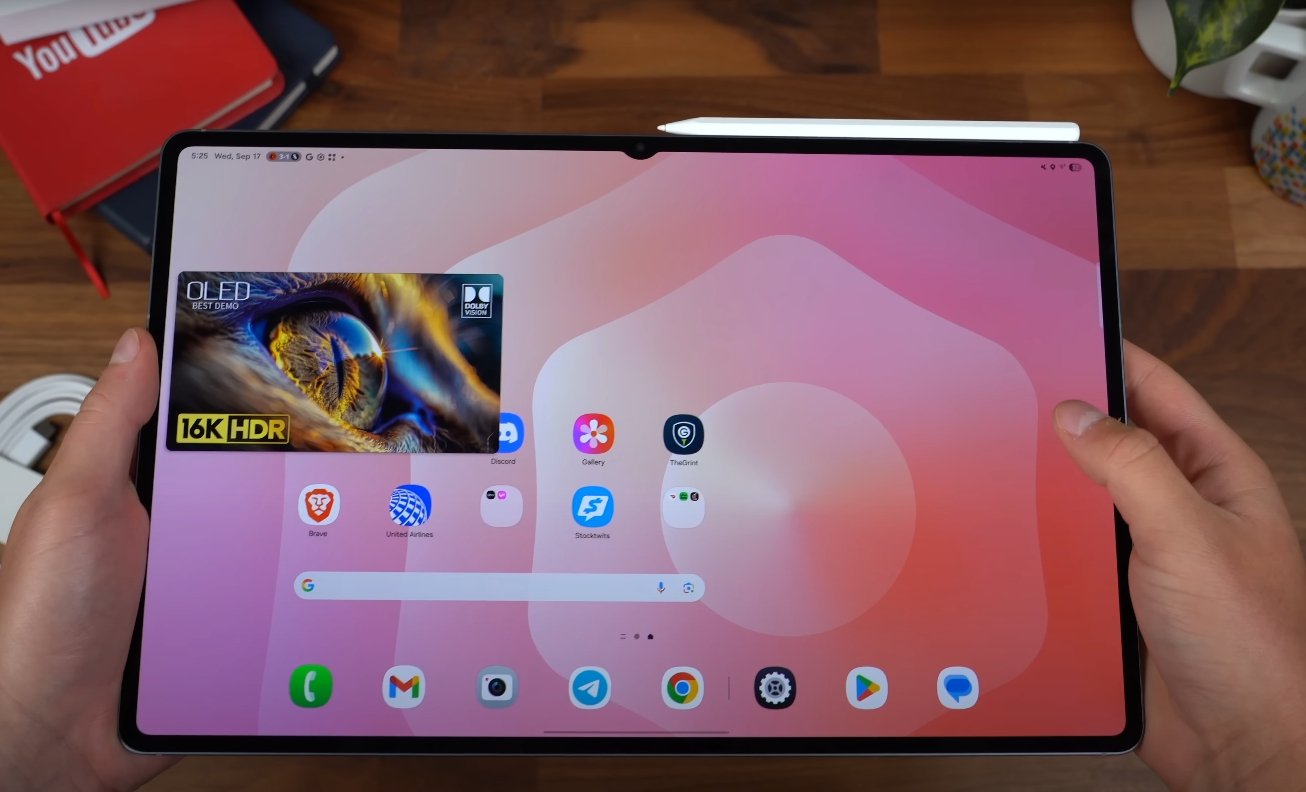
Samsung Galaxy Tab S11 Ultra USA Price Drop Already Seen Online

Samsung Galaxy Tab S11 Ultra USA Price Drop Already Seen Online

Early Discounts Make Premium Tablet More Accessible

The Samsung Galaxy Tab S11 Ultra has already seen price reductions in the U.S., making it more attainable for buyers looking for a high-end Android tablet. Early online listings and trade-in promotions have brought down the cost significantly from the original MSRP.

The 512GB Wi-Fi model, originally priced at $1,319, is now available for around $1,199 at official Samsung stores and major retailers like Best Buy. Additional trade-in offers allow buyers to reduce the price further, sometimes by hundreds of dollars, depending on the device being traded.

Samsung Galaxy Tab S11 Ultra USA Price Drop Already Seen

Samsung has also introduced extra incentives for early buyers. Eligible customers can receive free storage upgrades, discounted accessories such as the keyboard cover, and even financing options to make the device more affordable over time.

Trade-in promotions have been particularly popular. Upgrading from an older tablet or smartphone can provide up to $800 in credit toward the Tab S11 Ultra, effectively lowering the purchase price and making it competitive with other premium tablets on the market.

Overall, these early price drops and promotional offers have made the Galaxy Tab S11 Ultra a more attractive option for U.S. buyers. Combining strong hardware, a large AMOLED display, and high performance with financial incentives, the tablet appeals to both professional users and tech enthusiasts looking for a top-tier device at a more reasonable cost.

As a result, the Tab S11 Ultra is gaining attention not just for its features but also for being more accessible than initially expected, signaling a strong start in the U.S. market.

Samsung Galaxy Tab S11 Ultra multitasking UI improvements

Samsung Galaxy Tab S11 Ultra multitasking UI improvements

Samsung’s Big Step Toward True Tablet Productivity

Samsung has brought a major evolution in its tablet lineup with the Galaxy Tab S11 Ultra, focusing strongly on multitasking and productivity features. The new multitasking user interface is designed to make the tablet work more like a full-scale workstation. It combines advanced software enhancements, powerful hardware, and smart interface tools that allow users to work faster and more efficiently.

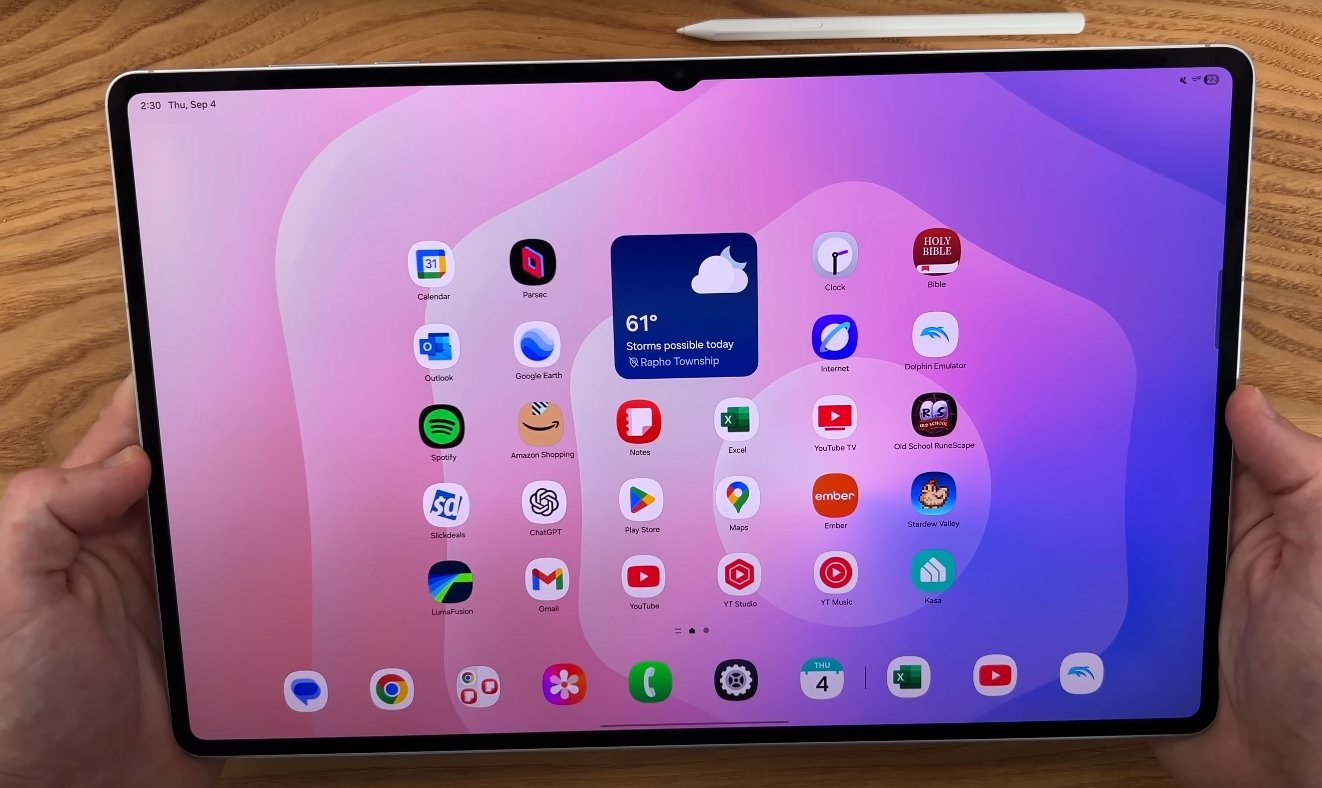
One of the most noticeable improvements is the upgraded multitasking layout in One UI 8, which runs on Android 16. Samsung has introduced a redesigned taskbar that remains fixed at the bottom of the screen, making it easier to launch or switch between apps instantly. Users can now open up to four apps simultaneously in split-screen mode, with flexible resizing and drag-and-drop controls. This new layout eliminates the clutter of switching between screens, helping users stay focused on multiple tasks at once.

The Galaxy Tab S11 Ultra also comes with a more powerful version of Samsung DeX. This feature allows the tablet to transform into a desktop-like experience when connected to an external monitor. With the new “Extended Mode,” users can work across the tablet screen and the external display at the same time. It becomes possible to view a presentation on one screen and edit documents on another, making it ideal for meetings, classes, and creative projects. This dual-screen flexibility is one of the biggest functional upgrades in the Tab S11 Ultra.

Samsung Galaxy Tab S11 Ultra multitasking UI improvements

To make multitasking more personalized, Samsung has added customizable workspaces. Users can create separate setups for different tasks such as work, entertainment, travel, or study. Each workspace can store app layouts, widgets, and preferences. With a simple gesture, users can switch between these setups without losing their place. This feature turns the tablet into a flexible tool for people who need different modes for different parts of their day, much like how professionals use multiple desktops on a computer.

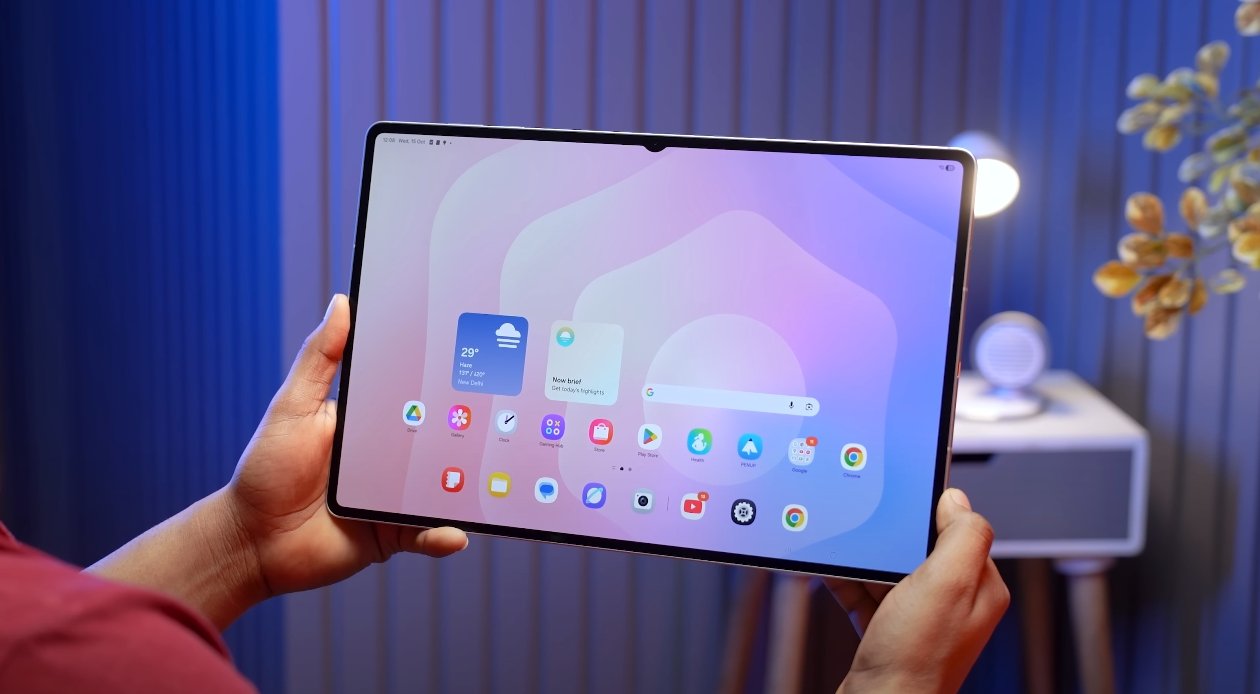
The performance upgrades on the Tab S11 Ultra also support these new multitasking features. It is powered by a 3-nanometer processor that delivers smoother app transitions and faster processing speeds. This allows users to run multiple apps, edit large files, and use demanding creative tools without lag. The tablet’s 14.6-inch Dynamic AMOLED 2X display with a 120 Hz refresh rate gives users more space and clarity for multitasking. High brightness levels ensure everything stays sharp and readable even when multiple apps are open side by side.

Samsung has also integrated AI-powered features into the multitasking experience. Tools like Writing Assist and Drawing Assist allow users to work smarter by refining content on the go. The S Pen, which comes with the tablet, can now switch between apps and tools more fluidly, making it easier to take notes while browsing or sketching ideas while editing a presentation. This seamless interaction between the pen, apps, and UI is a big part of the new user experience.

All these improvements show Samsung’s clear strategy to position the Galaxy Tab S11 Ultra as more than just a large tablet. It is built to replace a laptop for many users who need both power and portability. With advanced multitasking tools, a smooth interface, external monitor support, customizable workspaces, and a fast processor, the Tab S11 Ultra brings a desktop-level experience in a portable form. For U.S. users who rely on tablets for productivity, this device signals a strong step forward in blending mobility with professional-grade functionality.

Also Read:  Moto G06 Power night mode test for USA streets

Samsung Galaxy Tab S11 Ultra early unit performance review

Samsung Galaxy Tab S11 Ultra early unit performance review

Early Performance Insights of the Galaxy Tab S11 Ultra

The Samsung Galaxy Tab S11 Ultra has emerged as one of the most anticipated premium Android tablets, and early unit testing offers valuable insights into its performance capabilities. With a focus on speed, multitasking, display responsiveness, and overall usability, the initial reviews suggest that Samsung has delivered a device that balances raw power with practical functionality for professionals, creatives, and tech enthusiasts alike.

At the core of the Tab S11 Ultra’s performance is the MediaTek Dimensity 9400+ processor, built on a 3nm architecture. This chip provides a significant boost in efficiency and speed compared to previous generations, enabling smooth operation across a wide range of applications. Early testing shows that the processor handles intensive tasks, such as video editing, 3D rendering, and high-resolution gaming, with minimal lag. Users report that apps launch quickly, and switching between multiple apps remains fluid even under heavy workloads.

RAM is another critical factor contributing to the tablet’s performance. Early units tested feature up to 16GB of RAM, which allows for seamless multitasking and improved memory management. This higher RAM capacity ensures that power users can keep multiple resource-intensive apps open simultaneously without experiencing slowdowns. For tasks like photo editing, running virtual instruments, or working with large spreadsheets, the Tab S11 Ultra maintains responsiveness, which is a key differentiator from mid-range tablets.

Samsung Galaxy Tab S11 Ultra early unit performance review

The tablet’s storage performance has also impressed early reviewers. Configurations up to 1TB of UFS 4.0 storage provide fast read and write speeds, reducing load times for large files and applications. Users who work with large video projects or extensive image libraries benefit from this rapid storage, as file transfers and project loading times are significantly reduced. Combined with the high-speed RAM, this ensures that the device can keep up with demanding professional workflows.

Graphics performance is equally noteworthy. The Tab S11 Ultra features an upgraded GPU that enables smooth rendering of high-resolution graphics and detailed visuals. Early reviews indicate that the tablet handles graphically demanding games at high frame rates without noticeable stutter. Similarly, creative applications that rely on GPU acceleration, such as digital painting and 3D modeling software, perform smoothly, providing a responsive and accurate creative experience.

Display responsiveness is another area where the Tab S11 Ultra excels. The 14.6-inch Dynamic AMOLED 2X panel supports a 120Hz refresh rate, delivering fluid animations and smooth scrolling throughout the interface. Early users note that this high refresh rate, combined with the responsive touch sensors, makes interactions feel instantaneous. Tasks such as drawing with the S Pen, annotating documents, or simply navigating menus feel highly precise and natural, enhancing the overall user experience.

Battery life is a key consideration for early testers, and the Tab S11 Ultra performs well under continuous usage. Despite the large, high-resolution display and powerful internals, the device sustains long hours of work and media consumption on a single charge. Combined with adaptive power management features in One UI, the tablet maintains performance while optimizing energy efficiency, making it suitable for extended use without frequent charging interruptions.

Software integration also contributes to the tablet’s performance. Early units run Android 16 with Samsung’s One UI 8, which optimizes system responsiveness and supports advanced multitasking features. Users highlight the benefits of features such as split-screen multitasking, pop-up view, and improved gesture controls, which allow them to maximize productivity and navigate complex workflows effortlessly. Early software updates have further refined system stability, ensuring that the tablet runs smoothly even in initial units.

In summary, early unit performance reviews of the Samsung Galaxy Tab S11 Ultra indicate that the tablet delivers a high level of speed, responsiveness, and multitasking capability. The combination of the powerful MediaTek Dimensity 9400+ processor, up to 16GB RAM, UFS 4.0 storage, and enhanced GPU ensures that users can handle demanding applications with ease. The large, high-refresh-rate display and responsive touch interface further enhance the experience, especially for creative professionals and power users.

In conclusion, the Samsung Galaxy Tab S11 Ultra impresses early reviewers with its performance, making it a strong contender in the premium Android tablet market. Its processing power, multitasking capability, and display responsiveness provide a versatile platform for productivity, creativity, and entertainment. Users seeking a high-performance tablet for professional or creative use will find the Tab S11 Ultra capable of meeting demanding workloads while delivering a smooth and engaging user experience.

Samsung Galaxy Tab S11 Ultra USA First Impressions Are In

Samsung Galaxy Tab S11 Ultra USA First Impressions Are In

Early U.S. Users Share Their Thoughts

The Samsung Galaxy Tab S11 Ultra has officially reached the U.S., and early users have shared their first impressions. Overall, the feedback is positive, highlighting its premium build, large display, and enhanced stylus performance.

The tablet’s 14.6-inch Dynamic AMOLED 2X display stands out immediately. Users report vibrant colors, sharp details, and excellent brightness, making it ideal for media consumption, drawing, and productivity tasks. The thin and sturdy design also receives praise, as it feels premium without being too heavy for extended use.

The redesigned S Pen has been a highlight for creative users. Its hexagonal body and cone-shaped tip improve grip, while low latency ensures a smooth and natural drawing experience. Many artists find the large screen ideal for detailed work, enhancing overall productivity and creativity.

Samsung Galaxy Tab S11 Ultra USA First Impressions

Performance is strong thanks to the MediaTek Dimensity 9400+ chipset and 12GB of RAM. Early impressions suggest smooth multitasking, quick app launches, and effective handling of demanding applications. One UI 8 on Android 16 provides a refined and user-friendly interface.

Battery life has also impressed users. The 11,374 mAh battery provides long usage periods, even during media streaming or intensive work sessions, making it reliable for all-day use.

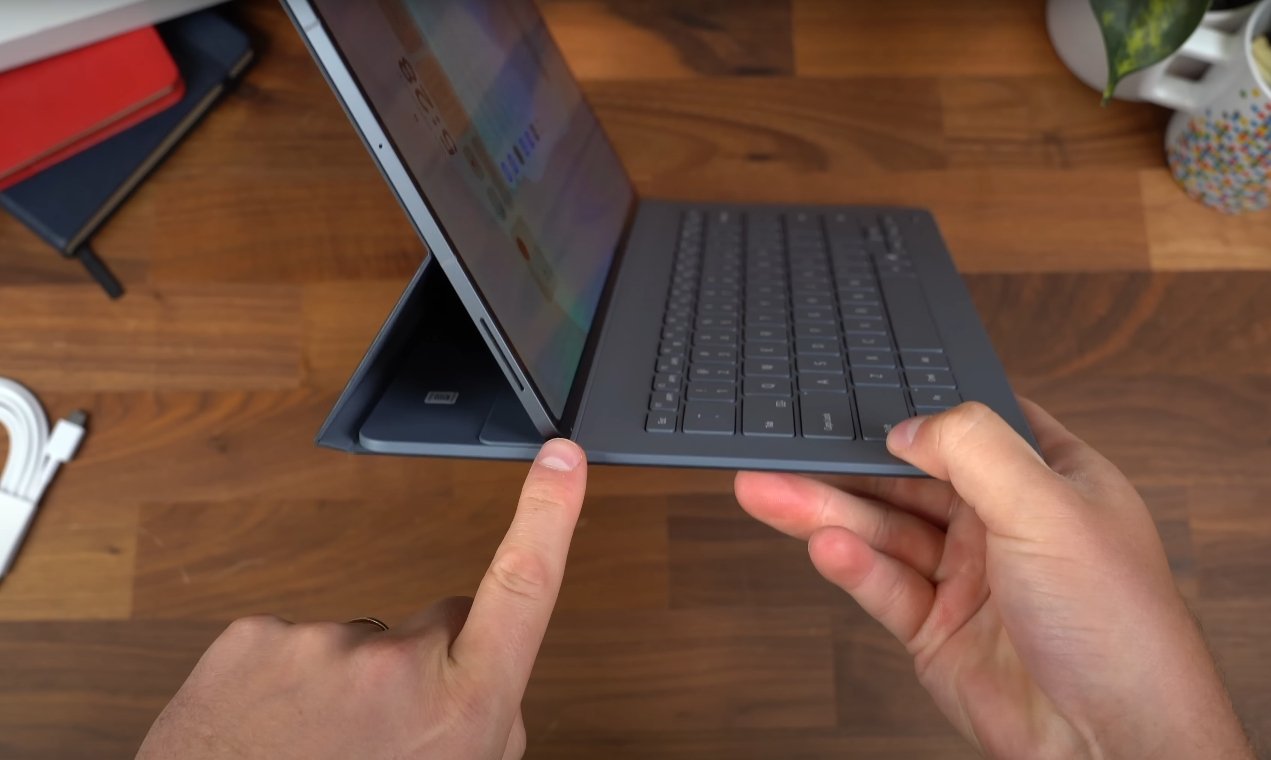
Optional accessories like the keyboard cover receive mixed feedback. While it offers a laptop-like typing experience, some find the typing angle less comfortable than expected. The side-mounted S Pen holder is convenient for storage but may not suit all users’ preferences.

Overall, U.S. first impressions indicate that the Galaxy Tab S11 Ultra is a high-end tablet that delivers on performance, display quality, and creative functionality. It is particularly appealing for professionals, artists, and tech enthusiasts seeking a premium Android device.

Samsung Galaxy Tab S11 Ultra vs Pixel Tablet 2 comparison

Samsung Galaxy Tab S11 Ultra vs Pixel Tablet 2 comparison

Comparing Samsung and Google’s Latest Android Tablets

In the world of Android tablets, the Samsung Galaxy Tab S11 Ultra and the Google Pixel Tablet 2 stand out as two very different devices aimed at distinct audiences. Samsung’s Tab S11 Ultra targets power users, creatives, and professionals who need a large display and advanced performance, while the Pixel Tablet 2 focuses on casual users seeking a compact, lightweight, and media-friendly tablet. A detailed comparison across display, performance, software, battery, and overall usability highlights how these devices cater to different needs.

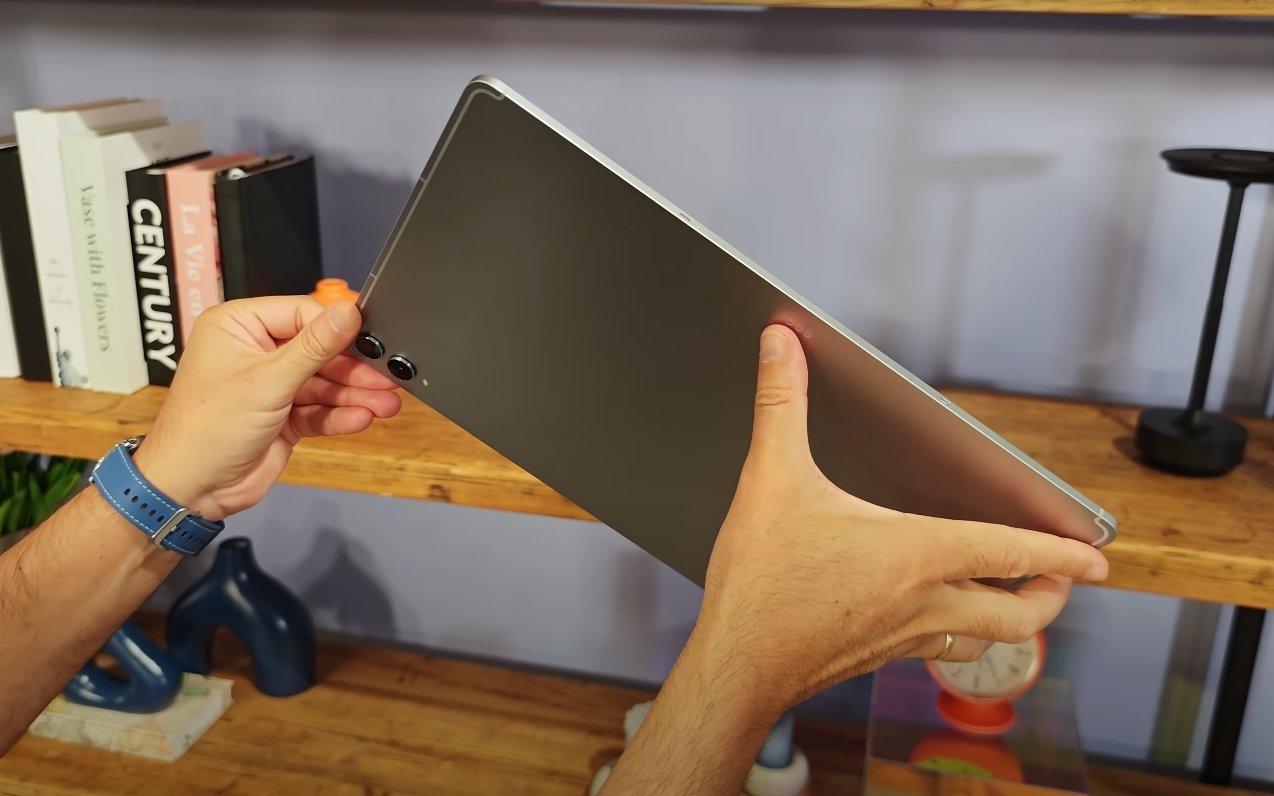
The display is one of the most noticeable differences between the two tablets. The Galaxy Tab S11 Ultra features a massive 14.6-inch Dynamic AMOLED 2X display with a resolution of 2960×1848 pixels and a 120Hz refresh rate. This combination provides crisp visuals, fluid motion, and vibrant colors, making it ideal for gaming, media consumption, and professional creative work. Its ultra-thin design, weighing around 692 grams and measuring just 5.1 millimeters in thickness, feels premium, while the IP68 rating and Armor Aluminum frame add durability. In contrast, the Pixel Tablet 2 comes with a 10.95-inch LCD panel at 2560×1600 resolution and a standard 60Hz refresh rate. It is lighter and more portable, making it easier to hold for long periods, but it lacks the high refresh rate and vividness of the Samsung tablet, which may matter for artists or gamers.

Performance is another area where the devices diverge significantly. The Tab S11 Ultra is powered by the MediaTek Dimensity 9400+ processor, coupled with up to 16GB of RAM and 1TB of storage, plus microSD expansion support. This setup allows heavy multitasking, demanding creative applications, and professional-grade workloads. On the other hand, the Pixel Tablet 2 is equipped with Google’s Tensor G2 chip, 8GB of RAM, and 128 or 256GB of storage, with no expansion option. While sufficient for everyday browsing, streaming, and light productivity, the Pixel Tablet cannot match the raw power or multitasking capabilities of the Samsung flagship. Users seeking performance headroom for video editing, large file handling, or advanced multitasking will find the Tab S11 Ultra far more capable.

Samsung Galaxy Tab S11 Ultra vs Pixel Tablet 2 comparison

Software and ecosystem support further differentiate these tablets. Samsung includes the S Pen in the Tab S11 Ultra’s box, allowing precise note-taking and digital art creation. The device also supports Samsung DeX, which provides a desktop-style interface for multitasking, external display connections, and productivity similar to a laptop. In contrast, the Pixel Tablet 2 runs a clean version of Android with deep integration into Google services, smart-home controls, and AI features. While the Pixel experience is smooth and intuitive, it lacks professional-grade productivity tools and the extensive stylus support found in the Tab S11 Ultra, making Samsung the preferred choice for creators and power users.

Battery life and charging also highlight the differences in intended usage. The Tab S11 Ultra is equipped with an 11,600mAh battery and supports 45W fast charging. It is designed to handle long sessions of creative work, streaming, or multitasking without requiring frequent recharges. In comparison, the Pixel Tablet 2 has a smaller battery and slower charging capabilities, making it suitable for casual browsing, media consumption, and light productivity. Samsung’s tablet clearly outperforms in endurance, particularly when using high-refresh-rate applications, multitasking in DeX mode, or running graphics-intensive programs.

Portability and usability vary depending on what a user prioritizes. The Tab S11 Ultra, with its large 14.6-inch screen, excels for split-screen productivity, creative workflows, and immersive media experiences. However, its size and weight make it less convenient for handheld use or travel compared to the lighter, more compact Pixel Tablet 2. The Pixel Tablet, while limited in advanced features, offers ease of handling, comfortable long-duration use, and simple integration with Google’s ecosystem. Its size makes it more suitable for casual reading, media streaming, or smart-home control without fatigue.

Price is another key factor when comparing these two devices. The Galaxy Tab S11 Ultra comes at a premium price, reflecting its large display, powerful hardware, stylus support, and productivity-oriented features. The Pixel Tablet 2 is more budget-friendly, making it appealing for users who want a capable tablet without high-end performance or advanced features. For families, students, or casual users who primarily consume media or control smart-home devices, the Pixel Tablet offers good value. For professionals, creatives, and gamers, the Tab S11 Ultra provides performance and functionality that justifies its cost.

In conclusion, the Samsung Galaxy Tab S11 Ultra and Google Pixel Tablet 2 serve very different audiences. The Tab S11 Ultra excels in display quality, raw performance, multitasking, stylus support, and battery endurance, making it ideal for professionals, creatives, and gamers who need a high-end tablet. The Pixel Tablet 2 focuses on portability, simplicity, and integration with Google’s ecosystem, making it best suited for casual users, media consumption, and smart-home control. Choosing between these devices depends on whether you prioritize high-end performance and productivity or lightweight, everyday usability.

Samsung Galaxy Tab S11 Ultra USA Reviews Highlight Strengths

Samsung Galaxy Tab S11 Ultra USA Reviews Highlight Strengths

Early U.S. Reviews Show Key Advantages

Early reviews of the Samsung Galaxy Tab S11 Ultra in the United States highlight its strengths as a premium Android tablet. Reviewers consistently praise its performance, display quality, and design, making it one of the most powerful tablets currently available.

The tablet is powered by the MediaTek Dimensity 9400+ chipset, providing smooth multitasking, fast app launches, and reliable performance for demanding applications. Despite its ultra-thin 5.1mm profile, it feels sturdy and premium, with an aluminum frame and long-lasting 11,600 mAh battery that supports fast charging.

The 14.6-inch Dynamic AMOLED 2X display is another standout feature. Users report vibrant colors, sharp details, and high brightness, making it ideal for media, creative work, and general productivity. While most reviewers praise the screen, a few have noted minor concerns with color accuracy in certain lighting conditions.

Samsung Galaxy Tab S11 Ultra USA Reviews Highlight

The redesigned S Pen is well-received for drawing and note-taking. Its hexagonal body and cone-shaped tip provide better grip and precision, while the tablet’s One UI 8 software offers productivity tools like Samsung DeX and AI-assisted drawing and writing features.

Some feedback mentions that the tablet’s large size can make one-handed use cumbersome, but most users agree that the screen real estate benefits outweigh this drawback. Overall, reviewers emphasize the combination of high performance, display excellence, and stylus capabilities as the Tab S11 Ultra’s main strengths.

In conclusion, U.S. reviews suggest that the Galaxy Tab S11 Ultra is a top-tier Android tablet suitable for professionals, creatives, and anyone seeking a premium large-screen experience. Its performance, display, and stylus functionality make it a compelling choice despite minor usability considerations.

Samsung Galaxy Tab S11 Ultra storage expansion options

Samsung Galaxy Tab S11 Ultra storage expansion options

Exploring Storage Expansion on the Galaxy Tab S11 Ultra

The Samsung Galaxy Tab S11 Ultra is a premium tablet designed for users who need ample storage for professional work, creative projects, and media consumption. Understanding that storage requirements vary widely among users, Samsung has equipped the Tab S11 Ultra with multiple internal storage options and expandable storage support. This combination ensures flexibility and convenience, allowing users to tailor the device to their specific needs.

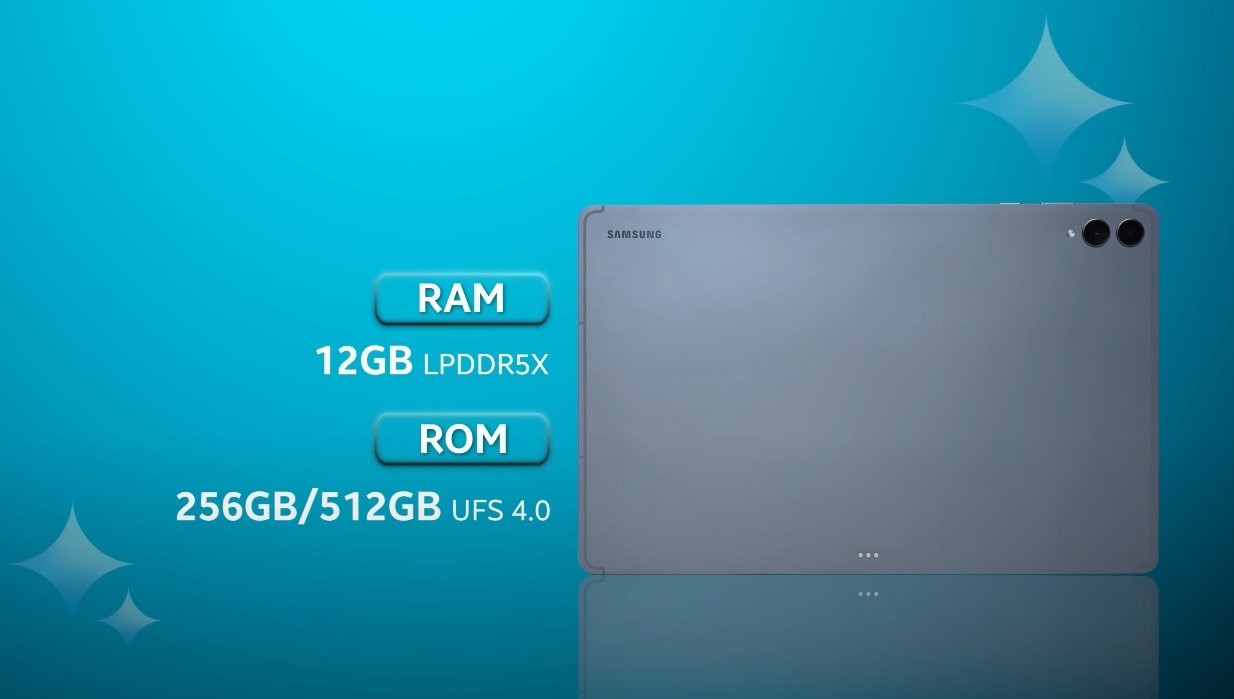
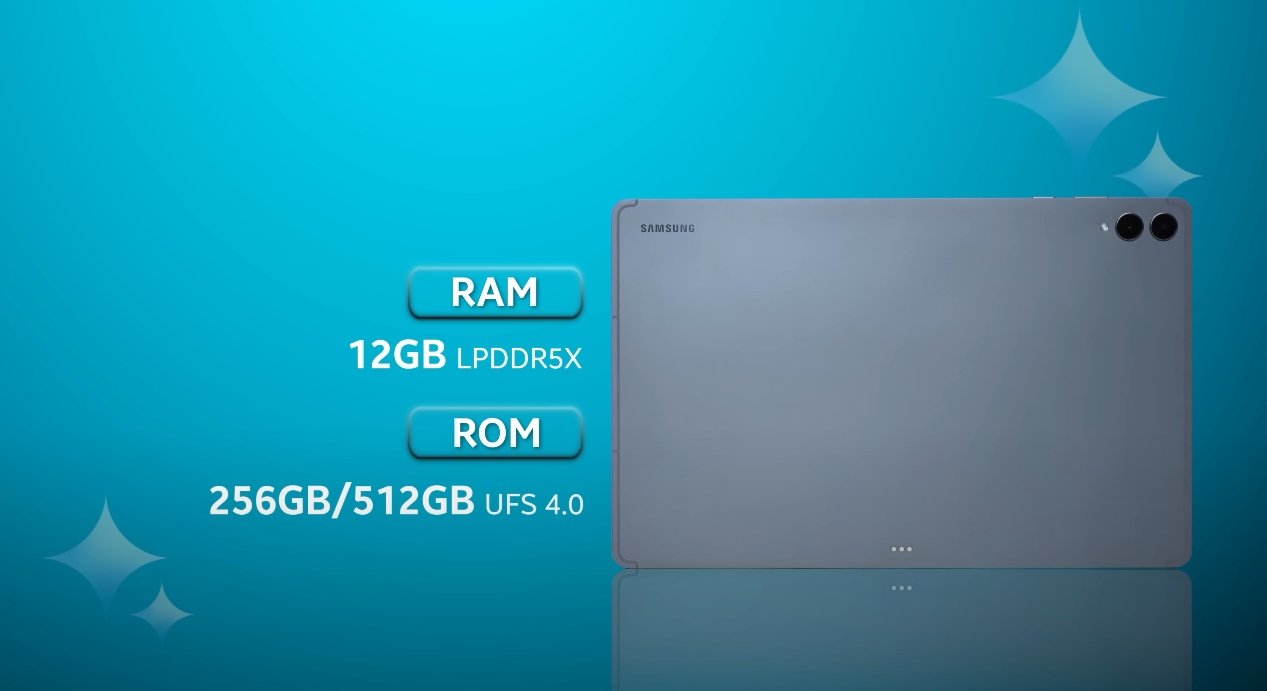
Internally, the Galaxy Tab S11 Ultra offers several storage configurations. The base model comes with 12GB of RAM paired with 256GB of storage, providing a solid starting point for users who primarily work with standard applications and moderate media files. For those who require additional space, a 12GB RAM and 512GB storage variant is available. The top-tier model features 16GB of RAM and 1TB of internal storage, catering to professionals, creatives, and power users who handle large files, such as high-resolution videos, detailed photo libraries, and resource-intensive applications. This range of internal storage options ensures that users can select a model that fits their performance and storage needs without compromise.

Beyond the built-in storage, Samsung has included expandable storage support via a microSD card. Users can insert a microSD card of up to 2TB, significantly increasing the available storage for files, media, and projects. This feature is particularly beneficial for creative professionals who work with large files or for users who prefer to store extensive media libraries without filling the internal storage. By using expandable storage, users can manage data more efficiently, separating system files and applications from personal media and project files.

Samsung Galaxy Tab S11 Ultra storage expansion options

Expandable storage also offers cost-effective flexibility. Purchasing a microSD card can be more economical than opting for the highest internal storage variant. Users can start with a mid-tier internal storage model and later expand capacity with a microSD card as their storage needs grow. This approach allows for gradual investment in storage based on actual requirements rather than paying for the maximum internal capacity upfront.

Performance considerations are important when using expandable storage. The speed and quality of a microSD card can affect how quickly files are accessed or transferred. Samsung recommends using high-speed, high-quality microSD cards to ensure that performance remains smooth, especially when working with large files or applications stored on the card. Proper selection of the microSD card ensures that users can take full advantage of the tablet’s capabilities without experiencing lag or delays.

Data management is another advantage of expandable storage. By keeping large media files and projects on the microSD card, users can free up internal storage for apps and system processes, maintaining optimal device performance. This separation of storage also simplifies organization, making it easier to locate files and manage projects without cluttering the internal memory. Users who work with multiple projects simultaneously can benefit from this approach, keeping critical applications responsive while storing less frequently accessed data externally.

Security and backup should be considered when using expandable storage. While microSD cards provide a convenient way to store extra data, they are external devices that can be removed or damaged. Users should regularly back up important files stored on microSD cards to prevent data loss. Cloud storage or external drives can complement the microSD card, ensuring that critical files remain safe and accessible.

The combination of substantial internal storage and expandable microSD support makes the Galaxy Tab S11 Ultra versatile for a wide range of users. Creative professionals, students, and business users can choose a base storage model and expand as needed, while power users handling large files will appreciate the top-tier internal storage options. This flexibility ensures that the tablet can adapt to changing storage needs over time, making it a long-term investment.

Overall, the Samsung Galaxy Tab S11 Ultra’s storage expansion options provide users with both convenience and flexibility. Internal storage options ranging from 256GB to 1TB accommodate different usage levels, while support for microSD cards up to 2TB allows for significant expansion when necessary. The combination of performance, flexibility, and user-friendly storage management makes the Tab S11 Ultra an ideal choice for anyone who requires a tablet capable of handling large amounts of data efficiently.

In conclusion, the Galaxy Tab S11 Ultra meets the storage demands of modern tablet users by offering a balance of robust internal storage and expandable microSD support. Users can select a configuration that aligns with their needs and enhance it over time as projects and media files grow. This approach ensures optimal performance, efficient data management, and a long-lasting, adaptable tablet experience suitable for professional, creative, and personal use.

Also Read:  Samsung Galaxy Tab S11 Ultra camera performance review

Samsung Galaxy Tab S11 Ultra vs iPad Pro photo test

Samsung Galaxy Tab S11 Ultra vs iPad Pro photo test

Comparing Camera Performance: Galaxy Tab S11 Ultra and iPad Pro

The Samsung Galaxy Tab S11 Ultra and Apple iPad Pro are two of the most powerful tablets available today, both catering to professionals, creatives, and multimedia enthusiasts. While much attention is often given to display quality, processing power, and productivity features, camera performance is another important aspect for users who rely on tablets for content creation, video calls, or photography. Early tests and hands-on usage reveal interesting differences between these two flagship devices when it comes to photo quality and versatility.

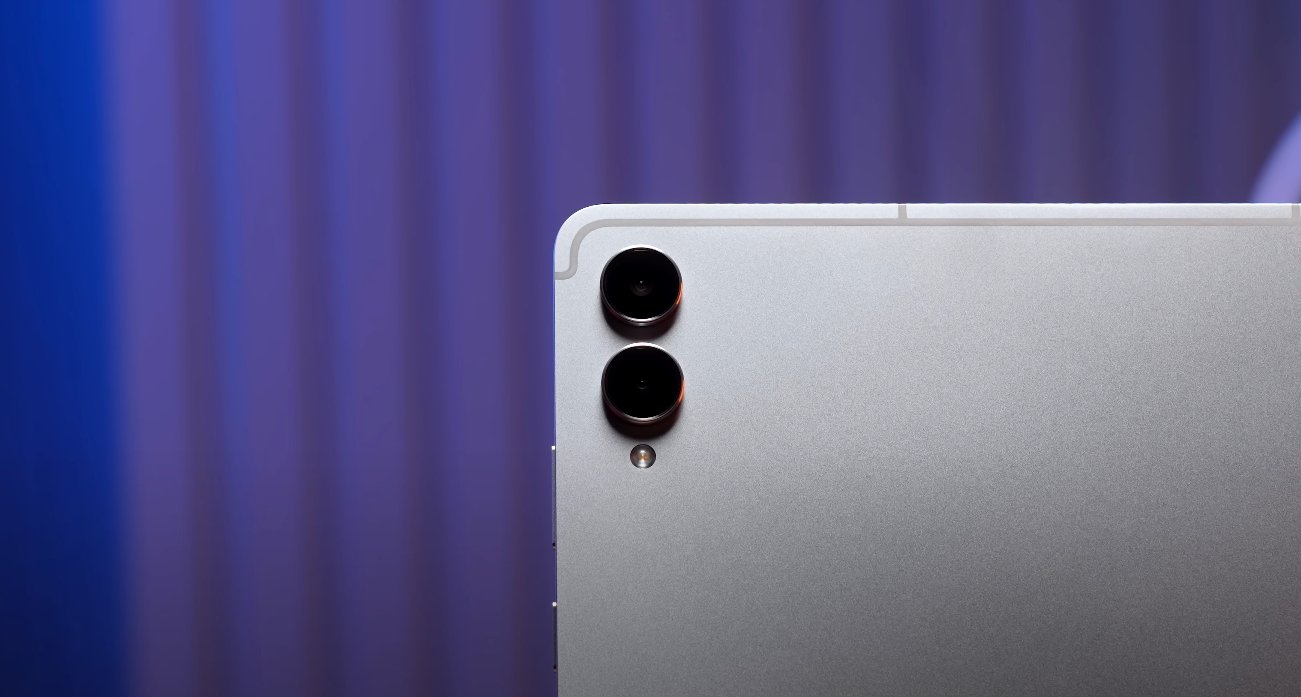
The Galaxy Tab S11 Ultra features a dual rear camera setup, consisting of a 13-megapixel primary sensor and an 8-megapixel ultra-wide lens. This configuration allows for standard photography as well as wide-angle shots, giving users flexibility in capturing scenes. The tablet also has a 12-megapixel front-facing camera, which is suitable for video conferencing and selfies. The iPad Pro, in comparison, comes with a 12-megapixel primary rear camera and a 10-megapixel ultra-wide lens, along with a 12-megapixel front-facing camera. While both tablets offer high-resolution sensors, Samsung’s dual rear camera system provides additional shooting options for capturing broader perspectives.

Display quality plays a significant role in evaluating photos on both tablets. The Tab S11 Ultra’s 14.6-inch Dynamic AMOLED 2X panel delivers vibrant colors, deep contrast, and high brightness, making it easier to judge color accuracy and detail while editing or viewing images. The iPad Pro features a 13-inch Liquid Retina XDR display, which is known for excellent color reproduction and consistent brightness. Both displays are optimized for high-quality visual experiences, but the larger screen of the Tab S11 Ultra provides a more immersive view, especially when working on detailed images or editing photos with precision tools.

Samsung Galaxy Tab S11 Ultra vs iPad Pro photo test

In real-world camera performance, both tablets produce sharp and vibrant images. The Tab S11 Ultra’s 13-megapixel primary sensor captures detailed shots with accurate colors, while the 8-megapixel ultra-wide lens enables expansive framing for landscapes, group photos, or architectural photography. The iPad Pro’s 12-megapixel rear camera produces equally impressive images, with crisp details and natural color tones. However, the Galaxy Tab S11 Ultra offers greater versatility in switching between standard and wide-angle shots, giving it an edge for users who frequently need different perspectives.

Software and editing capabilities further differentiate the two devices. Samsung’s One UI on the Tab S11 Ultra provides access to a wide range of photo editing tools and is compatible with numerous third-party applications. Users can adjust exposure, contrast, saturation, and apply creative effects directly on the tablet. The iPad Pro’s iPadOS offers native editing tools as well as professional-grade applications such as Adobe Photoshop and Lightroom. While both platforms allow robust editing, the iPad Pro may appeal more to users already invested in Apple’s ecosystem and familiar with industry-standard software.

User experience is another important consideration. The Tab S11 Ultra’s large display, combined with S Pen support, enhances precision in photo editing, annotation, and retouching tasks. Professionals and creatives can make detailed adjustments with greater control. On the other hand, the iPad Pro benefits from ProMotion technology and Apple Pencil support, providing smooth responsiveness and high accuracy for drawing, marking, and detailed edits. Both tablets are well-suited for creative work, but individual preferences regarding the operating system, stylus, and software ecosystem often influence which device is ideal.

Lighting and low-light performance were tested on both tablets. The Galaxy Tab S11 Ultra’s dual rear cameras handle a range of lighting conditions effectively, producing well-exposed images with minimal noise. The iPad Pro also performs admirably in low-light environments, maintaining color accuracy and clarity. While neither tablet matches dedicated cameras in extreme low-light situations, both provide sufficient quality for casual photography, social media, and professional documentation purposes.

Overall, the photo comparison between the Samsung Galaxy Tab S11 Ultra and the iPad Pro shows that both devices excel in different ways. The Tab S11 Ultra offers a versatile dual rear camera setup, a larger and more immersive display, and S Pen support that enhances editing precision. The iPad Pro provides seamless integration with professional editing software, strong low-light performance, and a smooth, responsive interface. Users choosing between the two should consider their priorities, such as display size, software ecosystem, stylus support, and camera versatility, to select the tablet that best aligns with their creative and professional needs.

In conclusion, both the Galaxy Tab S11 Ultra and iPad Pro deliver excellent photo capabilities, making them strong contenders in the premium tablet market. The Tab S11 Ultra stands out for its larger display and dual rear cameras, offering flexibility and an immersive editing experience. The iPad Pro shines in its integration with professional apps and polished user interface. Both tablets are capable tools for content creators, professionals, and enthusiasts who require reliable photo performance alongside high-end productivity features.

Samsung Galaxy Tab S11 Ultra display rating by experts

Samsung Galaxy Tab S11 Ultra display rating by experts

Expert Assessment of the Galaxy Tab S11 Ultra Display

The Samsung Galaxy Tab S11 Ultra has emerged as one of the most highly regarded tablets in terms of display quality, earning praise from both technology experts and users. With a 14.6-inch Dynamic AMOLED 2X panel, 2960 x 1848 pixel resolution, and a 120Hz refresh rate, the display is designed to deliver vibrant colors, deep contrasts, and smooth performance across a wide range of tasks. Experts have consistently highlighted its brightness, color accuracy, and responsiveness as key factors that set it apart from competing tablets.

One of the standout features of the Tab S11 Ultra’s display is its peak brightness, which exceeds 1,700 nits. This high level of brightness ensures excellent visibility even in bright outdoor conditions, allowing users to comfortably work, watch videos, or browse content without straining their eyes. Experts have noted that this enhancement makes the tablet ideal for professionals and creators who often need to use their device in varying lighting environments. The display’s HDR support further amplifies the visual experience by providing better contrast, deeper blacks, and more vibrant highlights, making videos, photos, and games appear more immersive and lifelike.

Color accuracy is another area where the Tab S11 Ultra excels. Experts have praised the tablet for its precise color reproduction, which is crucial for creative professionals, including photographers, video editors, and graphic designers. The screen is capable of displaying a wide color gamut with minimal deviation, ensuring that colors are true to life and consistent across different types of content. This accuracy allows users to perform tasks that demand high visual fidelity, such as color grading, digital art creation, and professional photo editing, without needing to rely on external monitors.

Samsung Galaxy Tab S11 Ultra display rating by experts

The tablet’s 120Hz refresh rate contributes significantly to its smoothness and responsiveness. Reviewers have highlighted how this feature enhances the overall user experience, making interactions more fluid when scrolling through web pages, navigating apps, or engaging in gaming sessions. The combination of high refresh rate and low touch latency ensures that inputs are registered quickly and accurately, which is particularly beneficial for users who utilize the included S Pen for drawing or note-taking. The S Pen’s responsiveness, coupled with the display’s smooth performance, creates a natural and precise input experience that experts have noted as a key advantage over other tablets.

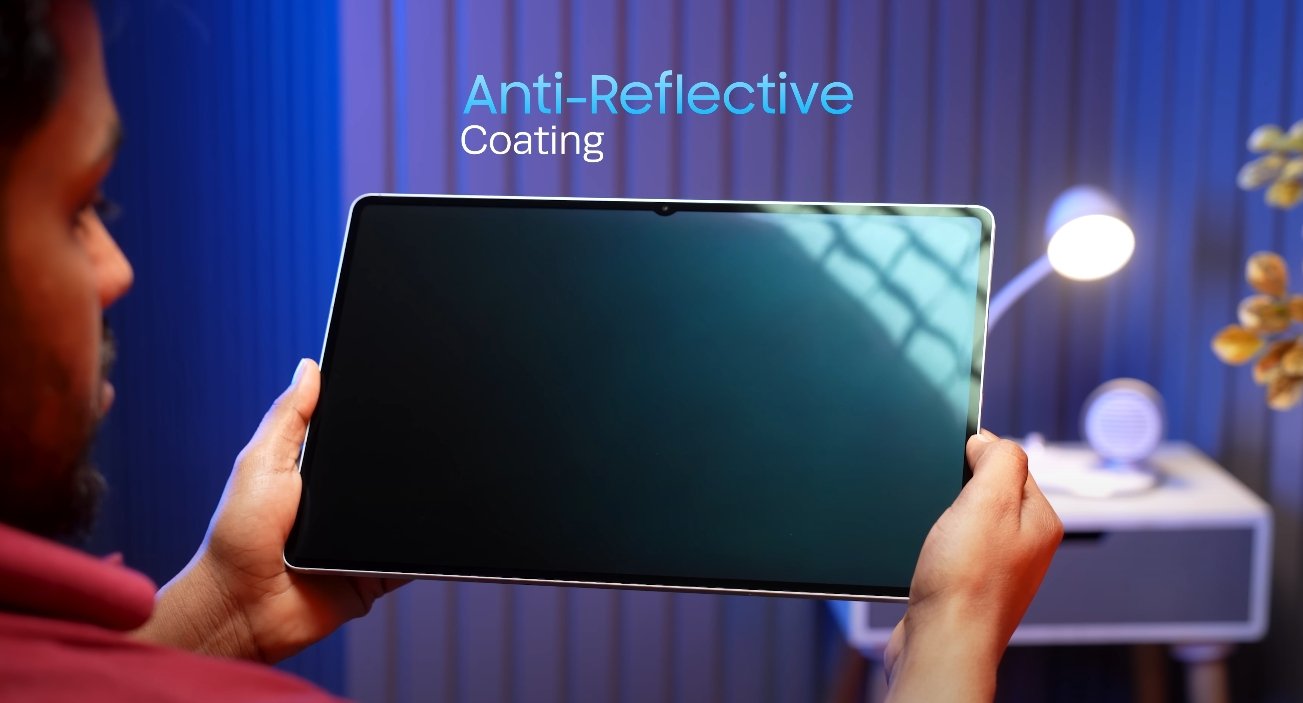
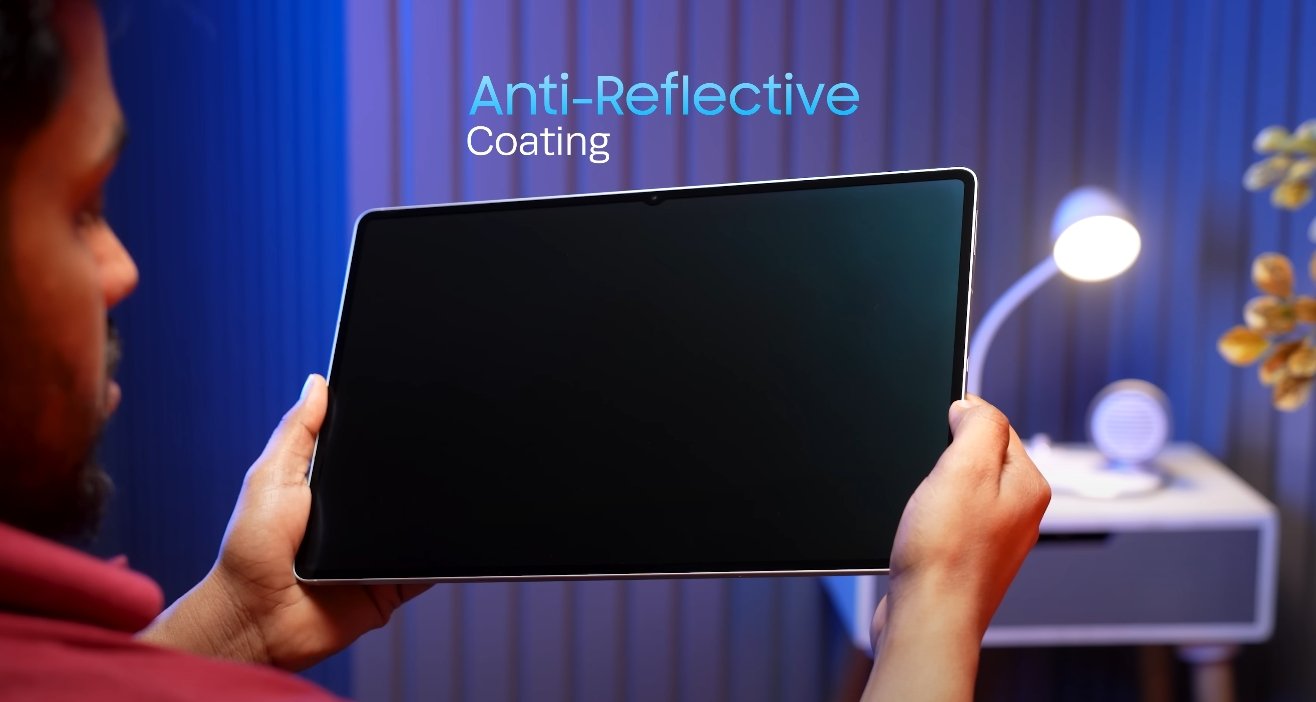
Experts have also examined the overall visual performance of the display under real-world conditions. The Tab S11 Ultra maintains consistent brightness and color accuracy even when viewed from different angles, thanks to the AMOLED technology. This ensures that content remains clear and vibrant regardless of how the tablet is held or positioned, which is important for collaborative work or media sharing. Additionally, the display’s anti-reflective coatings reduce glare and reflections, enhancing usability in various lighting situations.

Battery efficiency in relation to display performance is another factor that experts have highlighted. Despite its large size and high brightness capabilities, the Tab S11 Ultra manages to deliver long-lasting battery life without compromising visual quality. This balance between performance and efficiency ensures that users can rely on the tablet for extended work sessions, streaming, or gaming without frequent recharging, which is often a limitation in other high-end tablets.

In summary, expert evaluations consistently rate the Samsung Galaxy Tab S11 Ultra display highly due to its combination of brightness, color accuracy, smooth refresh rate, and responsiveness. The 14.6-inch Dynamic AMOLED 2X panel provides an immersive viewing experience that supports professional-grade creative work, multimedia consumption, and productivity tasks. Its ability to maintain excellent performance under different lighting conditions, along with precise color reproduction and smooth touch response, positions it as one of the best displays available in the tablet market today. Users seeking a premium visual experience, whether for professional use or entertainment, will find the Tab S11 Ultra display among the top-performing options in its class.

Also Read:  Xiaomi Pad Mini software and HyperOS review for USA users

Samsung Galaxy Tab S11 Ultra review for students in USA

Samsung Galaxy Tab S11 Ultra review for students in USA

Samsung Galaxy Tab S11 Ultra: A Student’s Perspective in the USA

The Samsung Galaxy Tab S11 Ultra is Samsung’s flagship tablet, designed to deliver a high-end experience for both productivity and entertainment. For students in the USA, it presents a powerful tool capable of handling academic tasks, creative projects, and multimedia consumption. With its expansive 14.6-inch AMOLED display, MediaTek Dimensity 9400+ processor, and enhanced S Pen, the Tab S11 Ultra aims to be a versatile companion for modern student life.

The display and design of the Tab S11 Ultra are among its standout features. The 14.6-inch Dynamic AMOLED 2X panel offers a resolution of 2960×1848 pixels, providing sharp visuals and vibrant colors. This large screen is especially useful for multitasking, allowing students to work on multiple documents or applications simultaneously. Despite its size, the tablet is surprisingly portable, with a slim 5.1mm profile and lightweight build that makes it comfortable to carry around campus or use in study sessions. The design also includes a magnetic S Pen attachment for convenience and a premium aluminum frame with durable glass panels.

Performance is another key strength. Powered by the MediaTek Dimensity 9400+ chipset and paired with 12GB of RAM, the Tab S11 Ultra handles demanding applications effortlessly. Students can run productivity apps, edit high-resolution videos, perform 3D modeling, or play resource-intensive games without noticeable lag. Multitasking is smooth, and Samsung’s DeX mode enhances productivity by offering a desktop-like experience. With DeX, students can drag and drop files, open multiple apps side by side, and use keyboard shortcuts, making the tablet a viable alternative to traditional laptops for certain academic tasks.

Samsung Galaxy Tab S11 Ultra review for students in USA

Battery life is crucial for students who often spend long hours in classes or libraries. The Tab S11 Ultra is equipped with an 11,600mAh battery, capable of supporting extended usage. Real-world testing shows that it can last over 17 hours with mixed activities, including video lectures, web browsing, note-taking, and media playback. In addition, the 45W fast charging feature ensures that students can quickly recharge the device between classes or during short breaks, minimizing downtime and keeping them productive throughout the day.

The S Pen is a particularly valuable feature for students. The redesigned stylus provides a responsive and accurate writing experience, ideal for taking handwritten notes, annotating PDFs, or sketching diagrams. Pressure sensitivity and low latency make it suitable for creative applications as well. Combined with Samsung Notes and other compatible apps, the S Pen transforms the Tab S11 Ultra into a powerful academic tool, allowing students to organize notes efficiently and enhance their study workflow.

Software plays a significant role in the tablet’s usability. Running Android 16 with One UI 8, the Tab S11 Ultra offers a smooth and user-friendly interface. Students have access to a wide range of productivity applications such as Microsoft Office, Notion, GoodNotes, and LumaFusion for multimedia projects. The Galaxy AI suite, including features like the Gemini Live assistant, provides intelligent suggestions, improves multitasking, and helps streamline daily academic tasks. Integration with other Samsung devices ensures that data, notes, and projects remain synchronized across the student’s ecosystem.

Although the Tab S11 Ultra is not primarily designed for photography, its camera capabilities are adequate for student needs. The 13MP rear camera and 12MP front-facing camera allow students to scan documents, participate in video calls, or capture quick images for projects or research. The wide front camera is particularly useful for online classes, ensuring a clear view during video conferencing with classmates and professors.

The tablet’s overall experience makes it suitable for a wide range of student activities. Its combination of large display, high performance, extended battery life, and productivity-focused features supports both academic and creative endeavors. Whether used for attending online lectures, editing presentations, conducting research, or drawing diagrams, the Tab S11 Ultra offers a versatile and reliable solution for students in the USA.

In conclusion, the Samsung Galaxy Tab S11 Ultra stands out as a comprehensive device for students seeking a premium tablet experience. Its design, performance, battery endurance, and S Pen capabilities make it ideal for managing coursework, enhancing creativity, and staying productive on the go. While the tablet comes at a premium price, its features and functionality justify the investment for students who want a high-end, versatile tool to support their academic journey. The Tab S11 Ultra successfully bridges the gap between traditional tablets and laptops, offering students a powerful, portable, and efficient companion for modern education.

Also Read:  Samsung Galaxy Tab S11 Ultra durability and bend test

Samsung Galaxy Tab S11 Ultra vs iPad Air 2024 price gap

Samsung Galaxy Tab S11 Ultra vs iPad Air 2024 price gap

Comparing the Price Difference Between Galaxy Tab S11 Ultra and iPad Air 2024

The Samsung Galaxy Tab S11 Ultra and the Apple iPad Air 2024 are two prominent tablets in the premium and mid-range segments, respectively. While both devices offer high performance, modern designs, and feature-rich experiences, their pricing reflects the difference in target audiences and specifications. Understanding the price gap between these two tablets helps potential buyers make informed decisions based on their budget and intended use.

The Samsung Galaxy Tab S11 Ultra is positioned as a flagship tablet, emphasizing a large 14.6-inch Dynamic AMOLED 2X display, high-end internals, and productivity-focused features like the S Pen. The base 256GB Wi-Fi model is priced at $1,199.99, while the 512GB Wi-Fi version costs $1,319.99, and the 1TB Wi-Fi model reaches $1,619.99. This pricing highlights the tablet’s premium positioning, targeting users who prioritize large-screen productivity, creative work, and entertainment without compromise. The high price also reflects Samsung’s inclusion of advanced display technology, extensive RAM options, and versatile features for professional use.

In contrast, the Apple iPad Air 2024 is designed to offer strong performance at a more accessible price point. Powered by the M3 chip, the iPad Air provides robust performance suitable for multitasking, media consumption, and creative work. The 11-inch Wi-Fi model starts at $599 for 128GB of storage and goes up to $999 for the 1TB variant. The 13-inch Wi-Fi models range from $799 for 128GB to $1,199 for 1TB. The iPad Air balances price and performance, making it an attractive option for students, professionals, and casual users who want high-end performance without paying flagship prices.

Samsung Galaxy Tab S11 Ultra vs iPad Air 2024 price gap

The price gap between the two devices is considerable. Comparing entry-level models, the Tab S11 Ultra 256GB Wi-Fi model is $1,199.99, while the 128GB 11-inch iPad Air costs $599. This results in a difference of approximately $600. Even when comparing higher storage options, the gap remains significant. For example, the 512GB Tab S11 Ultra costs $1,319.99, whereas the 512GB iPad Air 11-inch model is priced at $799, maintaining a price difference of over $500. The 1TB models further emphasize the gap, with the Tab S11 Ultra reaching $1,619.99 compared to $999 for the iPad Air 11-inch.

This price difference is influenced by the features and specifications offered by each tablet. The Galaxy Tab S11 Ultra has a larger display with a higher resolution and Dynamic AMOLED 2X technology, providing more immersive visuals for media consumption and creative work. It also includes the S Pen for stylus input, which is ideal for digital artists, note-taking, and precision work. The iPad Air 2024, while lacking a large AMOLED screen and built-in stylus, focuses on performance with the M3 chip, offering smooth multitasking, fast processing, and compatibility with Apple Pencil for creative work.

From a value perspective, both tablets provide advantages for different user groups. The Tab S11 Ultra is suited for professionals and creatives who require a larger screen, advanced display technology, and stylus support for precision tasks. Its higher price can be justified for users who plan to leverage the tablet for intensive creative projects, professional productivity, and immersive entertainment experiences. On the other hand, the iPad Air 2024 appeals to users who prioritize performance, portability, and affordability. It offers most of the processing power needed for everyday tasks, media consumption, and creative work at a fraction of the cost of the Tab S11 Ultra.

The pricing also reflects long-term considerations such as software support and ecosystem integration. The Tab S11 Ultra runs Android 16 with One UI, offering up to seven years of updates, ensuring longevity and continued performance. The iPad Air 2024, running iPadOS, benefits from Apple’s ecosystem, seamless integration with other devices, and long-term software support. Users may weigh these factors alongside the initial purchase price to determine overall value.

Overall, the Samsung Galaxy Tab S11 Ultra and iPad Air 2024 cater to different market segments. The Tab S11 Ultra represents the premium end of the Android tablet market, offering a large display, advanced features, and stylus support at a higher price. The iPad Air 2024 provides strong performance, portability, and affordability, making it a practical choice for users seeking efficiency without premium pricing.

In conclusion, the price gap between the Samsung Galaxy Tab S11 Ultra and iPad Air 2024 is substantial, ranging from $500 to $600 depending on the model and storage option. The Tab S11 Ultra justifies its premium pricing with advanced hardware, larger display, and productivity features, while the iPad Air 2024 offers excellent performance and usability at a more accessible cost. Buyers should consider their needs, intended use, and budget when deciding between these two tablets to select the device that aligns best with their priorities.