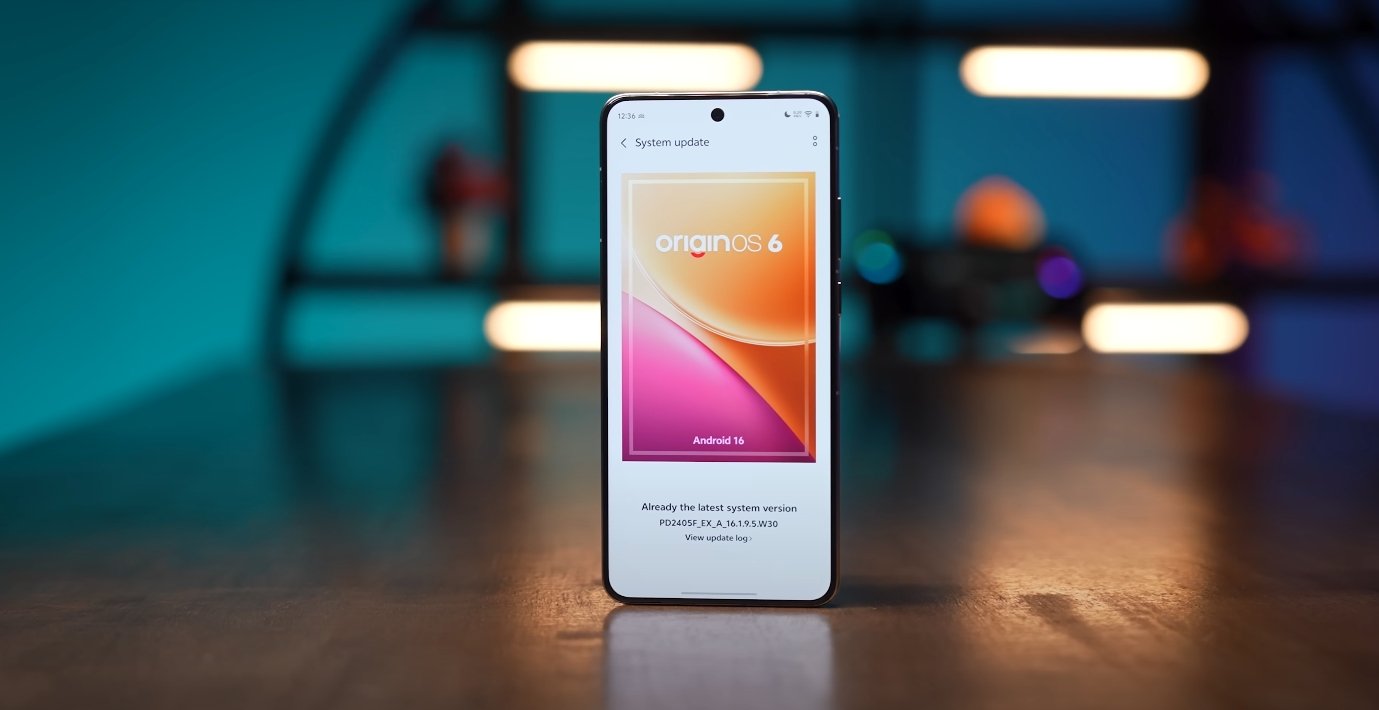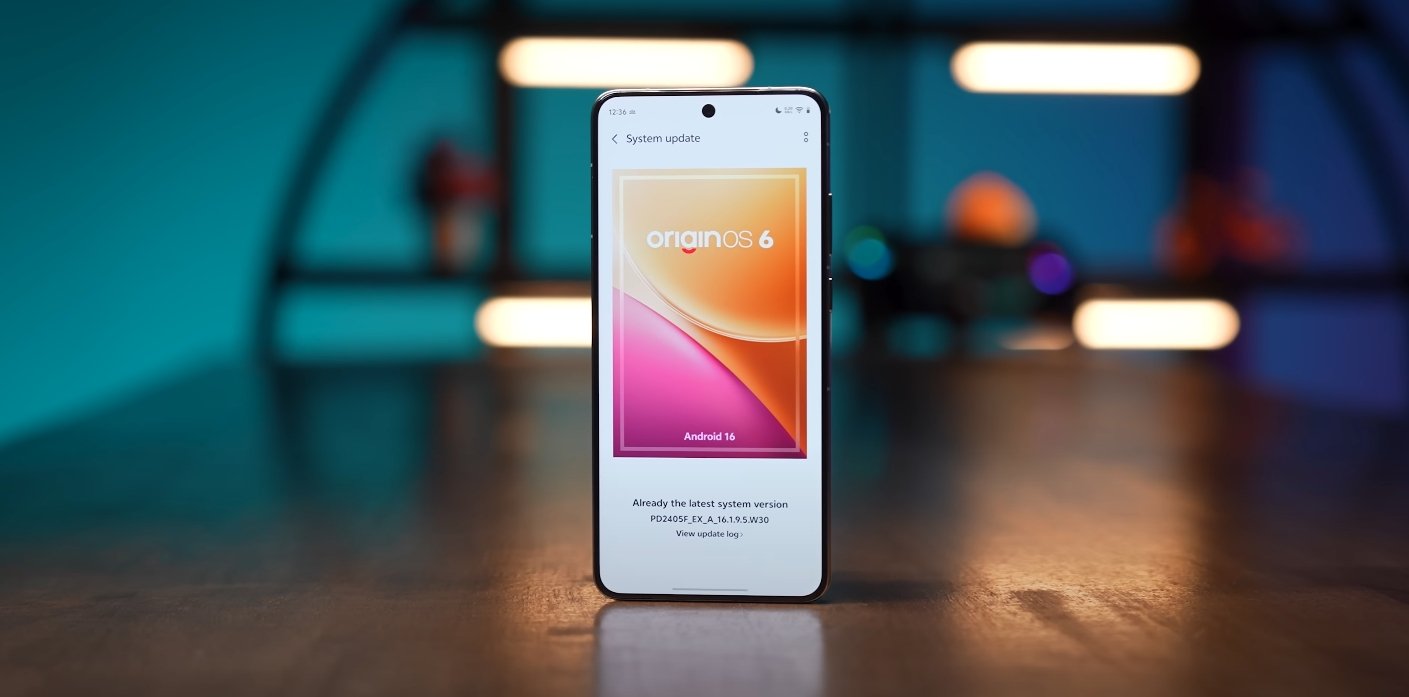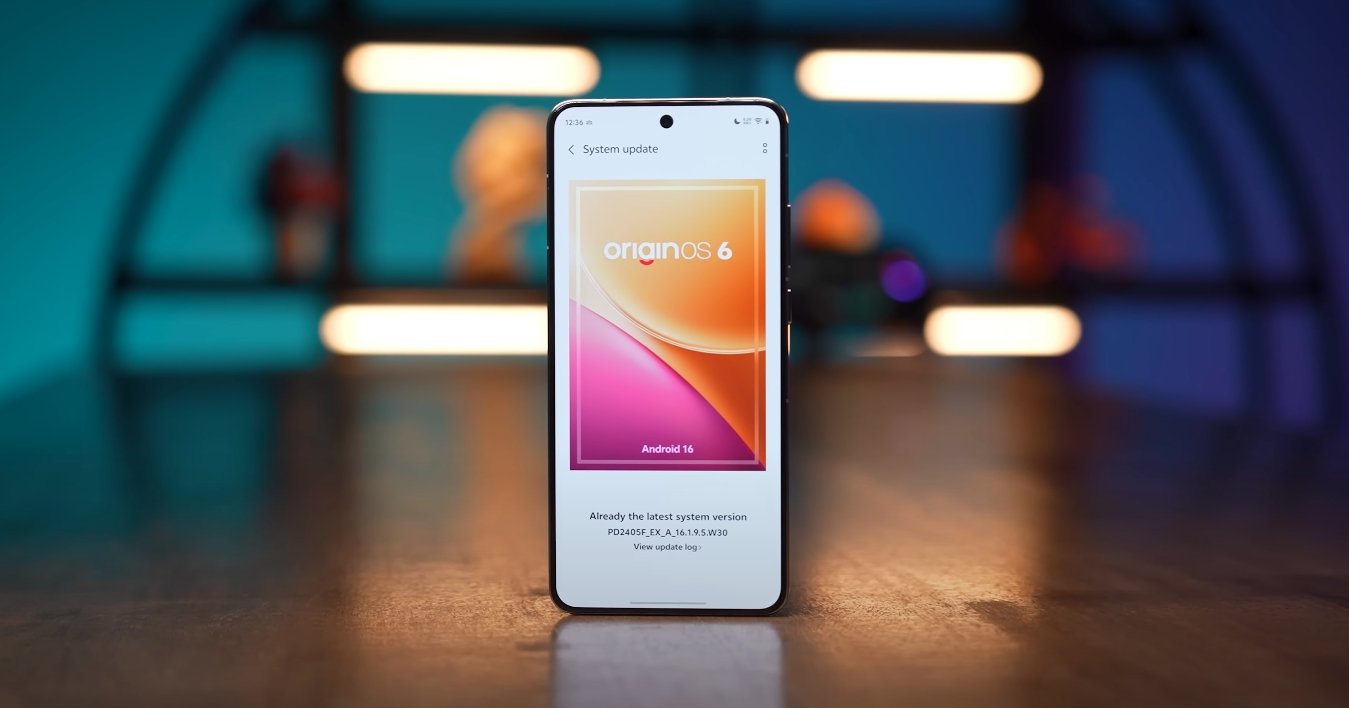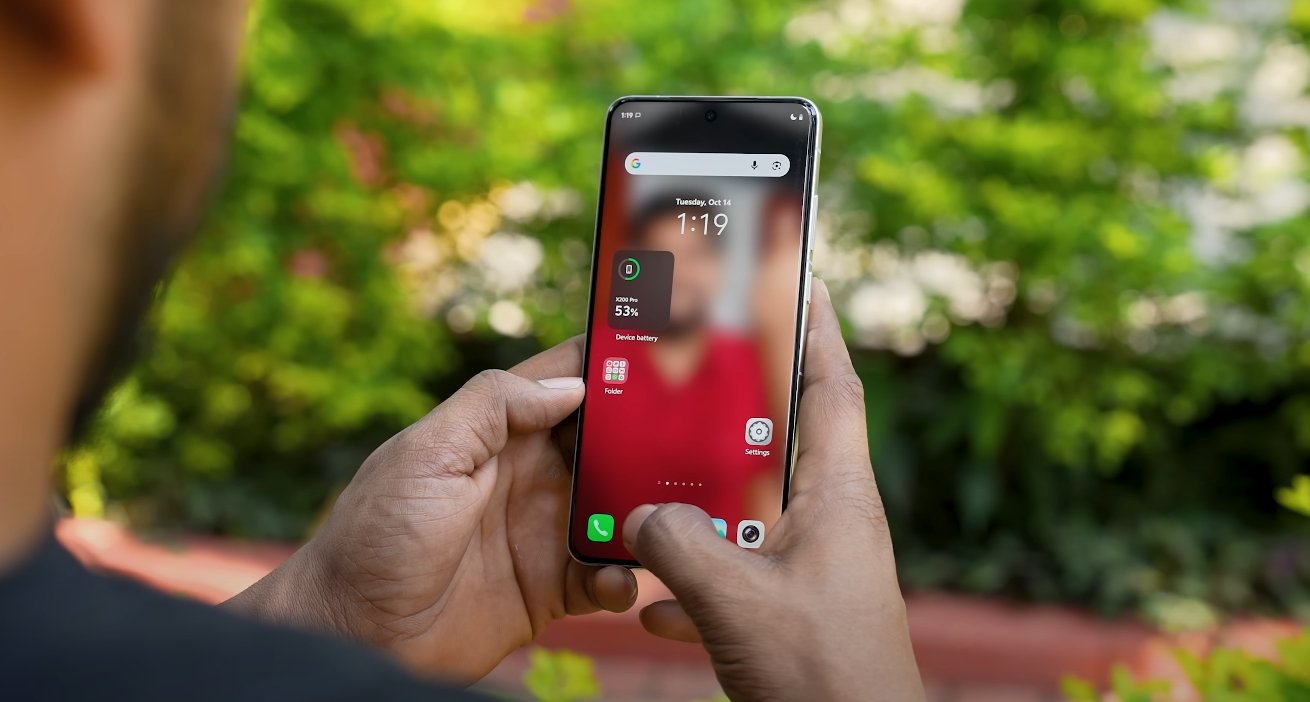
OriginOS 6 wallpaper and theme store refreshed

OriginOS 6 wallpaper and theme store refreshed

Vivo Introduces a Modernized Wallpaper and Theme Store with OriginOS 6

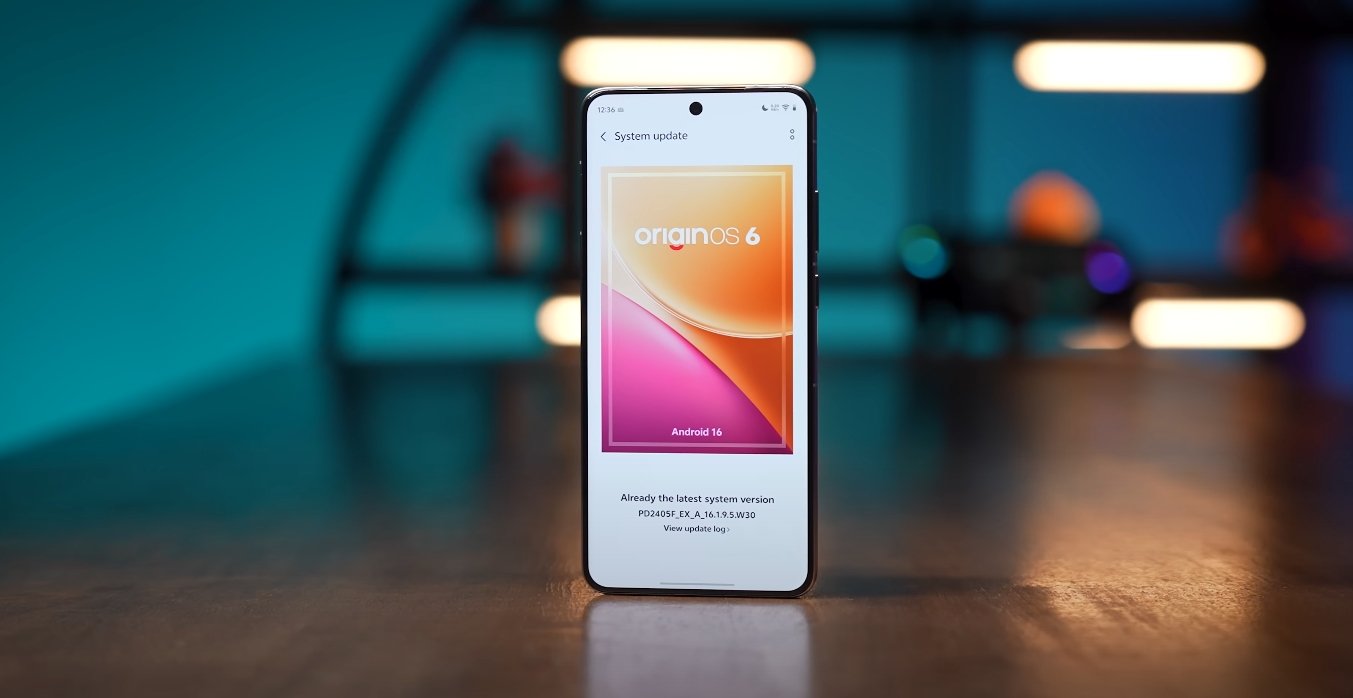
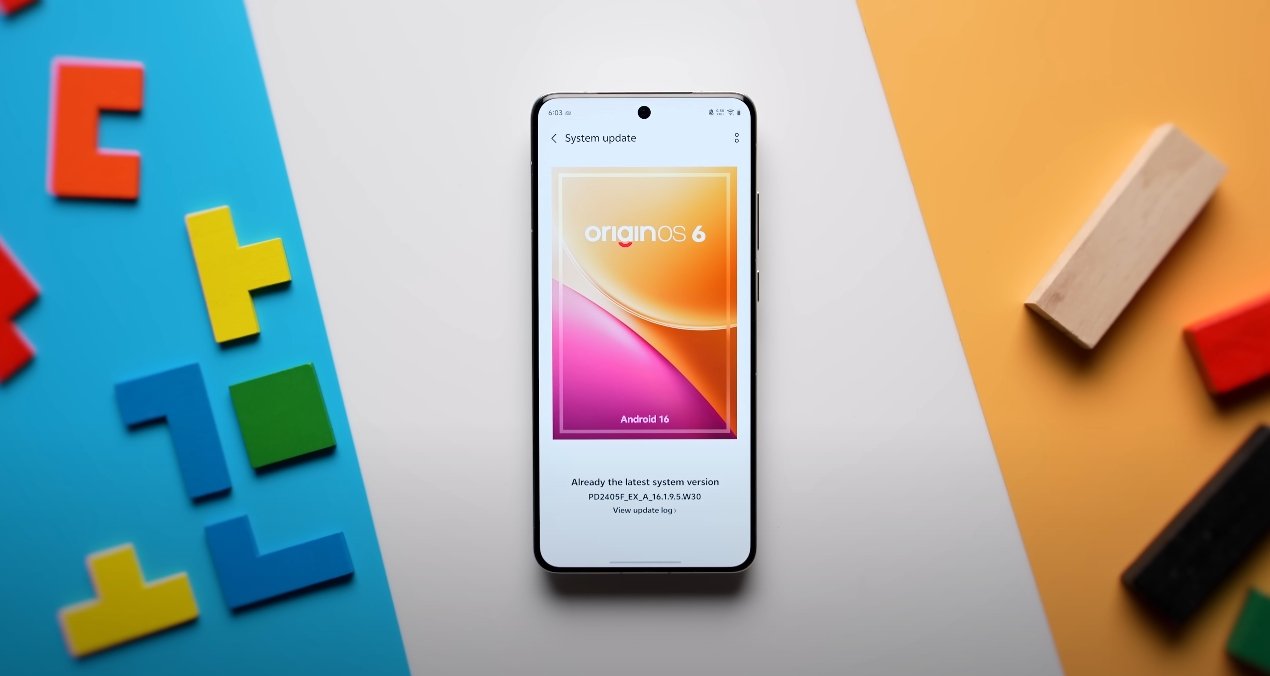
Vivo has officially rolled out OriginOS 6 with a refreshed approach to personalization, focusing heavily on wallpapers and themes. The new update redefines how users customize their smartphones, making the interface more interactive, visually refined, and efficient. With its redesigned theme store, enhanced dynamic wallpapers, and the new “Light and Shadow” design language, OriginOS 6 represents one of the most significant visual overhauls Vivo has ever implemented.

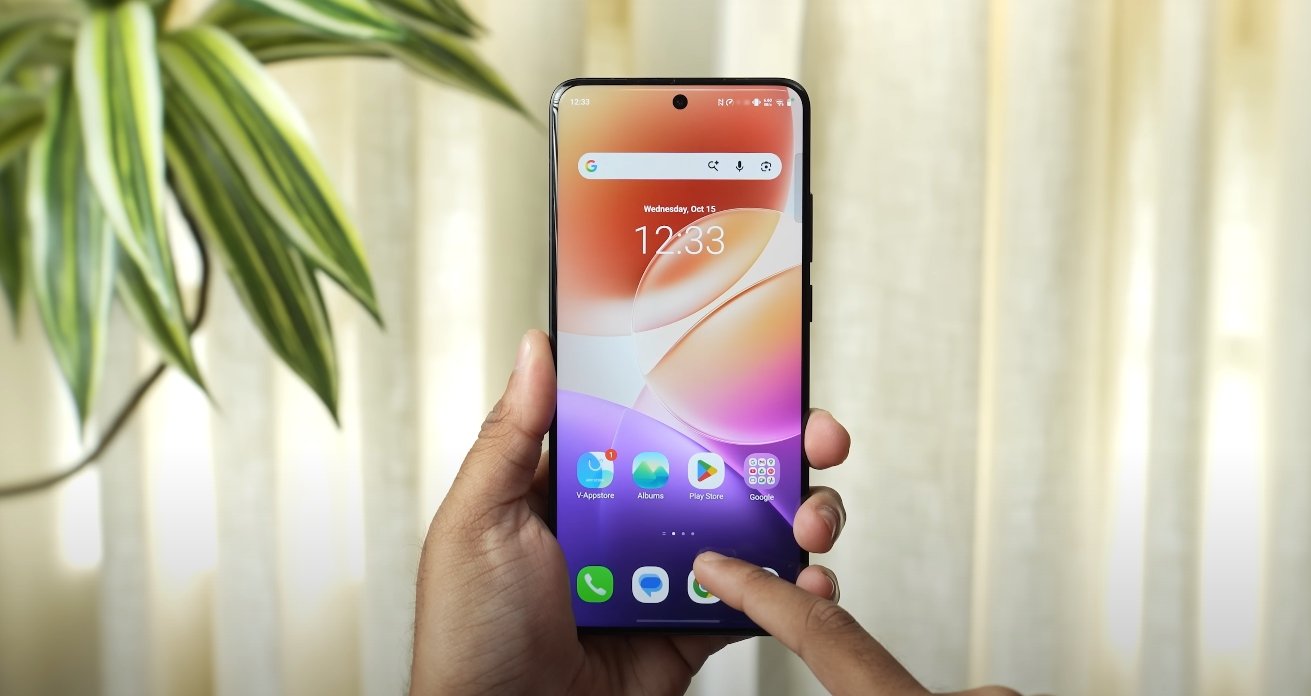
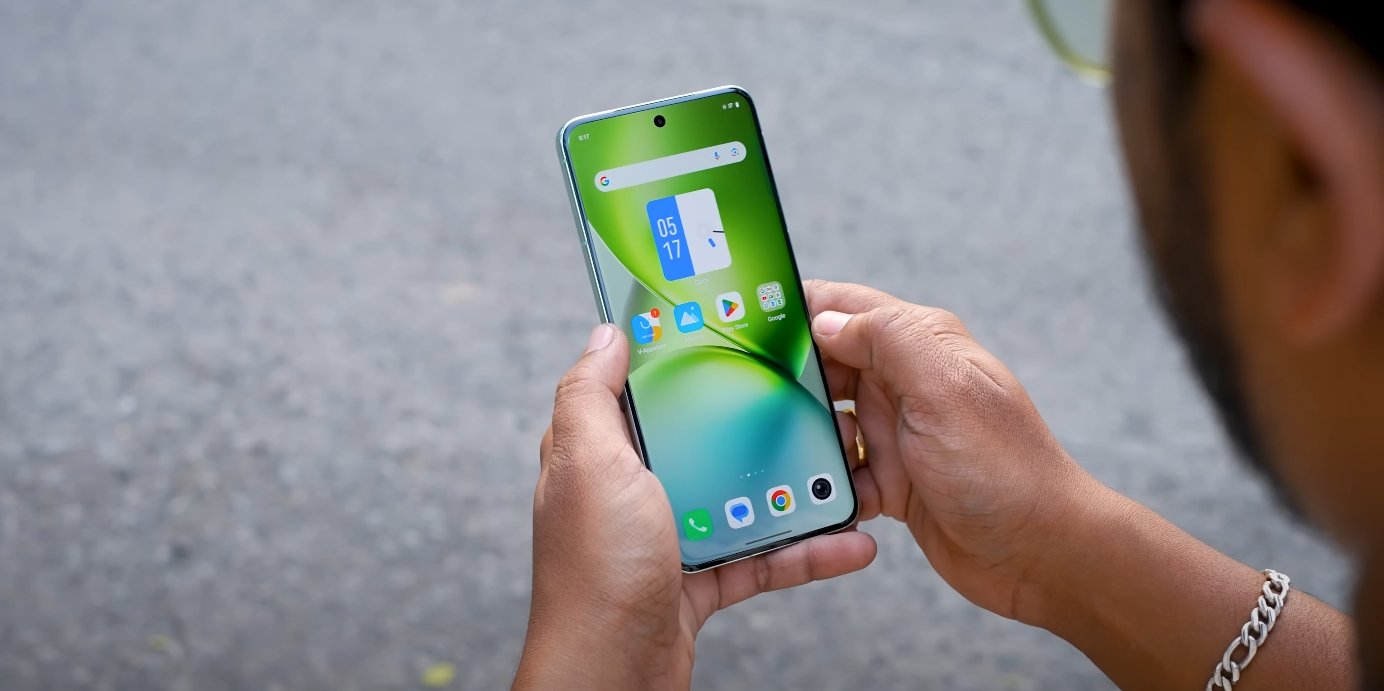
The first major change users will notice is the updated wallpaper system. OriginOS 6 introduces dynamic wallpapers that adapt to movement, time, and lighting conditions. These new designs use a layered rendering process to simulate realistic depth and reflection. When users tilt their device, subtle changes in color and perspective occur, giving the screen a three-dimensional feel. This system, powered by Vivo’s graphic optimization engine, ensures that the wallpapers remain fluid without draining additional battery power. The collection includes gradient textures, glass-like reflections, and abstract nature-inspired visuals tailored to AMOLED displays for vivid brightness and deep contrast.

The theme store in OriginOS 6 has been completely rebuilt to provide a more seamless browsing and customization experience. It now features curated categories such as minimalist, futuristic, artistic, and seasonal themes. Each theme package not only changes wallpapers and icons but also modifies system sounds, font styles, and animation effects. Vivo’s designers have aligned every element within a theme to maintain consistency across the interface. The store also includes a “Preview Mode,” allowing users to see live previews of themes before applying them. This improvement saves time and helps ensure that personalization choices fit a user’s preferences perfectly.
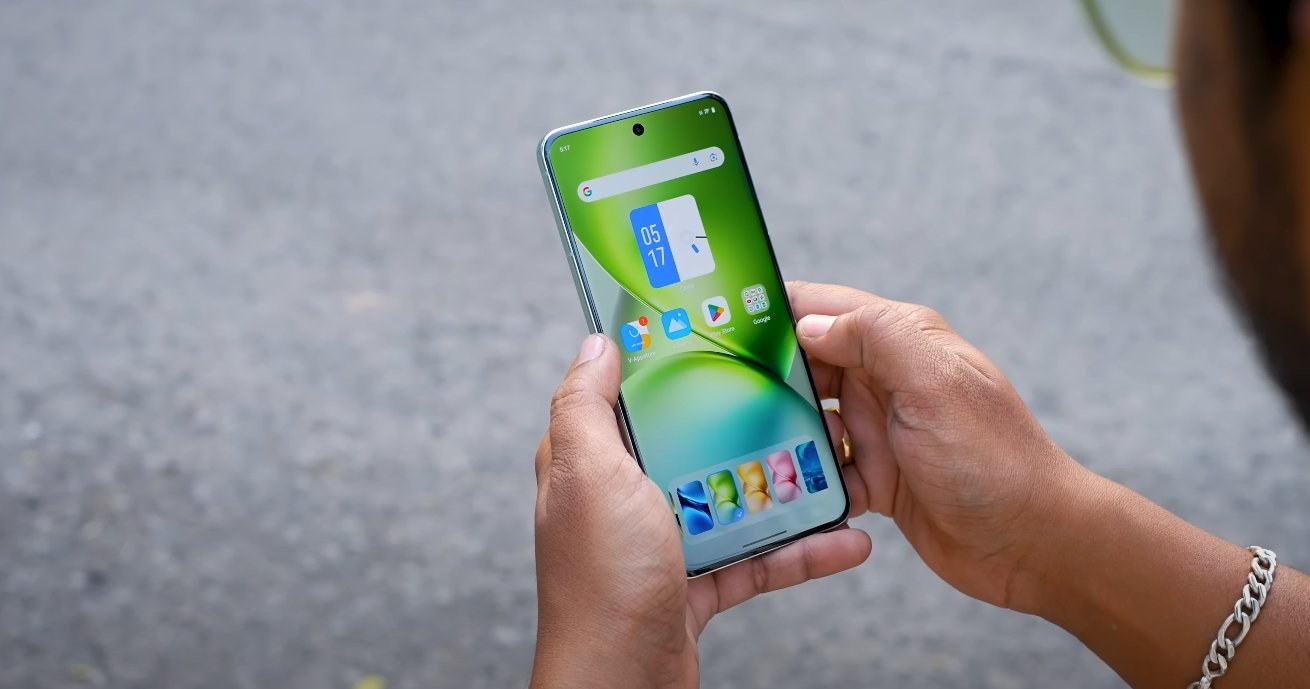
OriginOS 6 wallpaper and theme store refreshed

Another highlight of the update is the new “Light and Shadow Space” design aesthetic. This design concept brings layered transparency, soft gradients, and animated shadows that respond to user interaction. Vivo has refined every visual transition to appear smoother and more natural. Elements like control panels, notifications, and app widgets now exhibit glass-like translucency, giving the interface a modern and polished look. The combination of depth and motion in OriginOS 6 not only enhances beauty but also improves usability by creating clear visual separation between layers.

Vivo has also introduced advanced customization controls that let users mix and match wallpapers, icon packs, and animation styles. You can now apply a wallpaper set that changes automatically throughout the day—morning, afternoon, and night modes display different tones to match the environment. Users can even adjust the intensity of animation effects or choose static themes for battery conservation. These controls give complete creative freedom while maintaining system stability and responsiveness.

Performance remains a strong focus despite the visual upgrades. OriginOS 6 uses a redesigned rendering engine that distributes graphical resources efficiently. Dynamic wallpapers now consume up to 30% less power than in previous versions, and transitions between screens remain smooth even when using complex themes. This ensures that customization does not compromise battery life or app performance, a balance that many users have demanded from modern smartphone operating systems.

In addition to aesthetics, Vivo has made the theme store more community-driven. Users can submit their own designs or download popular creations from other artists. Weekly highlights showcase trending themes, helping users discover new looks easily. The platform also supports real-time updates, allowing Vivo to release limited-edition themes for special events, holidays, and product launches. This approach keeps the system fresh and encourages users to revisit the store frequently.

Another useful addition is the AI-powered personalization assistant. The assistant can recommend themes based on user behavior, wallpaper history, and even weather conditions. For example, on sunny days, it may suggest bright color palettes, while during nighttime it can automatically switch to darker tones for eye comfort. This smart adaptability makes the experience more intuitive and personalized.

Overall, the refreshed wallpaper and theme store in OriginOS 6 is more than just a cosmetic update—it’s a step toward making smartphone personalization both beautiful and intelligent. Vivo has managed to create a system that blends aesthetics with performance, offering users a visually engaging environment that still runs efficiently.

In conclusion, OriginOS 6’s wallpaper and theme overhaul delivers a perfect balance between artistic freedom and system optimization. Users can now enjoy greater customization, smoother visuals, and a refined interface designed to complement Vivo’s hardware capabilities. For those who value individuality in their smartphone experience, this update marks a major advancement. Vivo’s focus on detail and design consistency ensures that OriginOS 6 stands out as one of the most polished and customizable Android-based interfaces currently available in the USA.

Oura Ring Revolutionises Women’s Health with AI-Powered Insights

The Oura Ring 4, a sleek and advanced smart ring, now features AI-powered insights for women's health, providing a more comprehensive understanding of reproductive health and wellbeing, with a focus on menstrual cycles, fertility, and pregnancy

Transforming Women’s Health: Oura Ring’s AI Breakthrough

The Oura Ring 4 is a game-changer in the world of smart rings, boasting a sleek design, enhanced tracking, and longer battery life. Its ceramic-coated form is almost perfect, making it a top choice for those seeking a reliable and stylish accessory.

Oura is now taking a significant leap forward by introducing its first proprietary AI model, tailored specifically for women’s health. This innovative feature combines medical guidelines, research, and user biometric data to provide personalised advice on reproductive health.

The AI-powered chatbot analyses long-term patterns related to menstrual cycles, fertility, pregnancy, menopause, sleep, stress, and activity, offering clear and supportive answers to help users understand their data. Oura emphasises that this service is advisory, not a replacement for medical diagnostics.

Privacy is a top priority, with the model running on Oura’s own infrastructure and conversations remaining confidential. However, users may still be cautious about relying on AI advice for sensitive health matters, given the potential for errors and hallucinations.

The AI model is currently being tested in Oura Labs, where users can try out experimental features and provide feedback. This testing phase will help refine the feature before its integration into the Oura Advisor service.

As Oura continues to push boundaries in the realm of women’s health, it’s essential to consider the potential implications of AI-driven advice. While the technology holds promise, it’s crucial to strike a balance between innovation and caution, ensuring that users receive accurate and reliable guidance.

With the Oura Ring 4 and its AI-powered insights, women can take a more proactive approach to their health, leveraging data-driven advice to make informed decisions. As the technology evolves, it will be fascinating to see how Oura addresses the challenges and opportunities in this critical area.

Oura’s commitment to women’s health is evident in its dedication to developing innovative solutions. The company’s focus on privacy, accuracy, and user feedback demonstrates a deep understanding of the complex issues surrounding reproductive health.

As the Oura Ring 4 continues to impress with its sleek design and advanced features, the introduction of AI-powered insights for women’s health marks a significant milestone. With its proprietary AI model, Oura is poised to revolutionise the way women approach their health, providing a more personalised and supportive experience.

The future of women’s health is exciting and uncertain, with AI playing an increasingly important role. As Oura and other companies continue to innovate, it’s essential to prioritise accuracy, privacy, and user-centric design, ensuring that these advancements benefit women’s health and wellbeing.

In conclusion, the Oura Ring 4 and its AI-powered insights represent a groundbreaking development in women’s health. With its commitment to innovation, privacy, and user feedback, Oura is redefining the landscape of reproductive health, empowering women to take control of their wellbeing like never before.

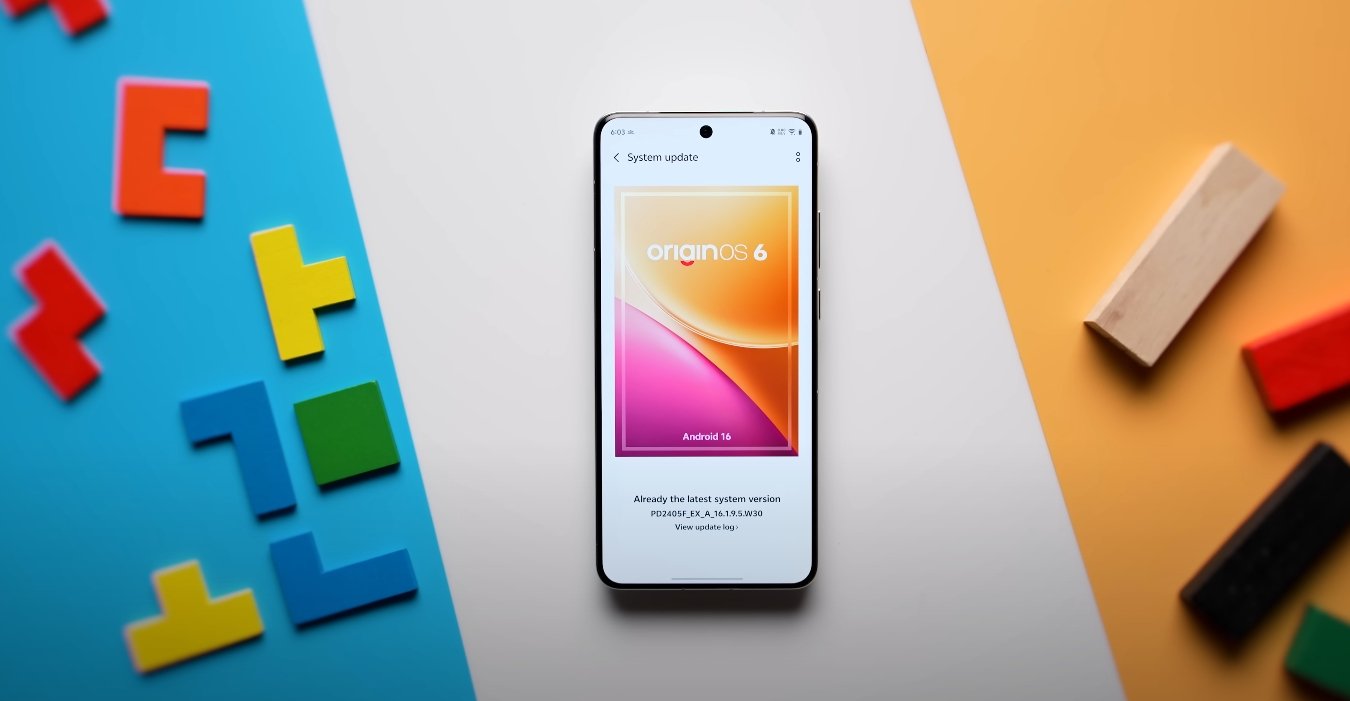
OriginOS 6 vs Funtouch OS 15 differences

OriginOS 6 vs Funtouch OS 15 differences

Key Differences Between OriginOS 6 and Funtouch OS 15

Vivo has officially transitioned from Funtouch OS 15 to OriginOS 6 for many of its devices, marking a significant shift in design philosophy, performance optimization, and feature depth. While both systems share the same Android foundation, their user experiences are vastly different. OriginOS 6 represents Vivo’s vision for a more modern, fluid, and intelligent software environment, while Funtouch OS 15 focuses on simplicity and reliability.

The most noticeable difference between the two systems lies in their design language. Funtouch OS 15 followed a clean, minimal layout that emphasized practicality, using standard icons, straightforward settings, and limited motion effects. OriginOS 6, on the other hand, embraces depth and dimensionality with its new “Light and Shadow Space” design. The interface uses transparency, layering, and dynamic lighting to create a visually rich experience. Icons have softer edges, system elements cast realistic shadows, and transitions between screens are smoother. This shift in design makes OriginOS 6 feel more premium and modern compared to the utilitarian look of Funtouch OS.

Customization options have also been significantly expanded in OriginOS 6. Funtouch OS 15 offered standard customization like themes, wallpapers, and icon packs, but OriginOS 6 takes it further with adaptive widgets, interactive folders, and personalized lock screen layouts. Users can now resize and rearrange elements freely, allowing deeper personalization. The new “Flip Cards” widget system lets users interact directly with app information from the home screen, reducing the need to open apps frequently. This flexibility transforms the interface into a more user-driven experience rather than a static layout.

OriginOS 6 vs Funtouch OS 15 differences

Performance is another area where OriginOS 6 shows substantial improvement. While Funtouch OS 15 was optimized for smooth performance, it sometimes struggled under heavy multitasking or extended gaming sessions. OriginOS 6 introduces a revamped Smooth Engine that improves system responsiveness, frame rate stability, and background app management. App launch times are shorter, animations are faster, and resource allocation is more intelligent. These optimizations ensure that the new interface runs consistently well even on devices with moderate hardware configurations.

Artificial intelligence plays a much larger role in OriginOS 6 compared to Funtouch OS 15. Vivo has integrated an AI-based Smart Scene system that learns user habits and suggests actions automatically. It can adjust screen brightness, predict app launches, or recommend battery-saving measures based on usage patterns. AI Copy, Smart Erase, and AI Search also enhance productivity by allowing users to interact with content more efficiently. In contrast, Funtouch OS 15 focused more on manual controls and offered fewer automated smart features. OriginOS 6’s intelligent system makes everyday interaction smoother and more predictive.

Vivo has also introduced “Origin Island,” an interactive hub that replaces parts of the traditional notification system. It appears as a floating element near the top of the screen and provides live updates for ongoing activities like calls, music, or timers. Users can expand or shrink it without leaving their current app. Funtouch OS 15 lacked such interactive multitasking features, relying on the standard Android notification panel. Origin Island adds an innovative layer of usability, helping users multitask more effectively without cluttering the interface.

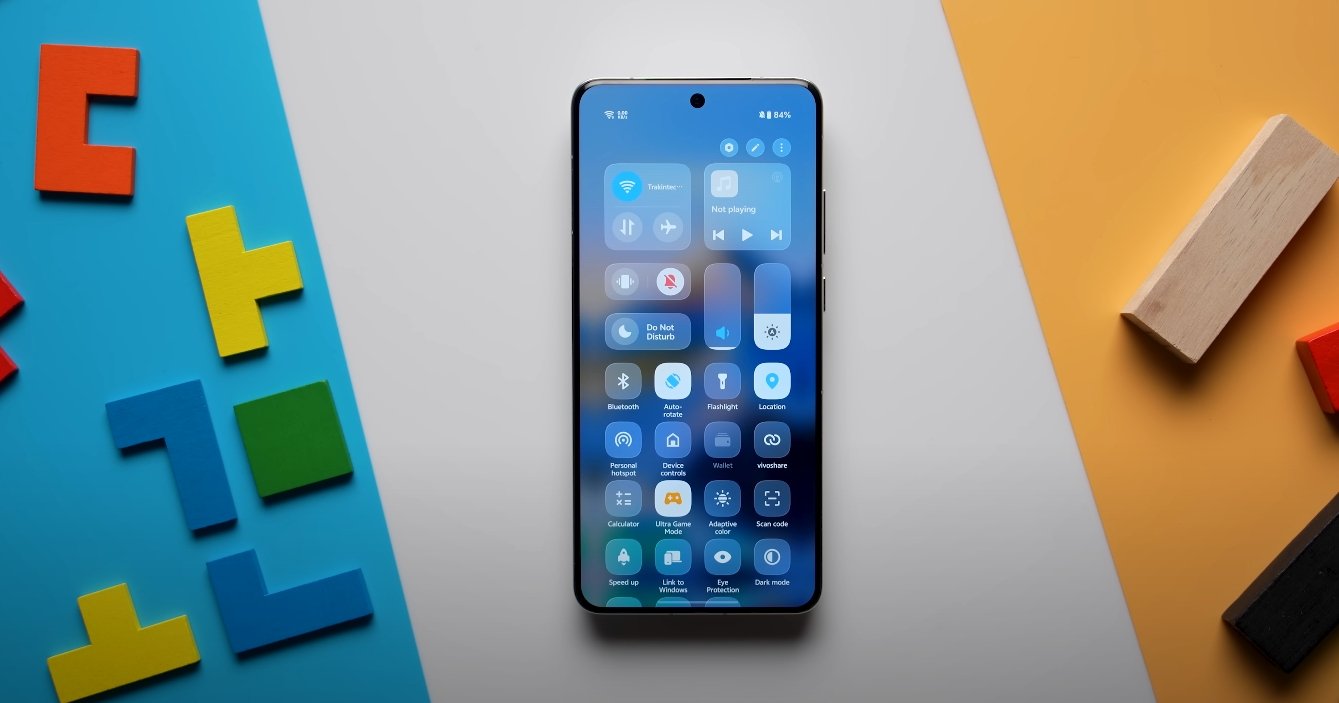
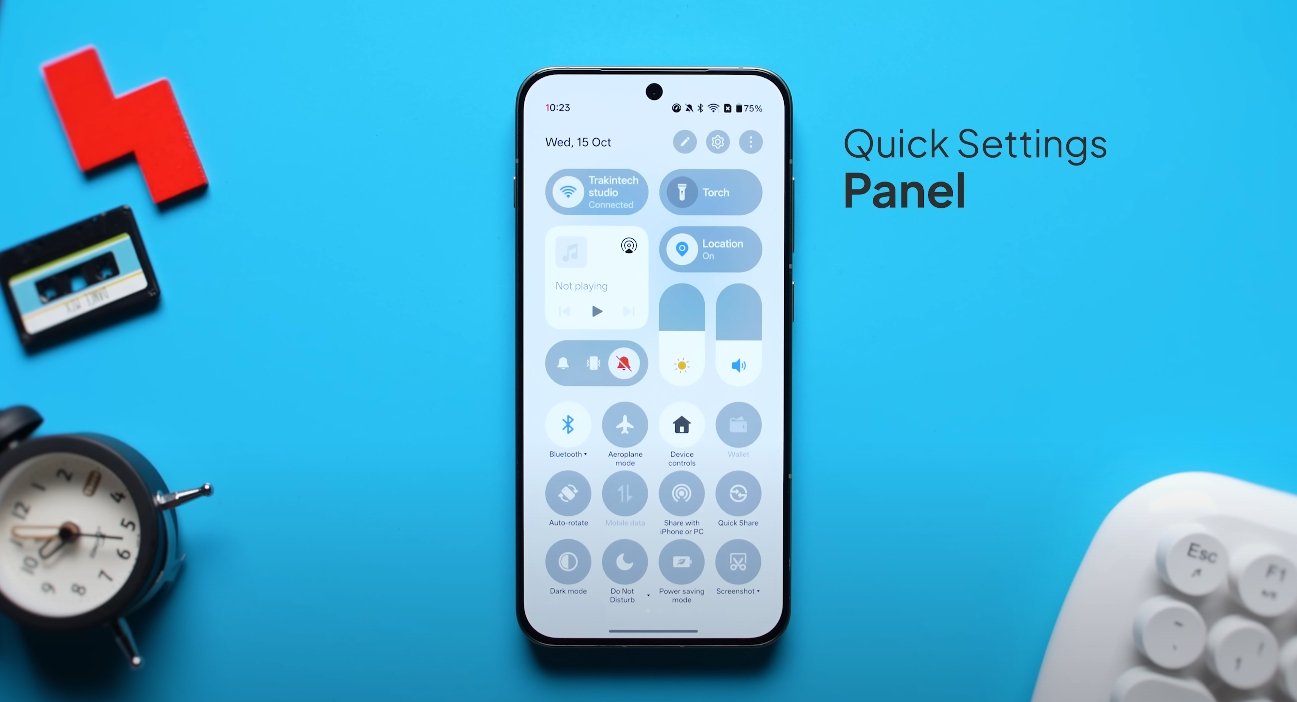
The quick settings and control center have been redesigned in OriginOS 6 to match its layered aesthetic. Buttons now feature translucent backgrounds, rounded edges, and subtle motion effects. The layout is customizable, allowing users to rearrange tiles and adjust their size. Notifications are grouped intelligently to maintain focus and clarity. Funtouch OS 15 offered a simpler layout with basic toggles, but OriginOS 6’s redesign improves both functionality and appearance, making it more intuitive for daily use.

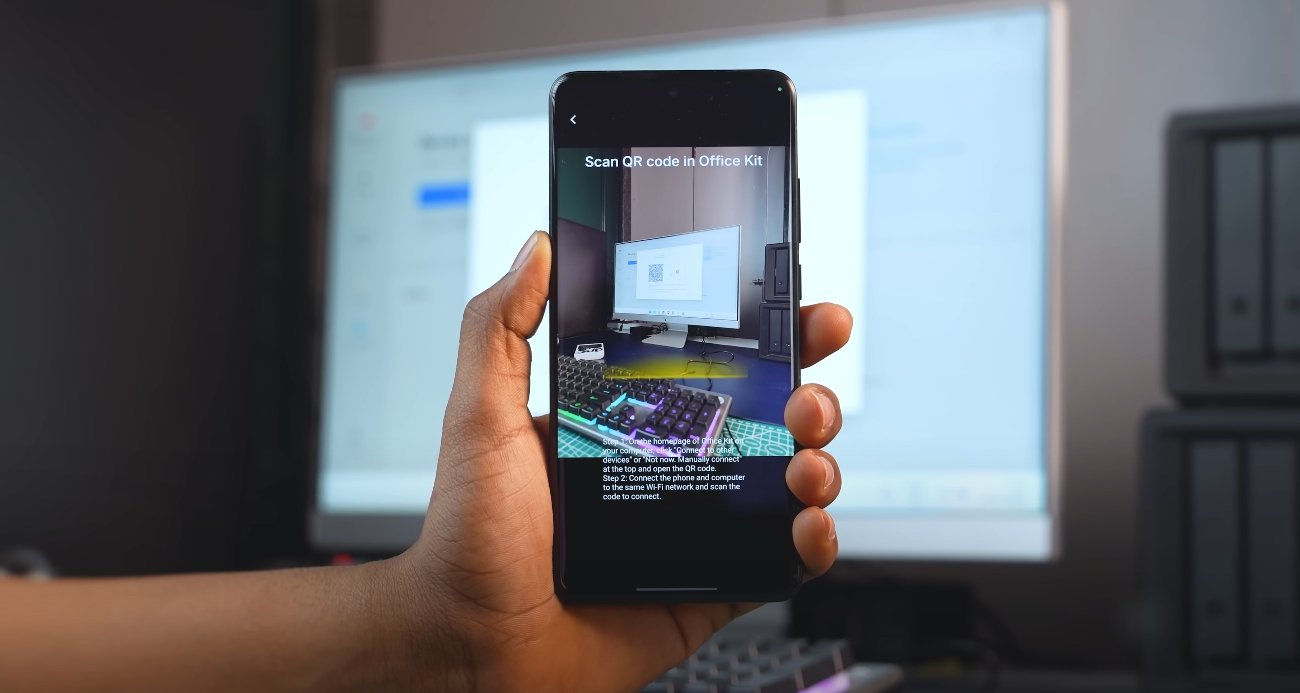
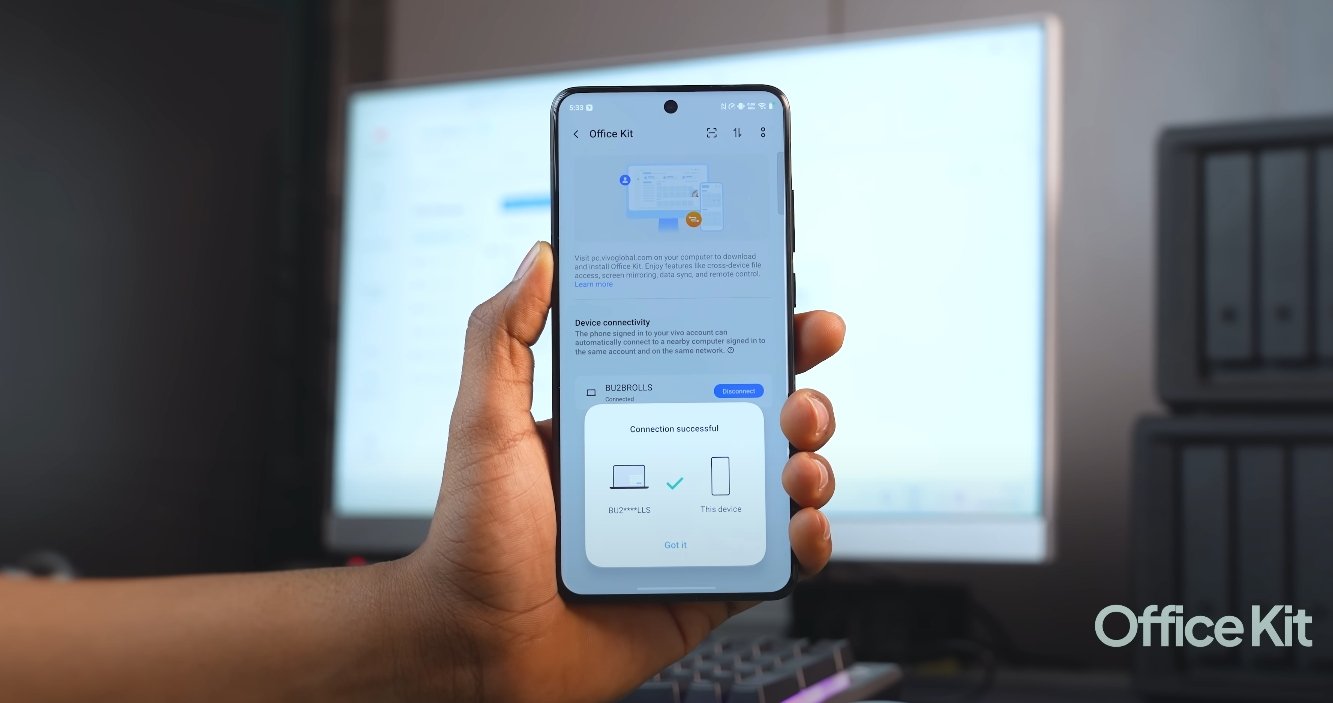
From an ecosystem standpoint, OriginOS 6 also takes a step forward. It enhances cross-device connectivity between Vivo phones, tablets, and PCs. Features like multi-screen collaboration, seamless file transfer, and continuity between devices are better supported. Funtouch OS 15 offered limited ecosystem integration, mainly focusing on standalone phone performance. The unified design approach in OriginOS 6 strengthens Vivo’s ecosystem identity and aligns it closer to competitors that already emphasize connected experiences.

The shift from Funtouch OS 15 to OriginOS 6 also represents a change in Vivo’s global strategy. Funtouch OS was primarily used on international devices, while OriginOS was previously exclusive to China. With OriginOS 6, Vivo is unifying its software experience worldwide. This global rollout brings consistent updates, design language, and performance standards across all markets. It also signals longer-term software support and a stronger focus on optimization for future devices.

In summary, OriginOS 6 is not just an upgrade—it’s a redefinition of Vivo’s software philosophy. Compared to Funtouch OS 15, it delivers a more visually advanced, intelligent, and customizable experience. The smoother animations, enhanced AI capabilities, and cross-device integration make it a major step forward. While Funtouch OS 15 remains dependable and user-friendly, OriginOS 6 positions itself as the more sophisticated, performance-focused, and future-ready platform for modern Vivo and iQOO users.

Also Read:  OxygenOS 16 vs Nothing OS 3 which feels smoother

OriginOS 6 vs iOS 18: Multitasking & Gestures Compared

OriginOS 6 vs iOS 18: Multitasking & Gestures Compared

Multitasking and Gesture Navigation: Comparing Vivo’s OriginOS 6 with Apple’s iOS 18

When it comes to multitasking and gesture-based navigation, both OriginOS 6 (from Vivo) and iOS 18 (from Apple) offer significant enhancements that reflect their different priorities. OriginOS 6 emphasizes flexible multitasking, floating windows and customizable gestures, while iOS 18 prioritizes smooth system-wide gesture behavior, cross-device continuity and refined multitasking for large screens. This comparison explores how each handles multitasking tools, gestures and workflow for users in the USA.

OriginOS 6: Multitasking Features
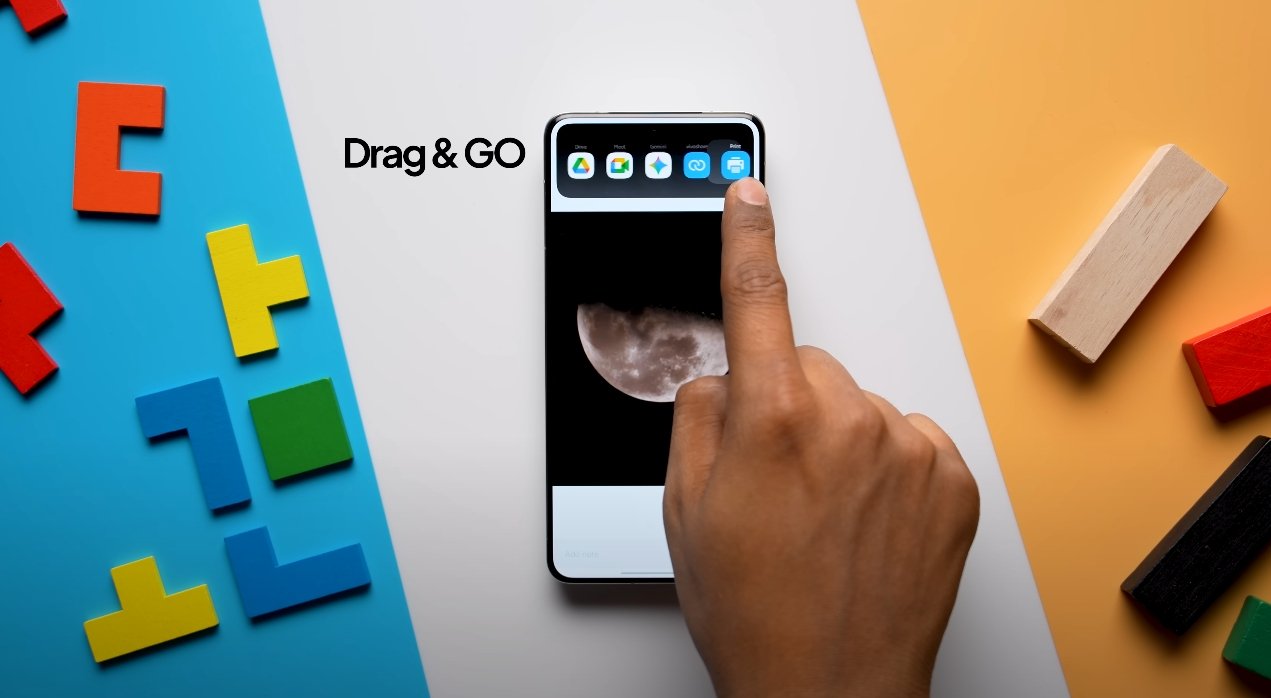
OriginOS 6 introduces a range of multitasking enhancements designed for power users and creative workflows. It supports floating app windows that can overlay other apps, resizable split-screen layouts and multi-window drag-and-drop between applications. The system’s multitasking hub, known as “Origin Island”, acts like a live status bar and quick-action space where users can drag items such as images or links from one app to another seamlessly. These features make it easy for users to run, for example, a video call, document editor and browser side-by-side and move content across them without returning to the home screen.

Gesture support in OriginOS 6 is extensive. The system offers multiple edge-swipe functions for navigation, split-screen activation, and floating-window invocation. Users can assign custom gestures to specific functions—such as a swipe up from a corner to open a floating window, or a two-finger swipe to trigger split-screen. OriginOS 6 documentation mentions support for as many as 26 gesture combinations, which gives users significant control over how they navigate and multitask on their device. The system is designed so that transitions between apps and windows are smooth, helping maintain workflow momentum.

OriginOS 6 vs iOS 18: Multitasking & Gestures Compared

iOS 18: Multitasking Features
iOS 18 continues Apple’s focus on delivering refined multitasking on iPhones and iPads. While multitasking on the iPhone remains more constrained compared to tablets, iOS 18 includes enhancements for split-screen, improved stage management on larger screens and smarter app switching supported by Apple Intelligence. On compatible iPads (via iPadOS 18), users can use Stage Manager to group multiple apps in a windowed layout, switch between stacks and invoke multitasking gestures like pinches or swipes of multiple fingers. The system caters to users who move between iPhone and iPad environments and want continuity across devices.

Gestures in iOS 18 are streamlined and intuitive: for example, swiping up from the bottom returns to the home screen, swiping up and holding brings up the App Switcher, and swiping from the top-right corner opens the Control Center with multiple pages of controls. While not as deeply customizable as some Android skins, these gestures are consistent and integrated into the overall Apple ecosystem, helping users transition smoothly between device types.

Key Differences

  • Flexibility vs Simplicity: OriginOS 6 gives users more control and customization over how multitasking and gestures behave, enabling floating windows, drag-and-drop multitasking and custom gesture assignments. iOS 18 takes a more guided approach, delivering a consistent and polished experience with less customization but tighter integration across devices.

  • Multi-window Support: On OriginOS 6, floating windows and resizable split-screens are part of the experience even on phones, enabling workflows like editing content while watching a video. On iOS 18, full windowed multitasking is stronger on iPads than iPhones; iPhones see improved gestures and smarter app switching but fewer floating windows.

  • Gesture Depth: OriginOS 6 supports a wide variety of gesture combinations (up to 26) and allows user-defined shortcuts, corner swipes and multi-finger gestures for multitasking. iOS 18 uses a more standardized gesture set that works across iPhones and iPads, offering reliability and discoverability rather than breadth of customization.

  • Cross-Device Continuity: iOS 18 benefits from Apple’s ecosystem: gestures and multitasking workflows work consistently across iPhone, iPad and Mac, making tasks like dragging content between devices seamless. OriginOS 6 introduces cross-device features (phone, tablet, PC) but the ecosystem breadth and maturity differ.

  • Learning Curve vs Consistency: Users adopting OriginOS 6 may spend time customizing gestures and workflows to suit their style, which can enhance productivity but requires effort. iOS 18 offers a more plug-and-play experience: gestures and multitasking behavior are consistent and predictable, beneficial for users who prefer simplicity.

Which Experience Fits You?
If you’re someone who uses your phone like a mini workstation—toggling between multiple apps, dragging content between windows, customizing gestures to your workflow—OriginOS 6 provides a rich set of tools for multitasking and navigation customization. It’s especially appealing for users who value control and are comfortable exploring settings and layouts.

If on the other hand, you prioritize smooth, dependable gesture control, strong device continuity (especially if you already use other Apple devices), and prefer an interface that “just works” without needing much setup, iOS 18 delivers a refined multitasking and navigation experience. It thrives in an ecosystem where everything is integrated and consistent.

In summary, both operating systems improve multitasking and gesture navigation in meaningful ways, but they target different user profiles. OriginOS 6 emphasizes customization and flexible multitasking workflows, while iOS 18 emphasizes polished consistency and cross-device cohesion. Knowing your preferred way of interacting with your device and how you multitask will guide which platform aligns better with your needs.

Also Read:  Nothing Phone 3A Lite video recording quality test USA

OriginOS 6 lock screen changes and new wallpapers

OriginOS 6 lock screen changes and new wallpapers

Vivo adds fresh customization and dynamic visual upgrades to its new OS

Vivo has officially rolled out OriginOS 6 with a fresh focus on personalization and visual refinement, and one of the most noticeable changes comes to the lock screen and wallpapers. This update places a strong emphasis on giving users more creative control over how their phones look and feel. The redesigned lock screen now combines functional elements with smoother animations, smarter notifications, and high-quality wallpapers that adapt to the user’s environment and activity.

The new lock screen design moves away from static layouts and introduces a layered approach. Instead of a single static clock and notification area, OriginOS 6 uses dynamic widgets that can change depending on the time of day, current events, or ongoing activity. For example, the weather widget can display more detailed information during a rain alert, while the music widget expands when a song is playing. This makes the lock screen more informative without requiring users to unlock their devices.

Vivo has also redesigned the way users interact with the lock screen. Animations are now faster, more fluid, and integrated with the system’s gesture controls. The unlocking process feels smoother, and the transition from lock to home screen has a more polished visual flow. Notifications now appear in a cleaner layout, with smarter grouping that makes them easier to manage. Users can swipe directly on specific alerts or expand them for more context without needing to unlock the device entirely.

OriginOS 6 lock screen changes and new wallpapers

One of the most eye-catching updates in OriginOS 6 is the addition of dynamic wallpapers. These wallpapers adjust their look based on factors such as the time of day, ambient lighting, or even device activity. In the morning, the wallpaper may display a soft, warm tone, while at night it might shift to cooler colors. Vivo has designed these wallpapers to consume minimal power while maintaining a vibrant, high-resolution look on OLED displays. This gives the phone a more premium and personalized feel throughout the day.

Users also have more control over customizing the lock screen layout. OriginOS 6 introduces several pre-designed themes that can be further personalized with font changes, icon styles, and clock designs. For users who prefer a minimal aesthetic, there are clean, text-focused designs, while those who like a more expressive look can choose animated clock faces and live wallpapers. These customization options make the lock screen a central part of the user’s daily phone experience rather than just a security barrier.

Another subtle but important addition is contextual awareness on the lock screen. If the phone detects that the user is traveling, it may display flight or transit information. If it’s charging, it shows battery health status in a more visually clear format. These small but smart additions make the lock screen more practical without cluttering it with unnecessary elements. The goal is to give users meaningful information at a glance while maintaining a sleek and modern look.

Wallpaper quality has also been improved significantly in this update. Vivo has collaborated with artists and designers to include a curated set of static and live wallpapers optimized for high-resolution displays. These wallpapers are not just decorative but also designed to complement the fluid animations and transitions of OriginOS 6. Users can set different wallpapers for lock and home screens, or even schedule wallpapers to change automatically at set times.

Performance optimizations play a key role in these visual enhancements. Even with dynamic effects and animations, the new lock screen remains smooth and responsive. Vivo has fine-tuned how these elements load in the background, ensuring they do not slow down the unlocking process or impact battery life. This is particularly important for users who want advanced customization without compromising performance.

Overall, the lock screen and wallpaper updates in OriginOS 6 represent a significant leap in personalization and visual appeal. By combining smart widgets, dynamic wallpapers, and polished transitions, Vivo has transformed the lock screen from a static entry point into a useful and elegant part of the user experience. This update reflects the company’s broader vision for OriginOS 6: intelligent, beautiful, and deeply customizable software that adapts to the user rather than the other way around.

OriginOS 6 vs Pixel UI stability comparison

OriginOS 6 vs Pixel UI stability comparison

Comparing Stability and Reliability Between OriginOS 6 and Google’s Pixel UI

Vivo’s OriginOS 6 and Google’s Pixel UI both aim to deliver refined, efficient, and visually cohesive Android experiences, but they do so through distinct philosophies. While Google’s Pixel UI focuses on simplicity and reliability, OriginOS 6 emphasizes animation smoothness, adaptive design, and deep system customization. Stability, however, is the foundation of both. Examining how these two perform in real-world conditions reveals their strengths and trade-offs when it comes to system reliability, app consistency, and long-term performance.

Pixel UI, designed directly by Google, is often regarded as the benchmark for Android stability. Built on clean code with minimal visual effects, it maintains high consistency across updates and devices. The lightweight design helps ensure fewer crashes, faster patching, and smoother long-term performance. Pixel UI is tightly integrated with Google’s system architecture and security framework, which minimizes conflicts between system services and third-party applications. Apps load predictably, system animations are steady, and the software rarely stutters—even after months of usage. The key advantage lies in Google’s direct control over both hardware and software, creating an optimized ecosystem that delivers consistent results.

OriginOS 6, by contrast, takes a more ambitious approach. Vivo has focused on design fluidity and animation-rich interaction while working to maintain core system stability. The update introduces the Origin Smooth Engine, an optimization framework that enhances responsiveness and reduces frame drops. This engine dynamically adjusts CPU and GPU workloads depending on user activity, helping maintain performance while minimizing overheating or excessive battery drain. As a result, OriginOS 6 feels fluid and visually engaging without compromising stability in most conditions. However, the system’s complexity—especially with its advanced visual layers and dynamic effects—means it demands slightly more resources than Pixel UI.

OriginOS 6 vs Pixel UI stability comparison

In daily use, Pixel UI tends to remain steady even under heavy multitasking. Google’s optimization ensures that background apps, notifications, and gestures maintain consistency. Crashes are rare, and app compatibility is generally flawless since developers often test their apps on Pixel devices first. Software updates also arrive faster and more reliably, keeping stability intact over the device’s lifespan. This reliability makes Pixel UI a preferred choice for users who value smoothness through simplicity rather than through heavy visual design.

OriginOS 6 delivers a different type of stability—one that focuses on sustained fluidity rather than minimalism. Vivo’s software engineering has matured considerably, reducing bugs that previously affected earlier builds. App switching, split-screen mode, and gesture navigation work consistently without freezing. The system can handle background tasks efficiently, keeping frequently used apps active without forced reloads. That said, occasional hiccups can appear in early software versions or on older hardware, typically during high-load scenarios involving heavy animations or complex widgets. Vivo has been addressing such issues through incremental updates that refine performance and reduce resource overhead.

Another aspect of stability lies in thermal and memory management. Pixel UI’s lightweight structure allows it to maintain stable temperatures and predictable RAM usage, even during gaming or prolonged use. OriginOS 6 balances this through adaptive performance scaling, but because of its visual complexity, it occasionally consumes slightly more memory. Vivo compensates for this with intelligent memory compression and AI-driven resource distribution, which minimizes the impact on smoothness. In practical terms, both systems deliver reliable performance, though Pixel UI feels steadier under extended workloads, while OriginOS 6 feels more dynamic and fluid.

Software update reliability also contributes to long-term stability. Google’s update cycle is punctual and transparent, with monthly security patches and yearly major upgrades. Pixel UI’s consistency in updates ensures that bugs are swiftly addressed. OriginOS 6, while improving, still depends on Vivo’s rollout schedule, which can vary by region and device. Nevertheless, once updates arrive, they generally enhance system balance, battery optimization, and visual performance without disrupting user data or workflow. Vivo has also committed to multi-year software support, aligning closer to industry standards.

In terms of app stability, both systems perform well but differ in scope. Pixel UI’s app management prioritizes efficiency and reliability, keeping background services consistent without aggressive closure. OriginOS 6 uses AI-assisted memory prioritization to achieve a similar result, allowing users to keep more apps open without lag. However, due to its layered design and extra visual effects, the probability of minor animation delays can be slightly higher on lower-end devices.

Ultimately, when comparing stability, Pixel UI maintains an edge in pure reliability and long-term predictability. It’s optimized directly by Google, ensuring clean performance, minimal errors, and flawless app integration. OriginOS 6, on the other hand, brings a refined and fluid experience with greater customization and liveliness while maintaining strong stability levels that have improved substantially over past versions.

In conclusion, Pixel UI delivers the most consistent and steady Android experience, ideal for users who prioritize reliability and straightforward performance. OriginOS 6 offers comparable stability but with a more vibrant, design-forward interface that favors smooth animations and personalization. Both systems perform admirably in daily use, but while Pixel UI represents the peak of functional stability, OriginOS 6 stands out for its balance between performance, aesthetics, and innovation—proving that Vivo’s software now competes confidently with Google’s polished Android experience.

Also Read:  Nothing Phone 3A Lite camera samples reveal true colors

OxygenOS 16 battery optimization and performance review

OxygenOS 16 battery optimization and performance review

OxygenOS 16 Brings Smarter Battery Life and Smoother Performance

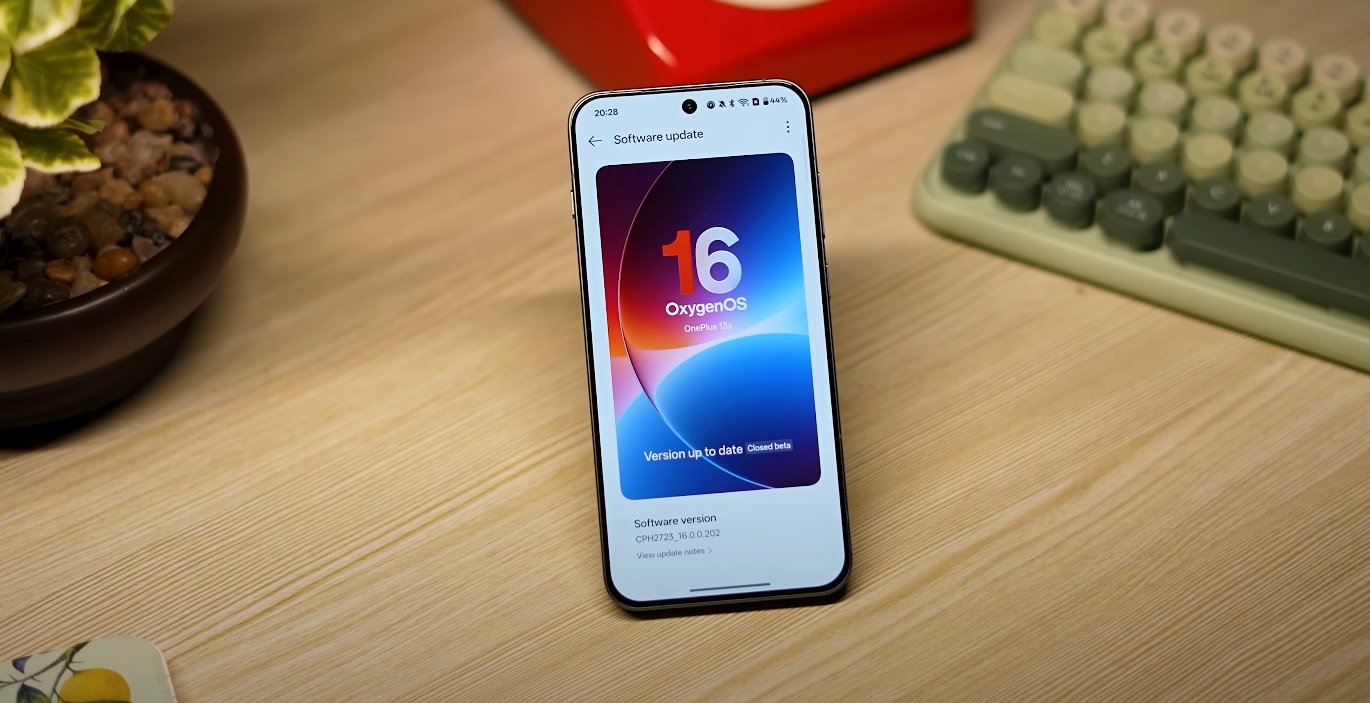
OxygenOS 16, based on Android 16, represents one of OnePlus’s biggest leaps in performance and efficiency. The update focuses on delivering faster processing, reduced heat output, and smarter power management through AI-driven optimization. Early impressions show that OnePlus has fine-tuned its system to provide both longer battery life and smoother overall performance without sacrificing speed or user experience.

One of the most notable changes in OxygenOS 16 is how it manages background processes. The system now uses intelligent learning to analyze user behavior and adapt power usage patterns accordingly. Apps that are rarely used are automatically restricted from consuming resources in the background, while frequently used apps are given priority. This approach ensures that battery life extends by several hours in daily use, especially on devices like the OnePlus 12 and 13 series. The optimization works quietly, reducing standby drain and improving efficiency even when multiple apps remain open.

Performance under demanding conditions has also improved significantly. The new update introduces a “zero-lag engine” that dynamically allocates CPU and GPU resources depending on the workload. Whether it’s heavy gaming, multitasking, or video rendering, OxygenOS 16 maintains consistent frame rates and responsiveness. Thermal management has been refined as well, meaning the phone stays cooler even during extended gaming sessions. This balance between performance and temperature control gives users a stable experience without sudden slowdowns or overheating.

OxygenOS 16 battery optimization and performance review

OxygenOS 16 also brings visible improvements to graphics and system animations. The redesigned interface features smoother transitions, fluid gestures, and the signature “Liquid Glass” aesthetic that enhances the premium look of the device. Despite these visual upgrades, the system remains power efficient. The animation rendering engine now uses up to 20% less energy, while the Always-On Display has been optimized to refresh only when necessary, cutting idle power consumption. These small yet effective refinements collectively boost battery endurance across usage scenarios.

In terms of user control, OnePlus has simplified the power management settings. The updated Power Control Center offers three core modes—Balanced, Power Saving, and High Performance. Each mode intelligently adjusts CPU output, network usage, and display refresh rate to suit user needs. For instance, Power Saving mode now automatically limits background sync and reduces brightness slightly without affecting the user interface, resulting in a noticeable increase in standby time. Meanwhile, High Performance mode ensures that gamers and creators get full hardware potential when needed.

AI-driven suggestions are another new addition in OxygenOS 16. The system continuously monitors device behavior and recommends actions to improve endurance, such as closing unused apps or enabling battery saver at optimal times. Users can also view detailed insights into which applications consume the most power, making it easier to manage energy usage effectively. Combined with adaptive charging—which learns charging habits to prevent battery wear—these features extend long-term battery health, ensuring consistent performance even after months of use.

Real-world tests indicate that OxygenOS 16 delivers up to 15% better efficiency compared to the previous version. Devices can now last comfortably through a full day of heavy use, including streaming, social media, gaming, and navigation. The improved resource allocation allows for faster app launches and smoother multitasking transitions. Users have reported reduced frame drops and more stable performance, even when switching rapidly between tasks. This enhanced responsiveness reinforces OnePlus’s reputation for fluid, near-stock Android experiences with minimal lag or bloat.

Overall, OxygenOS 16 strikes a strong balance between power, performance, and intelligence. The integration of Android 16’s system-level improvements with OnePlus’s own optimization framework creates a software experience that feels faster, lasts longer, and runs cooler. By combining AI learning, efficient animation rendering, and adaptive power modes, OnePlus has successfully delivered one of its most refined and balanced software updates yet. OxygenOS 16 ensures that users not only experience flagship-level speed but also enjoy meaningful gains in battery life and everyday usability.

Also Read:  OxygenOS 16 USA rollout schedule and update timeline

OriginOS 6 customization options for themes and icons

OriginOS 6 customization options for themes and icons

Deep Customization Arrives with OriginOS 6

Vivo’s latest software, OriginOS 6, brings a complete rethinking of personalization for its users. With a focus on creativity and flexibility, the new version expands customization options for themes, icons, wallpapers, and widgets, allowing users to shape their interface to match their personal style. The system blends elegance with adaptability, offering a balance between visual depth and functional precision. This shift toward a more personalized experience makes OriginOS 6 one of the most customizable Android-based interfaces available today.

One of the standout upgrades in OriginOS 6 is the redesigned Themes Center. Vivo has completely refreshed the interface where users can explore, download, and apply new looks to their devices. The updated Themes Center now includes dynamic categories for wallpapers, icon packs, fonts, and full system themes. Each theme offers coordinated elements—colors, typography, and animation styles—to maintain consistency across the user interface. Unlike earlier versions, OriginOS 6 enables live previews, so users can test out a theme’s look before applying it system-wide. This creates a smoother, more enjoyable customization process.

The new theme engine in OriginOS 6 also introduces adaptive coloring, a feature that automatically adjusts the color palette of system elements based on the chosen wallpaper or accent tone. This gives users a harmonized look without needing to manually fine-tune each setting. For example, when a dark or pastel wallpaper is applied, system icons and UI backgrounds automatically adapt to match, maintaining visual balance. Users can also toggle between light and dark modes within the same theme, offering even more flexibility in appearance.

OriginOS 6 customization options for themes and icons

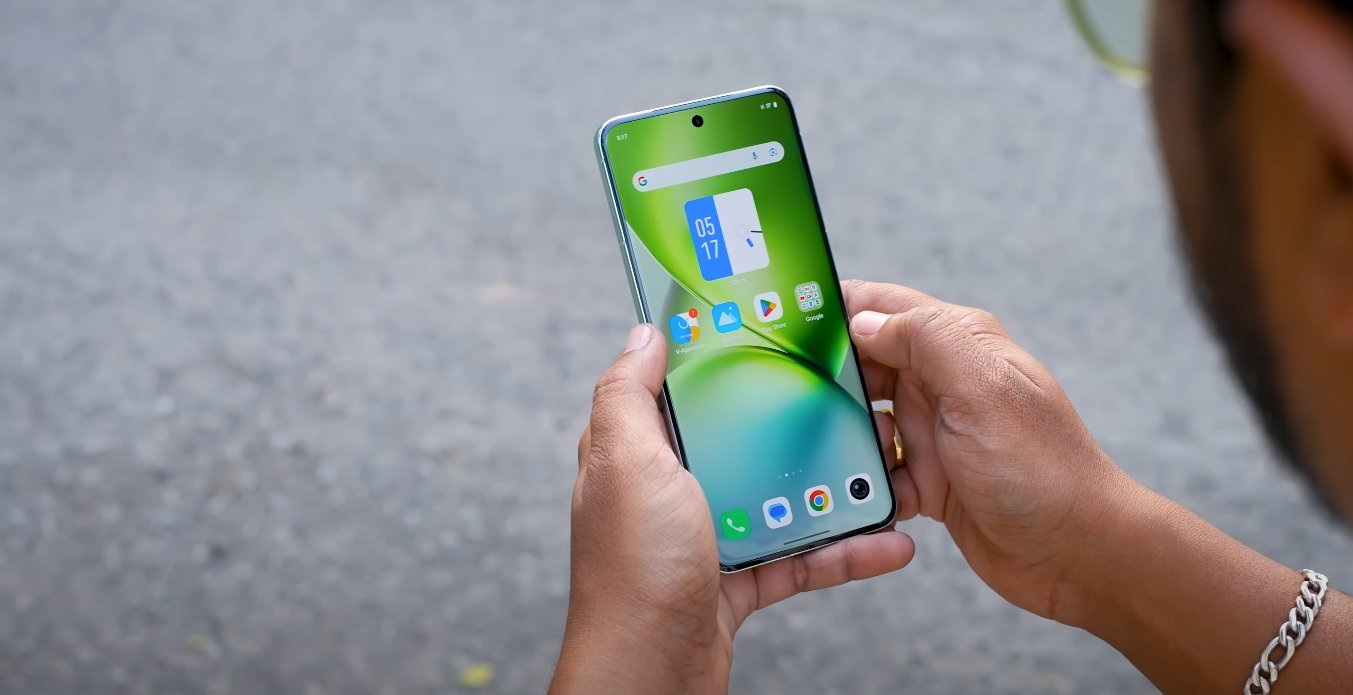
Icons receive one of the biggest visual upgrades in OriginOS 6. Vivo has redesigned its entire icon set to be softer, more dimensional, and aligned with the “Light and Shadow Space” design philosophy. Icons now have subtle gradients, rounded corners, and light reflections that respond to motion. Users can choose between several icon shapes, including circle, square, rounded rectangle, and drop-shaped outlines. Each icon pack can be individually applied or mixed with others, allowing for a truly personalized layout. Vivo has also included support for third-party icon packs, expanding the possibilities beyond its native collection.

For users who enjoy fine-tuning details, OriginOS 6 allows independent control over grid size, icon spacing, and label visibility. You can increase the density of icons on the home screen or keep a more minimal look by reducing their count. This granular control extends to the app drawer as well, where users can sort applications alphabetically, by usage frequency, or by manual arrangement. These options were more limited in previous versions and in Funtouch OS, but the new OriginOS gives complete freedom to design the home screen layout exactly as desired.

Another highlight of the customization experience is the introduction of “Dynamic Themes.” This feature combines wallpaper motion effects with icon behavior to create a living home screen. For example, icons can subtly shift when you tilt the device, and certain wallpapers animate in response to user interactions. Combined with ambient animations, the system creates a sense of motion and depth that makes each phone feel unique. Users can even design custom transitions for opening apps or switching between pages, adding a layer of personality rarely seen in Android interfaces.

Widgets have also been redesigned to complement the new theme system. The adaptive “Flip Cards” introduced in OriginOS 6 integrate seamlessly with themes and icons, changing their appearance automatically when a new theme is applied. These widgets are interactive, allowing quick access to features like calendar events, music controls, or health tracking without launching full apps. This integration between icons, widgets, and wallpapers makes the interface feel cohesive and intelligently designed.

Vivo’s new customization engine also syncs themes and settings across devices linked under the same account. This means a user’s chosen theme or icon layout can automatically appear on their other Vivo devices, such as tablets or smartwatches. It reflects Vivo’s growing focus on cross-device harmony within its ecosystem.

In practice, these customization options make OriginOS 6 one of the most visually flexible and user-centered Android skins available. Whether you prefer a professional look with muted tones or a lively, colorful layout full of animation, OriginOS 6 offers all the tools to make that possible. It goes far beyond traditional Android personalization, creating a balance between aesthetic appeal and performance consistency.

In conclusion, OriginOS 6 represents a major leap forward for Vivo in terms of personalization. Its enhanced themes, detailed icon controls, dynamic wallpapers, and widget integration give users full creative freedom without sacrificing smoothness or stability. The update transforms the user interface into something both expressive and refined, making every device feel truly personal and tailored to individual taste.

OriginOS 6 vs Funtouch OS gaming performance

OriginOS 6 vs Funtouch OS gaming performance

Comparing gaming smoothness and stability between two vivo interfaces

OriginOS 6 and Funtouch OS are two major software experiences developed by vivo, and both power a wide range of smartphones in different markets. Over the years, Funtouch OS has been known for its simple, lightweight interface, while OriginOS has been built to deliver a more fluid, optimized, and performance-focused environment. One area where these differences are becoming more visible is gaming. With mobile gaming growing rapidly, system-level optimization plays a big role in determining smoothness, thermal control, and overall stability.

OriginOS 6 introduces a new performance engine designed to reduce frame drops and keep graphics rendering consistent during long gaming sessions. Vivo has focused on improving both CPU and GPU scheduling so that demanding games can sustain high frame rates without sudden lags. Under load, OriginOS 6 prioritizes gaming processes, ensuring background apps don’t consume too many resources. This allows games to run more smoothly for extended periods, even at high refresh rates. The result is a more stable frame output, which is especially noticeable in fast-paced titles where responsiveness matters.

Funtouch OS, in contrast, relies more on standard Android optimization and lighter system processes. While it also offers Game Mode features like Do Not Disturb and quick shortcuts, its underlying resource management is less aggressive. During extended gameplay, users may experience more noticeable temperature rise and a higher chance of frame rate fluctuations. This doesn’t make it a poor performer, but it’s less optimized for heavy gaming compared to OriginOS 6. On older devices in particular, this can lead to thermal throttling and lower sustained performance over time.

OriginOS 6 vs Funtouch OS gaming performance

Thermal management is another area where OriginOS 6 has an edge. The system has been refined to distribute power more efficiently, which helps keep device temperatures under control during long gaming sessions. This means the processor can maintain higher performance levels for longer without triggering aggressive throttling. Funtouch OS devices can also handle gaming well, but in prolonged use, they often heat up faster and may lower performance to protect the hardware. For gamers, this difference can mean the gap between a smooth and a choppy experience.

The way both systems handle memory and background apps also affects gameplay. OriginOS 6 uses advanced memory recycling, freeing up resources in real time so the active game always has priority. This reduces app reloads and lag spikes when switching between the game and background apps. Funtouch OS manages memory adequately but less aggressively, which can occasionally lead to performance dips if multiple apps remain open during gameplay.

User experience plays an equally important role. OriginOS 6 integrates its gaming tools more seamlessly. Its interface allows for quick multitasking through floating windows and a more fluid notification system that doesn’t interrupt gameplay. Funtouch OS also includes gaming assistance features, but they feel more like add-ons than deeply integrated tools. This difference reflects the design philosophy behind the two systems—Funtouch is lightweight and functional, while OriginOS is structured for high performance.

Battery performance is another factor to consider. Since OriginOS 6 is optimized to balance performance and power consumption, it tends to deliver longer gaming sessions with more stable frame rates. Funtouch OS, while efficient, may drain faster during intense gaming because it lacks the same level of power distribution optimization. For users who game for hours, this can result in more frequent charging and a hotter device.

In conclusion, both OriginOS 6 and Funtouch OS are capable of handling modern games, but their approaches are very different. OriginOS 6 delivers a more refined, performance-focused gaming experience with smoother frame rates, better thermal control, stronger resource allocation, and longer battery life under load. Funtouch OS provides a more basic gaming environment that works well for casual use but may not sustain peak performance in long, demanding sessions. For gamers looking for the best possible experience, OriginOS 6 clearly has the advantage, especially on higher-end vivo and iQOO devices.

Also Read:  Nothing Phone 3A Lite warranty terms for USA buyers

OriginOS 6 vs Android 15 features compared

OriginOS 6 vs Android 15 features compared

Vivo’s OriginOS 6 vs Google’s Android 15: Feature Comparison and Key Differences

Vivo has officially revealed OriginOS 6, its latest custom Android skin, built with a strong focus on design, performance, and battery efficiency. Meanwhile, Google’s Android 15 continues to refine the core system experience with stability, privacy, and cross-device intelligence. While both systems share the same foundation, their features and philosophies differ significantly. Here’s a detailed look at how OriginOS 6 compares to Android 15 based on early builds and official confirmations.

The first major difference lies in design and user interface. OriginOS 6 introduces a complete visual overhaul, featuring soft gradients, translucent panels, and fluid animations. Vivo’s design language aims for a premium, almost futuristic feel with deeper personalization options. Widgets, lock screen layouts, and icon packs are fully customizable, allowing users to arrange and resize elements freely. Android 15, on the other hand, refines Google’s Material You design without changing its core structure. It focuses on functional aesthetics rather than visual experimentation. The result is a cleaner interface, but with less room for deep personalization compared to Vivo’s layered approach.

When it comes to performance and system fluidity, OriginOS 6 utilizes Vivo’s new “Smooth Performance Engine,” which optimizes CPU scheduling, memory usage, and animation timing. This ensures that app transitions feel faster and multitasking remains stable even under heavy load. Users have reported improved responsiveness during gaming, app switching, and split-screen usage. Android 15 also introduces performance improvements, particularly in large-screen and foldable optimization. It fine-tunes task scheduling and adds smarter resource management, but its improvements are designed for consistency across devices rather than aggressive optimization like Vivo’s tuning.

OriginOS 6 vs Android 15 features compared

Battery management and efficiency form another area where both systems differ. OriginOS 6 brings intelligent power-saving modes that adapt based on usage patterns. The system learns when the user is active, reducing background activity when idle. It also adjusts refresh rates dynamically and introduces new cooling optimizations to prevent thermal throttling. Android 15 adds general improvements in standby efficiency and battery analytics, but it leaves device-specific enhancements to manufacturers. In essence, OriginOS 6 provides deeper hardware-level control, while Android 15 focuses on software-wide consistency.

A major area of innovation is AI and smart features. OriginOS 6 heavily integrates AI tools into daily use, including smart text extraction, voice-assisted multitasking, and visual recognition within the gallery and camera apps. Vivo’s “Origin Intelligence” system allows on-device tasks such as automatic file sorting, voice commands for navigation, and contextual app suggestions. Android 15 enhances AI processing mainly through its system-level integration with Google Assistant and Gemini AI, offering smarter replies, predictive app launching, and background context awareness. While Android 15 relies more on cloud intelligence, OriginOS 6 emphasizes real-time, device-side AI operations for faster results.

In terms of multitasking and productivity, Android 15 introduces better support for split-screen apps, persistent taskbars, and improved window resizing on foldables and tablets. It also allows users to save app pairs for quick relaunch, making large-screen workflows easier. OriginOS 6, however, adds its own features like floating app windows, smart drag-and-drop actions, and a multi-device continuity function that connects phones, tablets, and laptops seamlessly. These tools cater more to professional users who rely on multiple devices and multitasking setups.

Privacy and security remain top priorities for both systems, but their approaches differ. Android 15 introduces a new “Private Space” for hiding apps, updated permission controls, and anti-theft protection that locks the phone if unauthorized activity is detected. OriginOS 6 adds its own layer of security through Vivo’s “Shield System,” which includes app behavior monitoring and enhanced biometric authentication. The difference lies in customization—Google offers universal protection across all Android devices, while Vivo fine-tunes its security to specific models and user environments.

Customization is another area where OriginOS 6 leads clearly. Users can change almost every aspect of the interface, from animation speeds and icon shapes to font styles and layout grids. Lock screen widgets, notification effects, and themes can be individually adjusted. Android 15 retains Material You’s dynamic color theming, but its customization scope is narrower, mainly focusing on wallpapers and accent colors. For users who enjoy personalizing their devices, OriginOS 6 offers a more flexible environment.

In real-world experience, both systems perform exceptionally well but serve different audiences. OriginOS 6 feels more visually expressive and feature-packed, ideal for users who value personalization and want their phone to feel dynamic and alive. Android 15 is cleaner, faster, and more predictable, suited for those who prefer simplicity and direct integration with Google’s ecosystem. Vivo’s software delivers extra value to its own device lineup, while Android 15 continues to serve as the universal standard for all manufacturers.

In conclusion, OriginOS 6 and Android 15 highlight two distinct visions of the Android experience. Vivo’s approach prioritizes creativity, smart system learning, and seamless ecosystem integration, turning its devices into multitasking powerhouses. Google’s Android 15 remains focused on stability, security, and broader compatibility. For users in the USA and globally, the choice depends on preference—those seeking deep customization and brand-specific intelligence will appreciate OriginOS 6, while users wanting a minimal, unified interface will find Android 15 perfectly balanced. Both represent the next step in mobile evolution, pushing Android into a smarter, more efficient future.

Also Read:  OriginOS 6 vs OriginOS 5 feature comparison

OriginOS 6 multitasking and split screen improvements

OriginOS 6 multitasking and split screen improvements

Vivo Enhances Multitasking and Split-Screen Features with OriginOS 6

Vivo’s OriginOS 6 update brings a major set of improvements aimed at boosting multitasking efficiency and enhancing the split-screen experience on compatible devices. Built on Android 16, this update focuses on making daily tasks smoother, more intuitive, and more productive, particularly for power users and professionals who rely heavily on multiple apps simultaneously.

A core improvement in OriginOS 6 is the floating app window system. Users can now open apps in resizable floating windows that remain active over the home screen or other apps. This allows for true multitasking, such as replying to messages while watching videos or taking notes while browsing the web. These floating windows are highly customizable, allowing users to resize, move, or minimize them into compact bubbles for quick access without interrupting ongoing tasks.

The split-screen mode has also received significant enhancements. OriginOS 6 supports a wider range of apps in split-screen configuration, including third-party applications that previously did not fully support multitasking. Users can easily switch the orientation of the split, drag content between apps, and save frequently used app pairs for instant access. This is particularly useful for professionals who work with multiple productivity apps, or students who need to reference materials while taking notes.

OriginOS 6 multitasking and split screen improvements

Vivo has further optimized the task-switching interface. The recent apps menu now provides enhanced previews of running apps and improved gesture controls. Swiping between apps or entering split-screen mode feels more fluid and responsive thanks to the “Origin Smooth Engine,” which ensures consistent frame rates even under heavy multitasking loads. Users can also perform quick actions like copying text or images between apps without switching full screens, a feature that streamlines workflows.

Another notable improvement is the multi-device continuity feature. OriginOS 6 allows seamless interaction between Vivo phones, tablets, and laptops. For example, users can drag and drop files, copy text, or continue a task from one device to another without interrupting their workflow. This cross-device integration significantly enhances productivity for users who rely on multiple devices in professional or educational settings.

Battery and performance optimization also support multitasking improvements. The system intelligently allocates resources to active apps while managing background processes efficiently. This ensures that running multiple apps in split-screen or floating windows does not cause significant slowdowns or rapid battery drain. Early testing on flagship Vivo devices has shown that even under intensive multitasking scenarios, the devices maintain smooth performance and stable frame rates.

Vivo has also added gesture-based multitasking shortcuts. For instance, swiping up with two fingers can activate split-screen mode instantly, while dragging an app from the dock can open it in a floating window. These shortcuts reduce friction when managing multiple tasks and make the multitasking experience faster and more intuitive compared to previous OriginOS versions.

In summary, OriginOS 6 significantly improves the multitasking and split-screen experience on Vivo devices. With floating windows, enhanced split-screen support, cross-device continuity, and intelligent resource management, the update transforms how users interact with multiple apps and devices simultaneously. These improvements are particularly beneficial for professionals, students, and power users in the USA who rely on their smartphones for productivity, making OriginOS 6 one of the most advanced multitasking systems available on Android today.

Also Read:  OriginOS 6 AI integration and new tools revealed

Outlander Season 8: The Final Chapter in the UK, Release Date and Plot Revealed

A dramatic image of Claire and Jamie, the main characters of Outlander, set against a backdrop of the Scottish Highlands, with a caption that reads 'The final season of Outlander is coming to the UK, don't miss it'

Outlander Season 8: The Bittersweet Conclusion

Outlander, the time-travelling romance series, has captivated audiences with its unique blend of bloody battles, political intrigue, and passionate love story. As the eighth and final season approaches, fans in the UK are eagerly anticipating its release on MGM+.

The upcoming season will be based on Diana Gabaldon’s ninth book, Go Tell The Bees That I’m Gone, set during the American Revolutionary War. Jamie and Claire’s struggle to keep their family together will be put to the test as they face new challenges and secrets that threaten to tear them apart.

With a talented cast, including Caitríona Balfe and Sam Heughan, reprising their roles as Claire and Jamie, the final season promises to be an emotional and action-packed conclusion to the series. New characters, such as Captain Charles Cunningham and Amaranthus Grey, will also be introduced, adding fresh dynamics to the story.

The season 8 episode release schedule has been confirmed, with new episodes landing on the service weekly. Fans can catch up on all the previous seasons on MGM+ via Amazon Prime Video, with a 7-day free trial available for £4.49.

One of the most significant mysteries to be resolved in season 8 is the fate of Faith, Claire and Jamie’s youngest child. Theories abound, with some speculating that Master Raymond, the mysterious time traveller, may have brought Faith back to life. The showrunner, Matthew B. Roberts, has promised that season 8 will provide answers to this cliffhanger.

As the final season of Outlander comes to a close, fans can take comfort in the knowledge that a prequel series is already in production at Starz. The spin-off, Blood of My Blood, will explore the story of Claire’s and Jamie’s parents, offering a new perspective on the Outlander universe.