Top budget tablets under $300 for streaming, work and everyday use
Best budget tablets for work and streaming
Finding a capable tablet without breaking the bank is easier today than ever. Modern budget models deliver smooth displays, decent performance and solid battery life, making them suitable for video streaming, light productivity and casual gaming. Our experts have tested a range of devices under $300 and highlighted the ones that excel in specific areas.
Top picks
Xiaomi Redmi Pad 2
The Redmi Pad 2 offers an 11‑inch 90Hz IPS screen, a sleek metal‑like chassis and quad speakers that sound richer than most rivals. Powered by a mid‑range processor and a 7,500mAh battery, it handles everyday tasks with ease. Charging is limited to 18W and the cameras are basic, but at £169 the overall value is hard to beat.
Samsung Galaxy Tab A11
Samsung’s Galaxy Tab A11 keeps the compact design of its predecessor while adding a 90Hz refresh rate and an upgraded front camera for clearer video calls. The tablet promises seven years of software updates, a rare commitment for a budget device. It remains lightweight and affordable, making it ideal for users who need portability.
Apple iPad (A16)
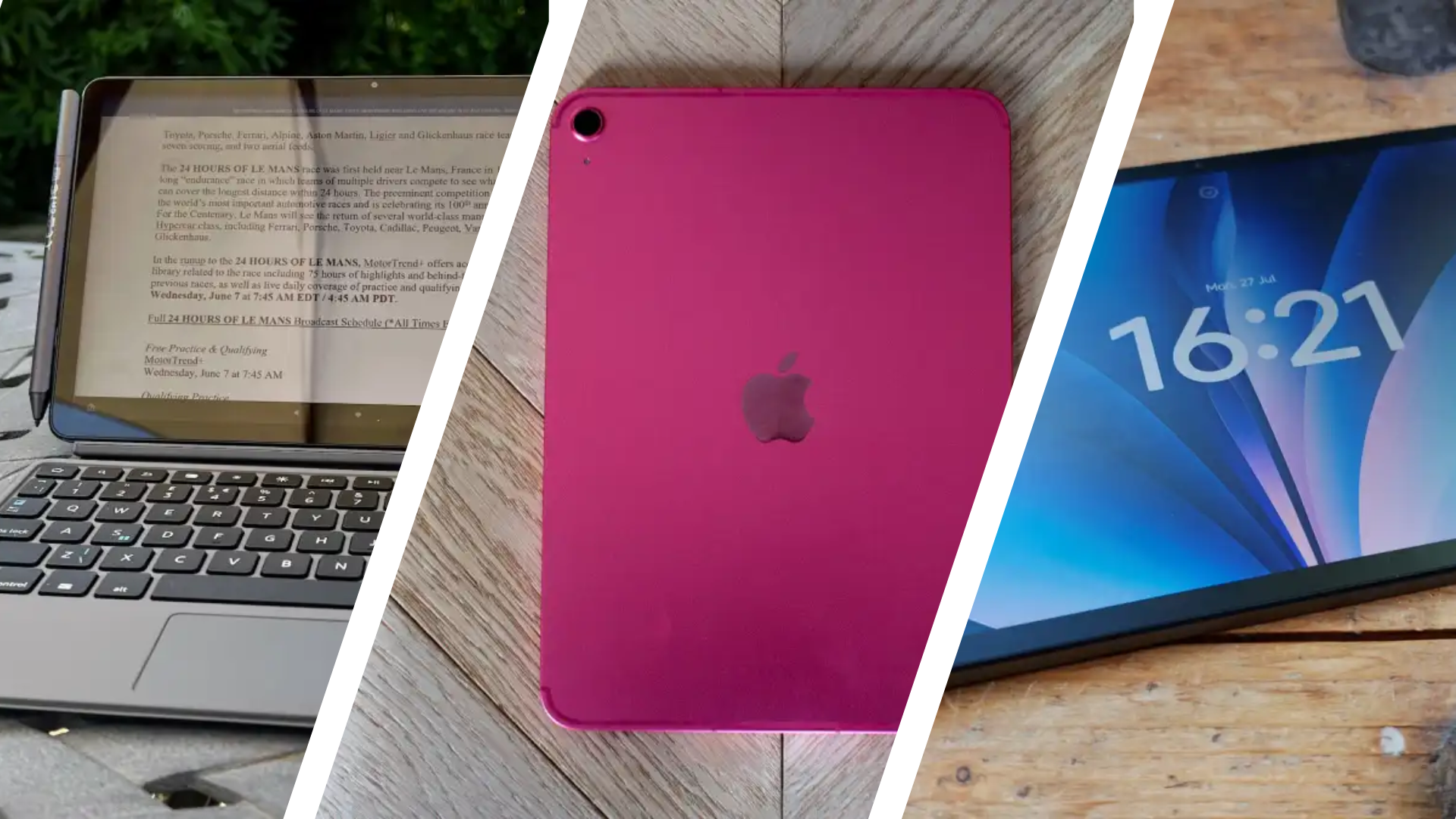
Although the entry‑level iPad with the A16 chip often lists above $300, sales frequently drop it below that threshold. It delivers the full iPadOS experience, including multitasking, high‑quality speakers and an 11‑inch Retina display. The device lacks Apple Intelligence and Apple Pencil Pro support, but for Apple fans it offers a premium feel at a reduced price.
Xiaomi Redmi Pad 2 Pro
The Pad 2 Pro builds on the standard model with an optional matte‑finish display that reduces glare for outdoor use. A massive 12,000mAh battery provides all‑day endurance, and the included magnetic stylus makes note‑taking comfortable. The trade‑off is a slightly dimmer screen compared with glossy panels.
Amazon Fire Max 11
Targeted at productivity‑oriented users, the Fire Max 11 features an 11‑inch 2K display, optional keyboard and stylus, and quad speakers. Its Fire OS ecosystem lacks Google Play, so apps like Docs and Gmail run in the browser. Battery life reaches up to 14 hours, and the device often appears at deep discounts during Prime Day.
Samsung Galaxy Tab A11+
The Tab A11+ upgrades the standard A11 with a larger 11‑inch LCD, improved performance and extra storage. Seven‑year software support ensures longevity, while the quad speakers enhance media consumption. It lacks a fingerprint sensor but remains a solid big‑screen budget option.
Lenovo Tab Plus
Designed primarily for media consumption, the Lenovo Tab Plus sports a 90Hz FHD+ LCD and eight JBL speakers. A built‑in kickstand and strong battery make it perfect for binge‑watching. Performance is modest and software updates are limited, so it’s less suited for heavy multitasking.
Amazon Fire HD 8 Kids Pro
For younger users, the Fire HD 8 Kids Pro includes a durable case, parental controls and a two‑year replacement guarantee. The tablet runs Fire OS, so app selection is limited, and a subscription to Amazon Kids+ is recommended for full content access.
Amazon Fire HD 8 (2024)
The standard Fire HD 8 offers a compact 8‑inch display, expandable storage via microSD and solid battery life. It’s ideal for reading, casual games and streaming, though performance and camera quality are basic. Removing ads for a small fee improves the experience.
How to choose the right budget tablet
Consider screen size, storage, camera needs and processor capability. An 8‑ to 9‑inch model suits portability, while 10‑inch and larger screens improve multitasking. Aim for at least 64GB internal storage, with microSD expansion if possible. Look for processors from Qualcomm, MediaTek or Apple for reliable performance, and prioritize operating systems that match your ecosystem – Android, Fire OS or iPadOS.
Keep an eye on major sales events such as Prime Day, Black Friday and seasonal promotions to secure the best price. Our price‑tracking widgets compare offers across retailers, helping you save without extra research.