Revive Your Old Smartphone: A Step-by-Step Guide to Installing Android 16 with LineageOS 23
Revive Your Old Smartphone: A Step-by-Step Guide to Installing Android 16 with LineageOS 23
Is your old smartphone still in good condition but no longer receiving updates? Worry not, as the Android community has got you covered. LineageOS, a free Android-based operating system, allows you to update many older smartphones to the latest version without any manufacturer updates.
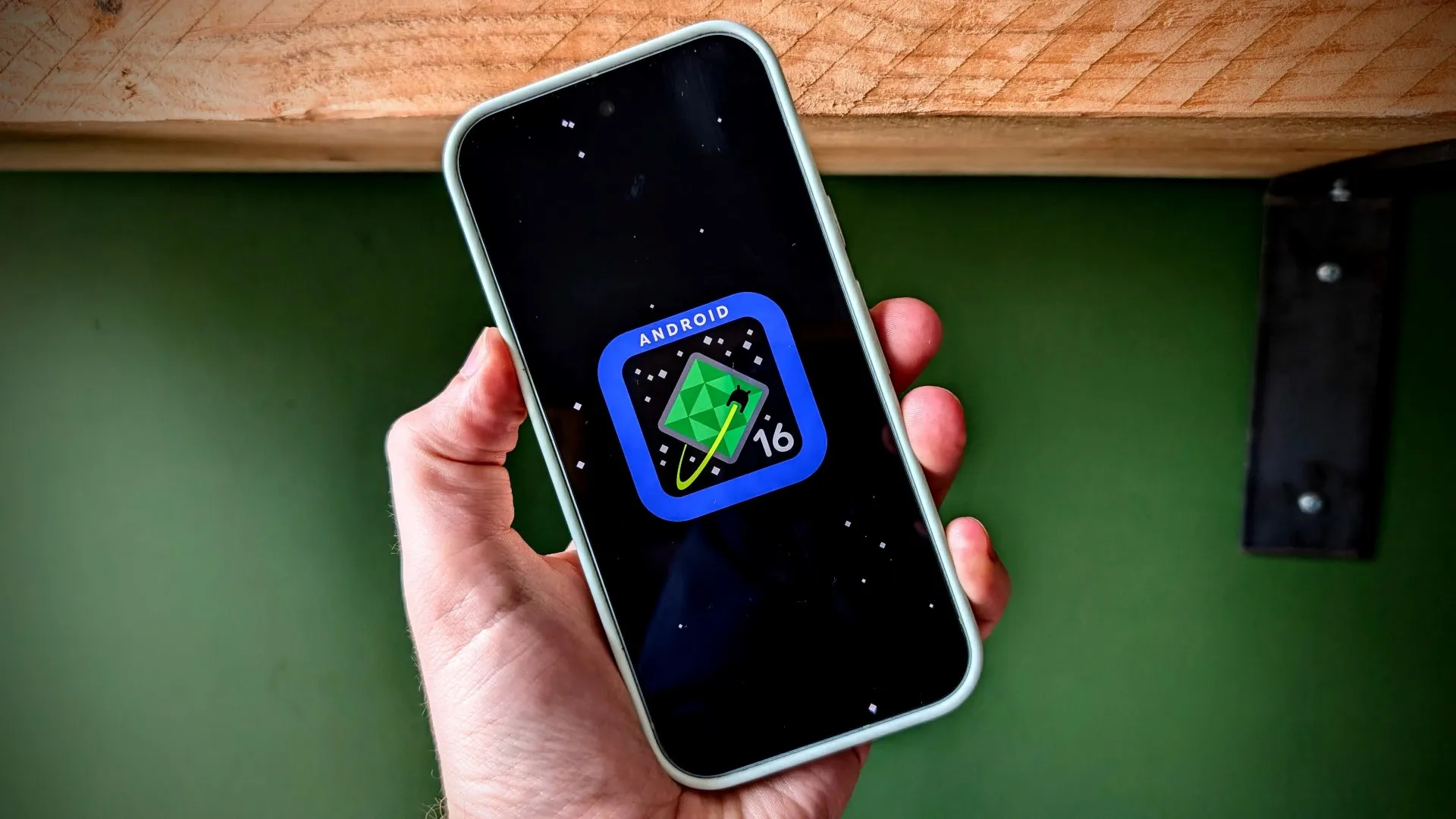
The current version, LineageOS 23, is based on Android 16 and makes over 100 devices that lost support fit for the future again. With LineageOS, you can expect not only a fresh system with modern features but also regular security updates, even if the old smartphone has long since been officially written off.
So, what is LineageOS, and why is it so popular? LineageOS is basically what Android always wanted to be – open, customisable, and independent of major manufacturers. The system is based on the official Android source code (AOSP) but is further developed by a global community.
The community’s goal is to provide older devices with the latest software. LineageOS originally emerged from the legendary CyanogenMod, a custom ROM that thrilled millions of users in the early 2010s. When Cyanogen Inc. discontinued development in 2016, the community took over the project under a new name, and LineageOS was born.
With LineageOS 23, the community has made a huge leap forward: for the first time, the custom ROM brings the brand-new Android version 16 to over 100 older devices, from Pixel and OnePlus phones to popular Xiaomi and Samsung models. This means that many smartphones that have long since fallen out of the official update cycle can get a new lease of life.
The core of LineageOS 23 is Android 16, which offers a number of important improvements that particularly benefit older devices, such as efficiency and security. Android 16 has learned a lot under the hood, with improved performance and energy efficiency, more data protection and permission control, and expanded lock screen and widget support.
However, before you turn your smartphone into an Android 16 device, there are a few important points you should check. As powerful as LineageOS is, installation is not a simple app download but a deep intervention within the system. With the right preparation, however, the switch usually goes smoothly.
To install LineageOS, you need to find the right version for your device. You can find the official version in the LineageOS wiki, which includes the device code name, download link, and official installation instructions. You can also choose between Stable, Nightly, and Weekly builds, each with its own advantages and disadvantages.
Once you have downloaded the correct version, you are ready for the actual installation of LineageOS 23 and Android 16. The installation process is highly device-specific, so it’s essential to follow the official instructions for your device to the letter.
In conclusion, LineageOS is a great way to breathe new life into old smartphones. With the latest security updates, new features, and better control over your data, you can revive your ageing device and make it ready for use again. So, don’t discard your old smartphone just yet – give it a new life with LineageOS 23 and Android 16.