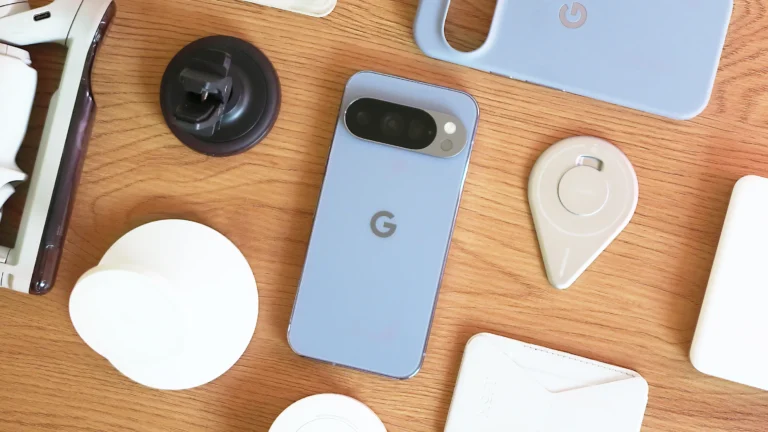
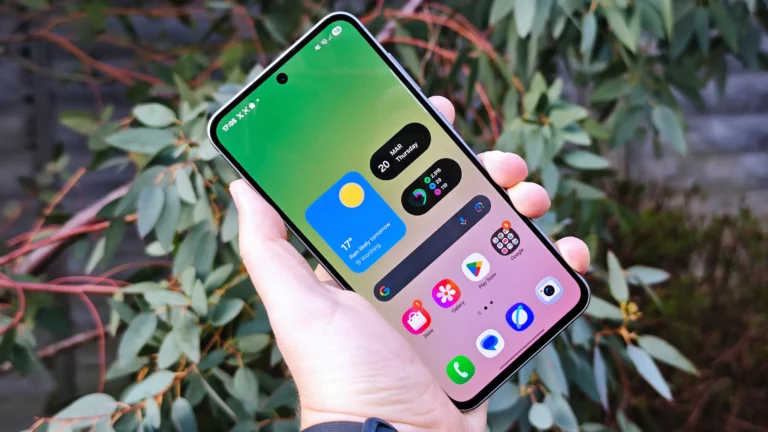
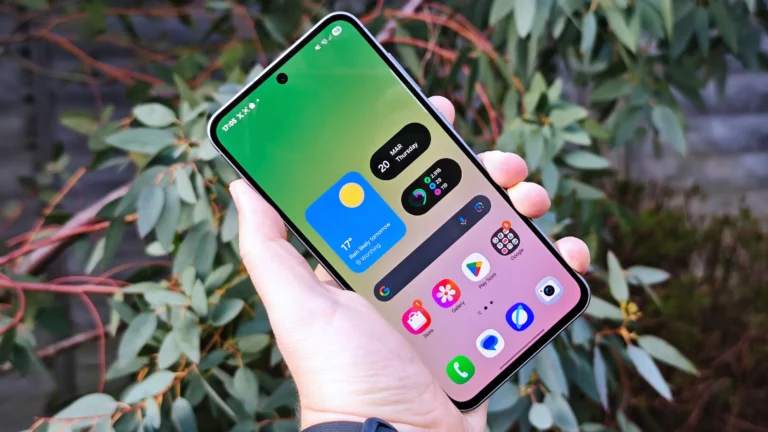
OxygenOS 16 vs Pixel UI Android 16 feature comparison
Comparing Features: OxygenOS 16 and Pixel UI on Android 16
With the release of Android 16, smartphone manufacturers have introduced custom skins that build upon Google’s base operating system. OxygenOS 16 by OnePlus and Pixel UI represent two distinct approaches to Android 16, each with unique features, design philosophies, and user experiences. Comparing these operating systems helps users understand their differences in customization, AI integration, multitasking, and overall usability.
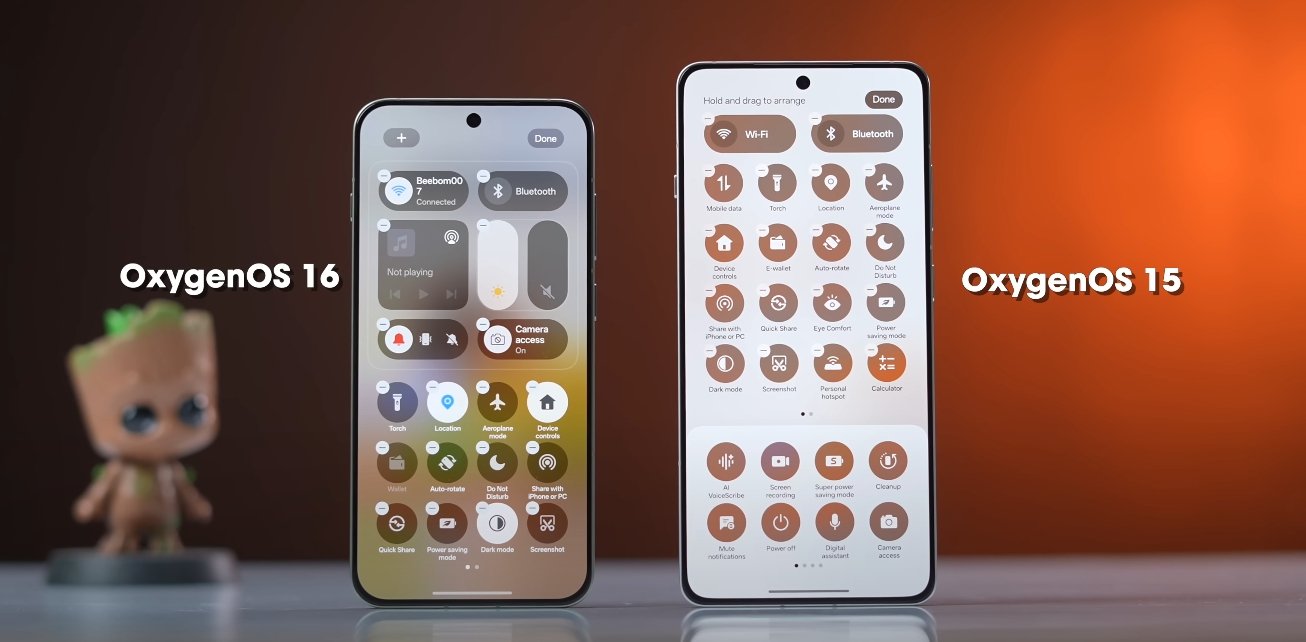
Design and User Interface is one of the key differentiators between OxygenOS 16 and Pixel UI. OxygenOS 16 introduces the “Breathe With You” design philosophy, incorporating soft corners, semi-transparent panels, and fluid animations. These visual enhancements aim to create an immersive and dynamic experience. Pixel UI, on the other hand, follows Google’s Material 3 Expressive design language, emphasizing consistency, dynamic themes, and smooth transitions across the system. While both interfaces prioritize aesthetics, OxygenOS 16 leans toward personalization and expressiveness, whereas Pixel UI maintains a clean, cohesive look that feels familiar and intuitive.
AI Integration and Productivity is another area where the two systems diverge. OxygenOS 16 integrates Google Gemini AI into its Mind Space feature. This allows users to organize screenshots, voice memos, and links, generating summaries, reminders, or suggested actions. The AI can also provide contextual recommendations, helping users perform routine tasks faster and more efficiently. Pixel UI also incorporates Gemini AI, but its focus is on enhanced voice interactions and context-aware suggestions across the system. Users benefit from smarter notifications, predictive actions, and improved digital assistance, which streamlines daily operations. While both systems leverage AI, OxygenOS emphasizes personal content organization, whereas Pixel UI focuses on system-wide intelligent assistance.
Multitasking and Performance have seen notable improvements in OxygenOS 16. Features like Flow Motion ensure zero-lag app switching, while floating window support and split-screen functionality allow users to run multiple apps simultaneously. Cross-platform connectivity is also enhanced, enabling photo sharing with iPhones, syncing with Apple Watches, and remote desktop access to Mac and Windows PCs via O Plus Connect. Pixel UI enhances multitasking through Live Updates for real-time notifications and resizable app windows for external displays, offering desktop-like functionality. While both OSes improve multitasking, OxygenOS 16 provides additional tools for cross-device workflows, making it ideal for users who engage in multiple simultaneous tasks.
Customization and Personalization are key strengths of OxygenOS 16. The system offers dynamic lock screens, customizable widgets, Flux Themes, and the Optical Light UI effect, allowing users to tailor the interface extensively. Animations, themes, and widget arrangements can be adjusted to suit individual preferences without affecting performance. Pixel UI prioritizes a streamlined user experience with fewer customization options. Users can adjust themes, wallpaper colors, and basic interface elements, but the system maintains a clean and consistent design. OxygenOS appeals to users who enjoy personalizing their devices extensively, while Pixel UI focuses on simplicity and intuitive navigation.
Battery and Performance Optimization in OxygenOS 16 ensures smooth operation even during intensive tasks. Adaptive battery management intelligently allocates resources for apps running in the background, while AI optimizes performance during gaming, video streaming, and multitasking. Pixel UI also manages power efficiently, offering longer battery life through intelligent background task management, but its optimizations are more standardized, focusing on stability and consistency rather than customization-based enhancements.
User Experience on both systems is highly polished, yet distinct. OxygenOS 16 delivers a responsive, feature-rich environment with advanced tools for productivity, personalization, and cross-device interaction. Pixel UI provides a seamless, minimalist experience with smooth animations, intuitive gestures, and tight integration with Google services. Users who prefer a visually dynamic, customizable environment with advanced AI tools will likely favor OxygenOS 16. Those who value simplicity, consistency, and a clean interface may find Pixel UI more appealing.
In conclusion, OxygenOS 16 and Pixel UI on Android 16 each offer unique advantages. OxygenOS 16 emphasizes customization, AI-assisted productivity, enhanced multitasking, and cross-device functionality, creating a feature-rich and expressive environment. Pixel UI focuses on a streamlined, consistent interface with intelligent system-wide assistance and smooth performance. The choice between the two ultimately depends on individual preferences for design, AI integration, multitasking, and overall usability. Both operating systems showcase the potential of Android 16, delivering polished experiences tailored to different user needs.