
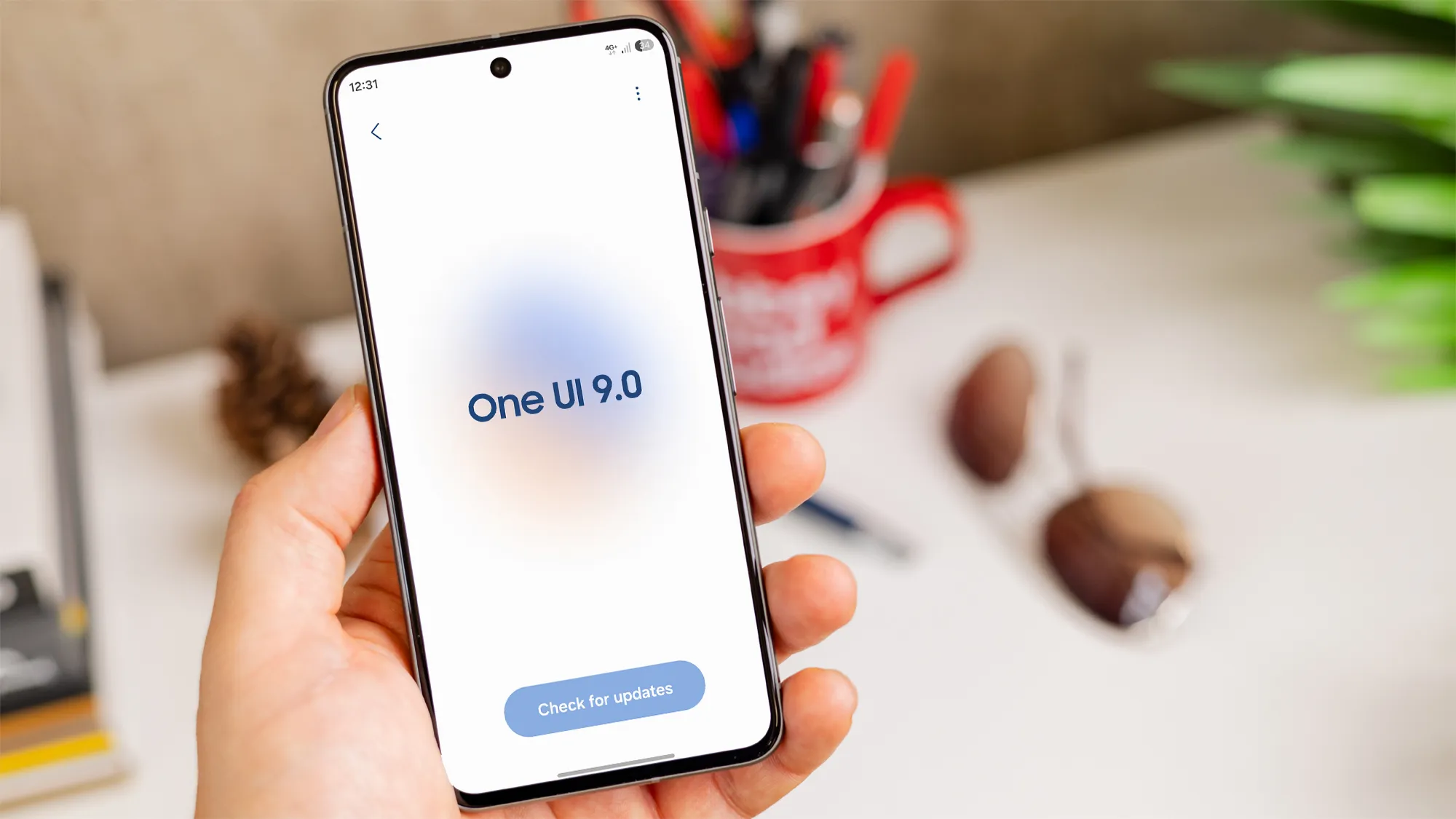
Overview of the One UI 9 rollout
Samsung has started delivering One UI 9, built on Android 17, to older Galaxy devices. The new interface promises refreshed visuals, enhanced privacy controls and deeper integration with the Galaxy Watch Ultra 2. While many users appreciate the design upgrades, a growing number of owners report that battery life has taken a noticeable hit after installing the update.
Battery drain reports on Samsung Galaxy S24 Ultra
One Galaxy S24 Ultra owner shared that the battery level fell from full to 5 per cent in just over five hours, even though the screen was active for only three hours and fifteen minutes. The user noted that background processes seemed unusually active, and the phone required multiple top‑ups throughout the day.
Similar issues on Samsung Galaxy S25 series
Owners of the newer Samsung Galaxy S25 series have echoed the same concerns. Several forum posts describe having to charge the device three to four times daily. In some cases, the battery percentage drops rapidly while the phone appears idle, suggesting that the update may be triggering hidden power‑hungry services.
Community feedback and Samsung response
Samsung’s official support forum now contains dozens of threads specifically mentioning One UI 9 battery problems. Users exchange diagnostic steps, but Samsung has not issued a formal statement confirming a widespread fault. The limited number of reports makes it difficult to pinpoint a single root cause, and some users report no change in battery performance after updating.
Potential reasons for the increased consumption
One UI 9 introduces new widgets, adaptive brightness algorithms and expanded background syncing for Samsung Cloud and Galaxy Wearable. These features can temporarily raise power draw while the system re‑indexes apps and optimises data. Additionally, Android 17 includes enhanced location services that may remain active until apps adapt to the new permissions model.
What you can do if battery life worsens
First, restart the device to clear any lingering processes. Then open Settings, tap Battery, and review the list of apps consuming the most power. Disabling or restricting background activity for non‑essential apps often restores a portion of lost endurance. If the problem persists, back up your data and perform a factory reset, which can eliminate residual bugs introduced by the update.
When to expect normal performance
Major system upgrades frequently cause a short‑term dip in battery efficiency as the operating system recalibrates. Most users find that battery life stabilises after a day or two of regular use, once the device finishes indexing and updates its power‑management profiles.
Conclusion
While One UI 9 brings many visual and functional improvements to Samsung Galaxy S24 Ultra, Samsung Galaxy S25 and other legacy models, early adopters should be prepared for a possible temporary battery impact. Monitoring app usage, restarting the phone and, if necessary, resetting to factory settings are practical steps to mitigate the issue while Samsung investigates the underlying cause.