
Overview of the problem
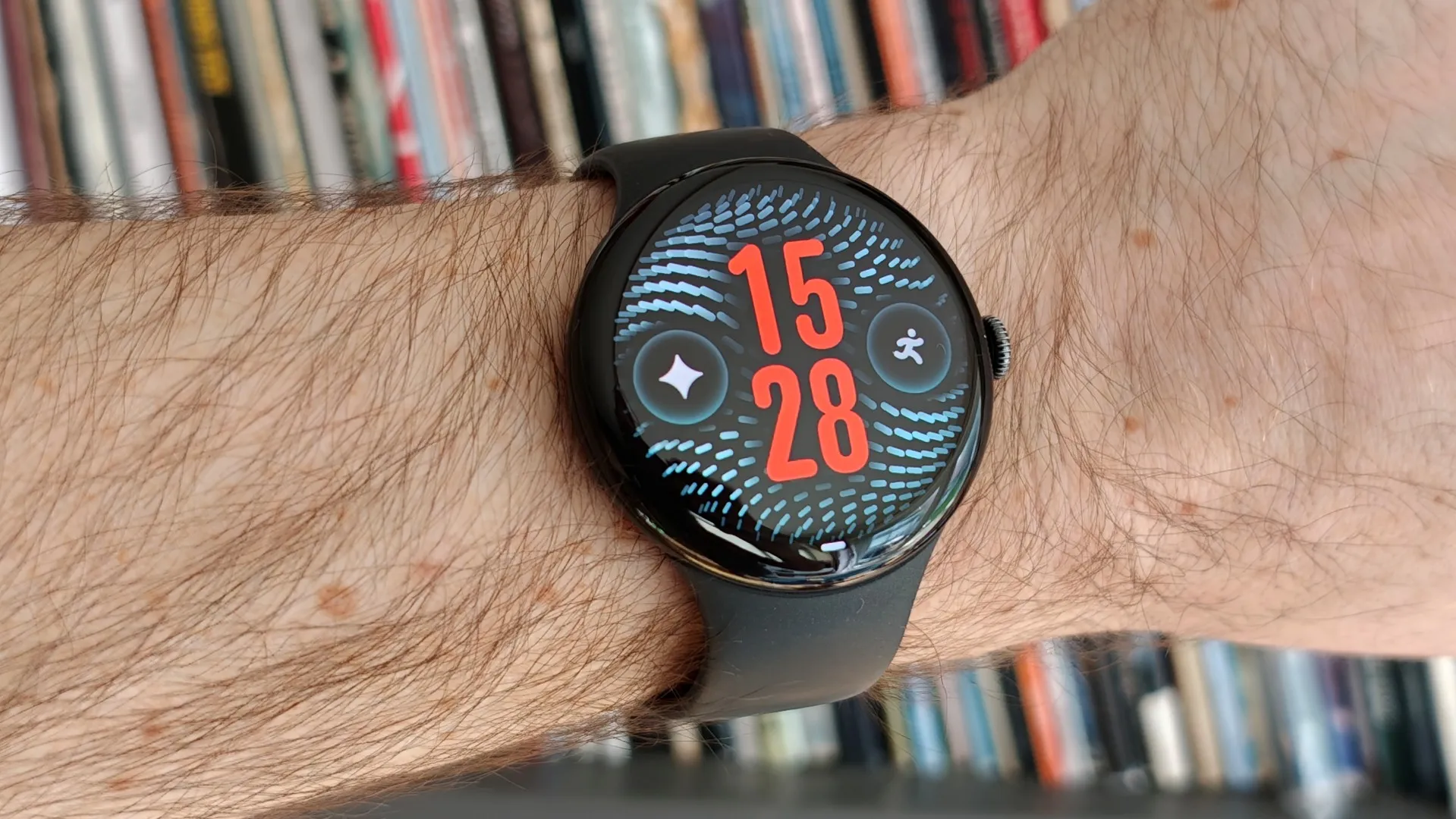
Since the rollout of the latest software patch for the Google Pixel Watch series, a growing number of owners have taken to Reddit and other forums to complain that their devices are losing power at an alarming rate. Users of the Google Pixel Watch 5, Google Pixel Watch 4 and even the older Google Pixel Watch 2 report that a full charge that used to last 24 to 48 hours now drops to around twelve hours, and in some cases the battery percentage falls by twenty percent within four hours while the watch sits idle with the always-on display turned off.
How the issue compares with other wearables
For context, the Samsung Galaxy Watch 6 and the Apple Watch Series 10 typically maintain a full day of usage on a single charge under normal conditions. Those devices have not shown a similar sudden drop after a software update, which suggests the problem is tied specifically to Google’s recent code changes rather than a generic hardware aging effect. By contrast, the iPad Air M2, while not a wearable, shows no similar battery regression after its latest iOS update, highlighting that the issue is isolated to Google’s Wear OS platform.
Possible cause of the accelerated drain
Experts point to a software or app conflict introduced in the most recent Android Wear OS update. The update added new background services for health tracking and location logging, but a bug in the scheduler appears to keep those services running even when the user disables the always-on display. Because the watch’s processor is constantly active, the battery depletes much faster than expected.
Temporary work-arounds that users have tried
Many owners have started with the standard troubleshooting steps: restarting the watch, disabling unnecessary widgets, and limiting background sync for apps such as Google Fit and Gmail. Some users report a modest improvement after a cold reboot, but the most dramatic relief has come from performing a full factory reset. The reset wipes all data and restores the watch to its out-of-the-box state, which stops the rogue processes but also erases personal settings and apps. Another quick tip is to switch the watch to power-saving mode, which reduces sensor polling frequency and can extend the remaining battery life by a few hours.
What Google can do to resolve the issue
Google has not yet issued an official statement acknowledging the bug, but the pattern of reports indicates that a hotfix is needed. A targeted OTA update that corrects the scheduling logic would restore normal battery performance without forcing users to lose their data. Until that arrives, the best advice is to keep the watch on a charger whenever possible and to monitor battery usage in the Settings menu.
Long-term outlook for Pixel Watch owners
The Pixel Watch line has been praised for its sleek design, deep integration with the Google ecosystem, and support for features like Google Assistant and Fitbit health tracking. If Google resolves the battery bug quickly, the series can regain its reputation for reliable all-day wear. In the meantime, prospective buyers may want to compare the Pixel Watch with alternatives such as the Samsung Galaxy Watch 6 or the Apple Watch Series 10, especially if they need a device that can comfortably last two days on a single charge.
Bottom line
The battery drain problem appears to be a software regression affecting multiple generations of the Google Pixel Watch. While a factory reset can provide a temporary fix, the real solution will come from an official patch. Users should stay tuned to Google’s support channels and consider short-term charging habits until the issue is fully addressed.