Unlock Your Android Phone’s Potential with Google Gemini in the UK
Discover the Power of Google Gemini on Your Android Phone in the UK
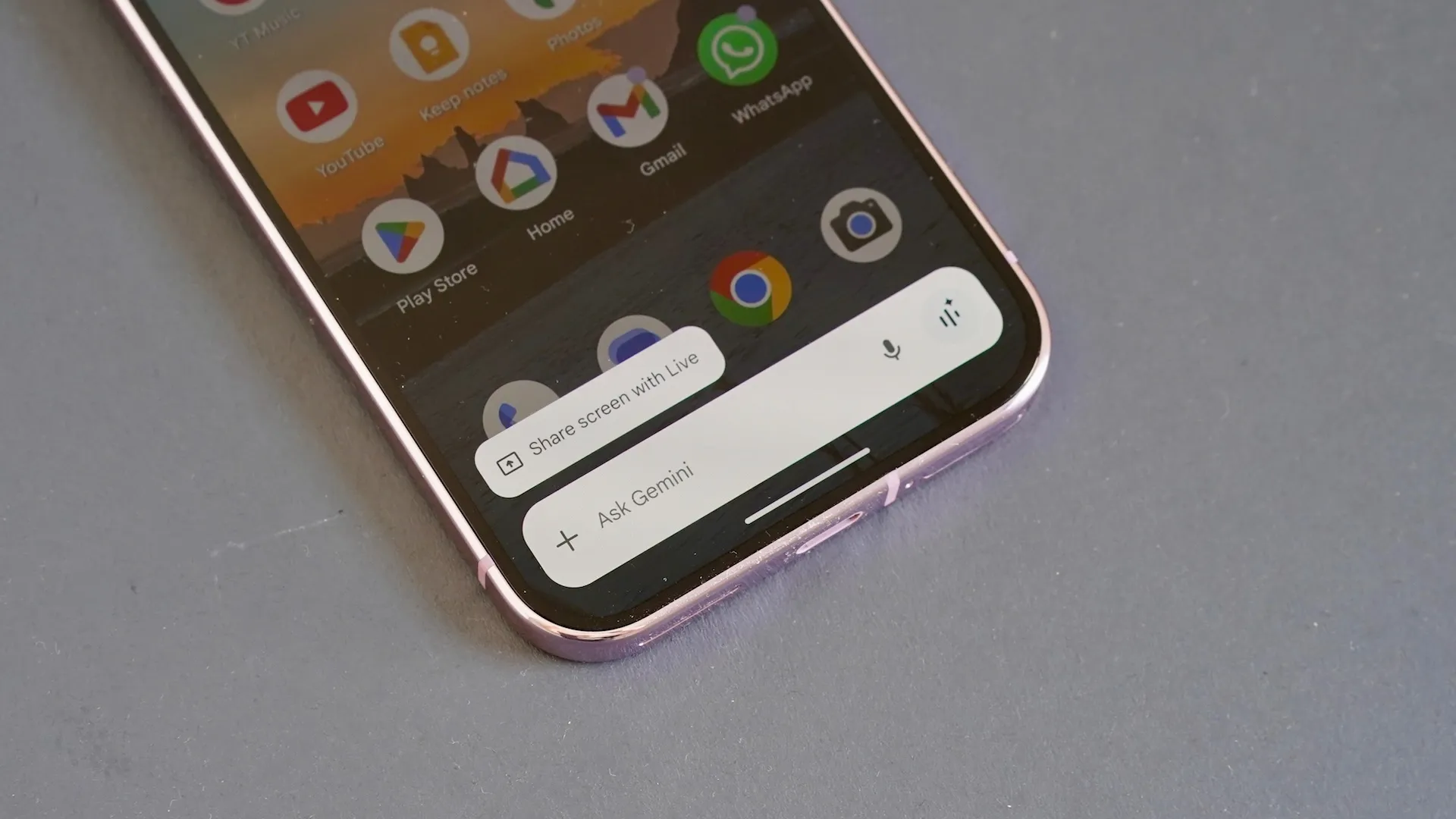
Google Gemini is an innovative chatbot that can be used on any smartphone, including Android devices like the Google Pixel 10 Pro. This versatile tool can assist with various tasks, from creating a quick travel itinerary to generating a grocery store list. With Gemini, you can make the most of your Android phone’s capabilities and stay productive on the go.
One of the key benefits of using Google Gemini is its ability to provide personalized assistance. For instance, you can ask Gemini to create a custom ringtone that reflects your unique style. Simply use the prompt ‘Create a ringtone that sounds like a mix of Fleetwood Mac and Nirvana’ to get started. Gemini will then generate a one-of-a-kind ringtone that you can set as your default ringtone.
In addition to creating custom ringtones, Gemini can also help you navigate your surroundings. Use the prompt ‘Find my closest library and open Google Maps to get there’ to get directions to your nearest library. This feature is particularly useful when you’re in an unfamiliar area and need to find your way around.
Another way to boost your productivity with Gemini is by using the ‘do not disturb’ feature. This mode disables notifications, apps, and other interruptions, allowing you to focus on your work without distractions. To enable ‘do not disturb’ mode, simply use the prompt ‘Enable do not disturb mode’ and follow the on-screen instructions.
Furthermore, Gemini can assist with power management by enabling battery-saving mode. Use the prompt ‘Turn on battery saving mode’ to extend your phone’s battery life and reduce the need for frequent charging. This feature is especially useful when you’re on the go and don’t have access to a power outlet.
Gemini can also help you set reminders and stay organized. Use the prompt ‘Set a reminder at 5pm each day to do my shoulder routine’ to create a daily reminder that suits your needs. You can customize reminders to fit your schedule and preferences, making it easier to stay on track and achieve your goals.
In addition to these features, Gemini can create a new profile photo for your phone. Use the prompt ‘Create a brand new profile image of me’ to generate a unique image that reflects your personality. While Gemini can’t set the image as your profile photo directly, it will provide instructions on how to do so.
Moreover, Gemini offers real-time guidance on using your phone’s settings. Use the prompt ‘Explain what the settings on my screen can do’ to get context-sensitive guidance on how to use various features. This feature is particularly useful when you’re new to Android or need help navigating your phone’s settings.
Lastly, Gemini can create a new wallpaper for your phone. Use the prompt ‘Create a new wallpaper that shows an inspiring scene’ to generate a unique image that motivates and inspires you. With Gemini, you can personalize your phone’s wallpaper and make it a reflection of your personality.