
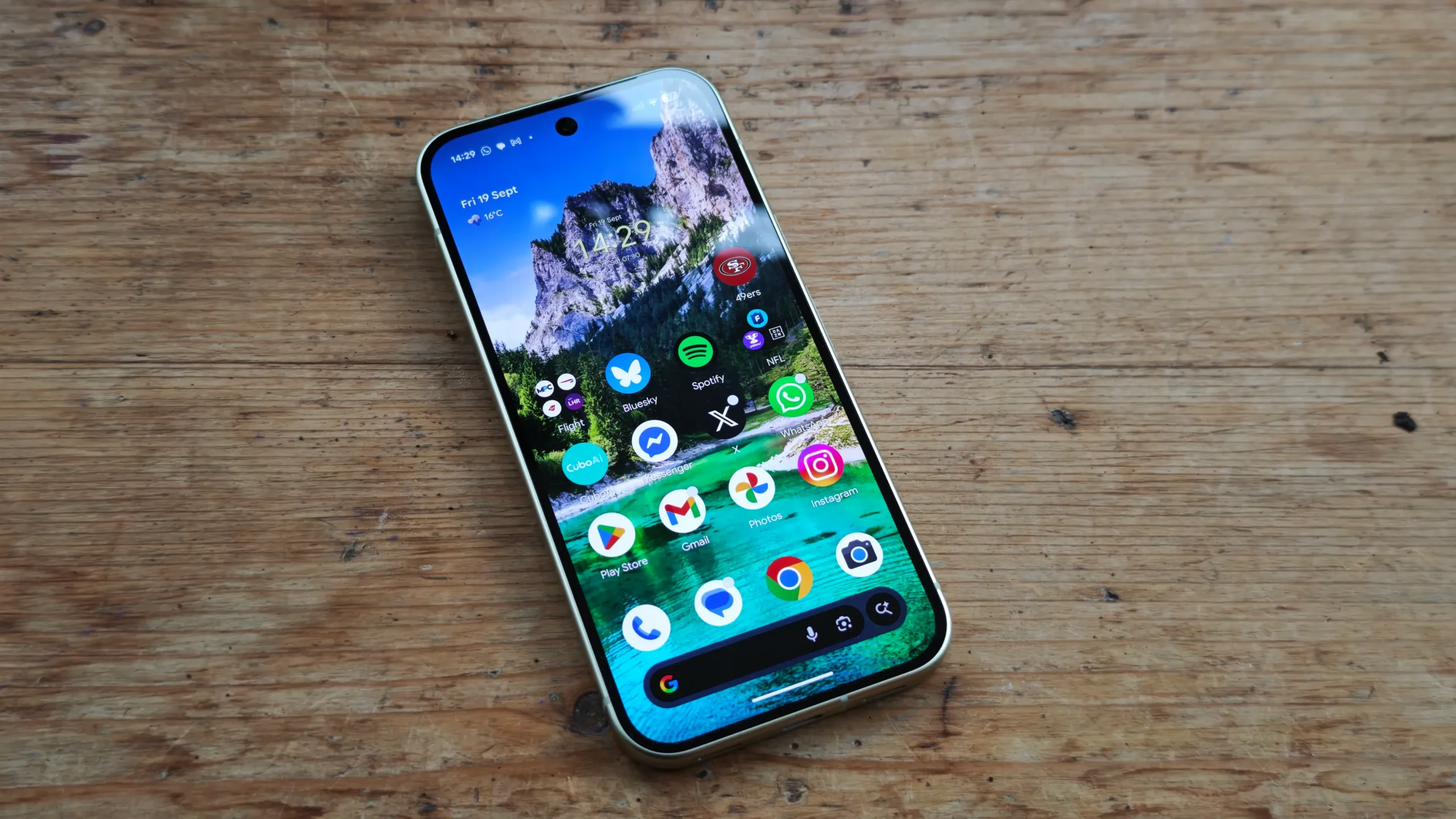
Google rolls out Battery Usage Summaries for Pixel 10 and Pixel 11
Google has begun pushing a fresh feature that gives owners of the Pixel 10 and Pixel 11 a clearer picture of how their device’s battery is being spent. The update, part of the new AI Core rollout, arrives ahead of the broader September Android Drop and is already visible in the Settings app for eligible phones.
Within the Battery section of Settings you will now see a concise summary that translates raw power‑draw data into easy‑to‑understand language. The summary highlights the apps that are consuming the most energy, alerting you before you find yourself hunting for a charger at the end of a busy day.
In addition to flagging power‑hungry applications, the tool also indicates whether your overall usage has been higher or lower than usual. Google notes that the output is deliberately trimmed to showcase only the most relevant information, so you won’t be overwhelmed by a deep technical breakdown.
If you own a Pixel 10 or Pixel 11, the feature should be active straight away. Should you prefer to disable it, simply navigate to Settings > Battery & charging > Battery usage, tap the three‑dot More button and deselect Battery usage summaries.
The rollout is currently limited to devices running Android 17, the version that first hinted at an AI‑driven battery assistant in earlier reports. While the feature is currently exclusive to the Pixel 10 and Pixel 11, Google may extend it to other recent Pixel models in future updates.
Alongside the battery improvement, Google has also refined the Now Playing app. The interface now lifts track information to the lower part of the screen, making it easier to glance at song details with one hand. The Favourites tab has received a visual refresh, with added timestamps and a sharper overall look.
These tweaks arrive as part of Google’s broader effort to enhance the everyday experience of Pixel owners. By providing actionable battery insights, the company hopes users will be able to manage their device’s power more proactively, potentially extending the time between charges.
UK users who have already updated to the latest AI Core version should see the new Battery usage summaries without any further action. For those who haven’t, a prompt to install the update will appear in the system update centre.
It’s worth noting that the battery summary is only a surface‑level overview. Power‑intensive background processes, network conditions, and screen brightness still play a role in overall battery health, so users may still need to explore deeper settings if they experience rapid drain.
Overall, the addition of Battery usage summaries represents a modest yet useful step towards making Android’s power management more transparent. As Google continues to fine‑tune its AI capabilities, future updates may deliver even richer diagnostics and personalised optimisation tips.