Samsung Galaxy S26 specifications and price in Australia

Samsung Galaxy S26 specifications and price in Australia

Samsung Galaxy S26 is the next-generation flagship phone that is expected to launch soon in Australia. The device brings several important upgrades in performance, camera, battery, and display.


Samsung fans in Australia are looking forward to this premium phone which will replace the S25 series with a more refined design and stronger internal hardware. The phone will also be more efficient thanks to Samsung’s latest in-house innovations.
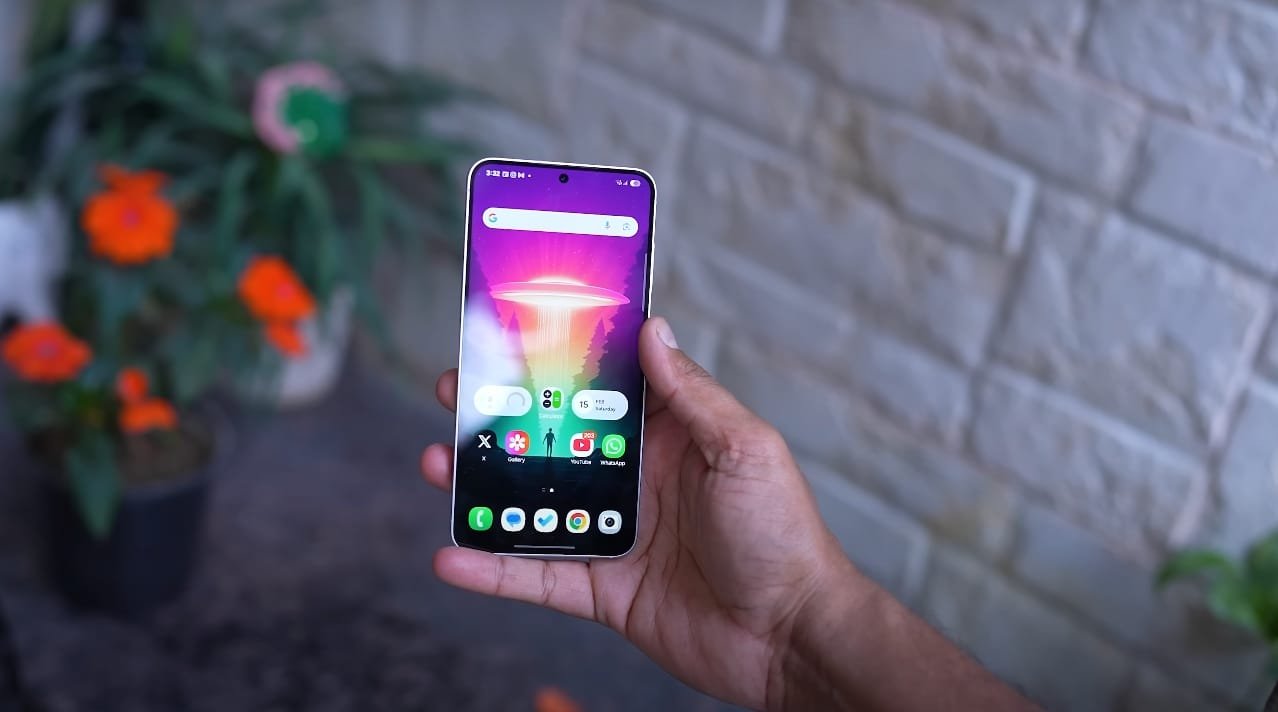
Samsung Galaxy S26 in Hand

Display and design experience


The Galaxy S26 is expected to come with a 6.2 inch Dynamic AMOLED display with 120Hz refresh rate and HDR10+ support. This will provide smoother visuals and vibrant color accuracy.


The display quality will be suitable for watching videos, gaming, and everyday use under direct sunlight. Samsung may reduce the bezels slightly and improve brightness levels compared to the previous model. Gorilla Glass Victus 3 protection is also expected for better durability.


Performance and software upgrade


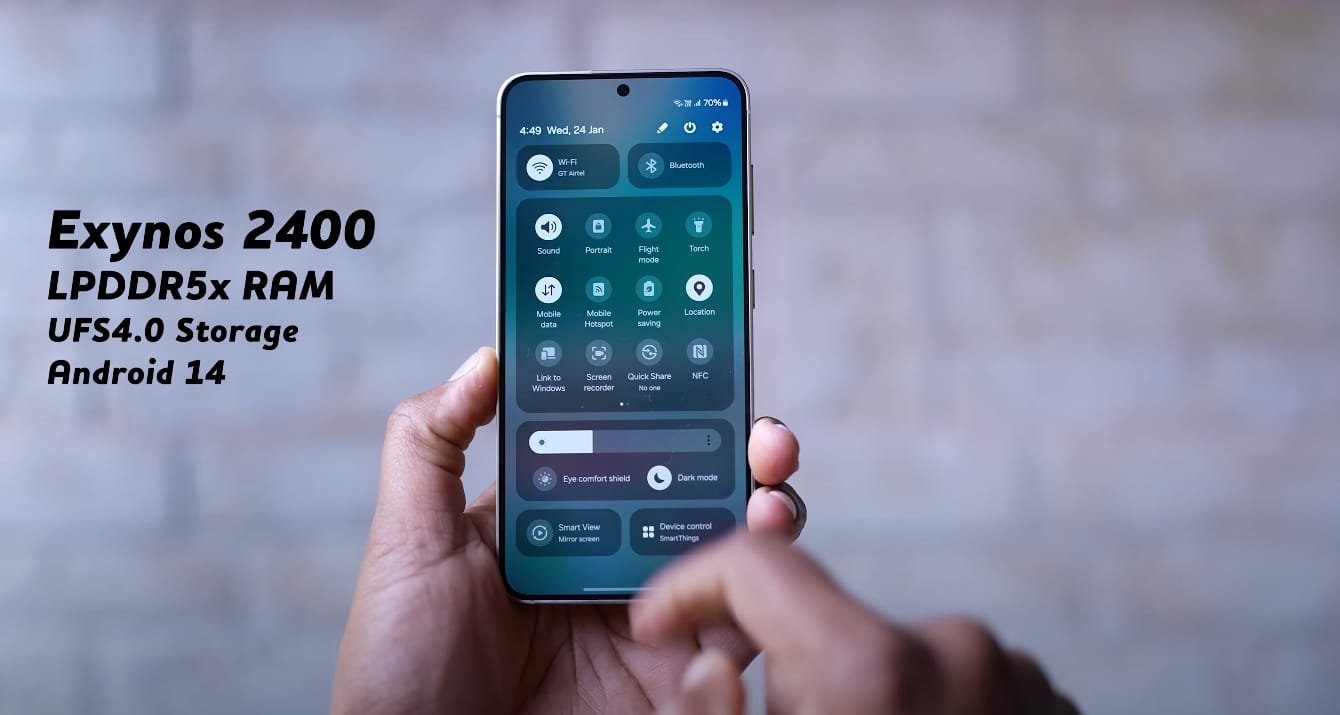
In Australia, the Galaxy S26 is likely to be powered by the Exynos 2600 processor, built on a 3nm architecture. It will offer faster performance, lower battery consumption, and enhanced AI processing.


The phone is expected to launch with Android 16 and One UI 8, providing an improved user interface and smart multitasking features. It will be available in multiple variants including 8GB and 12GB RAM options with 128GB, 256GB, or 512GB storage choices.


Camera quality and image output


The rear camera setup will include a 50 MP main sensor with OIS support, a 12MP telephoto lens with 3x zoom, and a 12 MP ultra-wide camera. These three sensors will allow the device to capture sharp photos in all lighting conditions.


Samsung is likely to enhance image processing for better contrast and color accuracy. The front camera will be 12MP, offering high-quality selfies and smooth video calls with natural skin tones and improved dynamic range.


Battery and charging features


Galaxy S26 will come with a 4000 mAh battery, designed to last all day with regular usage. The phone will support 25W fast wired charging and 15W wireless charging. It is also expected to offer reverse wireless charging to power accessories like earbuds or smartwatches.
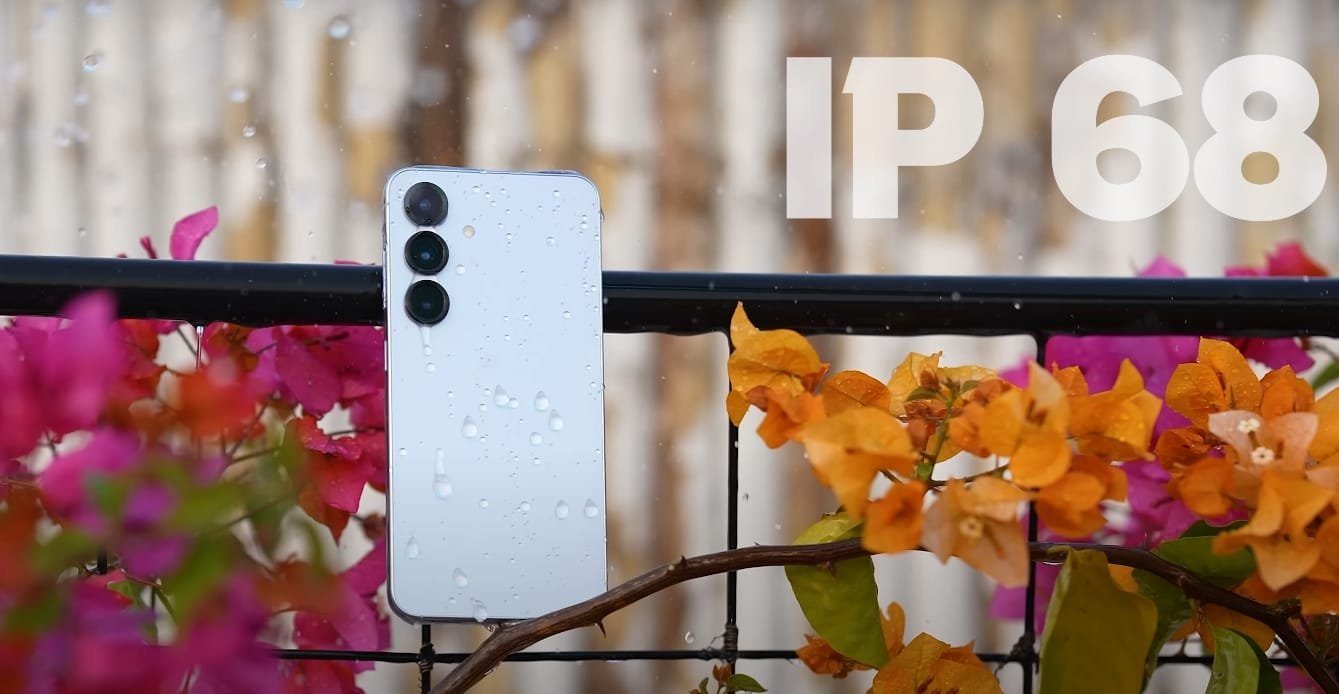
 

Samsung Galaxy S26 IP 64

While the battery size may not be huge, Samsung’s improved software optimization will ensure solid performance throughout the day.


Connectivity and extra features


The device will support 5G, Wi-Fi 7, Bluetooth 5.4, NFC, and GPS. For security, an under-display fingerprint scanner will be included. The phone will also have stereo speakers for better sound quality.


Samsung may continue with the IP68 rating, making the Galaxy S26 resistant to water and dust. All these features combined make it a strong contender for users seeking a complete flagship experience in Australia.


Samsung Galaxy S26 price in Australia


In Australia, the Galaxy S26 is expected to start around AUD 1119 for the base model with 8 GB RAM and 128 GB storage. The 256 GB version could be priced near AUD 1299, while the 512 GB option may cost around AUD 1499.


These prices will place the phone in the flagship category, but considering the upgrades and features, it will offer strong value. The Ultra variant may cross AUD 2000 depending on final specs.

Also Read:  Samsung Galaxy M36 5G Australia Launch Date and Expected Price


Final thoughts


The Samsung Galaxy S26 is set to become a powerful all-rounder in the Australian market. With its improved display, upgraded camera system, and flagship-grade performance, it is built for users who want a premium smartphone without compromises. If you are planning to upgrade to a next-gen device, the Galaxy S26 will be worth the wait.

Samsung Galaxy S26 UK Price Details

Samsung Galaxy S26 UK Price Details

The Samsung Galaxy S26 is one of the most anticipated smartphones of the upcoming year. While Samsung has not officially announced the pricing, early reports and market patterns offer a clear picture of what UK buyers can expect.


The S26 is set to follow the premium pricing trend of its predecessors, delivering upgraded features across performance, camera, and battery.

Samsung Galaxy S26 Display

Galaxy S26 Expected Price In The UK


The base model of the Galaxy S26 is expected to launch in the UK at a price of around £799. This is in line with the price of the Galaxy S25 when it was released.


The larger Galaxy S26 Plus model is estimated to start at around £999, while the high-end Galaxy S26 Ultra could go for £1249 or more depending on storage configurations. As Samsung continues to offer larger storage options and advanced camera systems, the higher-end models will naturally carry a premium.


Why The Price Is Worth Noting


The Galaxy S26 is rumored to include new battery technology, faster performance, and advanced AI integration, which adds more value at this price point. For a starting price of around £799, users can expect a 6.8 inch high refresh display, a powerful camera system, and possibly a larger battery with faster charging speeds.


The Ultra model may include additional premium features like variable aperture lenses and an upgraded Exynos or Snapdragon chipset depending on region.

UK Availability And Launch Timeline


Samsung usually launches its S series in the first quarter of the year. If the Galaxy S26 follows the same pattern, preorders in the UK could begin by late January or early February.


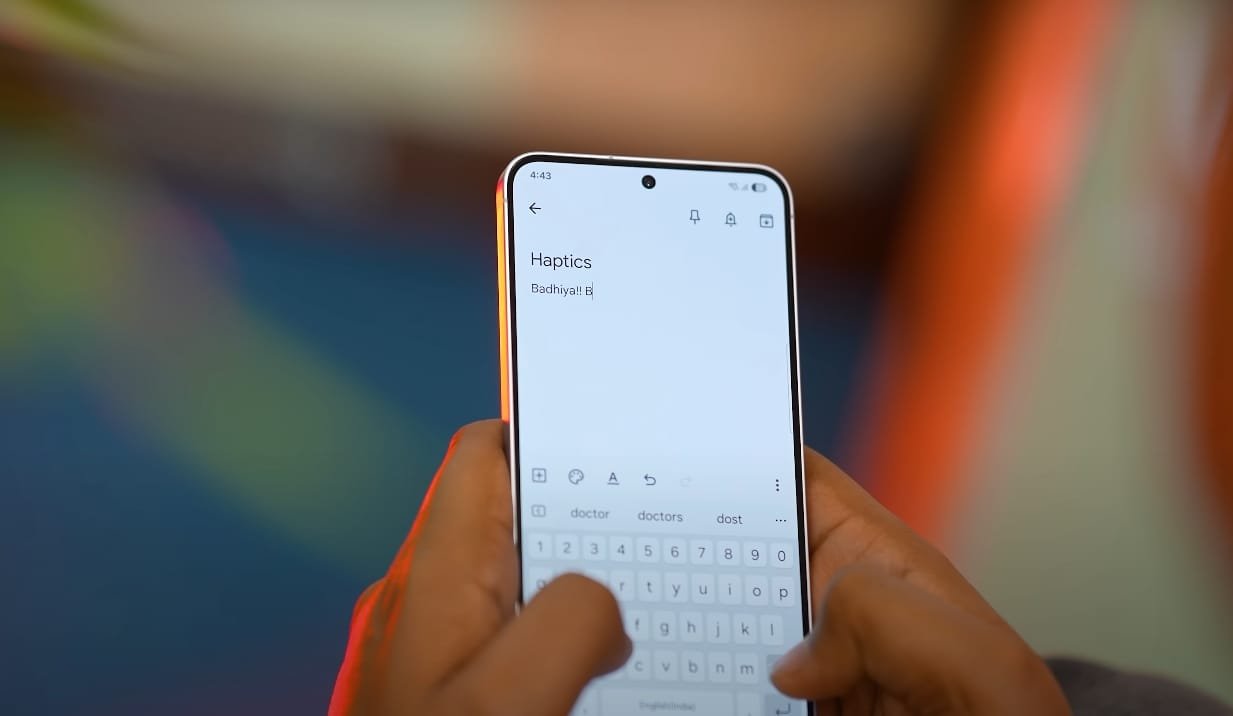
Samsung Galaxy S26 typing

The phones will be available through major carriers like EE, Vodafone, O2, and online stores such as Samsung UK and Amazon. Early buyers may also receive promotional offers such as free storage upgrades or trade-in discounts.


Final Thoughts On Galaxy S26 UK Pricing


With an expected starting price of £799, the Samsung Galaxy S26 maintains its flagship position while offering new innovations in battery, AI, and camera technology.


The pricing for the Plus and Ultra variants puts them in the high-end premium range, but for those looking to upgrade to the next generation of smartphone performance, the S26 series will likely deliver strong value across all tiers.

Also Read:  Samsung Galaxy S25 Edge Vs S25 Ultra Top Features

Samsung Galaxy Tab S11 Ultra performance benchmark chart

Samsung Galaxy Tab S11 Ultra performance benchmark chart

Evaluating the Power of Samsung’s Latest Flagship Tablet

The Samsung Galaxy Tab S11 Ultra has quickly emerged as one of the most powerful Android tablets in 2025, thanks to its advanced MediaTek Dimensity 9400+ chipset. Early benchmark tests have confirmed that Samsung has made significant performance improvements over its predecessor, the Galaxy Tab S10 Ultra. These results highlight the tablet’s suitability for both professional workloads and demanding multimedia applications, setting a new standard in the high-end tablet segment.

In Geekbench 6 tests, the Galaxy Tab S11 Ultra achieved a single-core score of 2,474 and a multi-core score of 8,721. These figures represent a notable increase over the previous generation, demonstrating that the Dimensity 9400+ provides substantial gains in processing efficiency. The tablet’s compute score, which assesses GPU performance, reached 21,935, reflecting its ability to handle complex graphics and high-frame-rate gaming without lag or stutter. This combination of CPU and GPU power ensures that users experience smooth operation across a wide range of applications.

The AnTuTu Benchmark 10 results further emphasize the tablet’s capabilities. With a total score of 2,906,450, the Galaxy Tab S11 Ultra excelled in CPU, GPU, memory, and user experience testing. The CPU scored 625,616, the GPU 1,312,222, memory 509,411, and UX 459,201. Such scores position the device among the top-performing Android tablets, highlighting its potential for multitasking, creative workflows, and high-end gaming. Users can comfortably run multiple apps, edit large files, and play graphically intensive games without performance drops, making it a versatile tool for both work and entertainment.

Samsung Galaxy Tab S11 Ultra performance benchmark chart

Productivity benchmarks, such as PCMark for Android Work 3.0, reveal the tablet’s real-world efficiency. The Galaxy Tab S11 Ultra scored 17,984 overall, excelling in writing, photo editing, data manipulation, video editing, and web browsing. Writing scored 27,328, photo editing 42,504, data manipulation 15,132, video editing 7,385, and web 14,493. These results indicate that the device is capable of handling complex workflows, including document processing, graphic design, and video production, with ease. Professionals and creatives alike can rely on its performance for demanding tasks.

Compared to the Galaxy Tab S10 Ultra, the S11 Ultra shows substantial gains. Single-core Geekbench performance improved by 31 percent, while AnTuTu scores increased by 43 percent. This performance boost is significant for users who rely on heavy multitasking or resource-intensive applications. The tablet’s large RAM options, high-speed storage, and optimized system software work together to ensure a seamless experience, even when running multiple high-demand apps simultaneously.

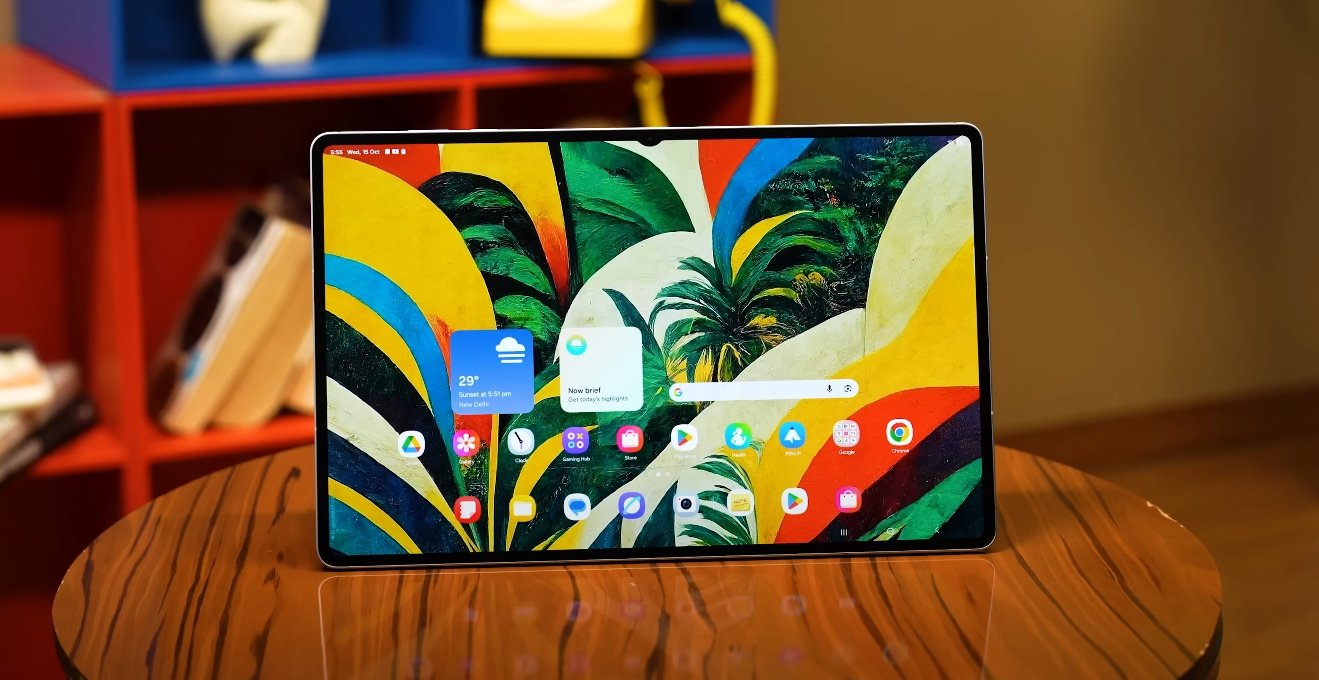
Graphics performance is another strong point of the Tab S11 Ultra. The high compute score in Geekbench and GPU results in AnTuTu demonstrate that the device can handle advanced gaming and creative software that requires intensive graphics rendering. Coupled with its 14.6-inch 120Hz Dynamic AMOLED 2X display, gaming, video editing, and animation tasks are rendered smoothly, providing a visually immersive experience. This makes the tablet suitable not just for productivity, but also for entertainment and content creation.

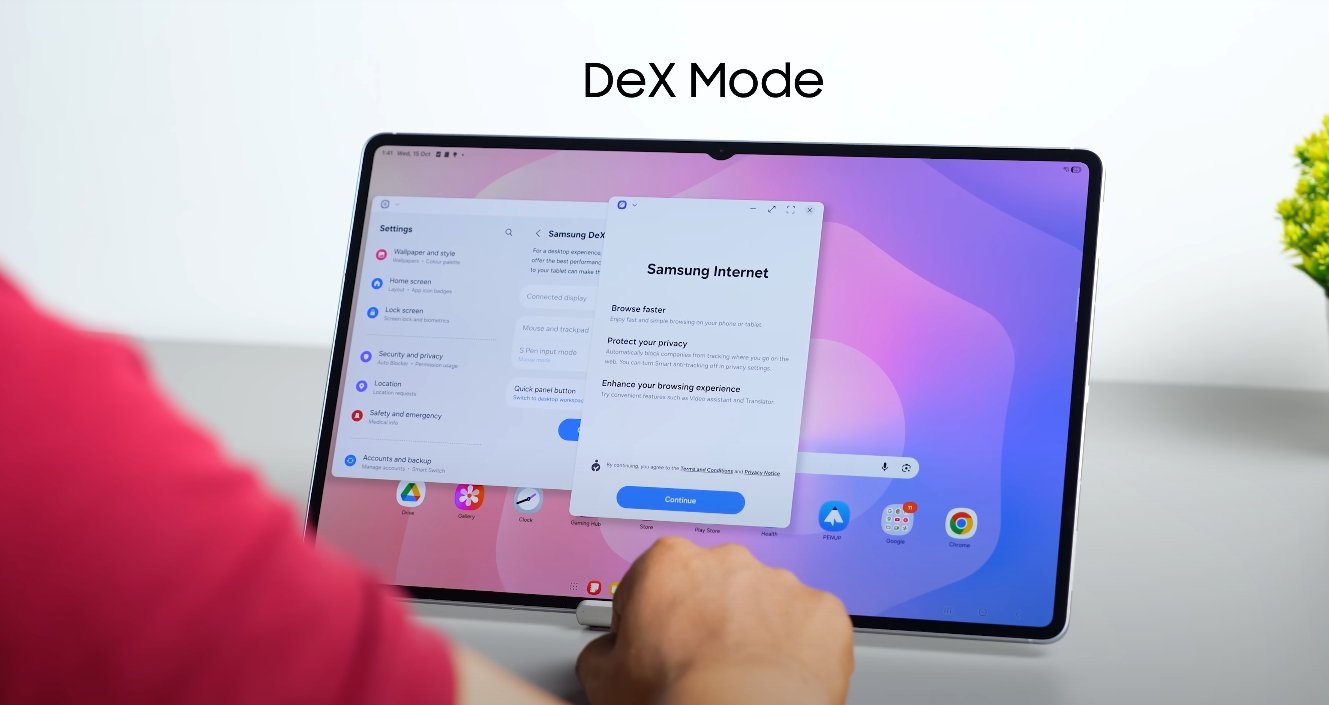
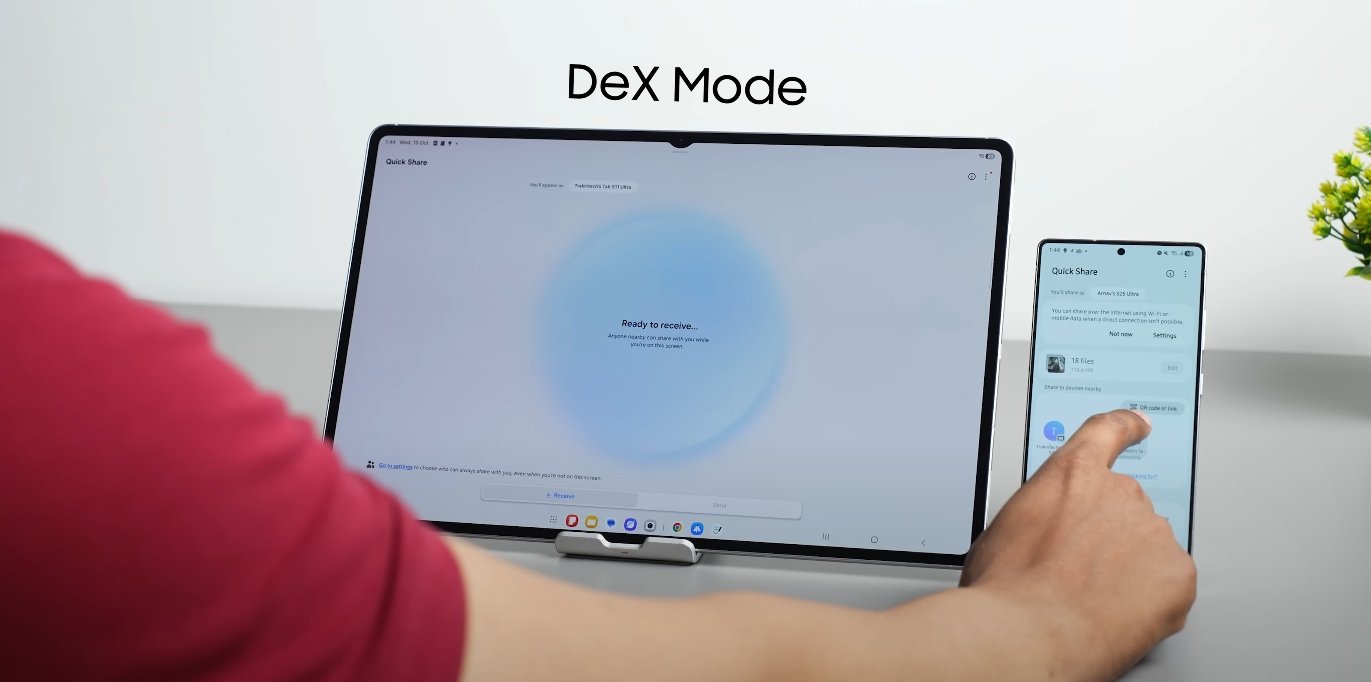
In everyday usage, the Galaxy Tab S11 Ultra feels responsive and fluid. Apps launch quickly, animations are smooth, and multitasking across multiple windows or split-screen modes is efficient. Samsung DeX mode, which turns the tablet into a desktop-like environment, benefits greatly from the enhanced processing power, allowing users to handle professional-level tasks, connect to external monitors, and operate multiple applications simultaneously without lag. Combined with its large display and high refresh rate, the tablet offers one of the most capable Android experiences available today.

In conclusion, the Samsung Galaxy Tab S11 Ultra’s benchmark performance confirms that it is a top-tier device in the tablet market. Its CPU, GPU, and memory capabilities provide both power and efficiency, making it ideal for professionals, creatives, and power users. Whether it’s multitasking, gaming, content creation, or general daily use, the S11 Ultra delivers exceptional performance, establishing itself as one of the most powerful Android tablets available in 2025.

Also Read:  Is HUAWEI MatePad Pro 12.2 Worth Buying in USA

Samsung Galaxy Tab S11 Ultra battery backup in real use

Samsung Galaxy Tab S11 Ultra battery backup in real use

Real-world endurance of Samsung’s flagship tablet

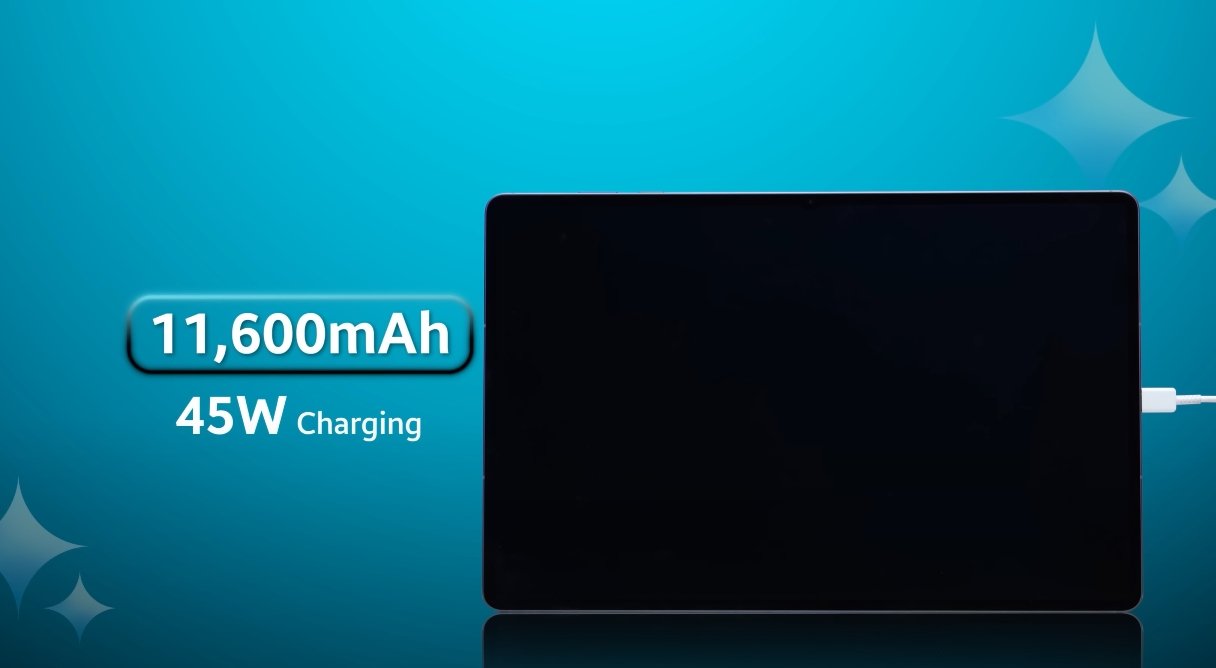
The Samsung Galaxy Tab S11 Ultra is designed to be a high-performance device for both productivity and entertainment, and battery life is one of its most important features. Equipped with an 11,600 mAh battery, the tablet promises long-lasting performance for a variety of real-world tasks. U.S. users looking for a dependable device will find that the Tab S11 Ultra can handle a full day of usage without frequent recharging, even under intensive workloads.

For everyday productivity tasks like document editing, email, and web browsing, the Galaxy Tab S11 Ultra performs exceptionally well. The device maintains a stable battery level throughout the workday, allowing users to complete tasks without interruption. Its efficient power management ensures that the tablet stays cool and responsive, providing a seamless experience for professionals, students, and remote workers who rely on long-lasting performance.

When it comes to streaming video and media consumption, the Tab S11 Ultra continues to impress. The tablet can support several hours of continuous high-definition video playback without a significant drop in battery life. This makes it an excellent choice for extended entertainment sessions, whether for streaming movies, watching educational content, or enjoying online courses. Users can rely on the device for long commutes or leisure time without worrying about running out of power.

Samsung Galaxy Tab S11 Ultra battery backup in real use

Gaming and intensive applications, while more demanding on the battery, are also handled effectively by the Tab S11 Ultra. High-performance gaming sessions and creative apps consume more power, yet the tablet provides several hours of uninterrupted use before needing a recharge. This balance between performance and endurance ensures that users can enjoy graphically intensive games and professional creative tools without sacrificing convenience.

Samsung’s DeX mode, which enables a desktop-like experience, also tests the tablet’s battery capacity. The Tab S11 Ultra can sustain long periods of multitasking in DeX mode, allowing users to work on multiple applications simultaneously. Although battery depletion is slightly faster under heavy use, the tablet’s overall endurance still supports a full day of work or creative tasks, making it a practical alternative to laptops for many users.

To optimize battery life, users can take advantage of features such as adjusting screen brightness, managing background applications, and activating power-saving modes. Regular charging routines also help maintain battery health and ensure consistent performance over time. These practices can extend the tablet’s usability and make it more reliable for daily tasks, professional use, and creative projects.

Overall, the Samsung Galaxy Tab S11 Ultra delivers impressive battery performance in real-world usage. From productivity and media consumption to gaming and multitasking, the tablet provides reliable power that meets the demands of modern users. Its large-capacity battery, combined with efficient software optimization, ensures that users can rely on the device throughout the day. For U.S. buyers seeking a premium tablet with strong endurance, the Tab S11 Ultra stands out as a practical and versatile option.

Also Read:  Samsung Galaxy Tab S11 Ultra official cases listed online

Samsung Galaxy Tab S11 Ultra official cases listed online

Samsung Galaxy Tab S11 Ultra official cases listed online

Samsung launches official accessories for its flagship tablet

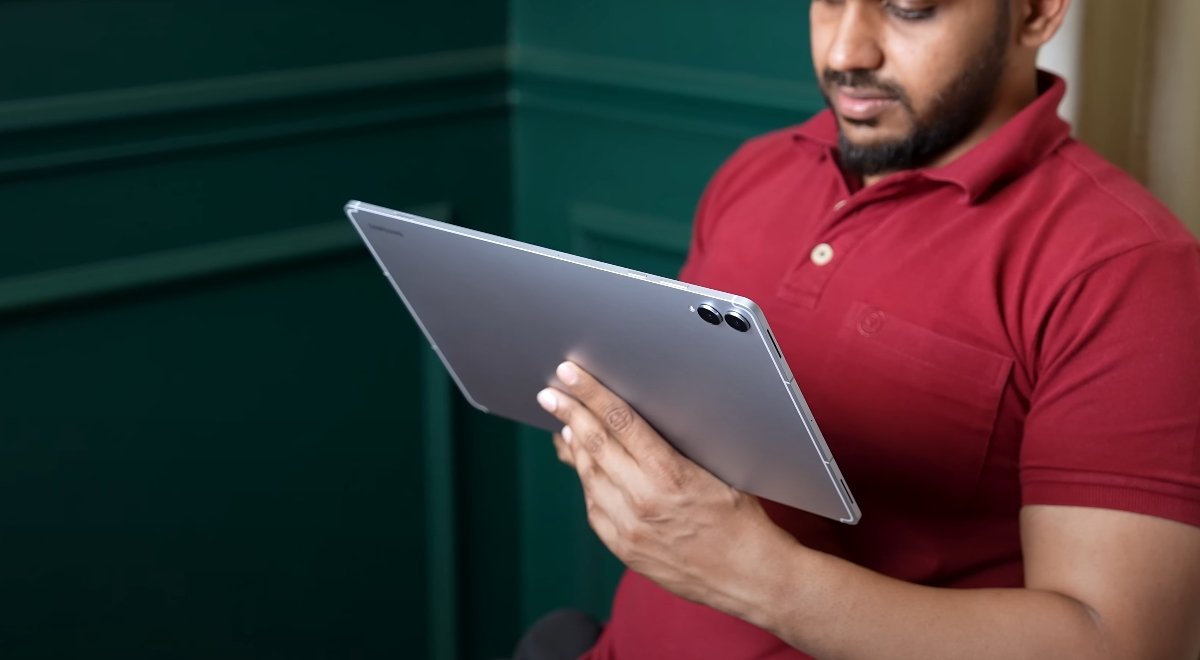
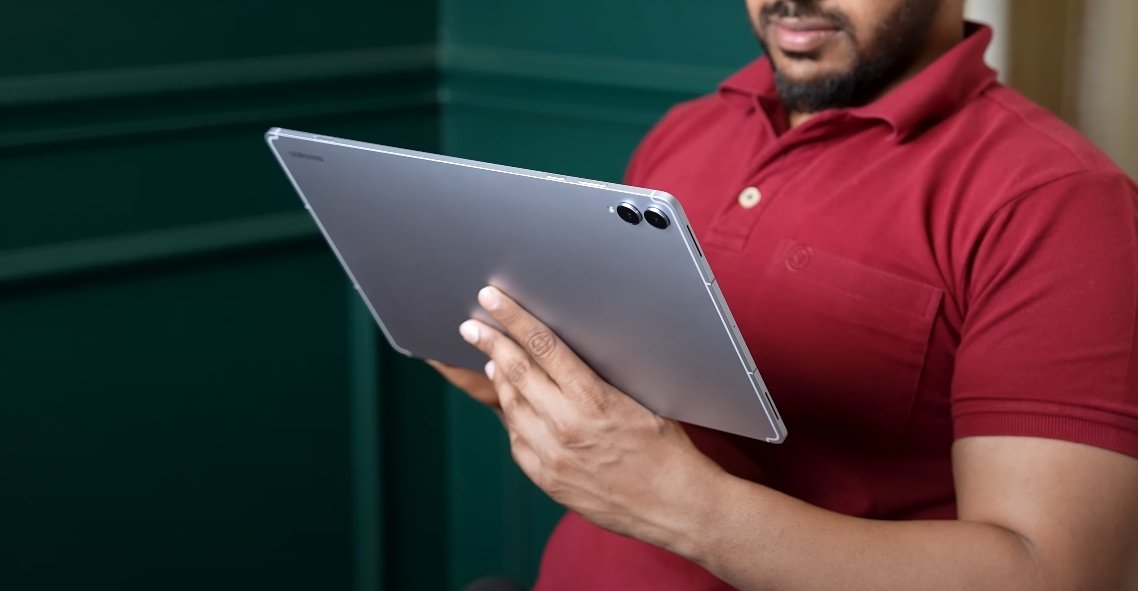
Samsung has officially listed a variety of cases and accessories for the Galaxy Tab S11 Ultra, giving users options to enhance protection, productivity, and overall usability. These official cases are designed to fit the tablet perfectly, complement its design, and provide practical functionality for everyday use. For U.S. consumers, having access to these accessories directly from Samsung ensures both quality and compatibility.

The Smart Book Cover is one of the most popular official accessories. It magnetically attaches to the Tab S11 Ultra and allows the tablet to stand in both horizontal and vertical orientations. This makes it ideal for reading, watching videos, or working on documents. The cover also features an automatic wake and sleep function that activates when opening or closing the flap, adding convenience and helping save battery. Available in black and white, the Smart Book Cover provides a premium feel and serves as both protection and a versatile stand.

For those who want to transform their tablet into a laptop-like experience, the Book Cover Keyboard Slim is an excellent option. This accessory adds a full keyboard and trackpad to the tablet, enabling easier typing and navigation. A dedicated AI key is included for quick access to Samsung’s AI features, enhancing productivity. The slim design maintains portability while providing a comfortable typing experience. With this keyboard cover, professionals, students, and creators can complete tasks efficiently, turning the tablet into a more complete workstation.

Samsung Galaxy Tab S11 Ultra official cases listed online

Samsung also offers the Rugged Armor Pro by Spigen for users who prioritize heavy-duty protection. This case provides enhanced durability against drops, bumps, and impacts, making it suitable for users who carry their tablet in various environments. It also includes a built-in kickstand for hands-free viewing. The rugged case ensures that the Galaxy Tab S11 Ultra remains safe during outdoor use or active daily routines, without compromising accessibility or functionality.

In addition to protective cases, Samsung’s official accessories include enhancements for creative and productive work. The S Pen, included with the tablet, allows precise writing, sketching, and note-taking. Users can take advantage of features like Galaxy AI-assisted writing and sketch-to-image functions, making the device ideal for professionals, artists, and students. The S Pen’s integration with official cases ensures it remains protected and accessible at all times, maintaining a seamless workflow.

Screen protectors are also available as official accessories, providing scratch resistance and reducing glare for more comfortable viewing. These transparent protectors maintain the tablet’s clarity while offering a layer of protection against accidental scratches or smudges. For users who work outdoors or in bright environments, anti-reflective properties make it easier to see the screen clearly without compromising touch sensitivity.

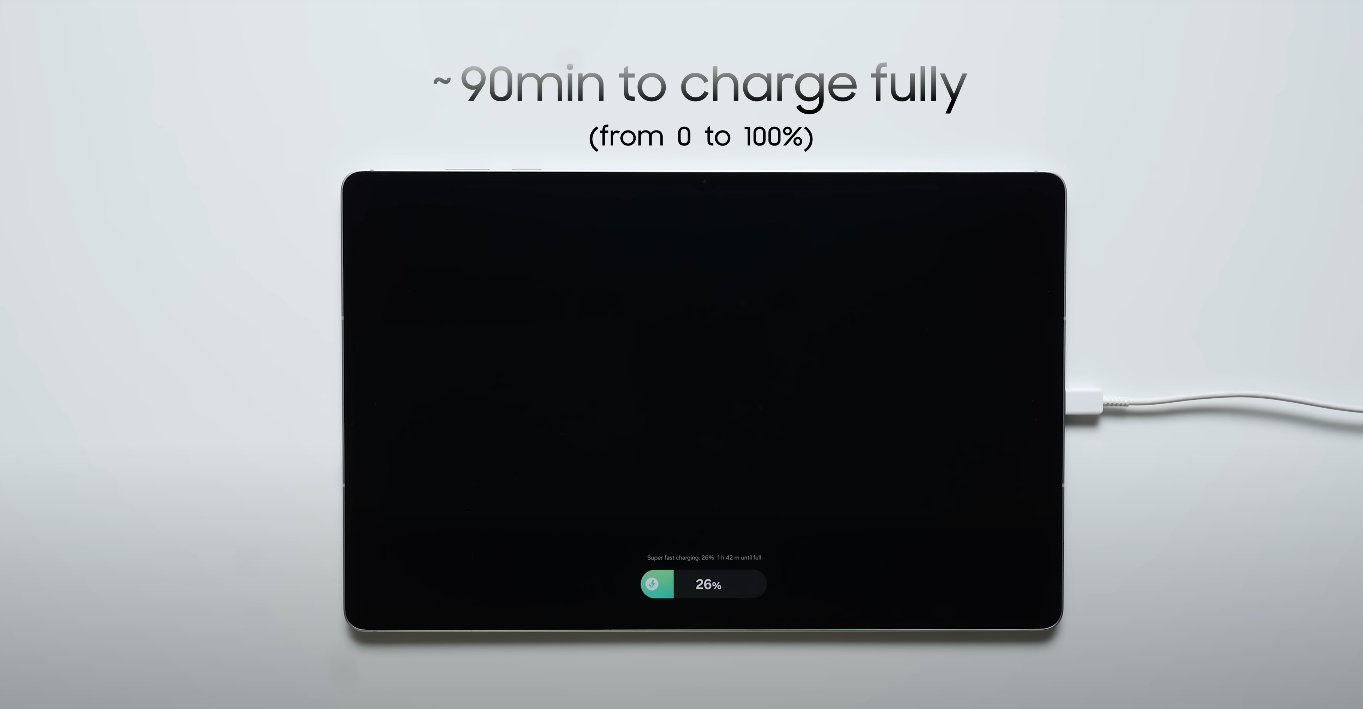
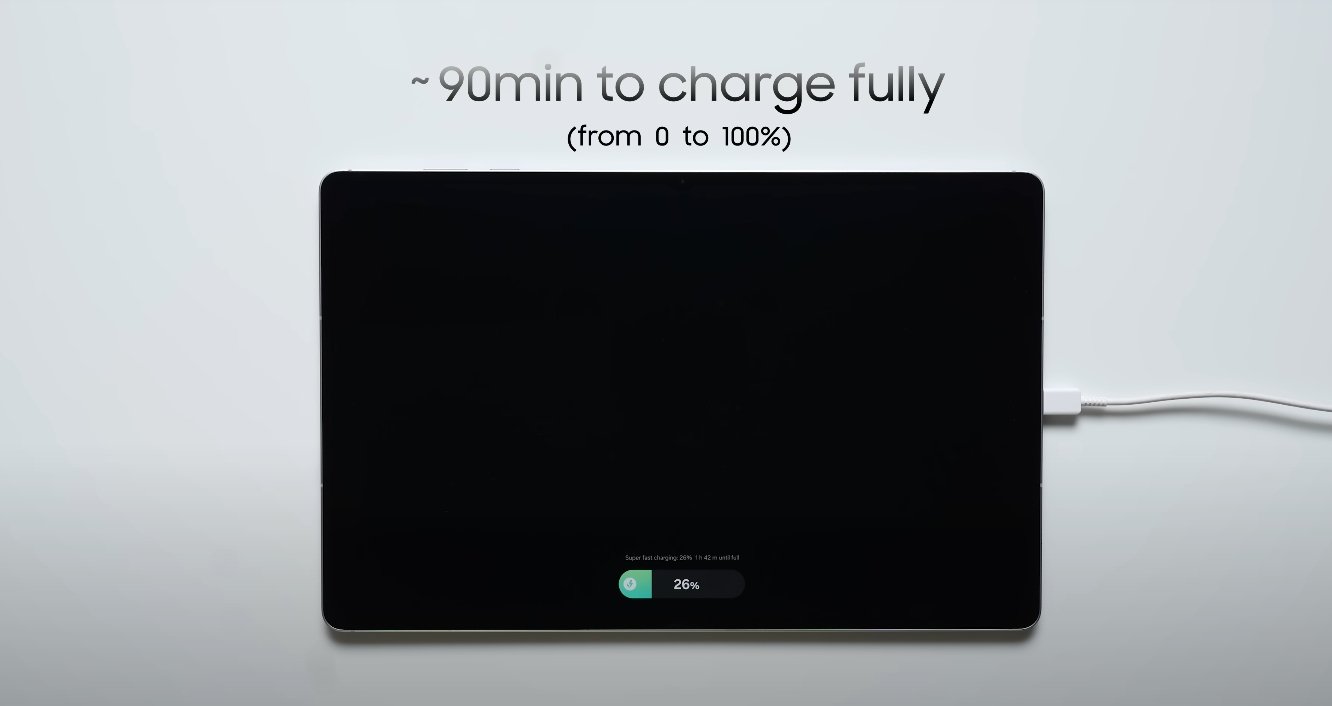
Charging accessories round out the official offerings. While the Galaxy Tab S11 Ultra does not support wireless charging, it can charge at high speeds with compatible adapters. Samsung recommends using chargers that support up to 45W output for efficient charging. Official adapters ensure reliable performance and safe power delivery, complementing the tablet’s premium design and features.

These accessories are designed to enhance the overall experience of using the Galaxy Tab S11 Ultra. Whether for protection, productivity, or creativity, Samsung provides a range of options that align with the tablet’s capabilities. Official cases and accessories ensure that the device remains both functional and stylish while meeting the needs of various users in the U.S. market.

By offering these official accessories, Samsung strengthens the usability of the Tab S11 Ultra. The Smart Book Cover, Book Cover Keyboard Slim, Rugged Armor Pro, S Pen, screen protectors, and charging solutions collectively provide a complete package for consumers. They cater to professional, creative, and casual users, ensuring that the tablet can be adapted to multiple use cases while maintaining protection, comfort, and performance.

Overall, the availability of official cases and accessories makes the Galaxy Tab S11 Ultra a more versatile and practical device. Users can protect their investment, enhance productivity, and enjoy creative tasks with confidence. Samsung’s carefully designed accessory lineup reinforces the premium nature of the tablet and ensures that U.S. buyers have access to quality, reliable options to complement their device.

Samsung Galaxy Tab S11 Ultra vs Pixel Tablet 2 comparison

Samsung Galaxy Tab S11 Ultra vs Pixel Tablet 2 comparison

Comparing Samsung and Google’s Latest Android Tablets

In the world of Android tablets, the Samsung Galaxy Tab S11 Ultra and the Google Pixel Tablet 2 stand out as two very different devices aimed at distinct audiences. Samsung’s Tab S11 Ultra targets power users, creatives, and professionals who need a large display and advanced performance, while the Pixel Tablet 2 focuses on casual users seeking a compact, lightweight, and media-friendly tablet. A detailed comparison across display, performance, software, battery, and overall usability highlights how these devices cater to different needs.

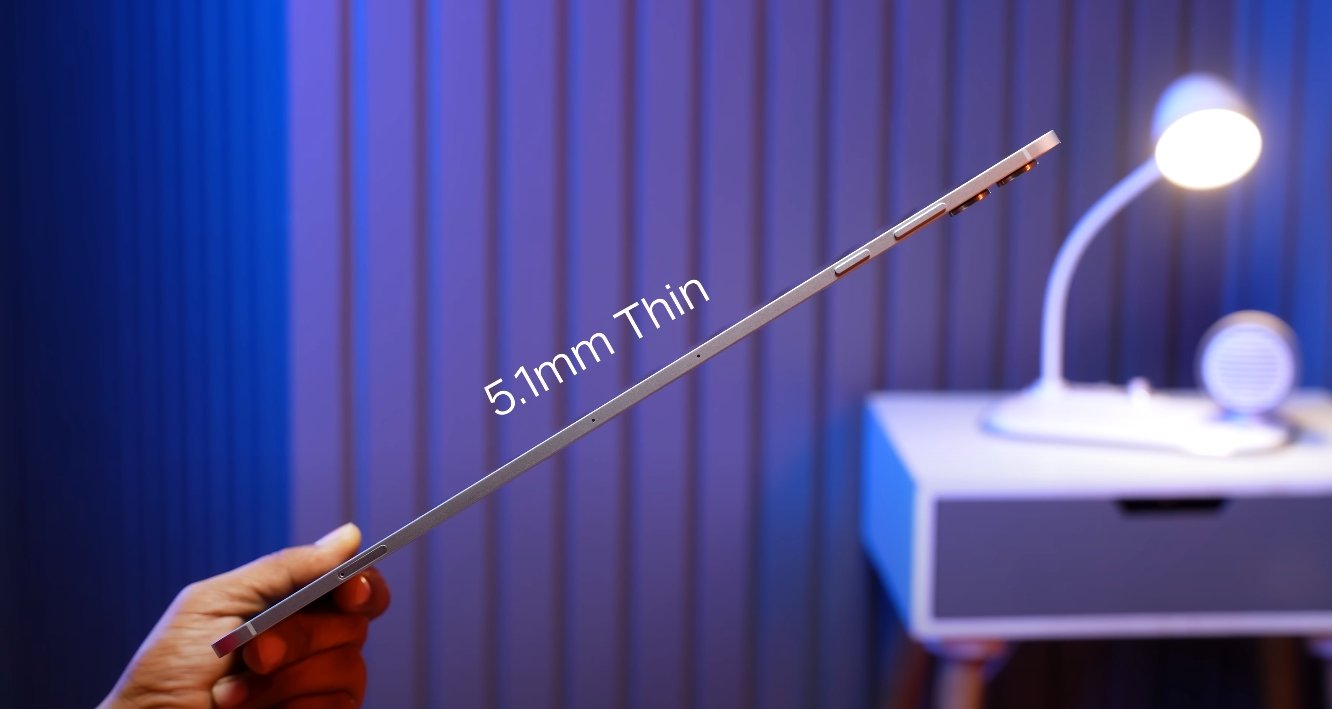
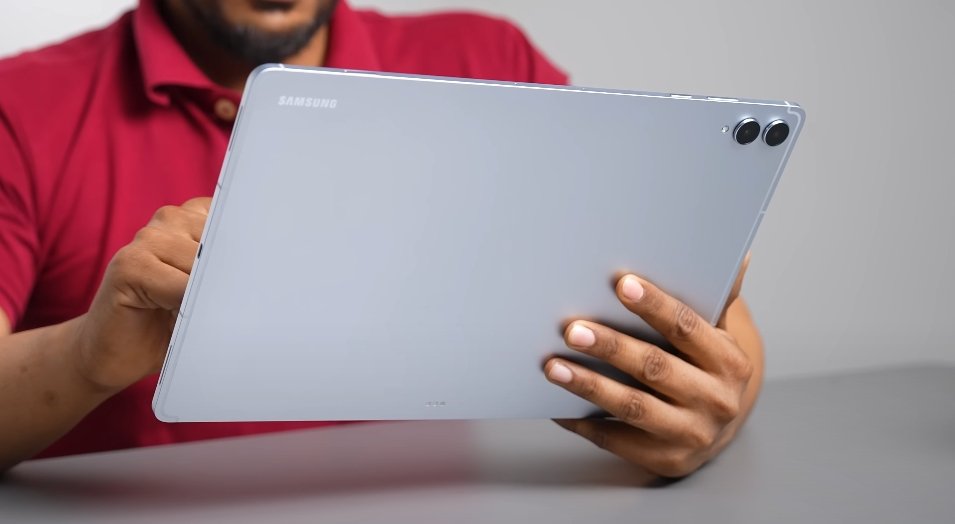
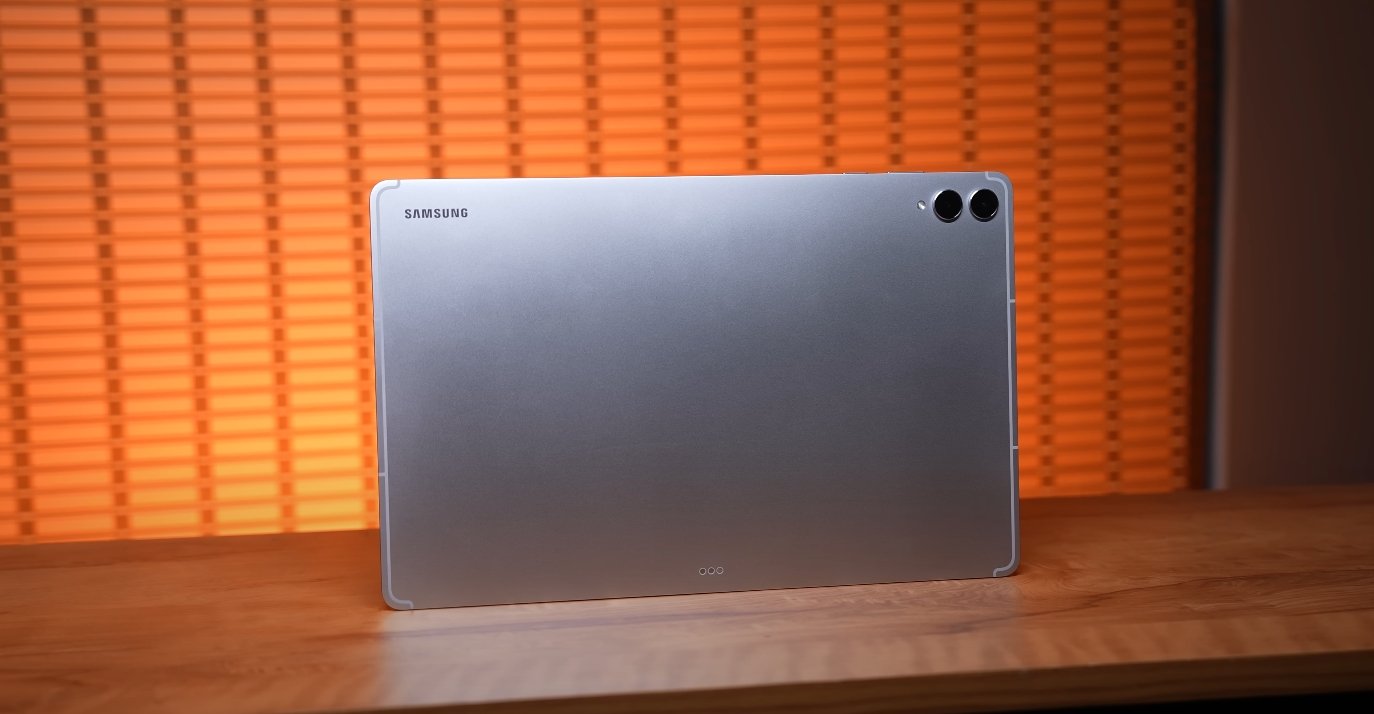
The display is one of the most noticeable differences between the two tablets. The Galaxy Tab S11 Ultra features a massive 14.6-inch Dynamic AMOLED 2X display with a resolution of 2960×1848 pixels and a 120Hz refresh rate. This combination provides crisp visuals, fluid motion, and vibrant colors, making it ideal for gaming, media consumption, and professional creative work. Its ultra-thin design, weighing around 692 grams and measuring just 5.1 millimeters in thickness, feels premium, while the IP68 rating and Armor Aluminum frame add durability. In contrast, the Pixel Tablet 2 comes with a 10.95-inch LCD panel at 2560×1600 resolution and a standard 60Hz refresh rate. It is lighter and more portable, making it easier to hold for long periods, but it lacks the high refresh rate and vividness of the Samsung tablet, which may matter for artists or gamers.

Performance is another area where the devices diverge significantly. The Tab S11 Ultra is powered by the MediaTek Dimensity 9400+ processor, coupled with up to 16GB of RAM and 1TB of storage, plus microSD expansion support. This setup allows heavy multitasking, demanding creative applications, and professional-grade workloads. On the other hand, the Pixel Tablet 2 is equipped with Google’s Tensor G2 chip, 8GB of RAM, and 128 or 256GB of storage, with no expansion option. While sufficient for everyday browsing, streaming, and light productivity, the Pixel Tablet cannot match the raw power or multitasking capabilities of the Samsung flagship. Users seeking performance headroom for video editing, large file handling, or advanced multitasking will find the Tab S11 Ultra far more capable.

Samsung Galaxy Tab S11 Ultra vs Pixel Tablet 2 comparison

Software and ecosystem support further differentiate these tablets. Samsung includes the S Pen in the Tab S11 Ultra’s box, allowing precise note-taking and digital art creation. The device also supports Samsung DeX, which provides a desktop-style interface for multitasking, external display connections, and productivity similar to a laptop. In contrast, the Pixel Tablet 2 runs a clean version of Android with deep integration into Google services, smart-home controls, and AI features. While the Pixel experience is smooth and intuitive, it lacks professional-grade productivity tools and the extensive stylus support found in the Tab S11 Ultra, making Samsung the preferred choice for creators and power users.

Battery life and charging also highlight the differences in intended usage. The Tab S11 Ultra is equipped with an 11,600mAh battery and supports 45W fast charging. It is designed to handle long sessions of creative work, streaming, or multitasking without requiring frequent recharges. In comparison, the Pixel Tablet 2 has a smaller battery and slower charging capabilities, making it suitable for casual browsing, media consumption, and light productivity. Samsung’s tablet clearly outperforms in endurance, particularly when using high-refresh-rate applications, multitasking in DeX mode, or running graphics-intensive programs.

Portability and usability vary depending on what a user prioritizes. The Tab S11 Ultra, with its large 14.6-inch screen, excels for split-screen productivity, creative workflows, and immersive media experiences. However, its size and weight make it less convenient for handheld use or travel compared to the lighter, more compact Pixel Tablet 2. The Pixel Tablet, while limited in advanced features, offers ease of handling, comfortable long-duration use, and simple integration with Google’s ecosystem. Its size makes it more suitable for casual reading, media streaming, or smart-home control without fatigue.

Price is another key factor when comparing these two devices. The Galaxy Tab S11 Ultra comes at a premium price, reflecting its large display, powerful hardware, stylus support, and productivity-oriented features. The Pixel Tablet 2 is more budget-friendly, making it appealing for users who want a capable tablet without high-end performance or advanced features. For families, students, or casual users who primarily consume media or control smart-home devices, the Pixel Tablet offers good value. For professionals, creatives, and gamers, the Tab S11 Ultra provides performance and functionality that justifies its cost.

In conclusion, the Samsung Galaxy Tab S11 Ultra and Google Pixel Tablet 2 serve very different audiences. The Tab S11 Ultra excels in display quality, raw performance, multitasking, stylus support, and battery endurance, making it ideal for professionals, creatives, and gamers who need a high-end tablet. The Pixel Tablet 2 focuses on portability, simplicity, and integration with Google’s ecosystem, making it best suited for casual users, media consumption, and smart-home control. Choosing between these devices depends on whether you prioritize high-end performance and productivity or lightweight, everyday usability.

Samsung Galaxy Tab S11 Ultra thermal management test

Samsung Galaxy Tab S11 Ultra thermal management test

How Samsung’s flagship tablet handles heat under pressure

The Samsung Galaxy Tab S11 Ultra is marketed as a premium productivity and entertainment tablet, but one of the most critical aspects for real-world usability is its thermal management. A powerful device is only effective if it can maintain performance without overheating, and Samsung has made this a priority in the design of the Tab S11 Ultra. Recent tests provide insight into how well the tablet manages heat under various workloads, from everyday use to intensive stress situations.

During routine tasks such as browsing the web, streaming videos, or working with documents, the Tab S11 Ultra remains comfortable to hold and does not generate distracting warmth. Users can multitask across apps, switch between documents, or watch long video sessions without noticing significant heat buildup. This is an important factor for students and professionals who rely on extended tablet usage throughout the day.

Under heavier workloads, such as gaming or creative projects, the thermal profile becomes more noticeable but remains within acceptable limits. Tests indicate that during prolonged high-intensity usage, the tablet’s surface temperature peaks around 46°C (115°F), while the average remains close to 33–34°C (91–94°F). Despite this increase, the device stays comfortable to handle and does not impede workflow. Samsung’s design allows for even heat distribution across the large chassis, preventing hot spots that could affect grip or comfort.

Samsung Galaxy Tab S11 Ultra thermal management test

Thermal management is closely linked to performance. In synthetic stress tests, the tablet shows slight throttling under sustained maximum load, but real-world performance remains strong. Users working with multiple apps, editing videos, or running demanding creative software are unlikely to notice any significant slowdowns. This balance ensures that the Tab S11 Ultra can handle the majority of professional and creative workloads without compromising usability or comfort.

The large chassis and metal-glass construction contribute to the tablet’s ability to dissipate heat effectively. Unlike smaller devices that concentrate heat in a compact area, the Tab S11 Ultra spreads thermal energy across its surface, allowing for passive cooling. Even during high-resolution gaming or extended multi-window tasks, most areas of the tablet remain under 35°C, making it practical for long-term use whether on a desk, lap, or stand.

Extreme workloads, such as 3D rendering, prolonged high-frame-rate gaming, or extended use in DeX mode with an external display, do push the thermal limits. In these scenarios, performance may scale back slightly to prevent overheating, a common safety feature in mobile devices. While the tablet will not match the continuous sustained output of a high-end laptop, it performs impressively for its class, maintaining usability without compromising device longevity.

From a practical standpoint, U.S. users can expect the following from the Tab S11 Ultra: day-to-day productivity, light editing, and entertainment are handled without noticeable heat issues. Creative professionals engaging in heavier workloads will enjoy excellent performance, with minor throttling only under the most demanding scenarios. The physical comfort remains consistent, even during extended sessions, ensuring the device remains practical for work, study, or creative use.

Overall, Samsung has executed an effective thermal strategy with the Galaxy Tab S11 Ultra. The tablet balances high performance, heat management, and comfort, making it a reliable option for users who expect a premium experience. While it may not replace a workstation laptop for extremely heavy workloads, it delivers consistent performance for most professional, creative, and entertainment tasks. For buyers seeking a powerful, cool, and dependable tablet, the Tab S11 Ultra stands out as a top-tier choice in 2025.

Samsung Galaxy Tab S11 Ultra USA carrier compatibility

Samsung Galaxy Tab S11 Ultra USA carrier compatibility

Galaxy Tab S11 Ultra connectivity and carrier support explained

The Samsung Galaxy Tab S11 Ultra has generated huge attention for its premium design, upgraded performance, and impressive display technology. However, for many users in the United States, one major question remains — how well does the Tab S11 Ultra work with U.S. cellular carriers? As Samsung’s most powerful tablet yet, its connectivity options have been a point of discussion among potential buyers, especially those who rely on LTE or 5G networks when on the move.

At launch, Samsung introduced the Galaxy Tab S11 Ultra in both Wi-Fi and 5G versions, but the U.S. market primarily received the Wi-Fi-only model. This means that most units available through Samsung’s official website and major U.S. retailers lack cellular connectivity. In simple terms, the U.S. version of the Tab S11 Ultra does not come with a SIM card slot or eSIM capability. This design choice limits users who want to use the tablet independently from a Wi-Fi network, making it less ideal for those who travel frequently or need constant internet access without tethering.

In international markets such as South Korea, parts of Europe, and select Asian countries, Samsung released cellular variants of the Tab S11 Ultra. Those models feature built-in 5G support, allowing users to insert a SIM card and connect directly to their carrier network. However, these global variants use frequency bands that may not be fully compatible with U.S. networks like Verizon, AT&T, or T-Mobile. Even if an imported version technically supports some bands, it might not achieve consistent speeds or network reliability due to differences in carrier configurations and certification standards.

Samsung Galaxy Tab S11 Ultra USA carrier compatibility

The reason behind Samsung’s decision to limit the U.S. variant to Wi-Fi likely comes down to consumer demand and cost optimization. Tablets with cellular connectivity typically appeal to a smaller segment of buyers in the U.S., where most users prefer connecting through hotspots or tethering from their smartphones. Eliminating cellular components also helps Samsung maintain a slightly lower price point while focusing on performance, display quality, and ecosystem features that pair seamlessly with Galaxy phones and laptops.

For American consumers, this design choice means the Galaxy Tab S11 Ultra functions best as a high-end productivity and entertainment tablet that depends on Wi-Fi connections. If you need to use it outside a Wi-Fi environment, the best solution is to use a mobile hotspot or share your smartphone’s internet connection. This approach provides flexibility without compromising speed, especially considering the growing availability of high-bandwidth 5G hotspots across major carriers.

Those considering importing a 5G model from overseas should proceed with caution. Even though the hardware may support 5G sub-6GHz bands, it could miss certain frequencies used by major U.S. carriers, resulting in limited coverage or slower speeds. Additionally, imported units may not include warranty coverage or software updates optimized for North American networks. Buyers should always check the model number and confirm the supported network bands before importing a device.

Looking ahead, Samsung may eventually release a carrier-ready variant of the Galaxy Tab S11 Ultra in the U.S. if demand increases. The company has done so in the past with earlier Galaxy Tab models, adding cellular options months after launch. For now, though, the focus remains on the Wi-Fi edition, which delivers the same Snapdragon 8 Gen 3 processor, massive AMOLED display, and S Pen support that define the Ultra experience.

In conclusion, while the Galaxy Tab S11 Ultra stands out as a top-tier Android tablet in performance and design, its U.S. model lacks direct carrier compatibility. Users cannot insert a SIM card or activate mobile data through Verizon, AT&T, or T-Mobile. The tablet is built primarily for Wi-Fi connectivity, and anyone requiring constant mobile data access will need to rely on hotspot solutions or imported cellular versions. Despite this limitation, the Tab S11 Ultra remains one of the best Android tablets for productivity, media, and creativity — offering a laptop-like experience when paired with Samsung’s ecosystem of devices and accessories.

Also Read:  iPad 11 vs Samsung galaxy tab S10 Fe

Samsung Galaxy Tab S11 Ultra vs Galaxy Z Fold 6 display

Samsung Galaxy Tab S11 Ultra vs Galaxy Z Fold 6 display

Display Comparison: Galaxy Tab S11 Ultra and Galaxy Z Fold 6

The Samsung Galaxy Tab S11 Ultra and Galaxy Z Fold 6 are two of Samsung’s flagship devices, each designed with a focus on advanced display technology and user experience. While both devices utilize Dynamic AMOLED 2X panels, their form factors, screen sizes, and use cases differ significantly. Comparing their displays provides insight into which device may be more suitable for productivity, media consumption, or portable multitasking.

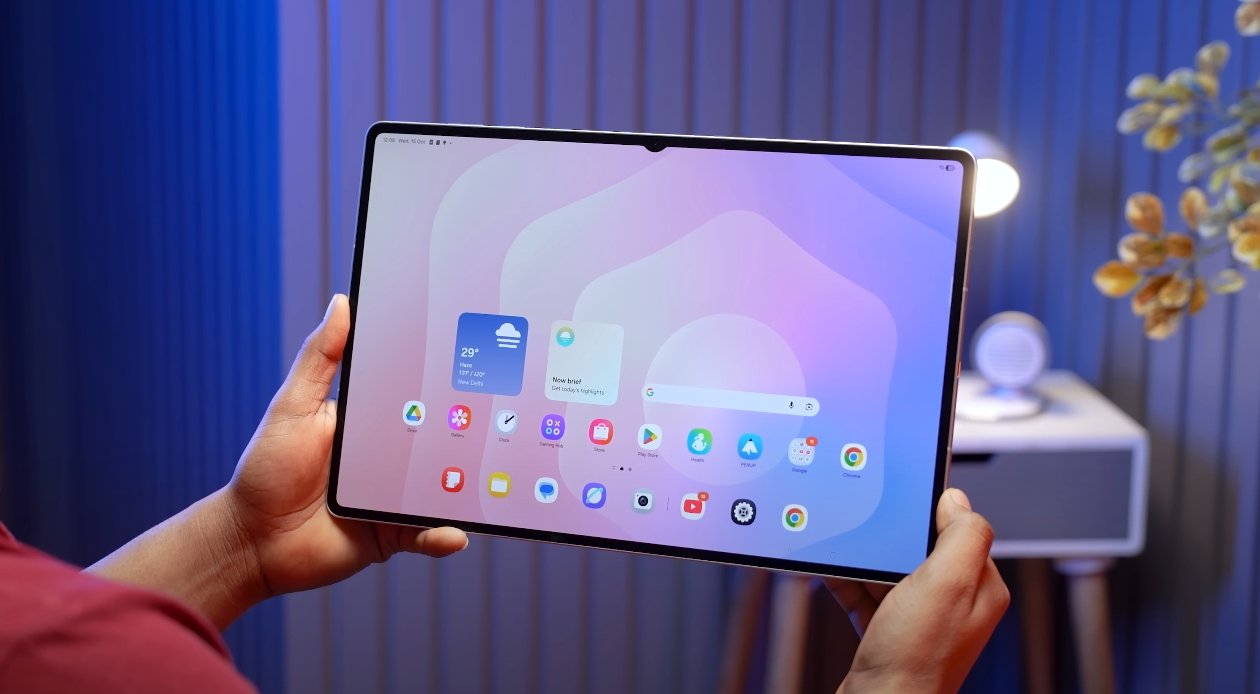
The Galaxy Tab S11 Ultra features a large 14.6-inch Dynamic AMOLED 2X display with a resolution of 2960 x 1848 pixels. This expansive screen provides a detailed and immersive viewing experience, making it ideal for creative work, video streaming, and multitasking with split-screen applications. The large size also supports enhanced productivity, allowing multiple apps to run side by side without feeling cramped. Users can comfortably edit documents, draw with a stylus, or watch high-resolution content on a single screen without compromising visibility.

In contrast, the Galaxy Z Fold 6 features a dual-display setup. Its cover display is a 6.3-inch Dynamic AMOLED 2X screen with a resolution of 2376 x 968 pixels, designed for quick interactions, notifications, and light tasks without unfolding the device. The main foldable display measures 7.6 inches with a resolution of 2160 x 1865 pixels, offering a larger workspace when unfolded. Although smaller than the Tab S11 Ultra, the Z Fold 6’s main screen provides versatility, combining portability with a reasonably sized display for productivity and media tasks. This foldable design appeals to users who need a device that can switch between compact phone-like use and a larger tablet-like experience.

Samsung Galaxy Tab S11 Ultra vs Galaxy Z Fold 6 display

Both devices utilize Dynamic AMOLED 2X technology, which delivers vibrant colors, deep blacks, and excellent contrast. The technology enhances visual clarity and provides energy-efficient operation. The Tab S11 Ultra’s display also includes an anti-reflection coating, reducing glare and making it more usable in bright outdoor environments. This feature is particularly useful for professionals or students who work or study outside or in environments with strong lighting.

Brightness levels further distinguish the displays. The Tab S11 Ultra achieves a peak brightness of 1600 nits, ensuring that text, images, and videos remain visible even under direct sunlight. This high brightness level is complemented by the large screen area, allowing users to enjoy vivid visuals and high readability in all conditions. Meanwhile, the Z Fold 6’s main display can reach an impressive 2600 nits peak brightness, one of the highest in foldable devices. This extreme brightness ensures excellent outdoor visibility and enhances HDR content, making movies, games, and streaming videos appear more vivid and detailed.

Refresh rate is another key factor affecting the user experience. Both the Tab S11 Ultra and Z Fold 6 support a 120Hz adaptive refresh rate, which contributes to smooth scrolling, fluid animations, and responsive touch interactions. The high refresh rate improves the overall feel of the interface, especially when navigating apps, drawing with a stylus, or gaming. Users will notice that animations are crisp and interactions are instantaneous, enhancing productivity and entertainment.

The Tab S11 Ultra’s display is particularly well-suited for stylus use, with precise touch input and minimal latency, making it ideal for drawing, note-taking, and creative applications. While the Z Fold 6 supports the S Pen on its main screen, the foldable nature of the device requires careful handling, and it does not include integrated storage for the stylus. Users who rely heavily on pen input may find the Tab S11 Ultra more convenient for extended creative sessions.

Portability is a factor where the Z Fold 6 has an advantage. Its foldable design allows it to transform from a compact device to a larger screen as needed. This makes it easier to carry daily compared to the Tab S11 Ultra, which is larger and designed primarily as a tablet. Users who prioritize portability but still want a large display for occasional multitasking will find the Z Fold 6 appealing.

In conclusion, the Samsung Galaxy Tab S11 Ultra and Galaxy Z Fold 6 both feature high-quality Dynamic AMOLED 2X displays, but they are optimized for different user needs. The Tab S11 Ultra’s large, bright, and highly responsive display is ideal for productivity, creative work, and immersive media consumption. The Z Fold 6, with its foldable design and exceptionally bright main display, offers versatility and portability without sacrificing visual quality. Choosing between the two depends on whether users prioritize a large dedicated tablet experience or a flexible foldable device that combines phone and tablet functionality.

Samsung Galaxy Tab S11 Ultra Dolby Vision support details

Samsung Galaxy Tab S11 Ultra Dolby Vision support details

HDR and Dolby Vision Support on the Galaxy Tab S11 Ultra

The Samsung Galaxy Tab S11 Ultra is designed as a premium tablet, featuring a large 14.6-inch Dynamic AMOLED 2X display. Samsung has focused on delivering an immersive viewing experience, combining high resolution, vibrant colors, and advanced display technologies. One area that attracts attention for media enthusiasts is the tablet’s support for high dynamic range (HDR) content, including Dolby Vision, which is widely used for enhanced cinematic visuals. Understanding how the Tab S11 Ultra handles HDR content helps users make informed decisions about media consumption and device capabilities.

The Galaxy Tab S11 Ultra’s display supports HDR10+, a dynamic HDR standard that adjusts brightness, contrast, and color on a scene-by-scene or frame-by-frame basis. HDR10+ is Samsung’s proprietary technology, designed to enhance visual depth and clarity for both video streaming and gaming. With peak brightness levels reaching up to 1,600 nits, the tablet can reproduce highlights with exceptional intensity, while the deep blacks of AMOLED panels ensure high contrast ratios. This combination makes the device ideal for watching movies, editing videos, or viewing high-resolution photos.

Despite the robust HDR10+ support, the Tab S11 Ultra does not support Dolby Vision. Dolby Vision is another HDR standard that has gained popularity across various streaming services and devices due to its advanced color grading and scene-specific optimization. Unlike HDR10+, Dolby Vision uses a 12-bit color depth and dynamic metadata to provide richer detail in shadows and highlights. The absence of Dolby Vision on the Tab S11 Ultra means that users streaming content in this format will not experience the full range of enhancements that the format can offer. Instead, Dolby Vision content will typically be played in standard HDR10 or SDR mode, which still provides good visual quality but lacks the precise optimization of Dolby Vision.

Samsung Galaxy Tab S11 Ultra Dolby Vision support details

For most users, HDR10+ support on the Tab S11 Ultra provides an excellent viewing experience. Streaming platforms that support HDR10+, such as Amazon Prime Video and select Samsung services, allow the tablet to display content with improved dynamic range and color accuracy. Users can enjoy vivid colors, sharp details, and enhanced contrast that make movies and TV shows visually engaging. The tablet’s large 14.6-inch screen further enhances immersion, allowing viewers to appreciate subtle details that may be lost on smaller devices.

Gaming and multimedia applications also benefit from HDR10+ support. The tablet’s GPU and high refresh rate enable smooth graphics performance while taking advantage of HDR capabilities. Games that are compatible with HDR10+ deliver more realistic lighting effects, deeper shadows, and more vibrant environments, contributing to an immersive gaming experience. While Dolby Vision content will not receive the same enhancements, HDR10+ remains a strong alternative for gamers and media consumers seeking high-quality visuals.

It is important for potential buyers to understand the implications of not having Dolby Vision support. For users heavily invested in the Dolby ecosystem or who rely on Dolby Vision for cinematic content, the Tab S11 Ultra may not deliver the exact quality they expect. However, for users who prioritize overall display performance, color accuracy, and brightness, the combination of a large AMOLED panel and HDR10+ offers a compelling experience. Samsung has optimized its display software and hardware to maximize HDR10+ performance, ensuring that media playback is smooth and visually impressive.

In conclusion, the Samsung Galaxy Tab S11 Ultra excels in HDR performance with HDR10+ support, delivering vibrant colors, high contrast, and peak brightness that enhance movies, games, and other media. While the tablet does not support Dolby Vision, HDR10+ provides a comparable high-quality experience for most users. The large Dynamic AMOLED 2X display, coupled with Samsung’s display optimization, ensures that the Tab S11 Ultra remains a strong choice for media consumption and content creation. Users seeking Dolby Vision may need to consider other devices, but for those prioritizing overall display performance, HDR10+ on the Tab S11 Ultra offers a rich and immersive visual experience.

Also Read:  Samsung Galaxy Tab S11 Ultra vs iPad Pro M4 comparison

Samsung Galaxy Tab S11 Ultra face unlock accuracy check

Samsung Galaxy Tab S11 Ultra face unlock accuracy check

Face Unlock Performance on the Galaxy Tab S11 Ultra

The Samsung Galaxy Tab S11 Ultra offers multiple biometric security options, including an under-display fingerprint sensor and facial recognition. Among these, the face unlock feature is designed to provide a quick and convenient way for users to access their device. Understanding the accuracy, reliability, and limitations of this feature is essential for users who plan to rely on it as their primary method of unlocking the tablet.

The face unlock system on the Tab S11 Ultra uses the front-facing camera to scan and recognize a user’s facial features. During setup, the tablet captures multiple images of the user’s face under different angles and lighting conditions to improve recognition accuracy. Once configured, the system allows users to unlock their tablet without physically touching the device, which is especially convenient for quick access and for situations where hands may be occupied or unclean.

In well-lit environments, the face unlock feature performs reliably, providing quick and accurate access to the tablet. Users can expect the device to recognize their face within a fraction of a second when positioned directly in front of the screen. The high-resolution front camera helps capture sufficient facial detail to ensure that the recognition process is smooth and responsive. This allows the Tab S11 Ultra to function efficiently for everyday tasks such as checking notifications, accessing apps, or switching between accounts.

Samsung Galaxy Tab S11 Ultra face unlock accuracy check

However, the accuracy of face unlock can be affected by environmental factors. In low-light conditions or when the user’s face is partially obscured, the recognition rate decreases, leading to slower response times or failed attempts. Angled approaches, such as holding the tablet slightly above or below eye level, may also reduce recognition success. Users have noted that adjusting the position of the device or ensuring adequate lighting improves the overall reliability of face unlock in these situations.

The face unlock feature on the Galaxy Tab S11 Ultra is based on 2D facial recognition technology. While this system is sufficient for casual use and convenience, it is less secure than 3D recognition technologies used in some high-end smartphones. A 2D system can be more susceptible to spoofing with photographs or videos, which is why Samsung recommends using face unlock primarily for convenience rather than for securing sensitive information, financial transactions, or corporate accounts. Users who prioritize security are advised to use the fingerprint sensor or traditional PIN and password methods for authentication.

During the initial setup, proper registration is crucial to achieve optimal accuracy. Users should ensure that their face is evenly lit and positioned directly in front of the camera. Repeating the setup under slightly different angles can help the system better recognize the face in varied conditions. Skipping these steps or attempting setup in poor lighting may lead to inconsistent performance later. Samsung has also included software improvements that refine recognition over time, allowing the tablet to adapt to minor changes in appearance such as glasses, hairstyles, or facial hair.

When compared to other devices in the tablet and smartphone market, the Galaxy Tab S11 Ultra’s face unlock provides a balanced combination of convenience and speed. While it may not reach the advanced security levels of devices equipped with 3D infrared scanning, it meets the needs of users who value quick access for routine usage. The feature is particularly useful for media consumption, casual browsing, or unlocking the device while multitasking. It complements the fingerprint sensor, providing flexibility in choosing the most convenient unlocking method depending on the context.

In conclusion, the Samsung Galaxy Tab S11 Ultra’s face unlock feature offers a practical and convenient solution for daily device access. It performs reliably under optimal lighting and positioning conditions, delivering fast and responsive recognition. While environmental factors can affect accuracy, careful setup and occasional adjustments ensure consistent performance. Users seeking higher security should consider pairing face unlock with other authentication methods, such as the fingerprint sensor or PIN. Overall, the face unlock feature enhances the user experience by providing a quick, touch-free method of unlocking the tablet, making it a valuable addition to the device’s biometric options.

Also Read:  Samsung Galaxy Tab S11 Ultra software features revealed

Samsung Galaxy Tab S11 Ultra vs iPad Pro benchmark test

Samsung Galaxy Tab S11 Ultra vs iPad Pro benchmark test

Benchmark Performance Comparison: Galaxy Tab S11 Ultra and iPad Pro

The Samsung Galaxy Tab S11 Ultra and the Apple iPad Pro are two of the most powerful tablets available in the market, catering to professionals, creatives, and tech enthusiasts who demand high performance. Benchmark tests provide a clear perspective on how these devices perform under different workloads, including single-core and multi-core processing, graphics rendering, and overall system efficiency. Comparing the performance of these tablets helps users determine which device best fits their needs.

The Galaxy Tab S11 Ultra is powered by the MediaTek Dimensity 9400+ processor, built on a 3nm architecture with a 12-core CPU. This processor offers high efficiency and strong multi-core performance, allowing the tablet to handle demanding applications with ease. Early benchmark tests indicate that the Tab S11 Ultra achieves a single-core score of approximately 2,800 and a multi-core score around 9,173. These numbers demonstrate the tablet’s capability to manage multitasking, heavy applications, and parallel workloads without significant lag or performance drops. Tasks such as video editing, large spreadsheet calculations, and multi-app workflows benefit from the tablet’s multi-core optimization.

On the other hand, the iPad Pro is equipped with Apple’s M4 chip, featuring a 10-core CPU. The M4 excels in single-core performance, with benchmark scores reaching approximately 3,680 for single-core and 13,429 for multi-core tasks. This indicates that the iPad Pro performs exceptionally well in applications that rely on single-threaded operations, such as certain professional software, gaming, and creative tools. The high single-core performance contributes to faster app launches, smoother interface transitions, and responsive system interactions.

Samsung Galaxy Tab S11 Ultra vs iPad Pro benchmark test

Graphics performance is an important factor for users who engage in gaming, 3D modeling, or video production. The Galaxy Tab S11 Ultra integrates a 12-core Immortalis-G925 GPU, delivering strong graphics capabilities. Benchmark tests show that the tablet handles high-resolution gaming and graphically intensive applications efficiently, achieving a GPU score of over 21,000 in standard compute tests. This ensures smooth frame rates, fluid animations, and responsive interactions for demanding applications. The tablet also benefits from software optimization that leverages the GPU for AI-enhanced tasks and visual rendering, improving overall productivity for creative professionals.

The iPad Pro’s M4 chip includes a 10-core GPU, known for delivering top-tier graphics performance. While exact benchmark numbers vary, the M4 GPU consistently demonstrates superior rendering efficiency, high frame rates, and smooth graphics handling. Applications like video editing, 3D modeling, and professional design software perform seamlessly, making the iPad Pro a favorite among creative users. Its GPU also integrates tightly with the system, allowing for energy-efficient performance without compromising speed.

RAM and storage configuration further impact benchmark results and real-world performance. The Galaxy Tab S11 Ultra comes with up to 16GB of RAM and up to 1TB of UFS 4.0 storage. This combination allows for fast app launches, quick file access, and efficient multitasking, especially for professionals handling large files or multiple applications simultaneously. The iPad Pro typically features 8GB to 16GB of RAM, depending on the model, and high-speed internal storage, which supports similar multitasking capabilities and rapid data access.

Battery efficiency is another consideration. Despite the Tab S11 Ultra’s high-performance processor and GPU, its energy-efficient 3nm chipset and large battery capacity maintain extended usage times. Users can perform intensive tasks without experiencing significant battery drain. Similarly, the iPad Pro is optimized for performance and energy efficiency, allowing long periods of creative or professional work without frequent recharging. Both tablets are designed to sustain performance even during prolonged workloads.

In practical terms, the Galaxy Tab S11 Ultra excels in multi-core performance and handles multitasking exceptionally well, making it suitable for professionals who rely on parallel processing. The iPad Pro stands out in single-core performance and GPU efficiency, providing fast responsiveness and excellent graphics handling for creative and professional applications. Both devices deliver exceptional benchmarks, but the strengths differ based on user requirements.

In conclusion, benchmark comparisons show that the Samsung Galaxy Tab S11 Ultra and iPad Pro each excel in different areas. The Tab S11 Ultra’s multi-core processing and powerful GPU make it ideal for heavy multitasking and parallel workloads, while the iPad Pro’s single-core speed and optimized graphics performance make it highly responsive and efficient for creative work. Choosing between these two tablets depends on whether users prioritize multi-core efficiency, graphics performance, or a balance of both, alongside considerations such as operating system preference and ecosystem compatibility.

Also Read:  Samsung Galaxy Tab S11 Ultra software features revealed