
Comparing User Experience: Vivo’s OriginOS 6 and Apple’s iOS 18
Vivo’s OriginOS 6 and Apple’s iOS 18 represent the latest evolutions of their respective mobile operating systems. Both aim to deliver smooth, intuitive, and responsive experiences, but they take very different approaches to design, multitasking, customization, ecosystem integration, and user interface. For users in the USA and globally, understanding these differences can help determine which platform best suits individual preferences.
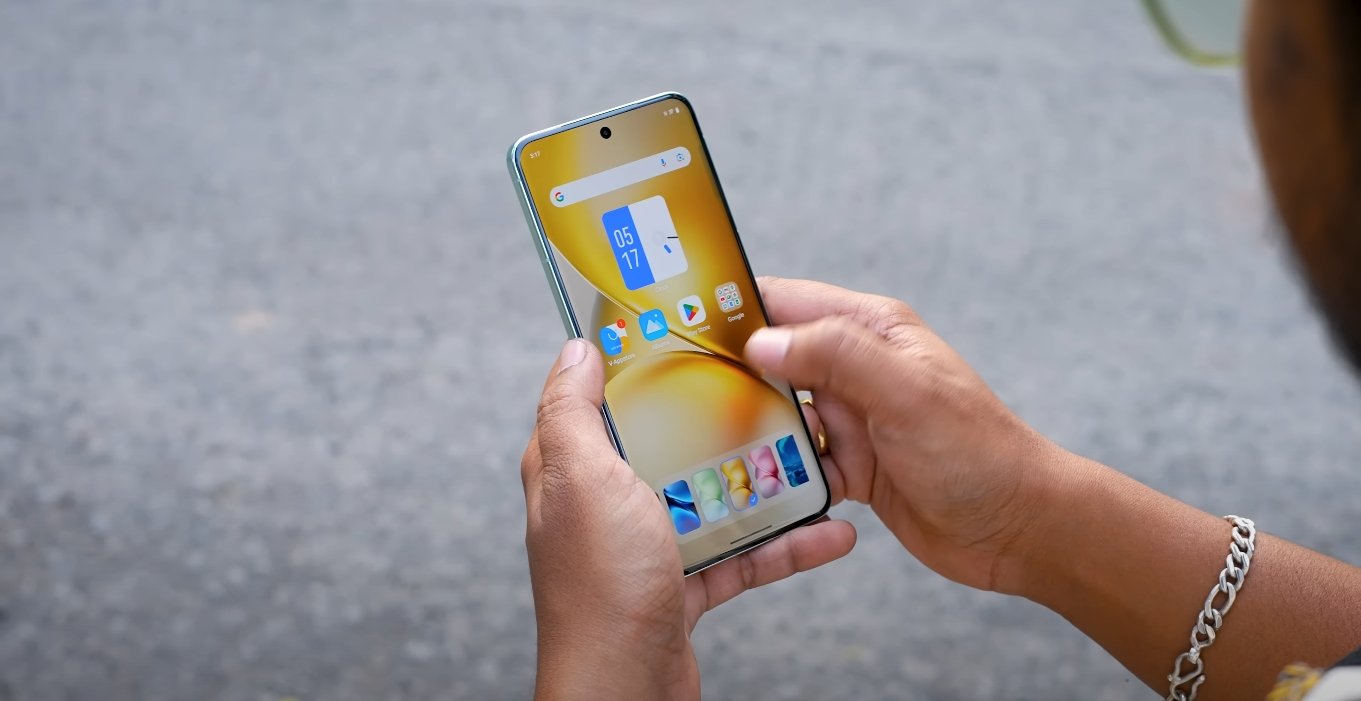
One of the most noticeable differences lies in visual design and interface. OriginOS 6 introduces a vibrant and dynamic interface with translucent elements, layered depth, and animated transitions. The home screen, lock screen, and widgets can be heavily customized, allowing users to adjust layouts, icon shapes, and animation styles. iOS 18, by contrast, maintains Apple’s minimalist and consistent design approach. Its interface emphasizes simplicity and clarity, with subtle gradients, uniform iconography, and a focus on functional animations. While OriginOS 6 offers a visually expressive experience, iOS 18 prioritizes consistency and a cohesive system-wide feel.
Multitasking and productivity also highlight differences between the two systems. OriginOS 6 introduces floating app windows, split-screen enhancements, and Origin Island—a feature similar to Apple’s Dynamic Island. Users can easily resize windows, drag content between apps, and create saved app pairs for repeated tasks. This approach caters to power users, professionals, and students who need to work with multiple apps simultaneously. iOS 18, while improving multitasking through Apple Intelligence, smarter app suggestions, and enhanced Siri integration, remains more limited in flexibility. It focuses on predictive actions and contextual app recommendations rather than fully resizable or floating windows.
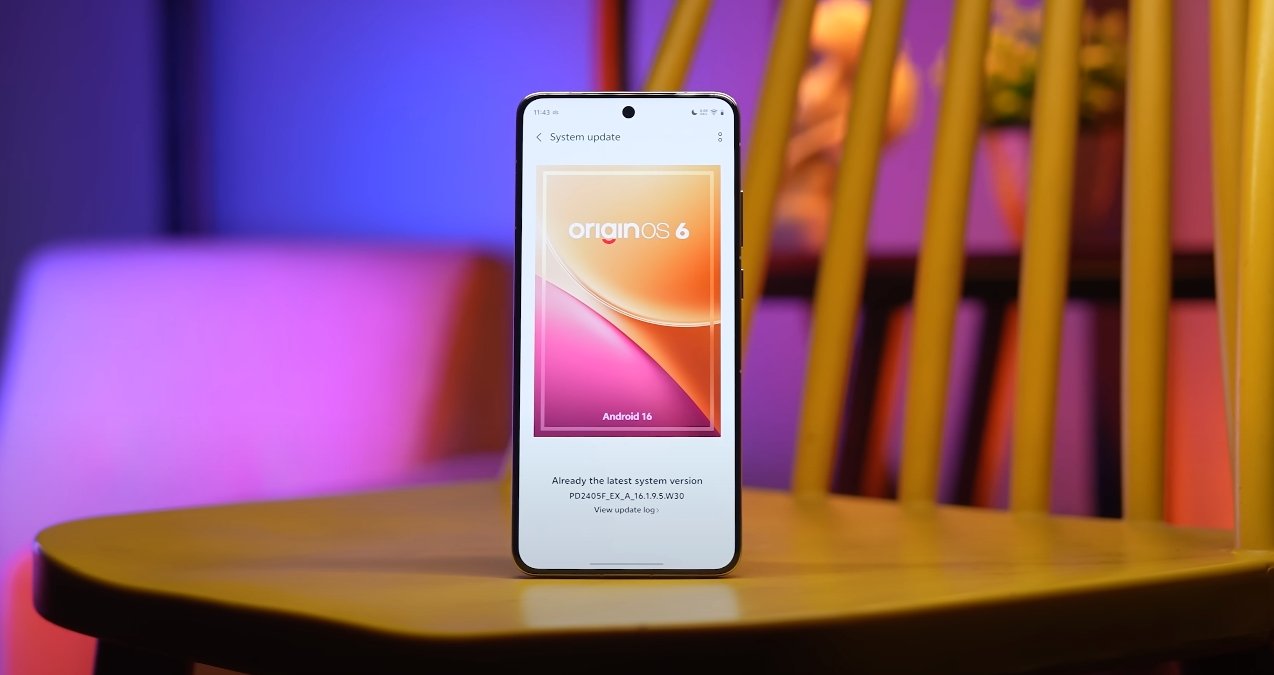
Customization is another area where the platforms diverge. OriginOS 6 allows extensive personalization options including themes, widget styles, lock screen layouts, icon packs, and animation speeds. Users can create a device experience that reflects their personal style without compromising performance. iOS 18 expands personalization with widgets, home screen customization, and color accent adjustments, but deeper system-level customization remains limited. Apple’s design philosophy emphasizes uniformity, which restricts some of the visual and functional personalization possible on OriginOS 6.
Ecosystem integration is a key factor for both systems. OriginOS 6 offers cross-device continuity, allowing users to move seamlessly between Vivo phones, tablets, and PCs. Drag-and-drop file transfers, shared clipboard functionality, and synced notifications enhance productivity for multi-device users. iOS 18, in contrast, builds upon Apple’s tightly integrated ecosystem. Features like Handoff, AirDrop, Continuity Camera, and seamless syncing across iPhone, iPad, Mac, and Apple Watch provide a smooth and reliable experience, particularly for users already invested in Apple products.
Performance and efficiency improvements are central to both updates. OriginOS 6 incorporates Vivo’s Blue River Engine and Ultra-Core Computing, which boost app launch speeds, improve animation smoothness, and optimize system responsiveness. Even older Vivo devices experience enhanced fluidity under OriginOS 6. iOS 18 leverages Apple’s A-series chips and system-level intelligence to deliver highly optimized performance. Background task management, predictive app launching, and hardware-software synergy ensure smooth operation, particularly for graphics-intensive apps and games.
Privacy and security are emphasized in both systems, though implemented differently. OriginOS 6 features Private Space for secure apps, Blank Data Authorization to prevent unauthorized access, and system-level monitoring for app behavior. iOS 18 continues Apple’s strong privacy focus with App Privacy Reports, Mail Privacy Protection, on-device Siri processing, and improved location controls. While OriginOS 6 combines privacy features with device-level control and customization, iOS 18 provides a more standardized approach to data security and privacy across all Apple devices.
Gestures and navigation also show notable contrasts. OriginOS 6 introduces advanced gesture controls for multitasking, split-screen, and floating windows, with adaptive shortcuts that can be personalized. iOS 18 refines gesture navigation within its established framework, offering consistent one-handed controls, swipe gestures, and context-aware actions. OriginOS 6 emphasizes flexibility and customization, while iOS 18 focuses on predictability and intuitive consistency.
In conclusion, OriginOS 6 and iOS 18 cater to different user priorities. OriginOS 6 appeals to users who value customization, multitasking efficiency, dynamic visuals, and cross-device continuity. iOS 18 is ideal for those who prioritize consistency, privacy, ecosystem integration, and smooth, reliable performance. Both systems offer modern, responsive, and feature-rich experiences, but the choice ultimately depends on whether a user prefers a flexible, brand-specific interface or a polished, uniform environment. For professionals, students, and power users in the USA, the decision between OriginOS 6 and iOS 18 will hinge on personal workflow, device ecosystem, and interface preference, making both operating systems competitive options in today’s mobile landscape.
Also Read: OxygenOS 16 gaming performance and heat control test